Summer Youth Program Application Form
Collect every youth applicant's details, health information, and emergency contacts in one place before the program begins.



Youth program coordinators who collect applications through paper forms or email often end up with incomplete records for each participant. Missing health information, incomplete emergency contacts, or undisclosed medical needs create real risks once the program begins. Typeform's summer youth program application form template gives coordinators a dependable way to collect complete participant information from every family.
The form captures participant details, emergency contacts, medical conditions, allergies, activity preferences, and photo release consent in a single submission. Questions appear one at a time, giving parents a clear path through the application without losing their place. Conditional logic branches questions based on each participant's health needs. A child with a reported allergy sees follow-up questions about medications and emergency protocols, keeping every response complete.
Customize the form to match your program's specific activities, age groups, session dates, and consent requirements. Send it via email at registration, embed it on your program website, or post it as a direct link. Every application logs in Google Sheets or Airtable via Zapier, so your team builds complete, organized rosters before the program starts. Start the summer with every participant's health needs, emergency contacts, and consent forms already on file.
A summer youth program application form is a structured digital form that collects personal details, health information, and parental consent from families enrolling a child in a summer program. It gathers participant name, age, grade, emergency contacts, medical conditions, allergies, activity preferences, and required authorizations in a single submission. Think of it as the complete enrollment package every program coordinator needs before a participant can safely attend.
Youth program staff who collect applications by email or paper form spend hours chasing down missing health details and unsigned consent forms before the first session. A digital application form captures everything in one submission, with required fields ensuring nothing critical gets skipped. It also creates a timestamped, searchable record for every enrolled participant, so your team handles medical situations and emergency contacts without digging through folders. Use it for summer camps, after-school programs, community youth initiatives, and sports or arts enrichment programs.
A complete summer youth program application covers:
- Participant name, date of birth, grade, and school
- Parent or guardian name, relationship, and contact details
- Emergency contact names and phone numbers
- Medical conditions, allergies, and current medications
- Physician or healthcare provider contact information
- Activity preferences and accommodation requests
- Photo and media release consent
- Program policies acknowledgment and guardian signature
Route completed applications to Google Sheets or Airtable via Zapier and use filters to flag participants with reported medical conditions or allergies before the program begins. Share that filtered view with program staff so every team member knows the health needs of participants in their group before the first session. Keep the original responses accessible through your integrated platform so your team has the full medical record on hand if a health situation arises.
Duplicate the form for each session, age group, or program track and update the session-specific details (dates, activities, group name) in each version. All applications from every session feed into a shared Google Sheet or Airtable base via Zapier, so your administration team manages enrollment across the full program from one organized view. Use filters to confirm which families have completed the application and which still need a reminder before your enrollment deadline.
Get inspired by relevant templates and categories
3200+ Templates, 300+ Integrations
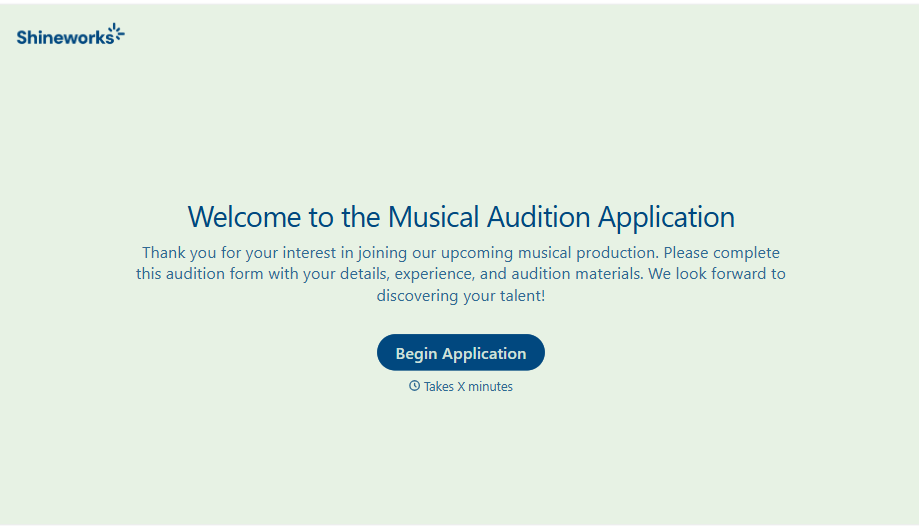
Musical Audition Form
A name scrawled on a sign-up sheet taped near the rehearsal room doesn't tell a director what role someone's after, or whether they can actually make callbacks next Tuesday. Collect what your production actually needs, contact information, role interest, and availability, before audition day arrives.
View template
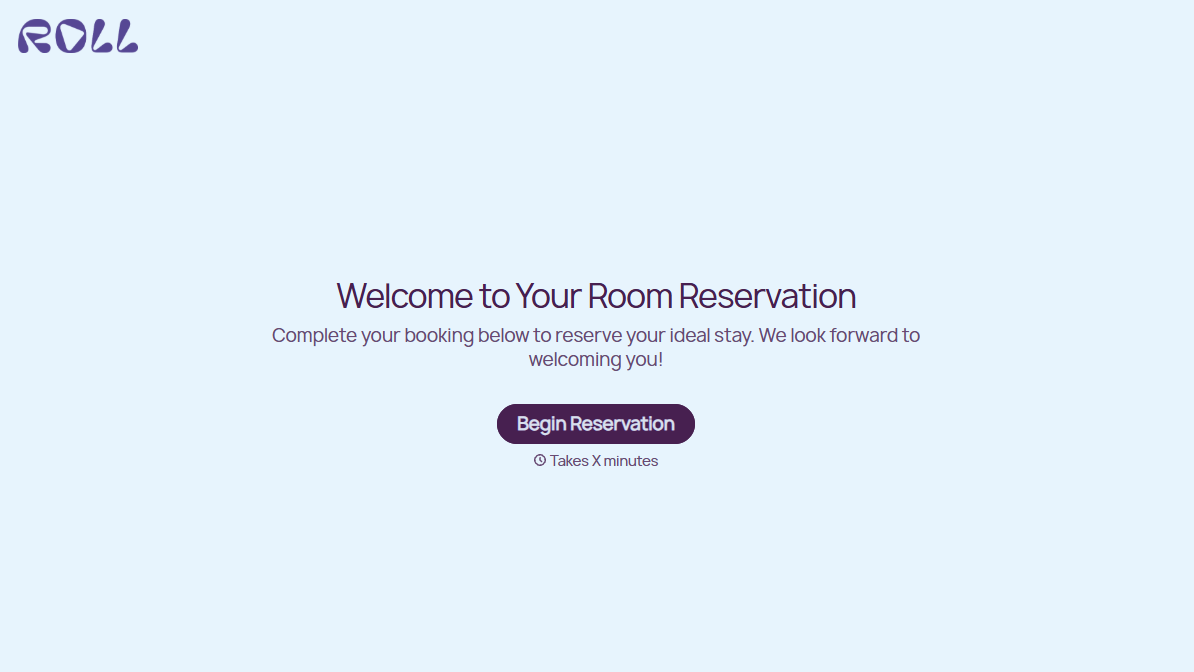
Hotel Room Booking Form
A room booked over the phone with "we'll figure out the room type when you get here" doesn't leave the front desk anything to actually plan around. Collect what your hotel actually needs, guest information, dates, and room preferences, before the reservation gets confirmed.
View template
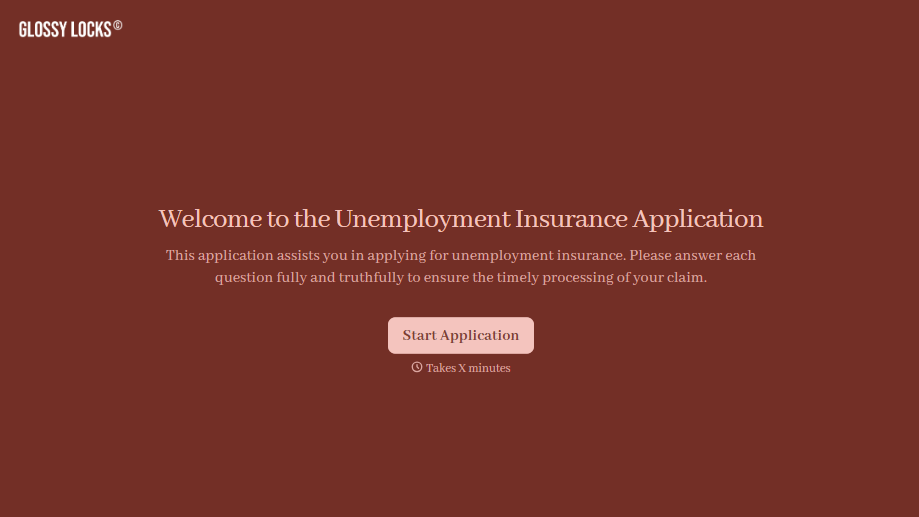
Unemployment Insurance Application Form
A stack of pay stubs gathered the morning of a filing deadline isn't the kind of preparation that gets a claim processed without delay. Collect employment history, separation details, and supporting documents before you sit down at your state's unemployment portal, so a claim doesn't stall over a missing detail.
View template
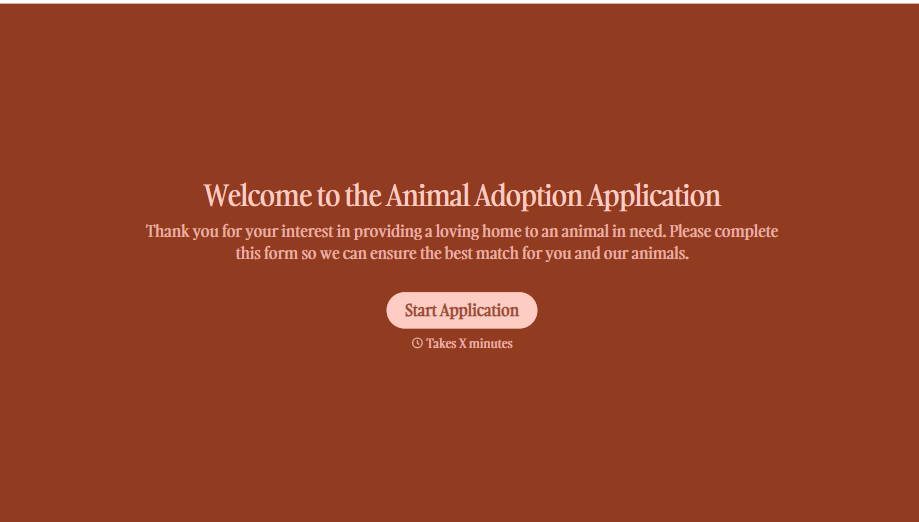
Animal Adoption Application Form
A paper application filled out at the counter while a dog's watching through the window isn't enough information to place an animal in a home that'll actually work. Collect household information, pet experience, and references before adoption day, so your staff aren't approving a placement on a rushed form.
View template
School Photo Release Form
A photo consent checkbox buried on page 12 of an enrollment packet doesn't tell a teacher who's actually opted out before they post a class photo. Collect what your school actually needs, guardian consent, and exactly where a photo can be used, before the camera comes out.
View template
School Transfer Request Form
A transfer request dropped off at the district office isn't the kind of paperwork that gets processed before the semester it's meant for already started. Collect the student's information, reason for transfer, and supporting documentation upfront, so a request doesn't stall while the district follows up for a missing form.
View template
With Typeform, you can customize everything
Change text, colors, and even logos to match the look and feel of your brand. Then embed forms smoothly onto web and email.
Make forms feel effortless to fill out. Pace questions, call people by their name, and adapt the flow based on the data they share.
Stay efficient by connecting forms to your workflow. Typeform integrates with 300+ tools including Slack, Zapier, and HubSpot.


