Office Hours Appointment Form
Make it easy for students to schedule time with instructors using an office hours appointment form. Collect meeting preferences, discussion topics, and availability to organize appointments and prepare for conversations.



A student needs help understanding an assignment before the deadline, and another wants to discuss feedback on a recent exam. Both need time with their instructor, but their questions require different preparation. An office hours appointment form helps educators organize requests and understand what students need to discuss.
Students provide their names, course information, preferred meeting times, and reasons for requesting an appointment. You can include options for virtual or in-person meetings and space for specific questions. Ask whether students need help with coursework, academic progress, or another topic.
Your teaching team gets organized appointment requests and time to prepare relevant materials. Instructors can manage their availability, avoid scheduling conflicts, and address student concerns more efficiently. Students get a straightforward way to request individual support.
An office hours appointment form collects information from students who want to meet with an instructor, professor, or teaching assistant. It typically includes student contact details, course information, preferred appointment times, and discussion topics. Educators use it to schedule meetings and prepare for student questions.
Managing office hours through separate emails often leads to scheduling conflicts and missing information. A structured form helps instructors organize appointment requests and understand what students need before each meeting. It also gives students a consistent way to request assistance and makes scheduling more manageable.
Collect the information needed to schedule and prepare for appointments, like:
- Student name and email address
- Course name or section
- Instructor or teaching assistant
- Reason for requesting an appointment
- Specific questions or discussion topics
- Preferred appointment date
- Available meeting times
- Virtual or in-person meeting preference
- Expected meeting duration
- Relevant assignment or course materials
- Additional comments or accessibility needs
Adjust the questions to match your institution's scheduling process and available office hours.
Use dropdown menus for courses, instructors, and meeting formats. Provide available appointment times so students can select an option without lengthy email exchanges. Include a short text field for discussion topics and use conditional logic to display virtual meeting preferences when relevant. Explain how students will receive appointment confirmation and meeting details.
Yes. An office hours appointment form can accommodate both virtual and in-person appointments. Include a question about meeting preferences and collect the information needed to schedule the session. For virtual appointments, provide a meeting link after confirming the time. You can also connect the form to scheduling tools to help manage availability and reduce double bookings.
Get inspired by relevant templates and categories
3200+ Templates, 300+ Integrations


Pet Boarding Waiver and Consent Form
Give pet owners a straightforward way to authorize boarding services with a form that collects pet information, emergency contacts, and care instructions. Keep consent records organized so boarding facilities can understand each pet's needs, confirm owner permissions, and provide a safe and comfortable boarding experience.
View template
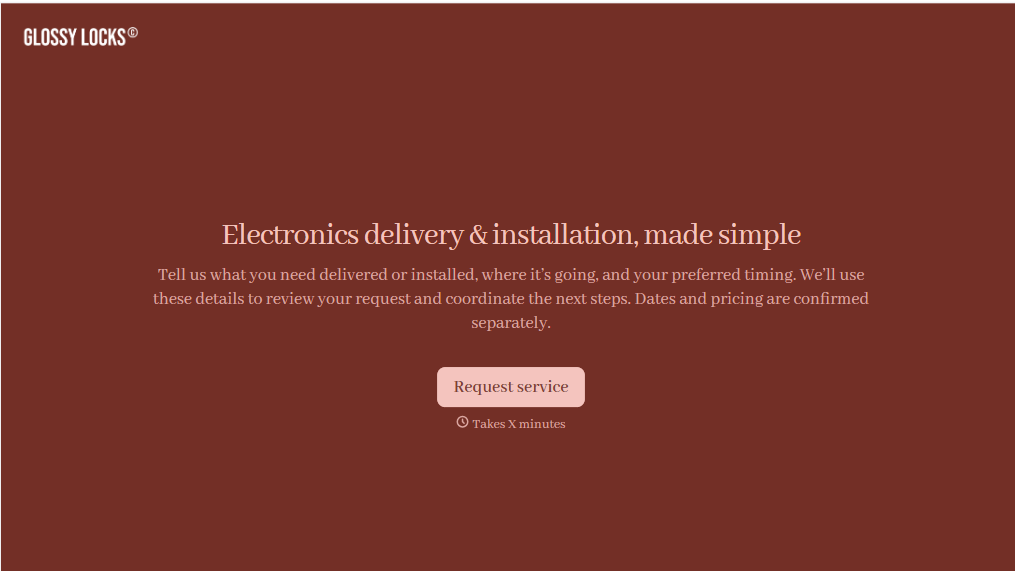
Electronics Installation Delivery Form
Give customers a straightforward way to schedule electronics delivery and installation services with a form that collects product details, delivery addresses, and setup requirements. Keep service requests organized so retailers and installation teams can coordinate appointments, prepare equipment, and complete deliveries efficiently.
View template
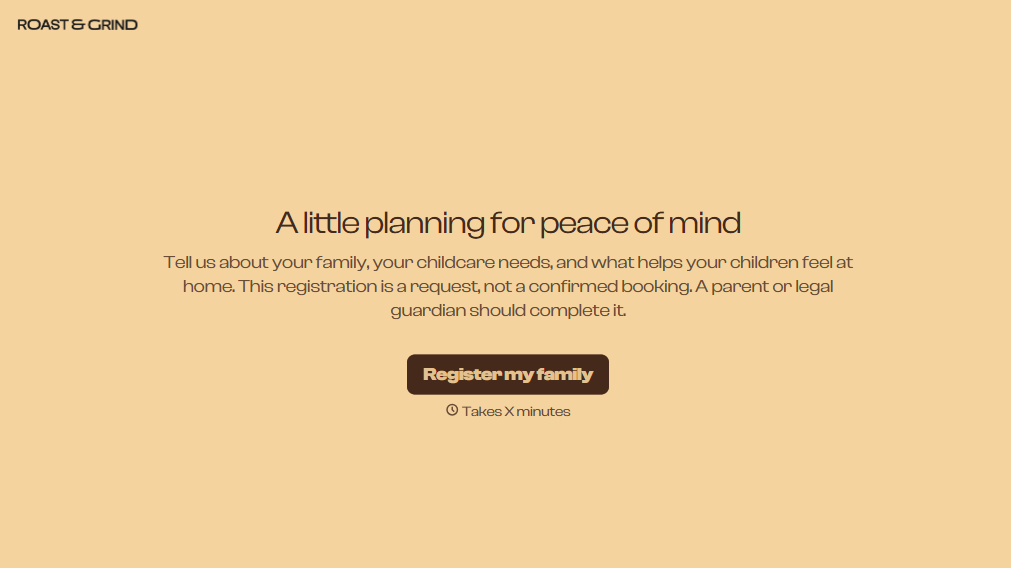
Babysitting Registration Form
Provider parents and guardians a simpler way to register their children for babysitting services with a form that collects contact information, childcare needs, and scheduling preferences. Keep registration records organized so babysitters and childcare providers can prepare for appointments, understand each child's needs, and provide a safe, comfortable environment.
View template

Airport Transfer Booking Form
Give travelers a straightforward way to arrange airport transportation with a form that collects flight details, pickup locations, and passenger preferences. Keep reservations organized so transportation providers can coordinate drivers, plan routes, and provide reliable transfers between airports, hotels, and other destinations.
View template
With Typeform, you can customize everything
Change text, colors, and even logos to match the look and feel of your brand. Then embed forms smoothly onto web and email.
Make forms feel effortless to fill out. Pace questions, call people by their name, and adapt the flow based on the data they share.
Stay efficient by connecting forms to your workflow. Typeform integrates with 300+ tools including Slack, Zapier, and HubSpot.


