Audition Form Template
Give performers a professional way to submit their audition, and give your creative team organized submissions instead of a messy inbox.



Audition management is chaos by tradition. Headshots arrive as email attachments in 15 different formats. Resumes are Word docs, PDFs, and the occasional LinkedIn link. Performance reels live on YouTube, Vimeo, Google Drive, and occasionally actual DVDs. Your casting team spends hours organizing submissions before they can spend a single minute evaluating talent. There has to be a better way.
This online audition form template replaces inbox chaos with a structured, professional submission experience. Performers provide their details. Experience, training, availability, special skills, and upload headshots, resumes, and audition materials in one guided flow. Conditional logic adjusts based on the type of role: actors see monologue submission prompts, musicians are asked about instruments and repertoire, dancers get movement style and experience questions.
Every submission arrives organized and consistent in Google Sheets, Airtable, or your production management tool via Zapier. Casting directors can filter by role type, experience level, or special skills. Side-by-side comparison becomes possible because every performer answered the same questions. And performers get a professional submission experience that signals your production is organized and worth their time.
An online audition form is a digital submission tool that performers use to apply for roles in theater productions, film projects, music ensembles, dance companies, or other performing arts opportunities. It collects personal information, performance experience, training credentials, headshots, resumes, and audition materials (video, audio, or written) in a standardized format that casting teams can efficiently review and compare.
Email submissions are inconsistent, hard to organize, and impossible to compare systematically. A form standardizes every submission: same information, same format, same file types. Your casting team stops spending hours creating spreadsheets from email data and starts spending time on what matters. Evaluating talent. Performers also benefit from clear submission guidelines that prevent the "did I include everything?" anxiety.
- Full name, email, phone, and representation (agent, if applicable)
- Role or part they're auditioning for
- Relevant experience and training (with resume upload)
- Headshot upload (high-resolution photo)
- Audition material submission (video link, audio file, or video upload)
- Availability for rehearsals and performance dates
Let performers select which role(s) they're auditioning for at the start of the form. Conditional logic can then adjust preparation material requirements — a lead role might require a longer monologue or additional video samples, while an ensemble role might focus more on skills and availability. Allow performers to indicate willingness to be considered for other roles, which gives your casting team flexibility without requiring separate submissions.
Set clear submission windows and communicate deadlines prominently. Use the form's structured data in Google Sheets or Airtable to create filterable views — sort by role, experience level, or location. Assign initial screening to assistant directors or casting assistants who use a standardized rating system. Move strong candidates to a shortlist for detailed review. The form's consistent format makes screening faster because every submission follows the same structure, eliminating the time spent decoding creative but inconsistent email applications.
Get inspired by relevant templates and categories
3200+ Templates, 300+ Integrations

Bank Reference Form
A reference request faxed to a bank branch and left sitting in a queue for weeks isn't the kind of turnaround a landlord or business can wait on. Collect the applicant's signed authorization and the specific details you need confirmed before the request even reaches the bank, so a decision isn't stuck behind a letter that hasn't come back yet.
View template
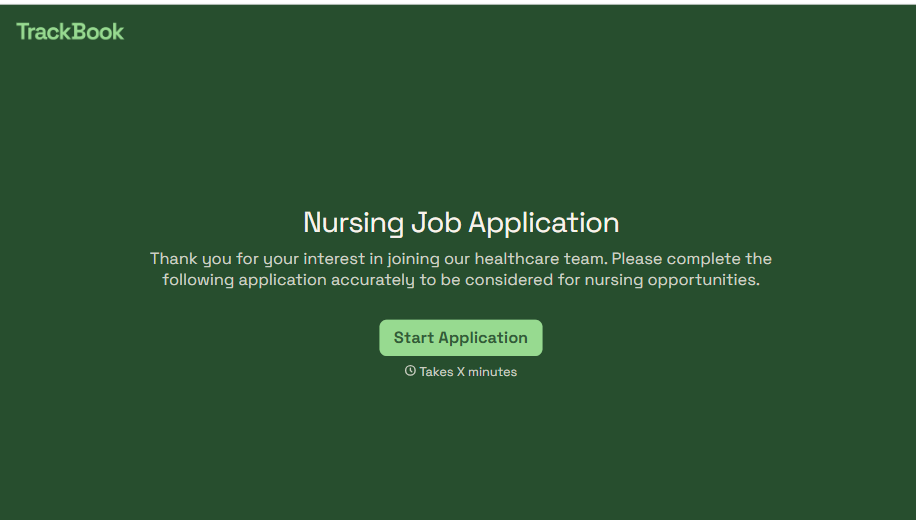
Nursing Job Application Form
A generic job application that doesn't ask for a license number isn't a nursing application, it's a formality a recruiter has to follow up on before they can even screen the candidate. Collect license and certification details, specialty experience, and availability before the resume gets reviewed, so recruiters aren't chasing down credentials mid-process.
View template

Bar Inventory Form
A bottle count eyeballed at the end of a shift and scrawled on a paper sheet doesn't hold up against a pour cost report that says something doesn't add up. Collect what your bar actually needs, item, count, and variance, on a schedule you can actually compare week to week.
View template

Equipment Inventory Form
Equipment that leaves a storage room in someone's arms, with no note about where it went, doesn't show up again until someone needs it and can't find it. Collect what your team actually needs, item details, condition, and who's got it, every time something moves.
View template
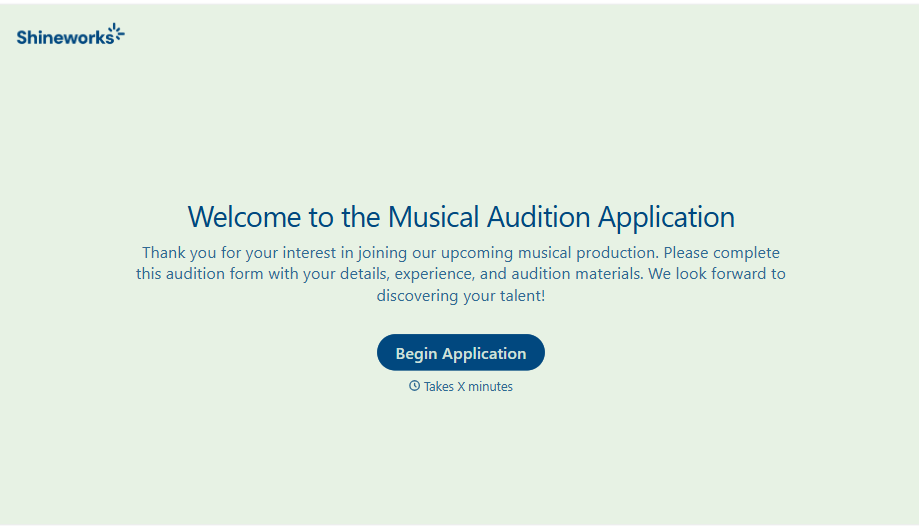
Musical Audition Form
A name scrawled on a sign-up sheet taped near the rehearsal room doesn't tell a director what role someone's after, or whether they can actually make callbacks next Tuesday. Collect what your production actually needs, contact information, role interest, and availability, before audition day arrives.
View template
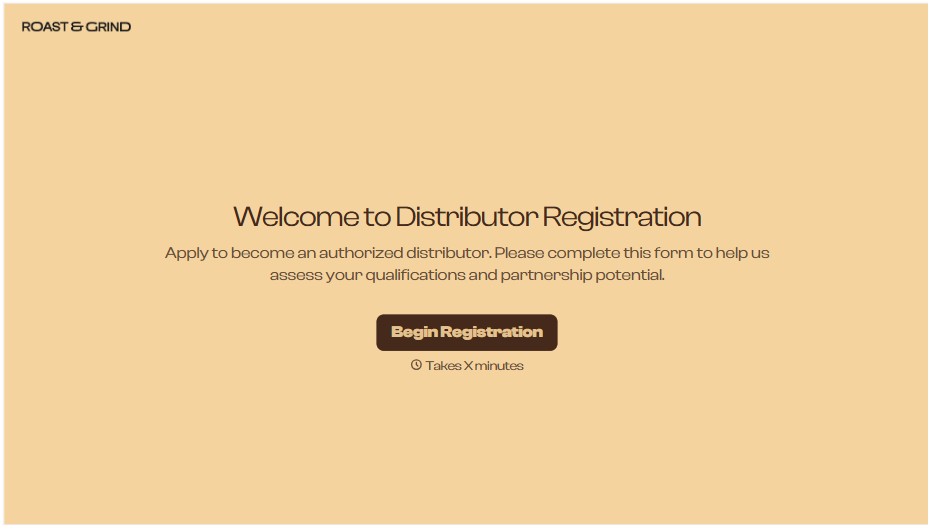
Distributor Registration Form
A distributor application that arrives as a scanned resale certificate attached to an email doesn't tell your sales team what territory they're actually asking for. Collect what your company actually needs, business information, tax documentation, and territory, before you set up an account.
View template
With Typeform, you can customize everything
Change text, colors, and even logos to match the look and feel of your brand. Then embed forms smoothly onto web and email.
Make forms feel effortless to fill out. Pace questions, call people by their name, and adapt the flow based on the data they share.
Stay efficient by connecting forms to your workflow. Typeform integrates with 300+ tools including Slack, Zapier, and HubSpot.


