Distributor Registration Form
A distributor application that arrives as a scanned resale certificate attached to an email doesn't tell your sales team what territory they're actually asking for. Collect what your company actually needs, business information, tax documentation, and territory, before you set up an account.



Distributor applications tend to arrive however the applicant happens to send them, a scanned certificate attached to an email, a business license faxed over, a phone call outlining what they want to sell and where. Sales ends up chasing down whatever's missing, a tax ID, a signed agreement, before an account can even get set up, and a territory request that was only discussed verbally can turn into a real conflict later when two distributors both believe they've got the same region.
Typeform's distributor registration form asks for what your company actually needs, business information, tax ID or resale certificate, requested territory, and expected order volume, then uses conditional logic to branch from there. An applicant requesting an exclusive territory can route to a follow up question checking that territory against what's already assigned, and an international distributor can get asked for different documentation than one operating domestically. Every application lands in one record instead of a folder of scanned attachments.
Connect the form to your CRM or ERP through Zapier, and an approved application can create the distributor's account automatically instead of someone re-entering everything by hand. Ask for it before granting access to pricing or ordering, and your sales team can review a complete application in one place, instead of piecing one together from an email thread.
A distributor registration form is an online form manufacturers and brands use to collect a prospective distributor's business information, tax documentation, and requested territory before setting up an account. Instead of an application scattered across emails and attachments, everything lands in one record your team can review.
Applications collected by email or phone tend to arrive with something missing, a tax ID, a signed agreement, a clear territory request, and sales has to track down whatever's incomplete before moving forward. A form asks for the same set of information every time, so nothing gets left out of the first submission.
Ask for what your company will actually need to review the application:
- Business name and contact information
- Tax ID or resale certificate
- Requested territory
- Expected order volume
- Signed distributor agreement
Not necessarily. A submission starts the review, but approval still depends on territory availability, a credit check, and your company's own criteria. Applicants shouldn't treat a submission as confirmed until they've actually heard back.
Yes. Add a file upload question and applicants can attach a resale certificate, a business license, or another required document in the same submission, no separate email required. Pair it with conditional logic so the upload only appears when that specific document is actually needed.
Get inspired by relevant templates and categories
3200+ Templates, 300+ Integrations

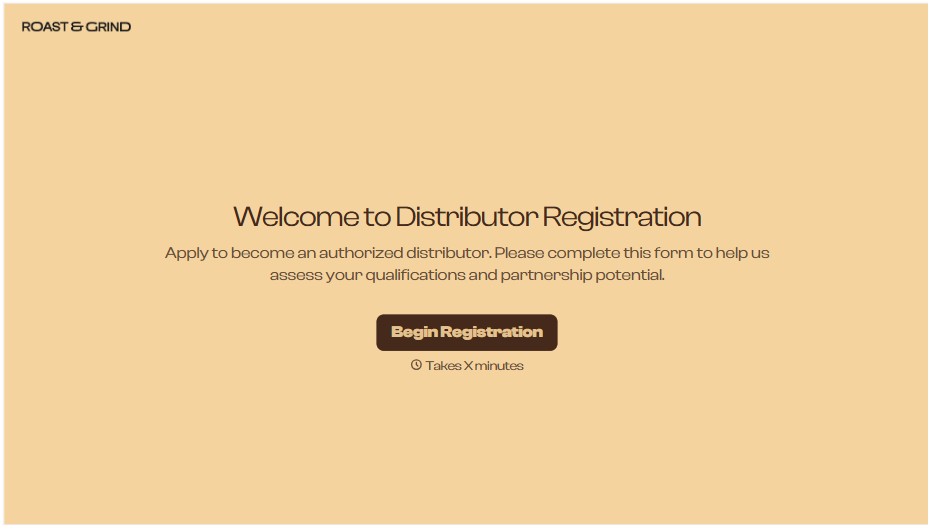
Distributor Registration Form
A distributor application that arrives as a scanned resale certificate attached to an email doesn't tell your sales team what territory they're actually asking for. Collect what your company actually needs, business information, tax documentation, and territory, before you set up an account.
View template
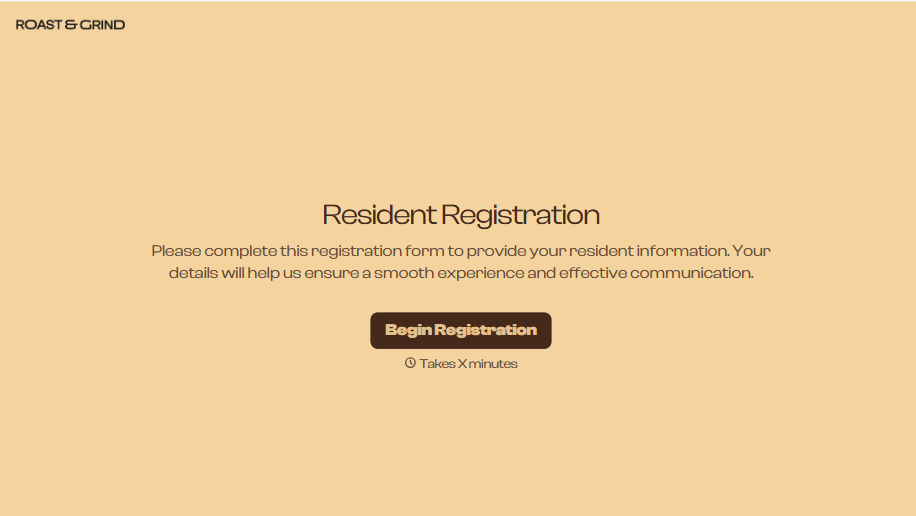
Resident Registration Form
A move-in packet signed at the leasing office and filed in a drawer isn't the kind of record your front desk can pull up when a resident's guest needs access or a car needs to be identified in the lot. Collect household members, vehicles, and emergency contacts before move-in day, so your community has an accurate record from the start.
View template
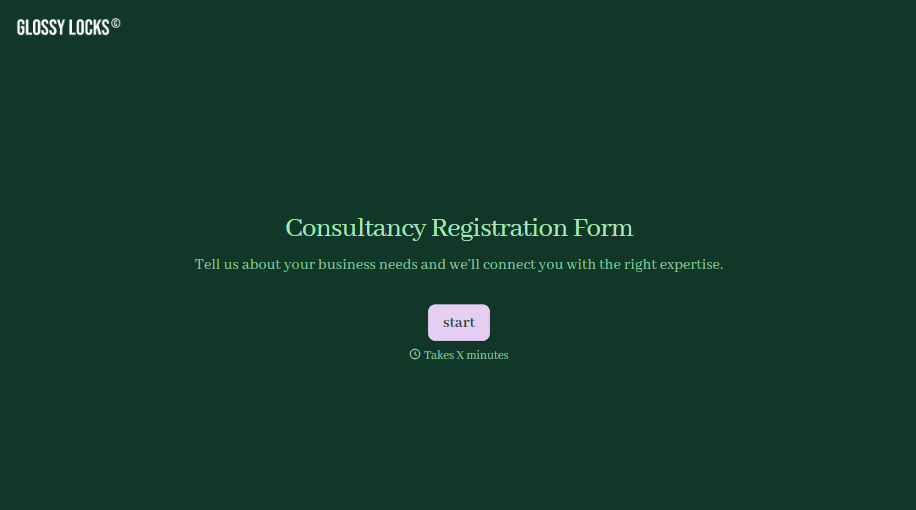
Consultancy Registration Form
Move past a registration form that only grabs a name and a phone number. Confirm the client understands who they're signing up with, screen for what a consultancy is legally allowed to charge and promise, and keep a record of exactly what was disclosed and agreed to.
View template
With Typeform, you can customize everything
Change text, colors, and even logos to match the look and feel of your brand. Then embed forms smoothly onto web and email.
Make forms feel effortless to fill out. Pace questions, call people by their name, and adapt the flow based on the data they share.
Stay efficient by connecting forms to your workflow. Typeform integrates with 300+ tools including Slack, Zapier, and HubSpot.


