Drawing Entry Form Template
Running an art competition, giveaway, or prize draw needs a clean entry process. Collect what you need, keep it organized, and focus on the judging.


Prize draws and art competitions lose credibility fast when the entry process is messy — duplicate entries, unclear eligibility, missing contact details. If you can't verify who entered and whether they qualified, you can't run a fair competition.
A digital entry form fixes the process. Typeform's drawing entry template collects entrant details, entry information, and eligibility confirmation in one organized flow. Conditional logic handles variations — minors need guardian information; entries with multiple categories need category selection; entries requiring file submissions get a file upload field. Every entry is timestamped and stored so you have a complete, verifiable record when it's time to select a winner.
Customize the form for your specific competition type, share the link, and let entries come in without the administrative headache.
A drawing entry form is a digital form used to collect entries for a prize draw, raffle, art contest, or similar competition. It captures entrant information, confirms eligibility, and creates a structured record of all submissions.
Collecting entries informally — through comments, emails, or paper slips — creates disorganized records and raises questions about fairness. A digital form timestamps every entry, collects consistent information, and gives you a defensible record if any dispute arises.
The right questions depend on whether it's a pure prize draw or a submission-based competition. Common fields include:
- Entrant's full name and contact information
- Age confirmation or date of birth (if age restrictions apply)
- Entry category or type (for multi-category competitions)
- Entry submission or artwork description
- Confirmation of eligibility rules
- Number of entries (if multiple are permitted)
- How they heard about the competition
Add a file upload question to the form that accepts image or document files. You can set file type restrictions and size limits. All uploaded files are accessible in your Typeform responses and can be downloaded or shared with judges.
You can include a field for a unique identifier like an email address and monitor for duplicates in your response data. For tighter enforcement, connecting the form to a spreadsheet that flags duplicate email addresses gives you a clear way to identify and remove duplicate entries before selection.
Get inspired by relevant templates and categories
3200+ Templates, 300+ Integrations
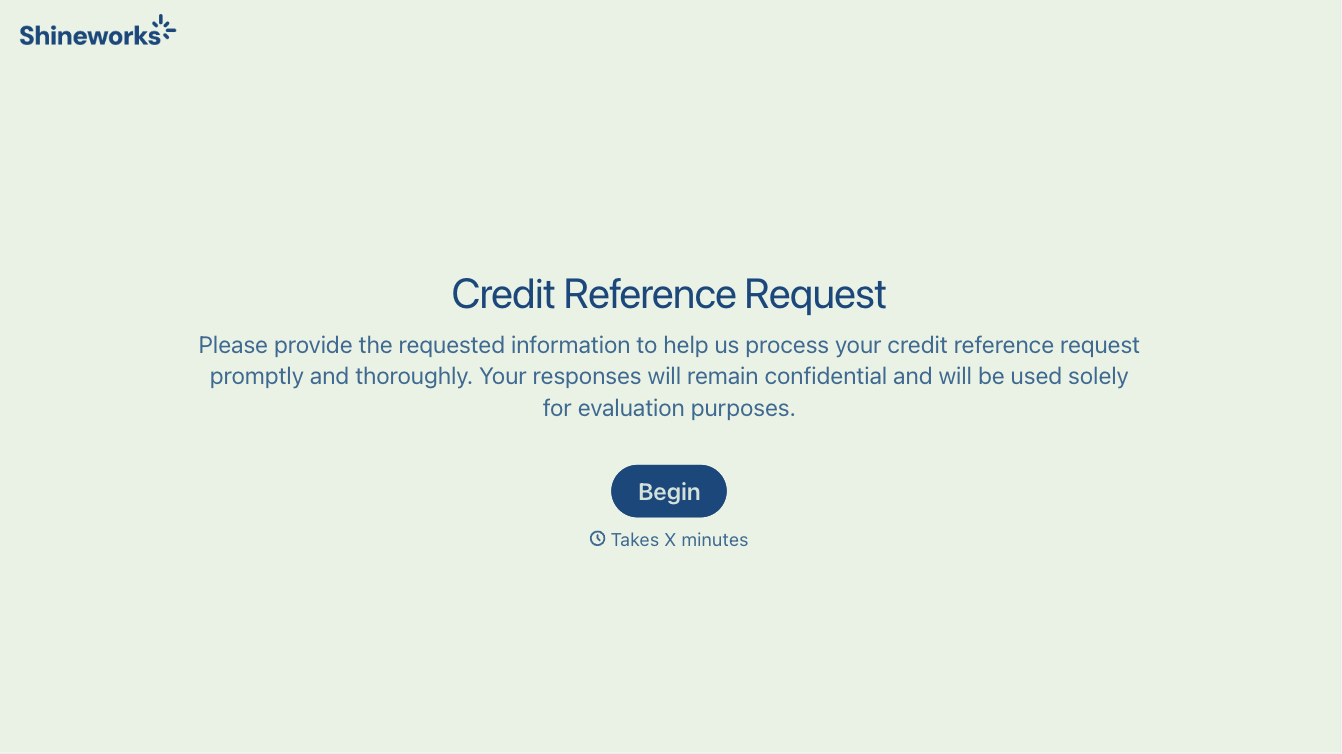
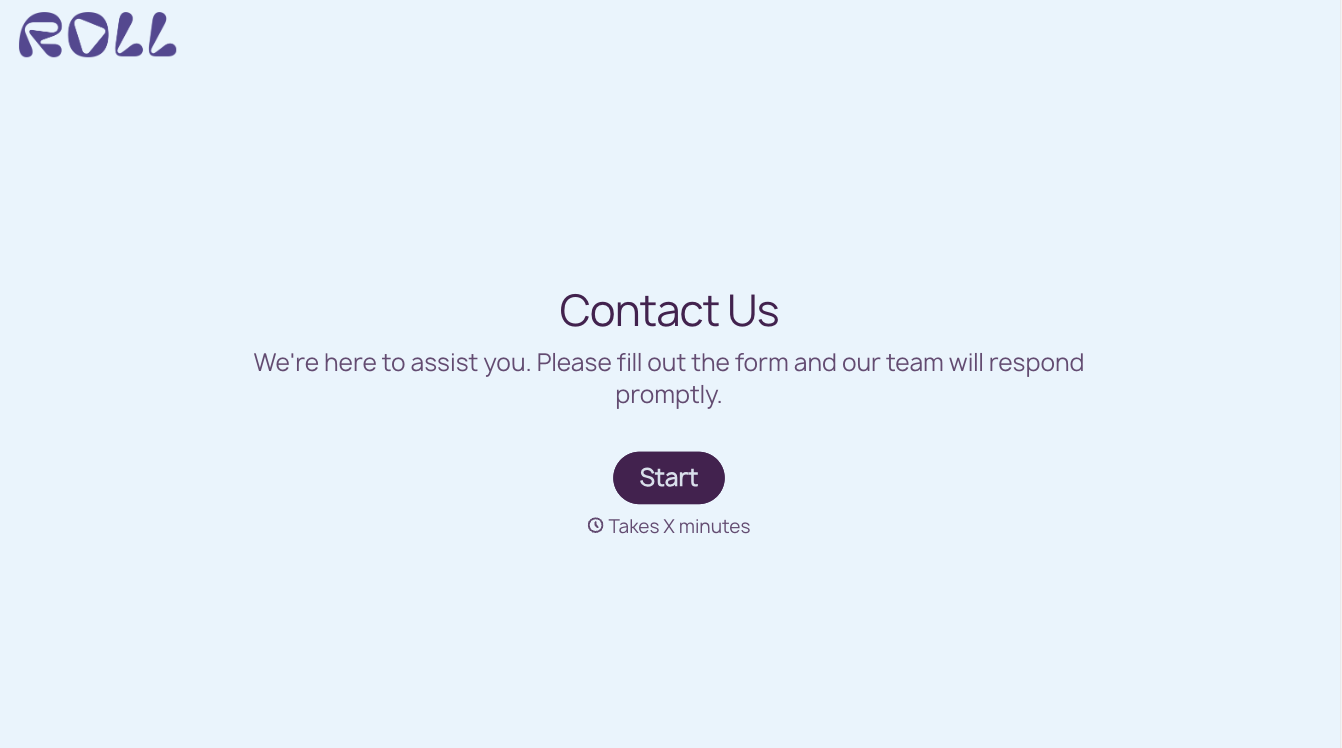
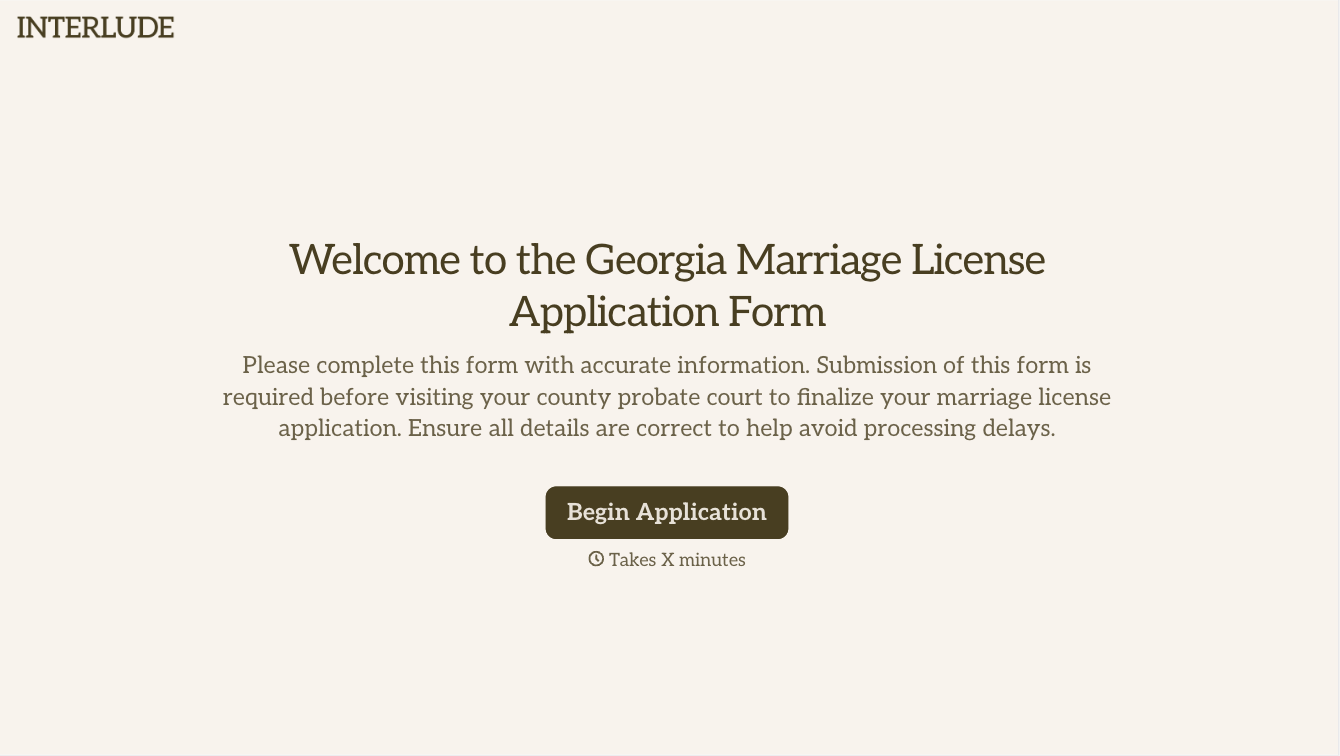
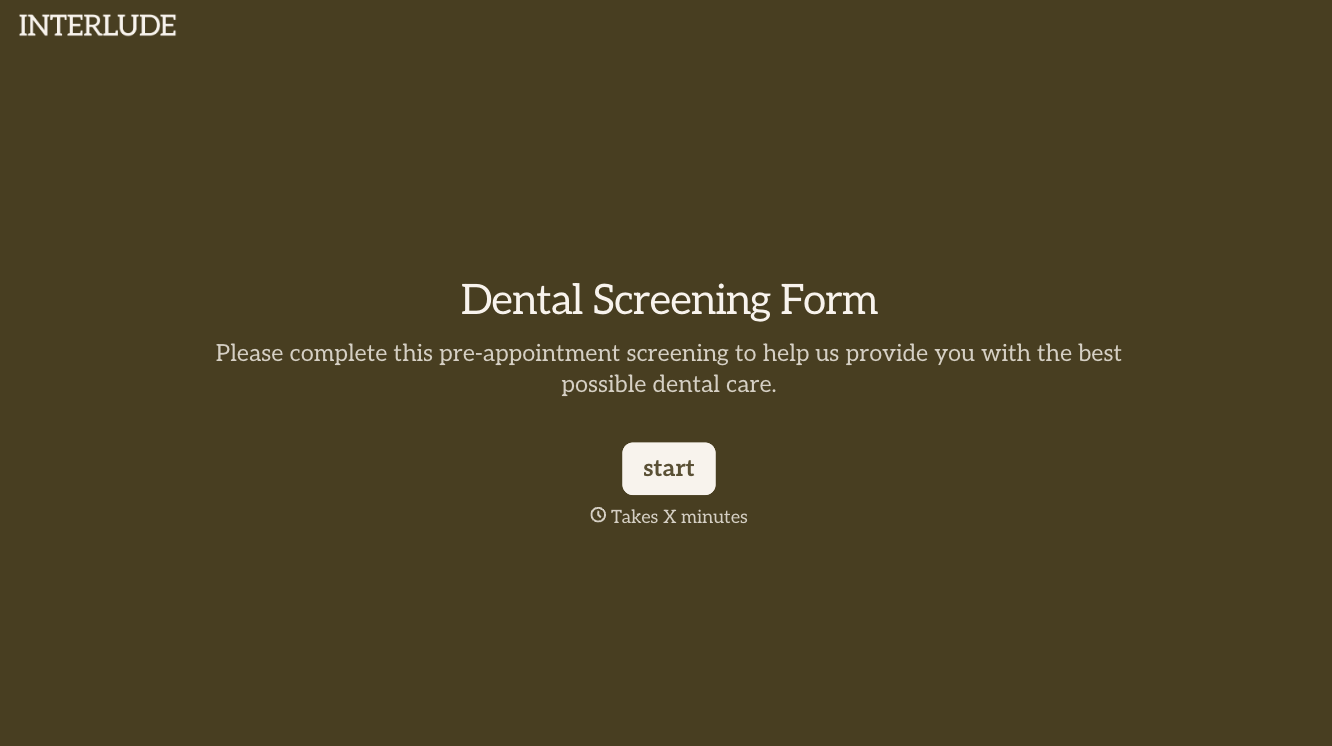
With Typeform, you can customize everything
Change text, colors, and even logos to match the look and feel of your brand. Then embed forms smoothly onto web and email.
Make forms feel effortless to fill out. Pace questions, call people by their name, and adapt the flow based on the data they share.
Stay efficient by connecting forms to your workflow. Typeform integrates with 300+ tools including Slack, Zapier, and HubSpot.


