Free Employee of the Month Voting Form Template
Run a fair, organized employee recognition vote that employees actually take seriously.


Employee of the month programs lose credibility when the voting process is opaque or easily gamed. If ballots are paper-based, a manager counts the votes alone. If the vote is informal, the same visible people win every time and quieter contributors go unrecognized. A process that feels unfair stops motivating anyone.
A Typeform employee of the month voting form creates a structured, consistent vote each cycle. Employees select their nominee, provide a brief reason, and submit — one vote per person, with responses tracked by email if you want to prevent duplicates. The one-question-at-a-time flow feels lightweight and takes under a minute to complete. Results are collected in a single, organized view for whoever tallies them.
Customize the nomination criteria to match your company values, set the form to close at your voting deadline, and share it through your internal comms channel.
An employee of the month voting form is an internal survey that allows staff to nominate and vote for a colleague they feel deserves recognition for the month. It provides a structured, fair process for running the program.
A consistent, documented voting process makes the program more credible and more motivating. When employees trust that the outcome reflects genuine peer recognition, the award carries more meaning.
Keep it focused and quick to complete:
- Voter's name (or anonymous, depending on your process)
- Name of the person they're nominating
- Primary reason for the nomination
- Which company value the nominee best demonstrated
- Any specific example or achievement to share (optional)
Enable Typeform's one response per email address setting and distribute the form through a verified internal channel. This creates a simple, practical safeguard without requiring a complex authentication system.
Anonymous voting typically produces more genuine results because people aren't influenced by social dynamics. If full anonymity isn't important to your culture, you can make the voter's name optional rather than required.
Get inspired by relevant templates and categories
3200+ Templates, 300+ Integrations


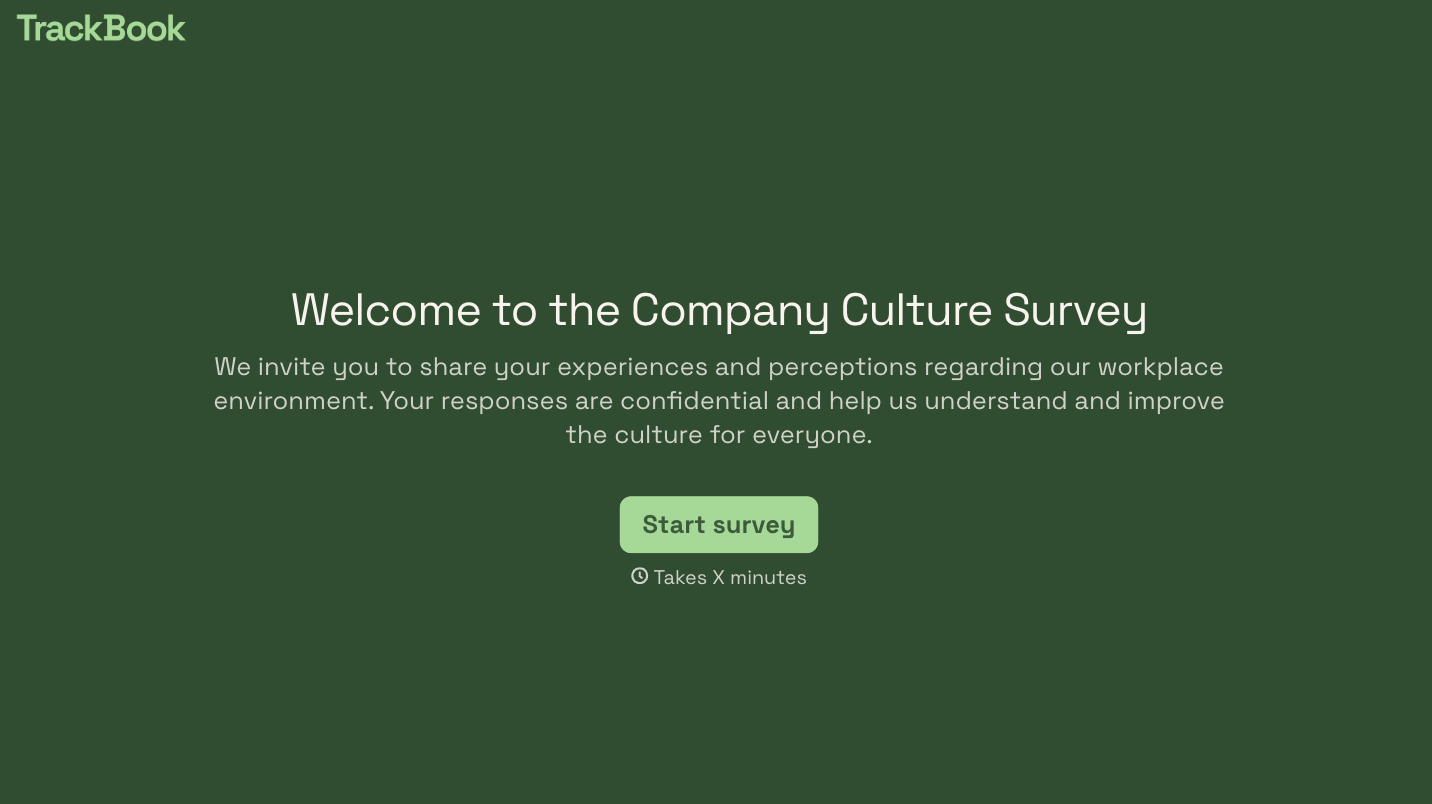
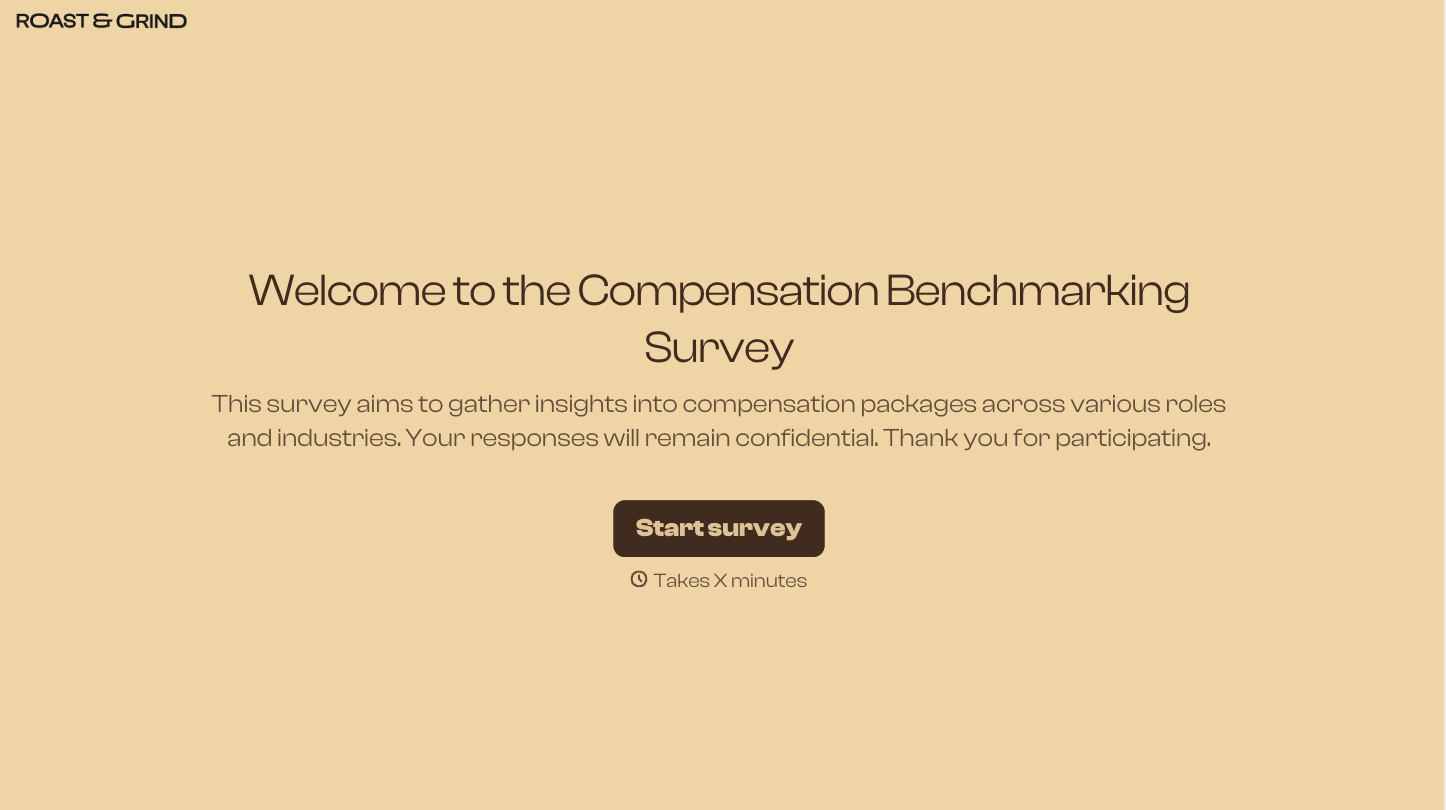

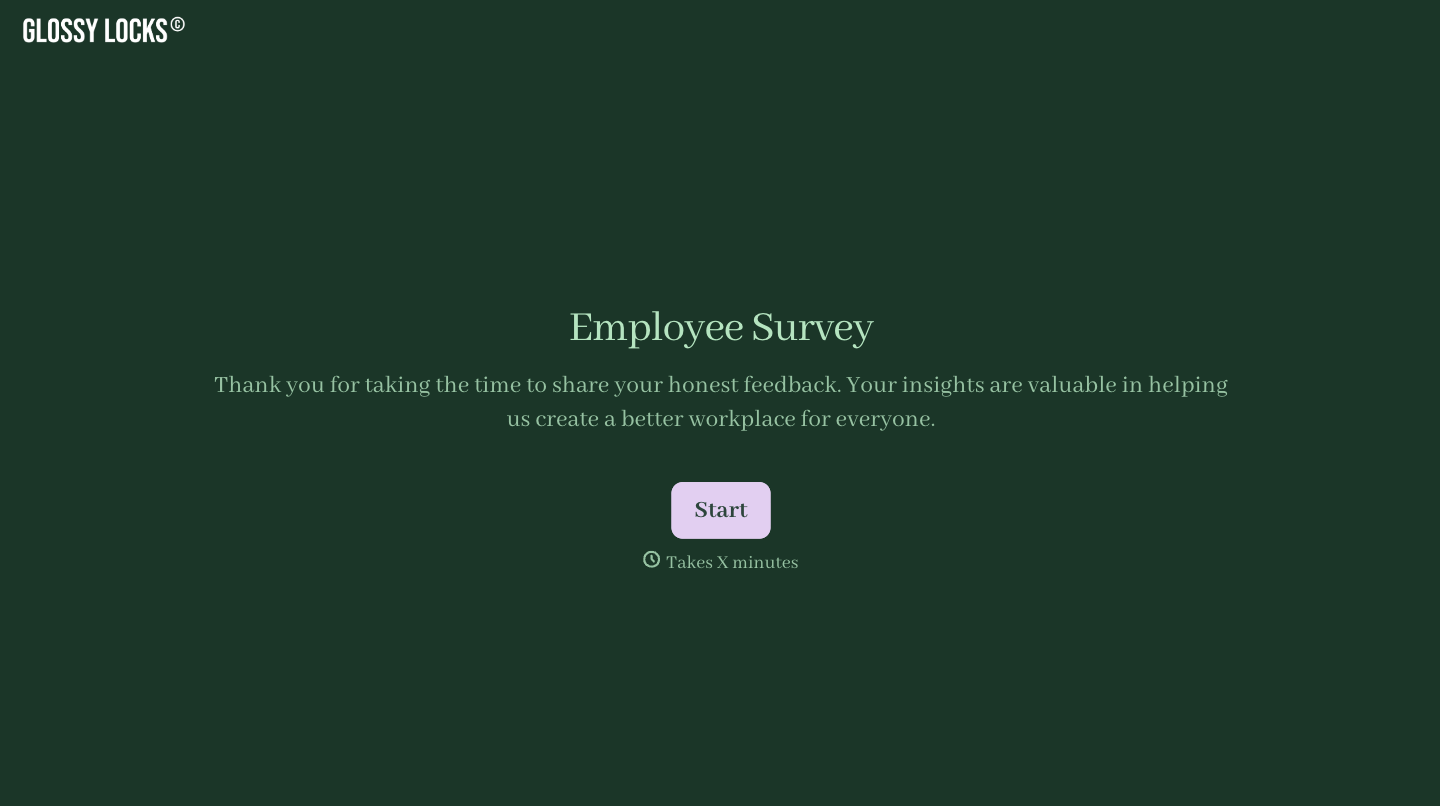
With Typeform, you can customize everything
Change text, colors, and even logos to match the look and feel of your brand. Then embed forms smoothly onto web and email.
Make forms feel effortless to fill out. Pace questions, call people by their name, and adapt the flow based on the data they share.
Stay efficient by connecting forms to your workflow. Typeform integrates with 300+ tools including Slack, Zapier, and HubSpot.


