Employee Registration Form Template
Onboarding a new employee starts with getting their details right. A clean intake form means your records are complete from day one.



Employee onboarding paperwork is one of those things that tends to happen in a hurry, with predictable results: incomplete forms, missing information, and a first-day experience that feels disorganized. New hires notice. It sets an early tone that you don't want to set.
A well-designed employee registration form collects everything your HR, IT, and payroll teams need before the first day. Typeform's template walks new hires through personal details, tax information, direct deposit setup, emergency contacts, and any other intake requirements one step at a time. Conditional logic handles role-specific questions — a remote employee needs different equipment information than someone working on-site. Connect responses to your HRIS or payroll platform via integrations to auto-populate records.
Customize the form for your organization's needs, send it as part of the offer acceptance process, and have records ready before your new hire's first morning.
Collecting intake information informally or through paper forms creates incomplete records and delays onboarding workflows. A digital form ensures all required fields are completed before submission and creates a clean, organized record in your HR system from day one.
Cover the essentials for HR, payroll, and IT. Common fields include:
- Legal name, address, and contact information
- Date of birth and government ID details (as required)
- Tax withholding information
- Direct deposit banking details
- Emergency contact name and relationship
- Start date and department
- Equipment preferences or remote/on-site status
- IT account setup requirements
Typeform encrypts data in transit and at rest. For payroll-sensitive information, ensure your form is shared directly with new hires via a secure link (not publicly embedded) and that access to responses is restricted to authorized HR and payroll staff. Review your local data handling regulations for additional requirements.
Yes. When integrated with tools like HubSpot, your HRIS, or an email automation platform, a new employee record being created can automatically trigger the registration form to be sent. This fits naturally into a pre-boarding workflow without manual sending.
An employee registration form collects the personal, tax, payroll, and emergency contact information from a new hire that HR, IT, and payroll teams need to set up their systems and employment records. It's typically completed before or during the first day of employment.
Get inspired by relevant templates and categories
3200+ Templates, 300+ Integrations

Work From Home Request Form
A Slack message asking to work from home on Thursday isn't a request anyone can track, especially once the same employee has asked five different ways over a month. Collect the request type, dates or schedule, and manager approval in one place, so HR isn't reconstructing who's working where from a scattered inbox.
View template

Return of Property Form
A property checklist stapled to an exit interview packet isn't a record anyone can rely on when a laptop turns up missing three weeks later. Collect itemized equipment details, condition at return, and a signed acknowledgment before an employee's last day, so IT isn't chasing down a laptop that already walked out the door.
View template

Early Retirement Form
A retirement mentioned to a manager in conversation doesn't give HR anything to actually process, and if there's an incentive deadline attached, the date that conversation happened can matter more than anyone realized at the time. Collect what your HR team actually needs, employee information, requested date, and benefit elections, before a window closes.
View template

Distributor Registration Form
A distributor application that arrives as a scanned resale certificate attached to an email doesn't tell your sales team what territory they're actually asking for. Collect what your company actually needs, business information, tax documentation, and territory, before you set up an account.
View template
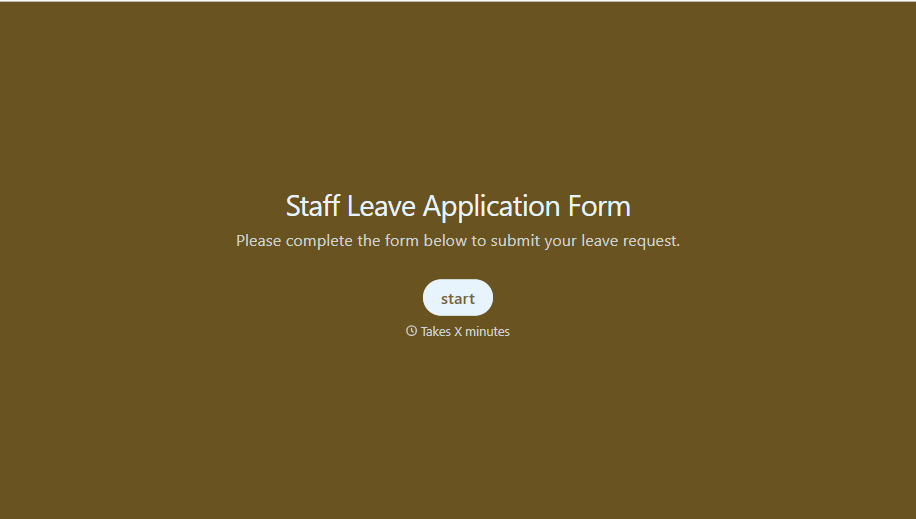
Staff Leave Application Form
A vacation request approved with a thumbs-up emoji in Slack isn't the kind of record payroll can work from when it's time to reconcile someone's leave balance. Collect the leave type, dates, and manager approval in one place, so a team doesn't accidentally double-book someone's time off.
View template
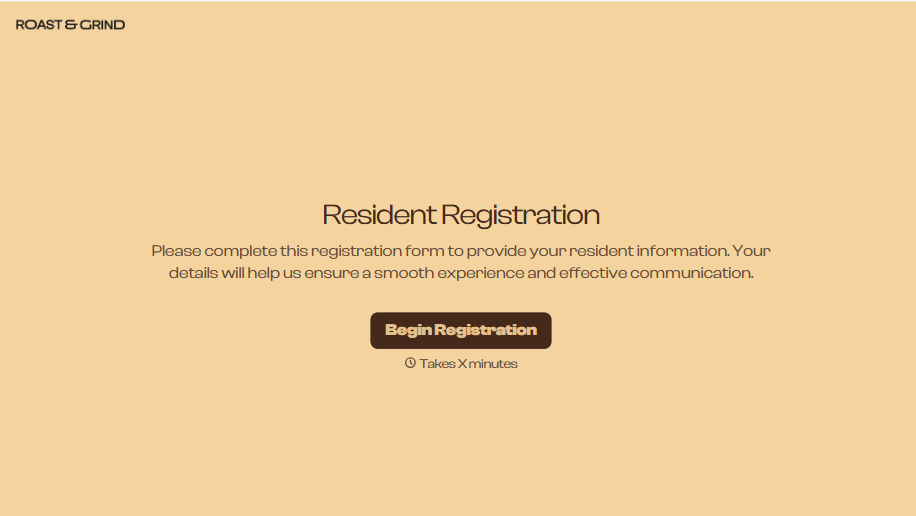
Resident Registration Form
A move-in packet signed at the leasing office and filed in a drawer isn't the kind of record your front desk can pull up when a resident's guest needs access or a car needs to be identified in the lot. Collect household members, vehicles, and emergency contacts before move-in day, so your community has an accurate record from the start.
View template
With Typeform, you can customize everything
Change text, colors, and even logos to match the look and feel of your brand. Then embed forms smoothly onto web and email.
Make forms feel effortless to fill out. Pace questions, call people by their name, and adapt the flow based on the data they share.
Stay efficient by connecting forms to your workflow. Typeform integrates with 300+ tools including Slack, Zapier, and HubSpot.


