Resident Registration Form
A move-in packet signed at the leasing office and filed in a drawer isn't the kind of record your front desk can pull up when a resident's guest needs access or a car needs to be identified in the lot. Collect household members, vehicles, and emergency contacts before move-in day, so your community has an accurate record from the start.



A resident registration often happens as part of a move-in appointment, a packet filled out quickly at the leasing office alongside a stack of lease paperwork. Details get missed, an additional household member never makes it onto the record, a vehicle's plate number is filled in wrong, and none of it gets updated as circumstances change. Front desk or security staff end up without an accurate way to confirm who belongs on the property or whose car is parked where.
Typeform's resident registration form asks for what your community management team needs on file: resident and household information, vehicle details, emergency contacts, and any pets. Conditional logic branches from there. A resident with a pet can route to breed and weight questions relevant to your community's policy, and a resident with more than one vehicle can route to add each one individually instead of a single field trying to capture all of them. Every registration lands in one accurate record instead of a packet that goes stale the moment something changes.
Connect the form to your property management software through Zapier, and a completed registration can update your resident directory and access control system automatically instead of someone re-entering it by hand. Ask for it before move-in day, and your community starts with a complete, accurate record instead of catching missing details after a parking or access issue comes up.
A resident registration form is an online form apartment communities and HOAs use to collect a new resident's household, vehicle, and emergency contact information, along with any pets, as part of moving in. Instead of a paper packet filed away, the community has an accurate, current record on hand.
A paper packet filled out during a move-in appointment tends to go stale, and it's easy to miss a household member or misrecord a license plate in the process. A form collects that information clearly from the start and makes it easier to keep current as things change.
Ask for what your community management and front desk staff will actually need on record:
- Resident name, unit, and contact information
- Additional household members
- Vehicle information, including make, model, and license plate
- Emergency contact
- Pet information, if applicable
- Access needs, like a key fob, parking permit, or gate code
Not necessarily. Registration typically documents information for community management purposes, like access control and emergency contacts, and doesn't replace or modify the lease agreement itself. Confirm with your property management which requirements are covered by registration versus the lease.
Yes. Add a file upload question and residents can attach insurance documentation, vaccination records, or other supporting materials in the same submission, no separate email required. Pair it with conditional logic so the upload only appears when it's relevant to what's being registered.
Get inspired by relevant templates and categories
3200+ Templates, 300+ Integrations

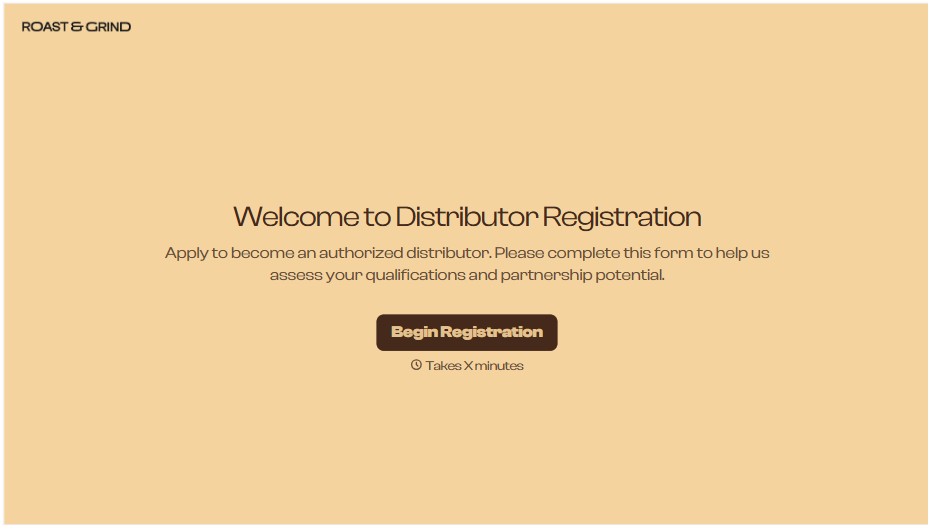
Distributor Registration Form
A distributor application that arrives as a scanned resale certificate attached to an email doesn't tell your sales team what territory they're actually asking for. Collect what your company actually needs, business information, tax documentation, and territory, before you set up an account.
View template
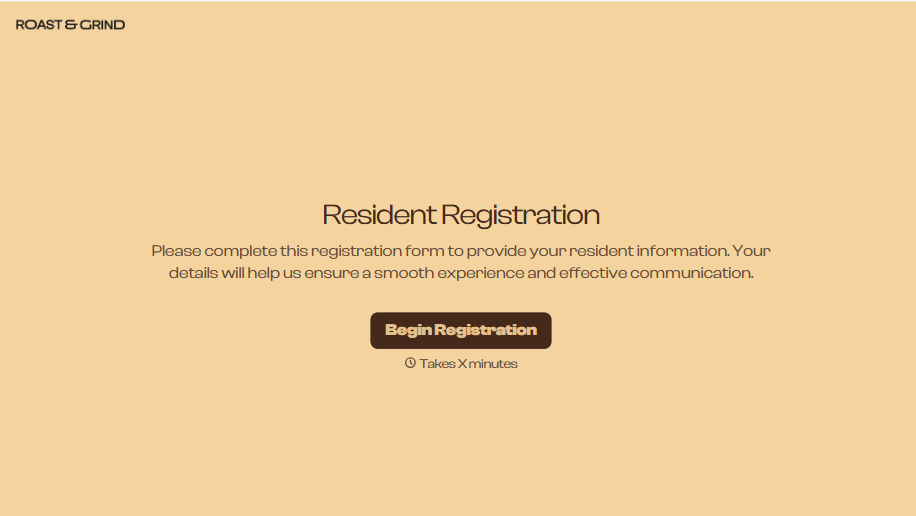
Resident Registration Form
A move-in packet signed at the leasing office and filed in a drawer isn't the kind of record your front desk can pull up when a resident's guest needs access or a car needs to be identified in the lot. Collect household members, vehicles, and emergency contacts before move-in day, so your community has an accurate record from the start.
View template
Consultancy Registration Form
Move past a registration form that only grabs a name and a phone number. Confirm the client understands who they're signing up with, screen for what a consultancy is legally allowed to charge and promise, and keep a record of exactly what was disclosed and agreed to.
View template
With Typeform, you can customize everything
Change text, colors, and even logos to match the look and feel of your brand. Then embed forms smoothly onto web and email.
Make forms feel effortless to fill out. Pace questions, call people by their name, and adapt the flow based on the data they share.
Stay efficient by connecting forms to your workflow. Typeform integrates with 300+ tools including Slack, Zapier, and HubSpot.


