Event Lead Capture Form Template
Collect contact information from event attendees and turn conversations into follow-up opportunities.


Events create real connections, but those connections are only valuable if you capture them. Business cards get lost, scribbled notes get forgotten, and verbal promises to follow up don't always happen. When you leave an event without structured contact data, you've lost leads you worked hard to generate.
A Typeform event lead capture form makes it fast for prospects to share their information at the event or immediately after. Conditional logic can ask different qualifying questions based on the visitor's role, interest area, or product focus, so you're not just collecting names but also capturing context for the follow-up conversation. Responses sync to your CRM automatically so nothing falls through.
Customize the form with your company branding and the qualifying questions that matter to your sales team. Run it on a tablet at your booth, share it as a QR code, or include it in a post-event follow-up email.
An event lead capture form collects contact information and qualifying data from potential customers at trade shows, conferences, pop-up events, or other in-person or virtual gatherings. It turns brief interactions into structured, actionable sales leads.
Manually collecting contact details at events is slow and error-prone. A digital form captures information accurately, routes it to your CRM or sales team automatically, and lets you add qualifying data that makes follow-up more relevant and effective.
Collect what your sales team needs for a productive first follow-up:
- First and last name
- Job title and company
- Email address and phone number
- Interest area or product they were asking about
- Stage in the buying process (exploring, evaluating, ready to buy)
- Preferred follow-up method and timing
- Notes from the conversation (for the sales rep to add)
Typeform integrates natively with tools like Salesforce, HubSpot, and others through direct integrations or Zapier. New submissions can automatically create or update contact records, assign them to a sales rep, and trigger a follow-up sequence without any manual data entry.
Yes. For virtual events, share the form link in the chat or include it in the post-event email. For in-person use, a QR code displayed at your booth or on printed materials lets attendees submit their information directly from their phone without needing a device at your table.
Get inspired by relevant templates and categories
3200+ Templates, 300+ Integrations


With Typeform, you can customize everything
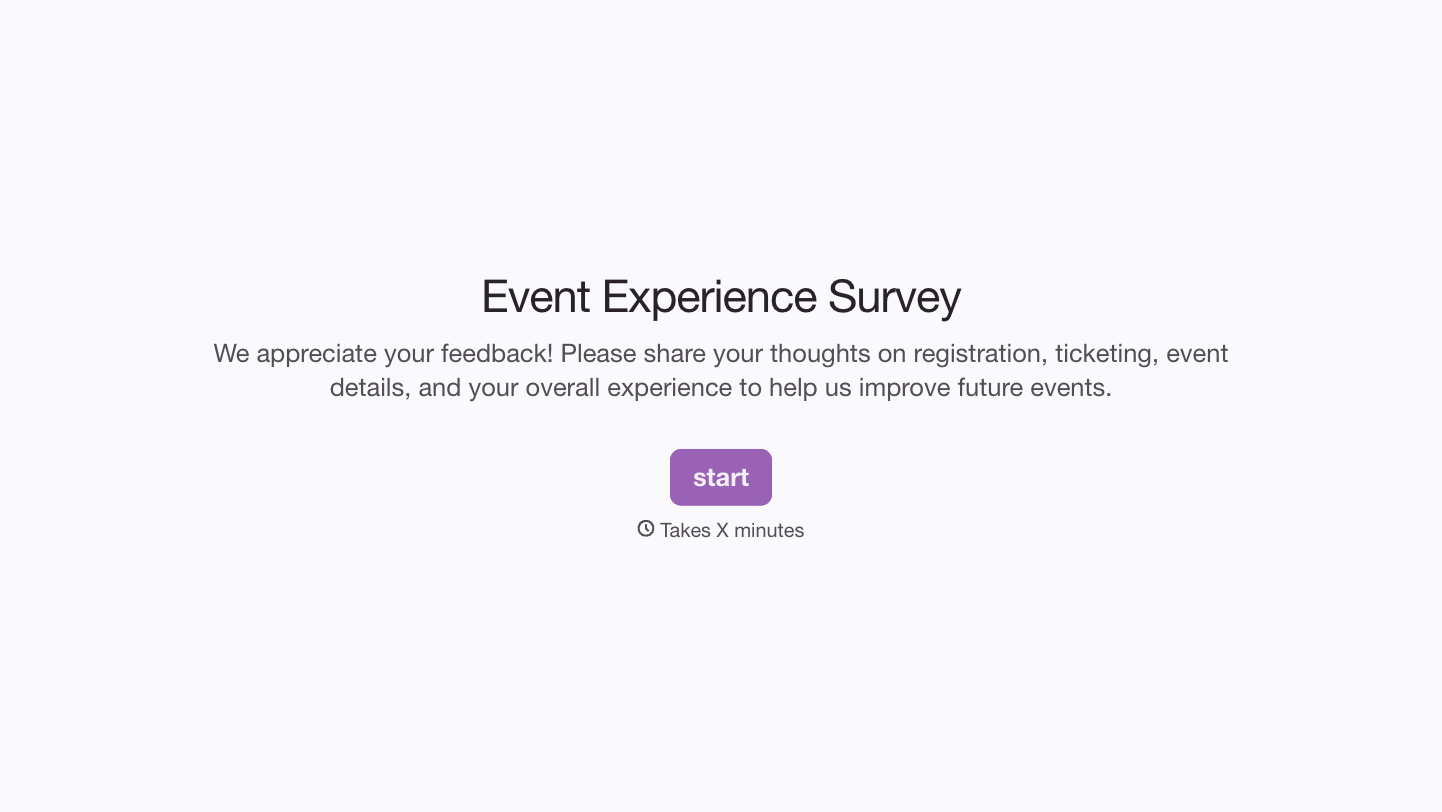
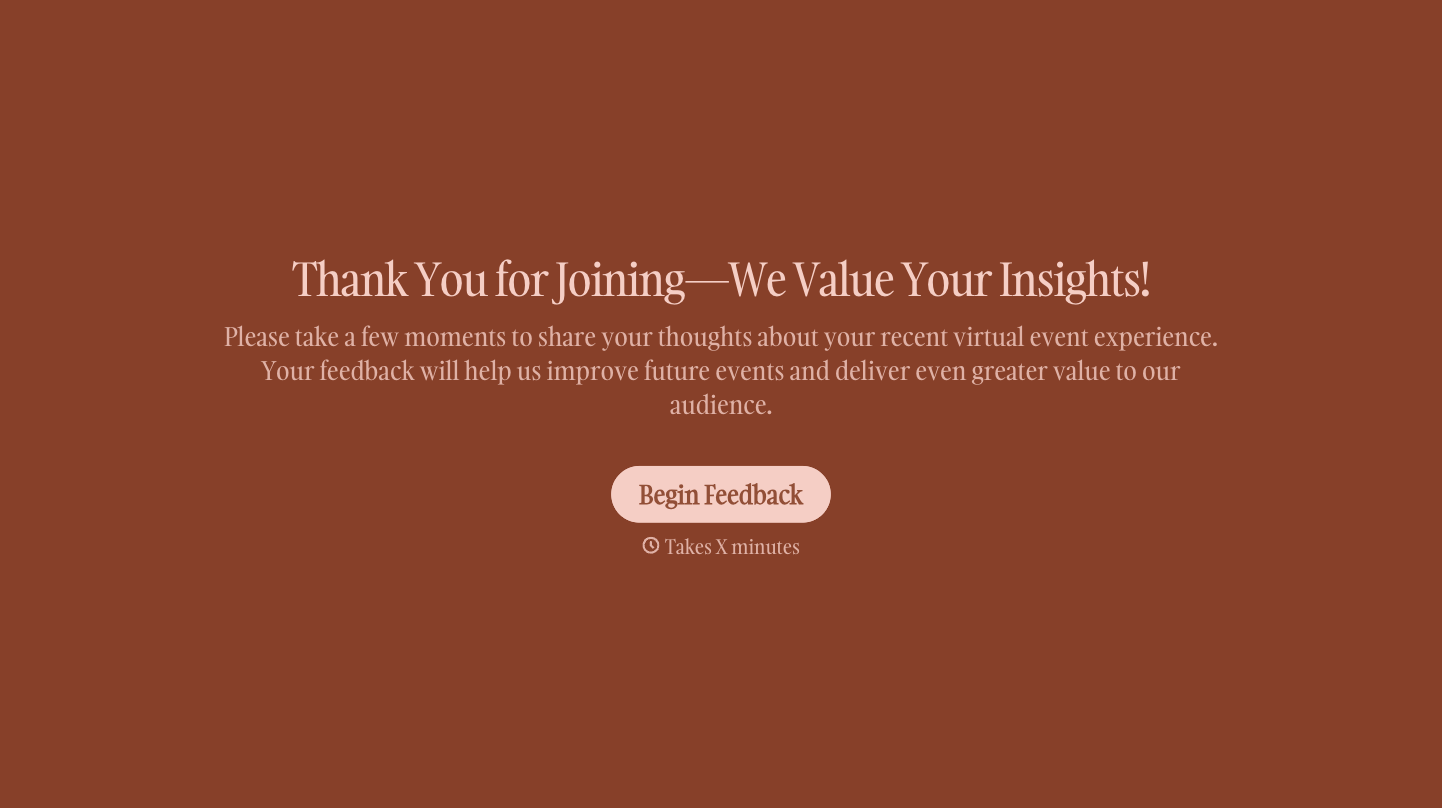
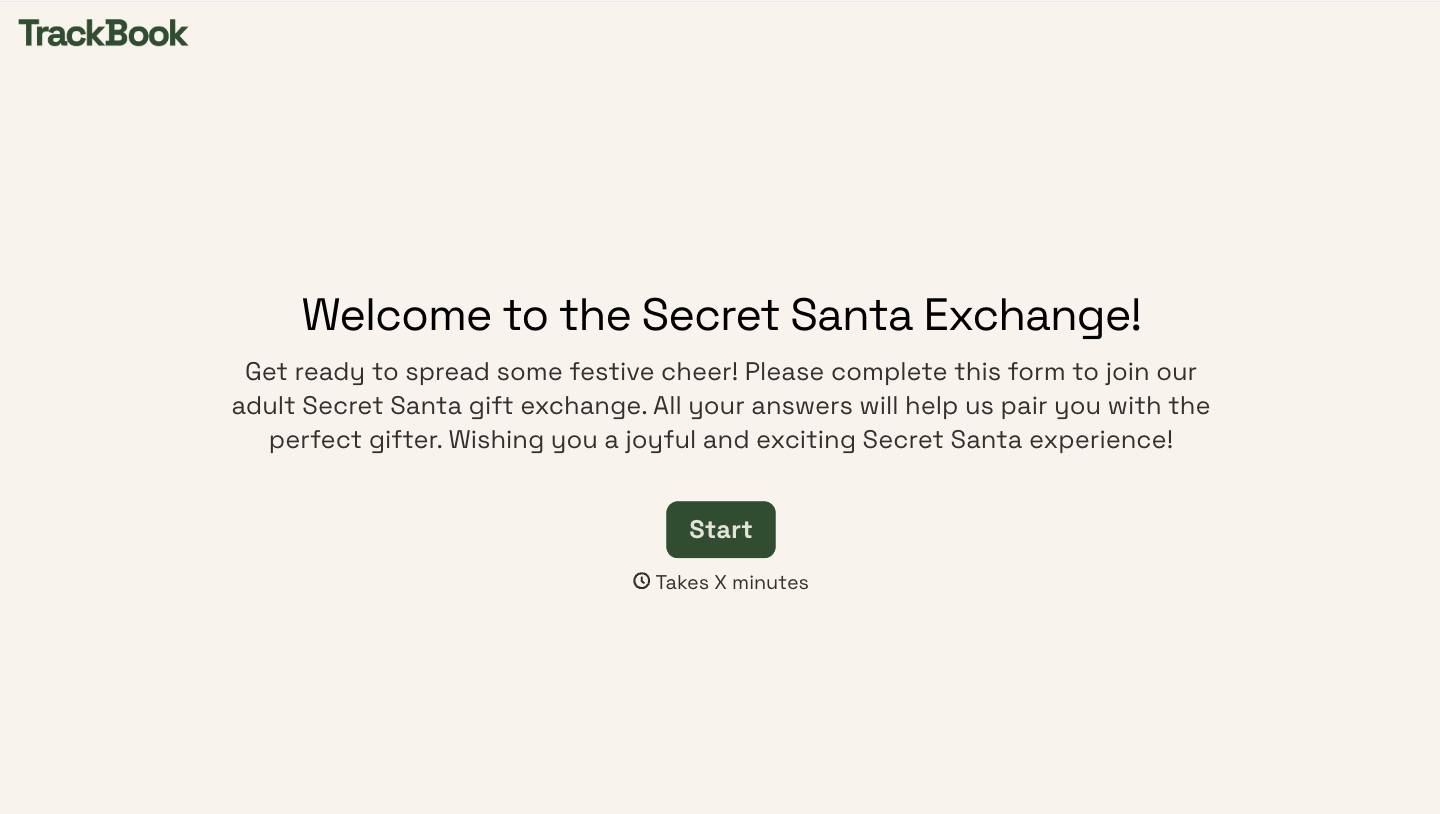
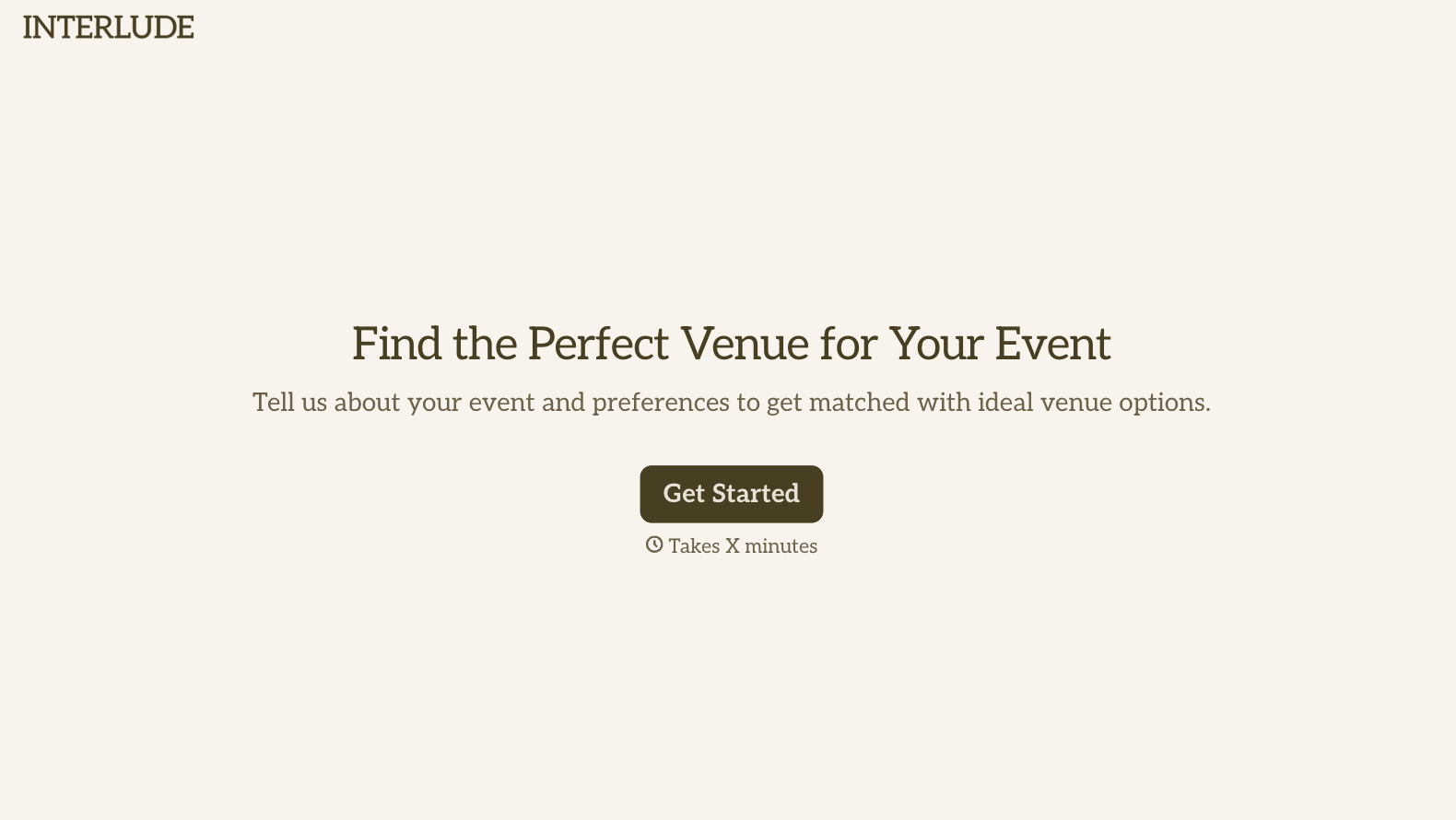
Change text, colors, and even logos to match the look and feel of your brand. Then embed forms smoothly onto web and email.
Make forms feel effortless to fill out. Pace questions, call people by their name, and adapt the flow based on the data they share.
Stay efficient by connecting forms to your workflow. Typeform integrates with 300+ tools including Slack, Zapier, and HubSpot.


