Eventbrite Survey
Post-event feedback collected days later is too vague to act on. Collect session ratings, speaker feedback, venue experience, and what would bring attendees back in one organized survey.



Event organizers who send feedback requests days after an event rarely get responses specific enough to act on. By the time a generic follow-up lands, attendees have moved on and impressions are too vague to be useful. Typeform's Eventbrite survey gives event organizers a structured way to capture attendee feedback while the experience is still fresh.
The survey captures session ratings, speaker feedback, venue experience, networking value, and open-ended suggestions in one submission. Questions appear one at a time, so attendees move through each section without the survey feeling like an afterthought. Conditional logic adapts the survey based on which sessions an attendee joined. A workshop attendee sees questions about content and speaker quality; a panel attendee sees questions about discussion depth and topic relevance.
Customize the survey to match your event format, session lineup, and attendee profile. Share it via Eventbrite's attendee list immediately after the event or embed it in your post-event confirmation email. Responses feed into Google Sheets via Zapier, so your team spots satisfaction trends and session performance across attendees. Your next event reflects what attendees actually valued—not what you assumed landed.
An Eventbrite survey is a structured post-event feedback form that collects attendee impressions on sessions, speakers, venue, and overall experience. It captures session ratings, speaker feedback, venue experience, networking value, and likelihood to return in one submission. Use the Eventbrite survey so your team builds the next event around what attendees actually valued.
Event revenue depends on repeat attendance, and attendees who had a poor experience rarely come back. An Eventbrite survey gives dissatisfied attendees a channel to share what went wrong before they simply stop showing up. The same survey captures what satisfied attendees valued most, so you know which sessions and experiences to repeat.
Collect feedback on what matters most:
- Overall event satisfaction rating
- Session-specific ratings and speaker feedback
- Venue, logistics, and accessibility experience
- Networking and community value
- Likelihood to attend future events and what would bring them back
Send it within 24 hours of the event ending, since response rates drop significantly the longer you wait. Include the survey link in your Eventbrite post-event email or send it as a direct follow-up the same evening. Response rates are highest when the event experience is still vivid and attendees haven't moved on to the next thing.
Start with the lowest-rated sessions and speakers to identify where the experience fell short. Cross-reference those ratings with open-ended feedback to understand the specific reasons behind low scores. High scores on specific sessions combined with strong return intent tell you which formats and topics to repeat.
Get inspired by relevant templates and categories
3200+ Templates, 300+ Integrations
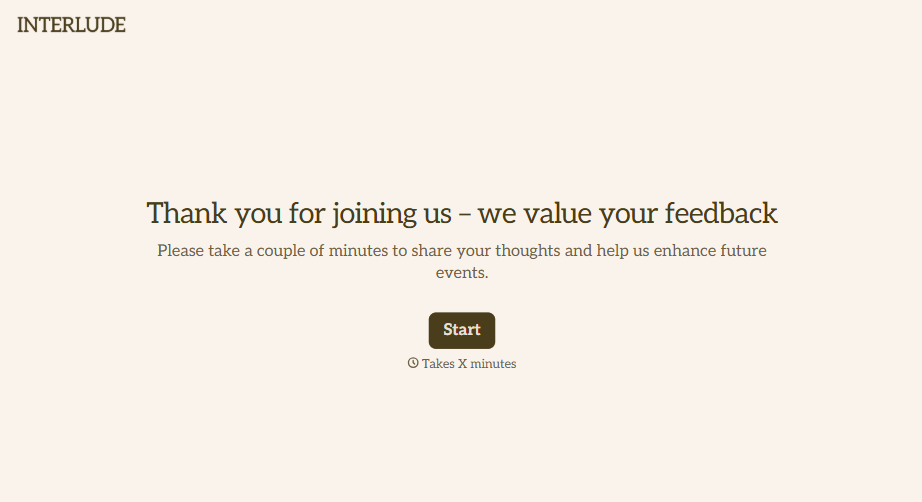
Post-Event Feedback Survey Form
A post-event survey sent three days later, after everyone's back in their normal inbox and the badge is already in a drawer, gets a trickle of responses from whoever happens to open it. Ask while the experience is still fresh, and ask more than "how satisfied were you."
View template
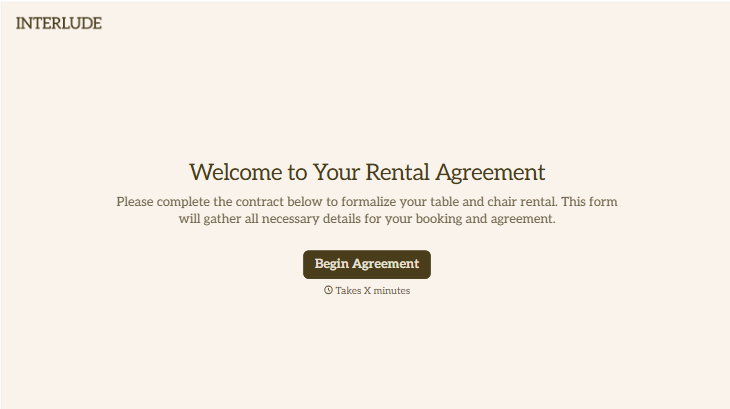
Table and Chair Rental Agreement Form
Move past a handshake and a hastily texted headcount. Document who's responsible for damage, confirm the equipment's warranty is disclaimed the way the law actually requires, and keep a timestamped record of exactly what was rented and returned in what condition.
View template

With Typeform, you can customize everything
Change text, colors, and even logos to match the look and feel of your brand. Then embed forms smoothly onto web and email.
Make forms feel effortless to fill out. Pace questions, call people by their name, and adapt the flow based on the data they share.
Stay efficient by connecting forms to your workflow. Typeform integrates with 300+ tools including Slack, Zapier, and HubSpot.


