Facebook Lead Generation Template
Capture leads from Facebook that are actually worth following up on, with forms that qualify while they collect.


Running Facebook ads to generate leads is the easy part. The hard part is making sure those leads are worth your sales team's time. Native lead forms on Facebook collect names and emails, but they offer limited qualification. You end up with a spreadsheet of contacts and no idea which ones are ready to buy and which were just curious. That's a lot of follow-up calls going nowhere.
This Facebook lead generation template adds depth to your lead capture. Embed it on your landing page or link to it from your ads to collect not just contact info, but qualifying details. Budget range, timeline, specific needs, and pain points. The one-question-at-a-time format keeps completion rates high even with more questions. Conditional logic routes leads down different paths based on responses, and integrations with your CRM, Google Sheets, Slack, or email marketing tools through Zapier mean leads flow directly into your sales workflow.
Customize the qualifying questions to match your offering, add your branding, and connect to your ad campaigns. Every lead arrives pre-qualified, organized, and ready for the right follow-up.
A lead generation form for Facebook is a landing page or linked form designed to capture contact information and qualifying details from users who click on your Facebook ads. It goes beyond the native Facebook lead form by offering a richer, more interactive experience that collects better data for your sales and marketing teams.
Facebook's native lead forms auto-fill information, which is convenient but often leads to low-quality data. People submit without even reading the questions. A custom form requires intentional engagement, which naturally filters for higher-intent leads. You also get more flexibility with question types, conditional logic, and integrations.
Balance qualification with brevity. Every extra question costs you some conversions:
- Name and email address
- Company name and role (for B2B)
- What problem they're trying to solve
- Budget range or investment timeline
- How they currently handle the problem
- Preferred method and time for follow-up
Create a landing page that hosts your Typeform (embedded or linked), then use that page URL as the destination for your Facebook ad. When someone clicks the ad, they land on your page and complete the form. Responses flow into your connected tools via Zapier. No manual data transfer.
Match the form's messaging to your ad's promise. If the ad offers a free consultation, the form should reference that immediately. Keep the first question easy and non-threatening. Use a progress bar so respondents know how much is left. And make the value clear — "Tell us about your needs so we can prepare a tailored recommendation" beats "Fill out this form."
Get inspired by relevant templates and categories
3200+ Templates, 300+ Integrations
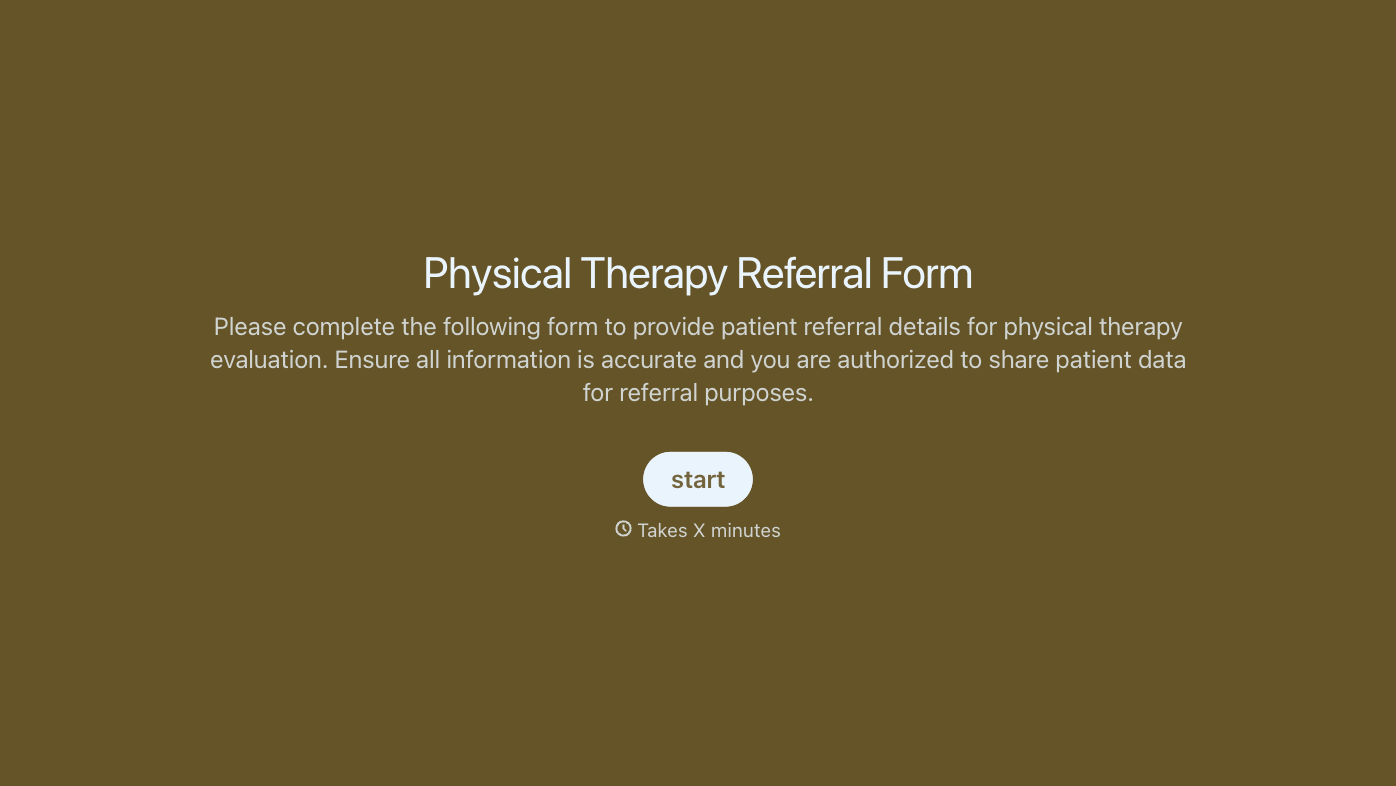
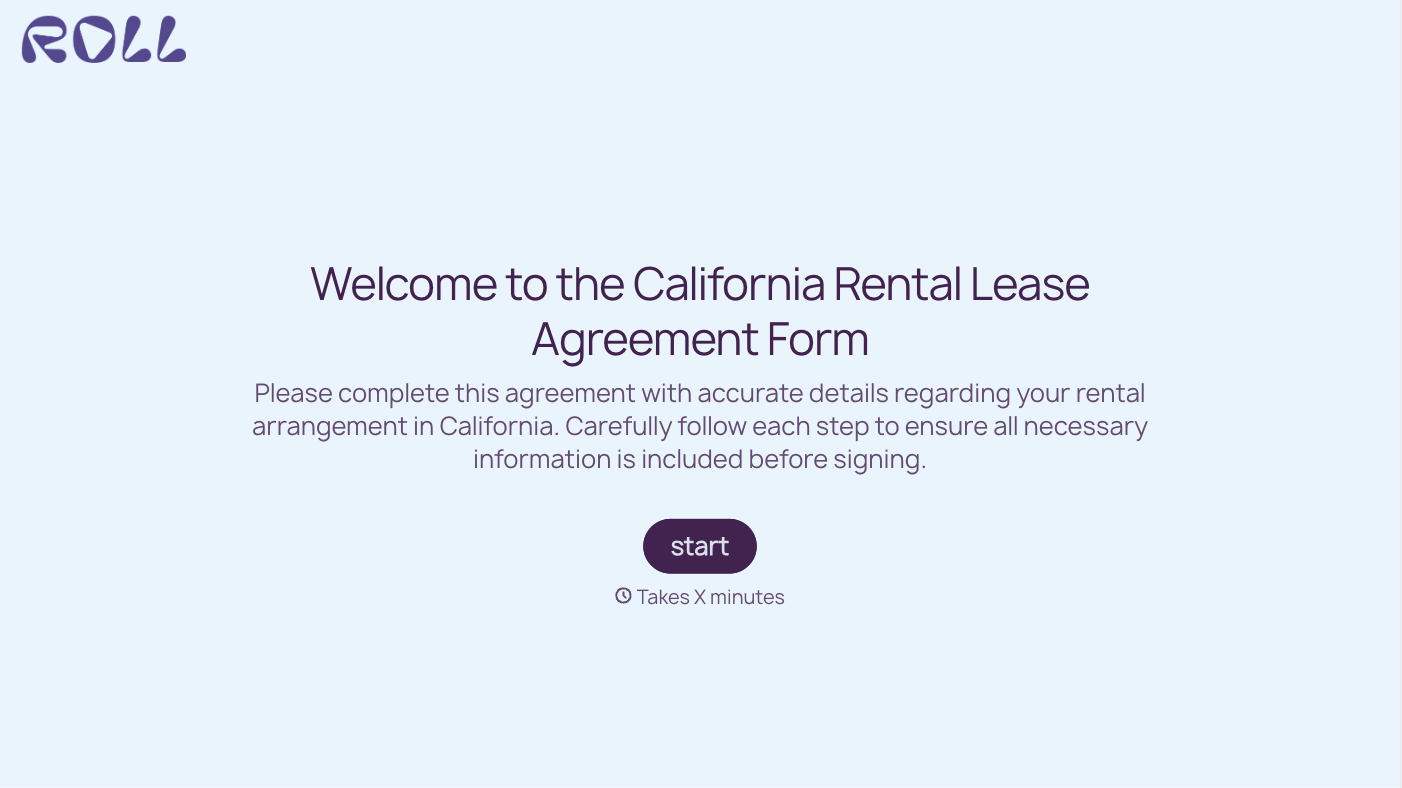
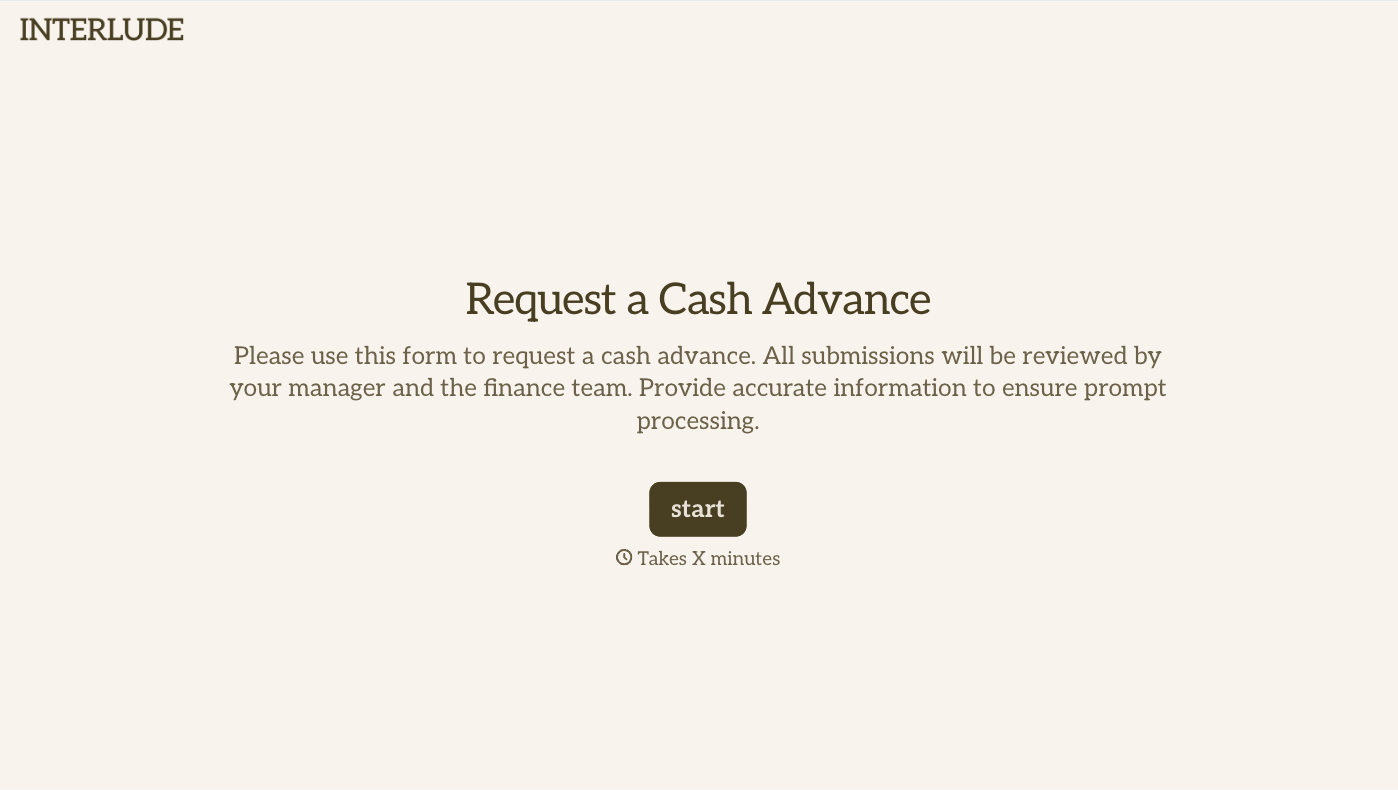
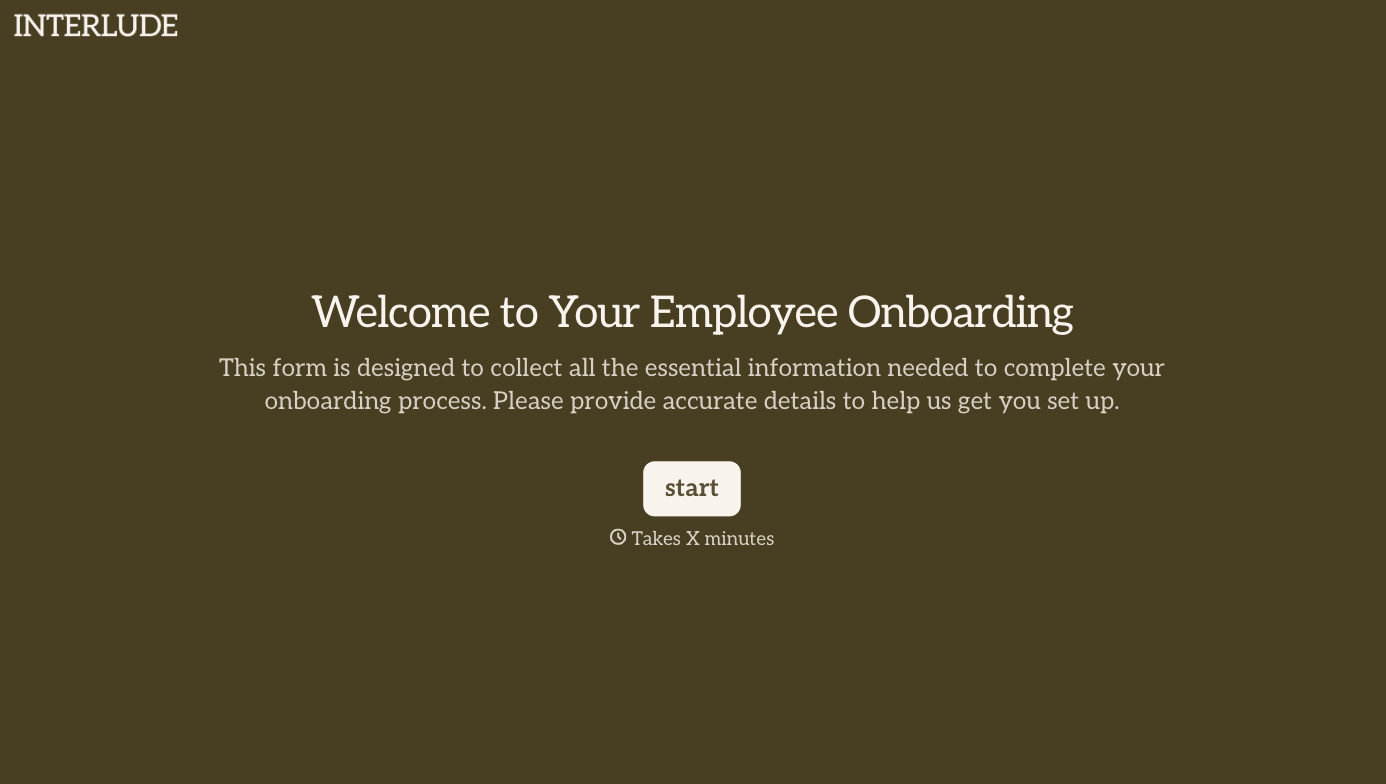
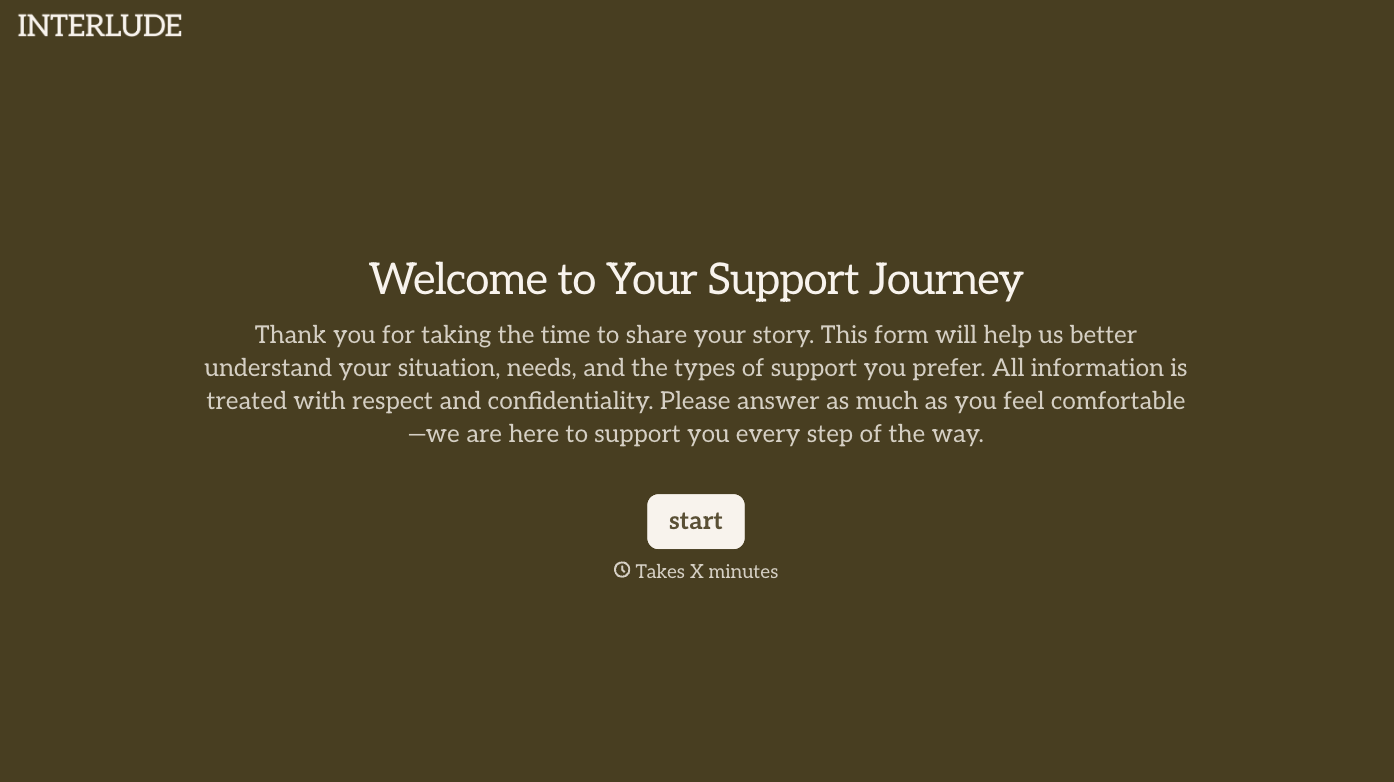
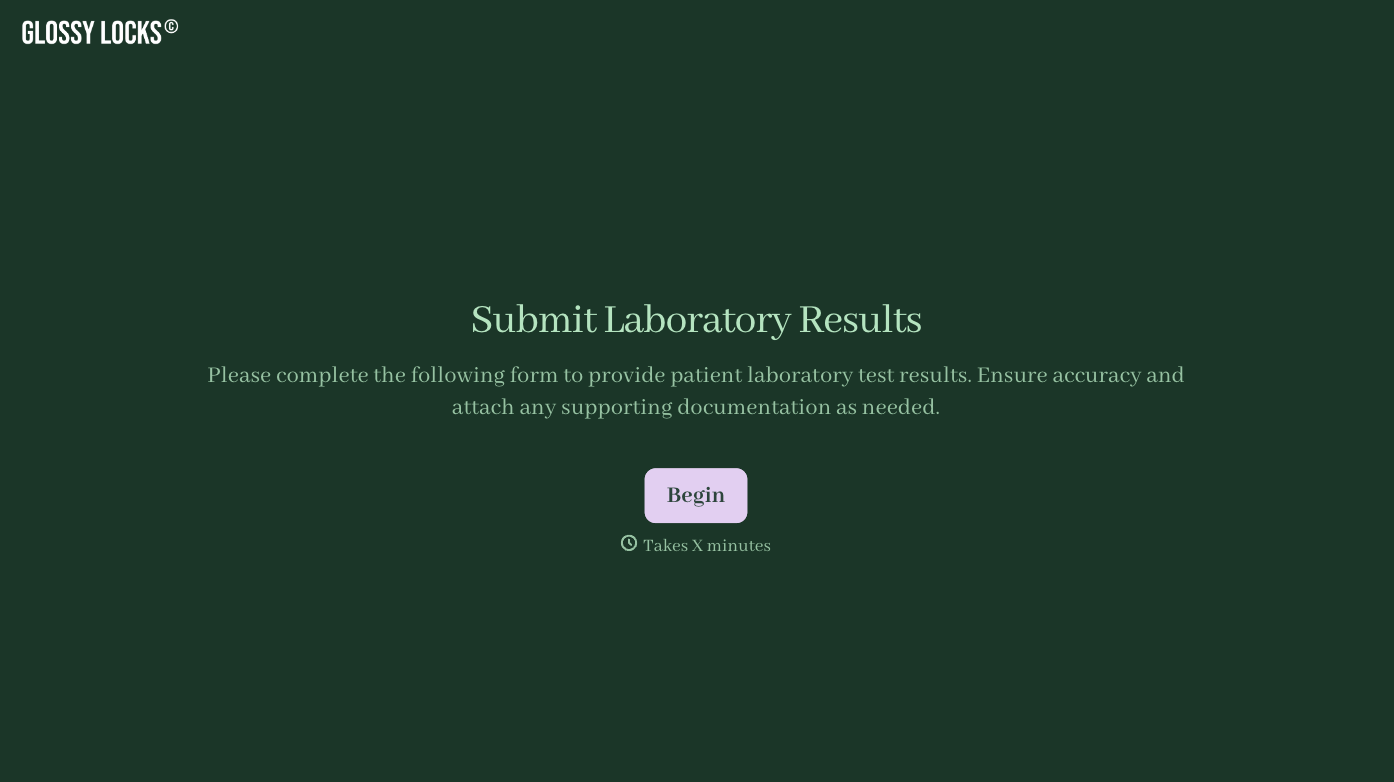
With Typeform, you can customize everything
Change text, colors, and even logos to match the look and feel of your brand. Then embed forms smoothly onto web and email.
Make forms feel effortless to fill out. Pace questions, call people by their name, and adapt the flow based on the data they share.
Stay efficient by connecting forms to your workflow. Typeform integrates with 300+ tools including Slack, Zapier, and HubSpot.


