Cash Advance Request Form Template
Submit and track employee cash advance requests with a structured form that captures the amount, purpose, and repayment plan — so finance can review and approve quickly.



Informal cash advance requests made by email or in conversation are hard to track and easy to forget. A structured request form creates a clear record of every advance — who requested it, for what purpose, how much, and how it will be repaid — making approval, accounting, and reconciliation straightforward.
This template covers the employee's name and department, the requested amount, the reason for the advance, the date the funds are needed, the proposed repayment schedule, whether a payroll deduction is authorized, manager approval field, and the employee's signature confirming the repayment terms. A policy acknowledgment field confirms the employee has read your advance policy before submitting.
Finance departments, HR teams, and payroll administrators use cash advance request forms to manage employee advances consistently. Route submissions to the employee's manager for approval, then to finance for processing. Connect to your accounting software to create the advance as a receivable automatically. Track repayment status in your connected spreadsheet.
Use a two-step workflow: the employee submits the request form, and a notification triggers the manager to complete an approval form before the request moves to finance.
Add a validation that flags requests above your policy limit and routes them for senior approval rather than standard processing.
Log each advance in a tracking spreadsheet connected to the form. Update repayment status as payroll deductions are processed or payments are received.
Use Zapier or a native integration to push approved advances into QuickBooks, Xero, or your accounting system as receivables automatically.
Include a clause in the advance policy and the form's acknowledgment that authorizes payroll to deduct the outstanding balance from the final paycheck where legally permitted.
Get inspired by relevant templates and categories
3200+ Templates, 300+ Integrations


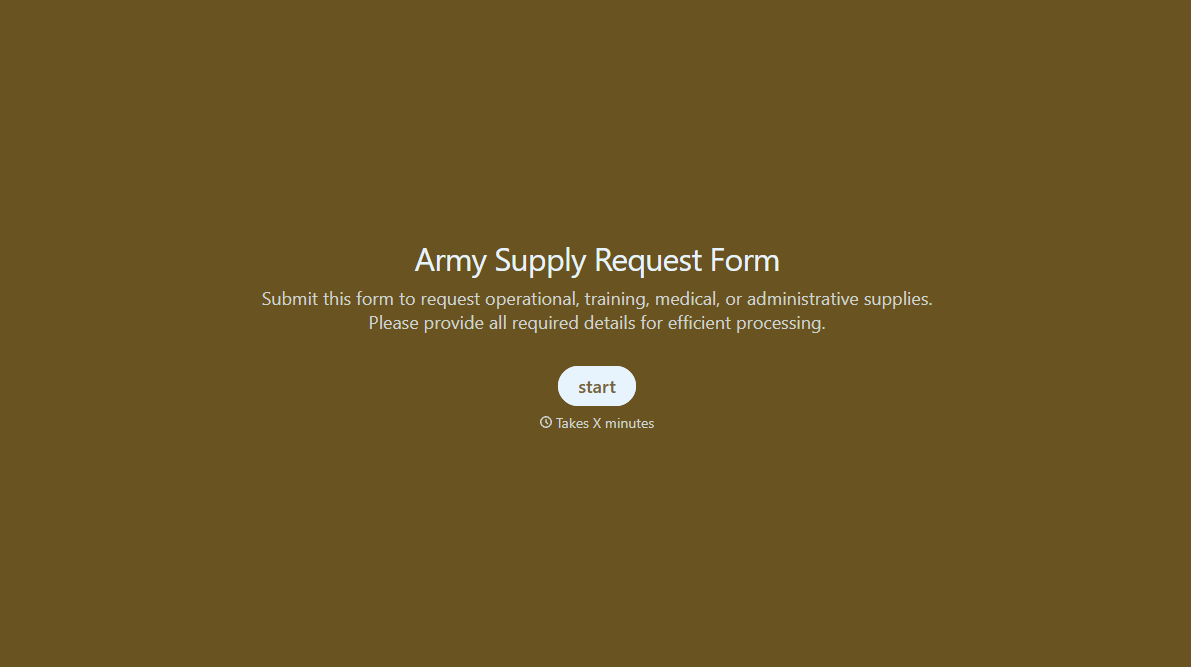
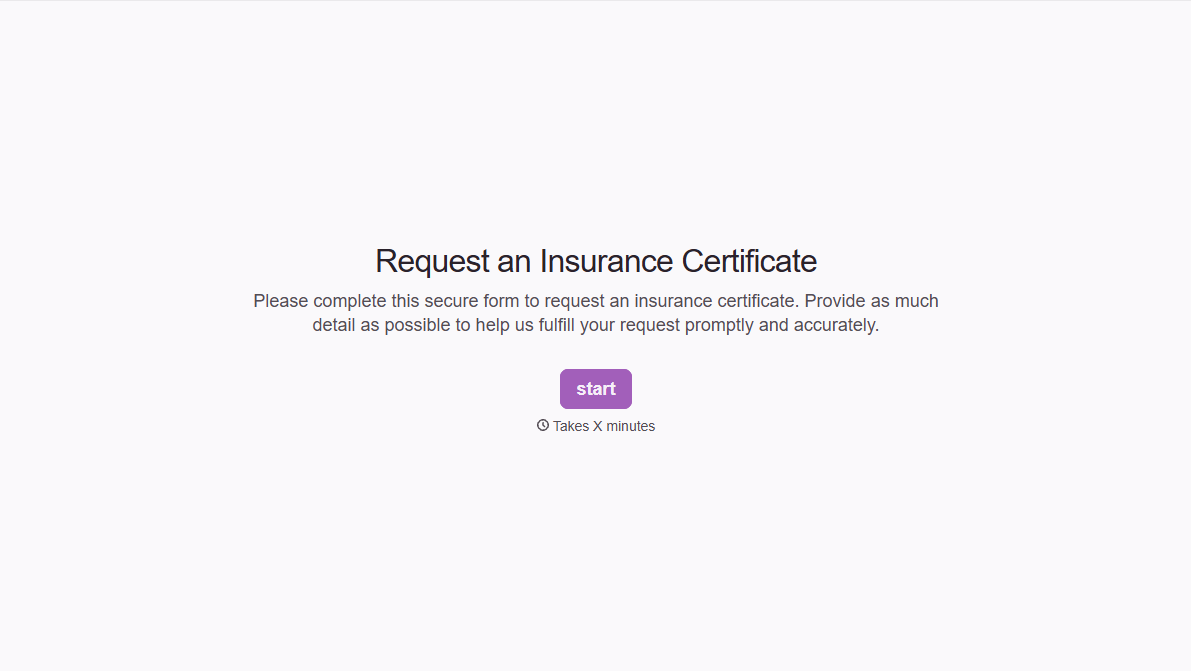


With Typeform, you can customize everything
Change text, colors, and even logos to match the look and feel of your brand. Then embed forms smoothly onto web and email.
Make forms feel effortless to fill out. Pace questions, call people by their name, and adapt the flow based on the data they share.
Stay efficient by connecting forms to your workflow. Typeform integrates with 300+ tools including Slack, Zapier, and HubSpot.


