New Employee Details Form Template
Collect everything HR needs on day one — or before it. Capture personal details, tax information, emergency contacts, and banking details in one organized new hire submission.



New hire paperwork scattered across email, paper forms, and HR portals creates delays, data entry errors, and a frustrating first impression. A single structured details form captures everything HR needs at once — personal information, bank account for payroll, tax withholding details, emergency contacts, and any documentation requirements — before the employee's first day.
This template covers legal name, address, date of birth, government ID number, tax withholding elections, bank account details for direct deposit, emergency contact name and relationship, any workplace accommodations needed, start date, job title and department, and consent for background check initiation. Document upload fields handle ID verification, right-to-work documents, and any role-specific certifications.
HR departments across industries use new employee details forms as the first step in onboarding. Send the form link in the offer letter or post-acceptance email. Connect to your HRIS to create the employee record automatically before day one. Employees who arrive with paperwork complete can focus on orientation — not forms.
Typeform encrypts all submissions. Evaluate whether this meets your organization's security requirements for financial data collection — some HR teams collect banking details through their HRIS directly.
Yes — add file upload fields for passport, driver's license, right-to-work documents, or any other required identification.
Use Zapier or a native integration to push submitted employee details into your HR information system automatically.
Yes — send immediately after the offer is accepted so HR has everything in place before day one and the employee's first day isn't consumed by admin.
Use conditional logic to show department-specific fields — vehicle details for drivers, professional license numbers for regulated roles — based on the department selected.
Get inspired by relevant templates and categories
3200+ Templates, 300+ Integrations
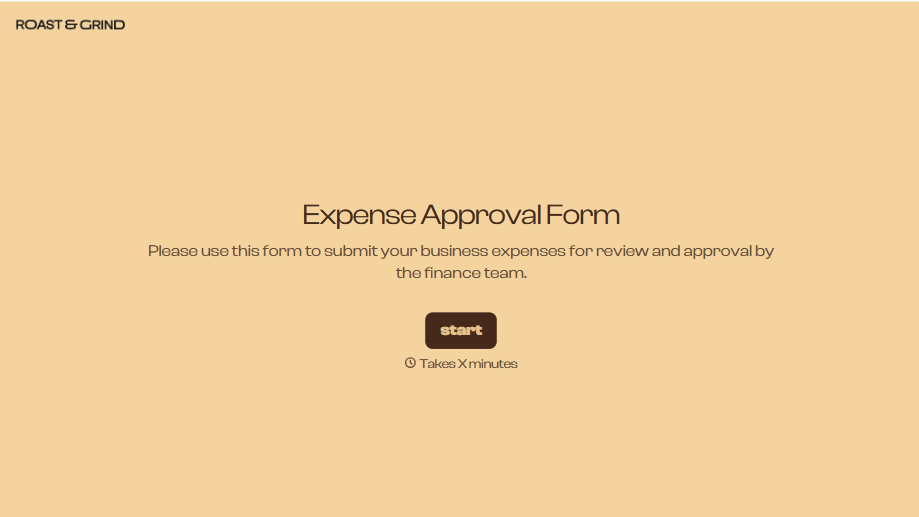


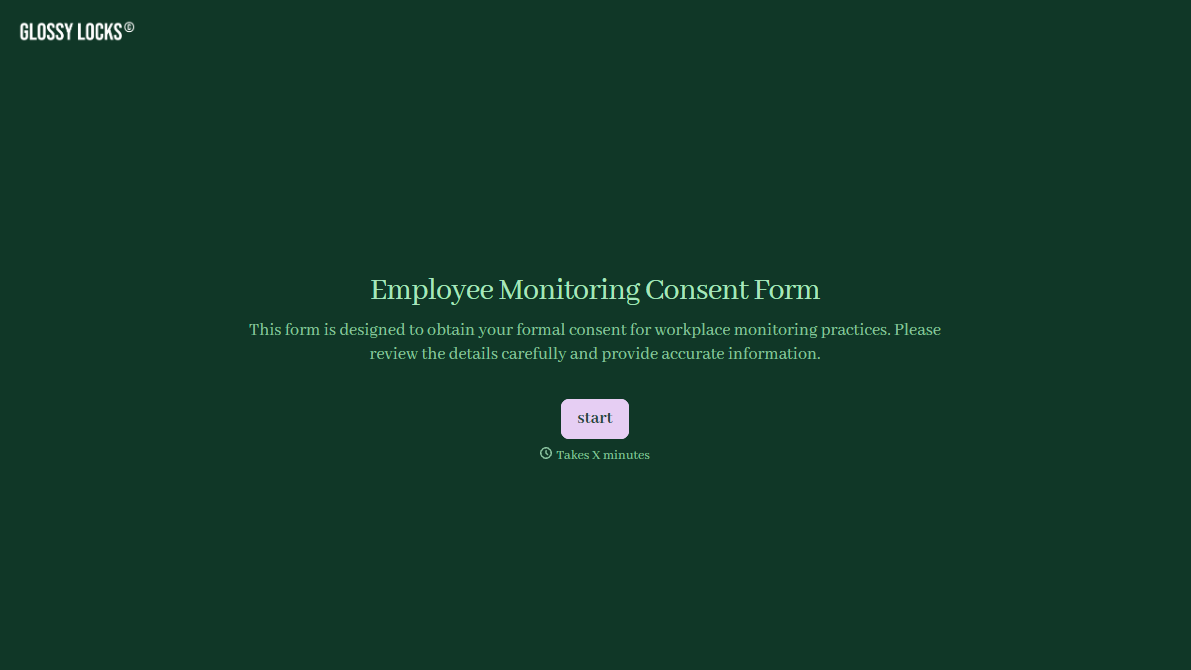


With Typeform, you can customize everything
Change text, colors, and even logos to match the look and feel of your brand. Then embed forms smoothly onto web and email.
Make forms feel effortless to fill out. Pace questions, call people by their name, and adapt the flow based on the data they share.
Stay efficient by connecting forms to your workflow. Typeform integrates with 300+ tools including Slack, Zapier, and HubSpot.


