Peer Evaluation Form Template
Give colleagues a structured, honest way to provide feedback to each other so development conversations are grounded in specifics.


Asking colleagues to evaluate each other without a clear framework tends to produce vague, unhelpful responses. People aren't sure what to comment on, they default to generic praise, or they hesitate to share constructive feedback because it feels too direct without a structure to give it context.
A peer evaluation form changes this. Typeform guides evaluators through specific competency areas one at a time, making the process more focused and easier to complete. Conditional logic can adapt the form based on the role or team of the person being evaluated. Responses aggregate in a way that lets HR or managers see patterns across feedback from multiple peers. Anonymous response options can also increase honesty, which makes the feedback more useful.
Customize the form with your company's competency framework, rating scales, and development priorities. Share it via your HR system or a direct link at the start of your review cycle.
A peer evaluation form is a structured feedback survey completed by a colleague about another colleague's performance. It assesses competencies like collaboration, communication, reliability, and contribution, providing a perspective that supplements manager-only evaluations.
Peer feedback adds dimensions to performance reviews that managers can't always see. Colleagues observe day-to-day collaboration, communication style, and how someone shows up under pressure in ways that aren't always visible upward. When structured well, peer feedback leads to richer development conversations and more balanced performance assessments.
Focus on observable behaviors and contributions:
- How effectively does this person collaborate with the team?
- How clearly do they communicate — in meetings, written communication, and under pressure?
- Do they follow through on commitments reliably?
- How do they handle disagreement or conflict?
- What's their biggest contribution to the team?
- What's one area where they could have more impact?
It depends on your culture and the purpose of the feedback. Anonymous evaluations often produce more honest responses, but they can also lead to feedback that's harder to contextualize or act on. Named evaluations are more accountable and often more constructive. Many organizations offer both options and let managers decide based on team dynamics.
Use a structured form with specific, behavioral questions rather than open-ended prompts like "What do you think of this person?" Train evaluators on common biases (like recency bias or halo effect) before the review cycle starts. Reviewing feedback at a group level rather than acting on any single comment also helps reduce the impact of individual bias.
Get inspired by relevant templates and categories
3200+ Templates, 300+ Integrations
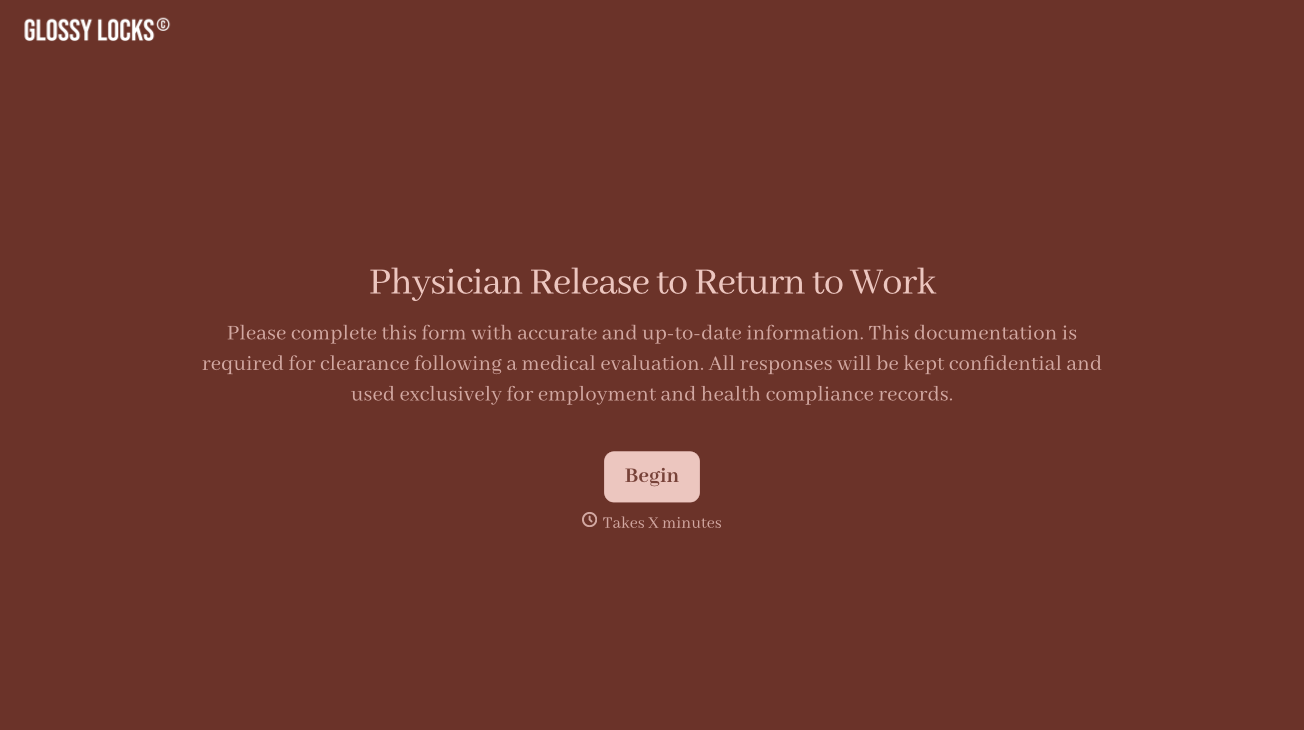
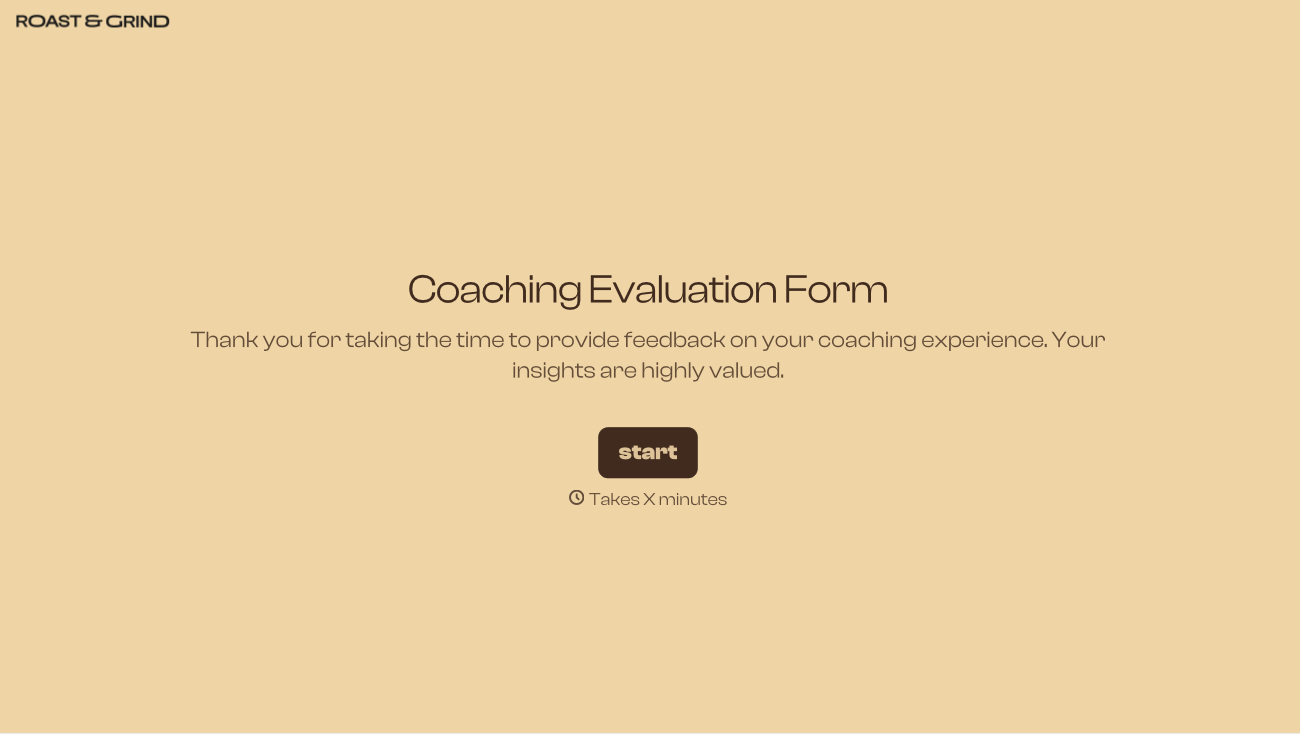
With Typeform, you can customize everything
Change text, colors, and even logos to match the look and feel of your brand. Then embed forms smoothly onto web and email.
Make forms feel effortless to fill out. Pace questions, call people by their name, and adapt the flow based on the data they share.
Stay efficient by connecting forms to your workflow. Typeform integrates with 300+ tools including Slack, Zapier, and HubSpot.


