Absence Reporting Form Template
Give employees a simple, consistent way to report absences. Capture the reason, expected duration, and any coverage arrangements — so managers always have the information they need.



Absence reporting by text or phone call leaves managers piecing together information from multiple sources without a consistent record. A structured reporting form creates a single submission for every absence — reason, expected duration, any urgent tasks requiring coverage — that the manager receives the moment it's submitted.
This template covers the employee's name and department, the date or date range of the absence, the reason category (illness, personal, family, appointment), whether coverage is needed and who has been arranged, any urgent tasks that need to be handed over, and an estimated return date. Optional supporting documentation upload handles cases where HR requires medical notes.
HR departments and managers across industries use absence reporting forms to maintain accurate records and ensure operational continuity. Connect to your HR information system so absence records update automatically. Aggregate data across teams to identify absence patterns and inform wellbeing interventions.
Set your policy in the form instructions — typically before the start of their shift or within a specified window. The form's time stamp confirms when the report was submitted.
Yes — use a date range field so employees specify the first and last day without submitting a new form each day.
Use Zapier or a native integration to push submissions directly into your HRIS so absence records update without manual entry.
Yes — add a conditional file upload field that appears when the absence reason is marked as medical or when the absence exceeds a specified duration.
Export response data to a spreadsheet or HR analytics tool. Filter by reason, department, or date range to identify trends that warrant follow-up.
Get inspired by relevant templates and categories
3200+ Templates, 300+ Integrations
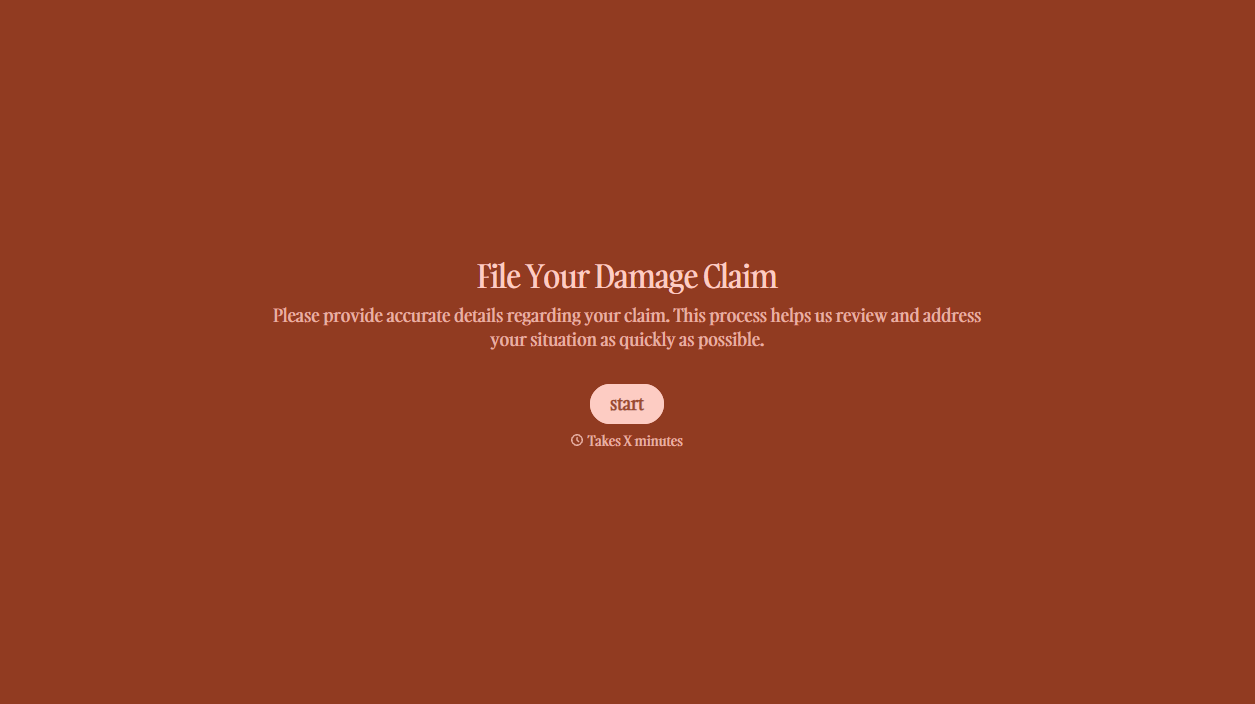
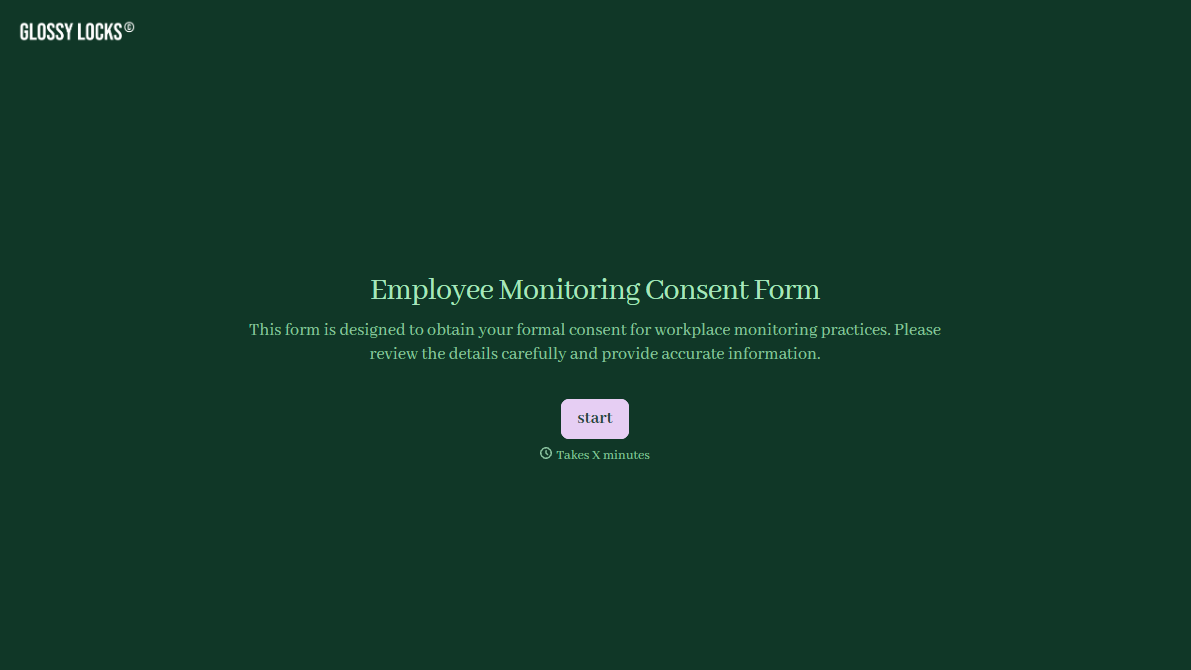
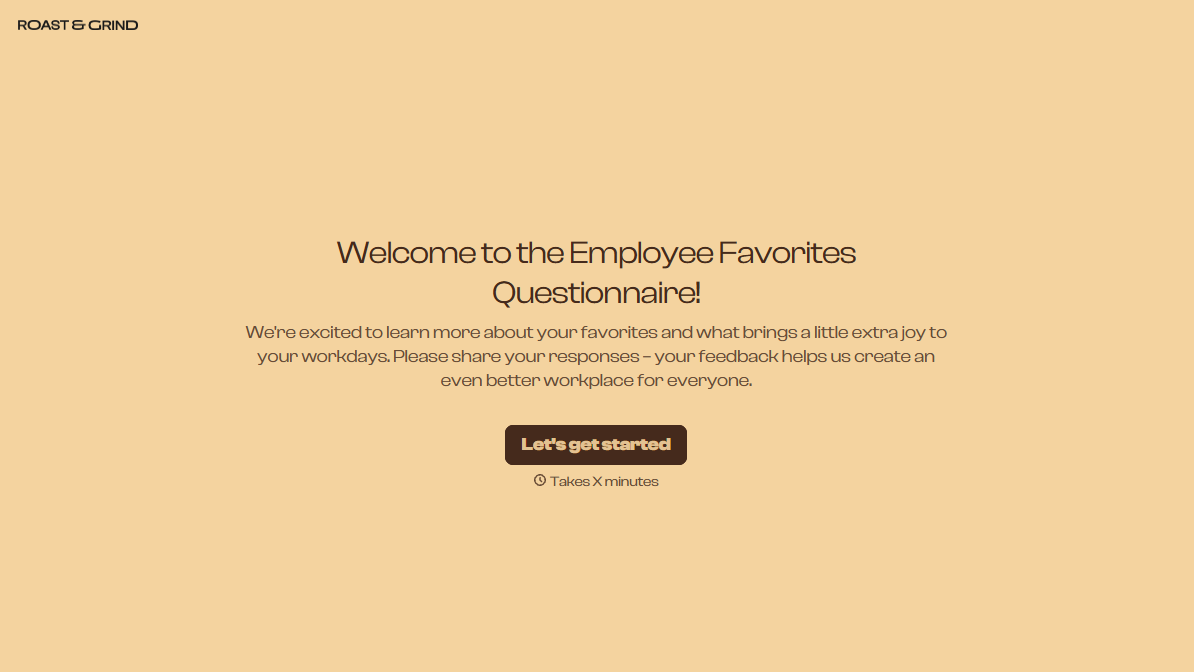
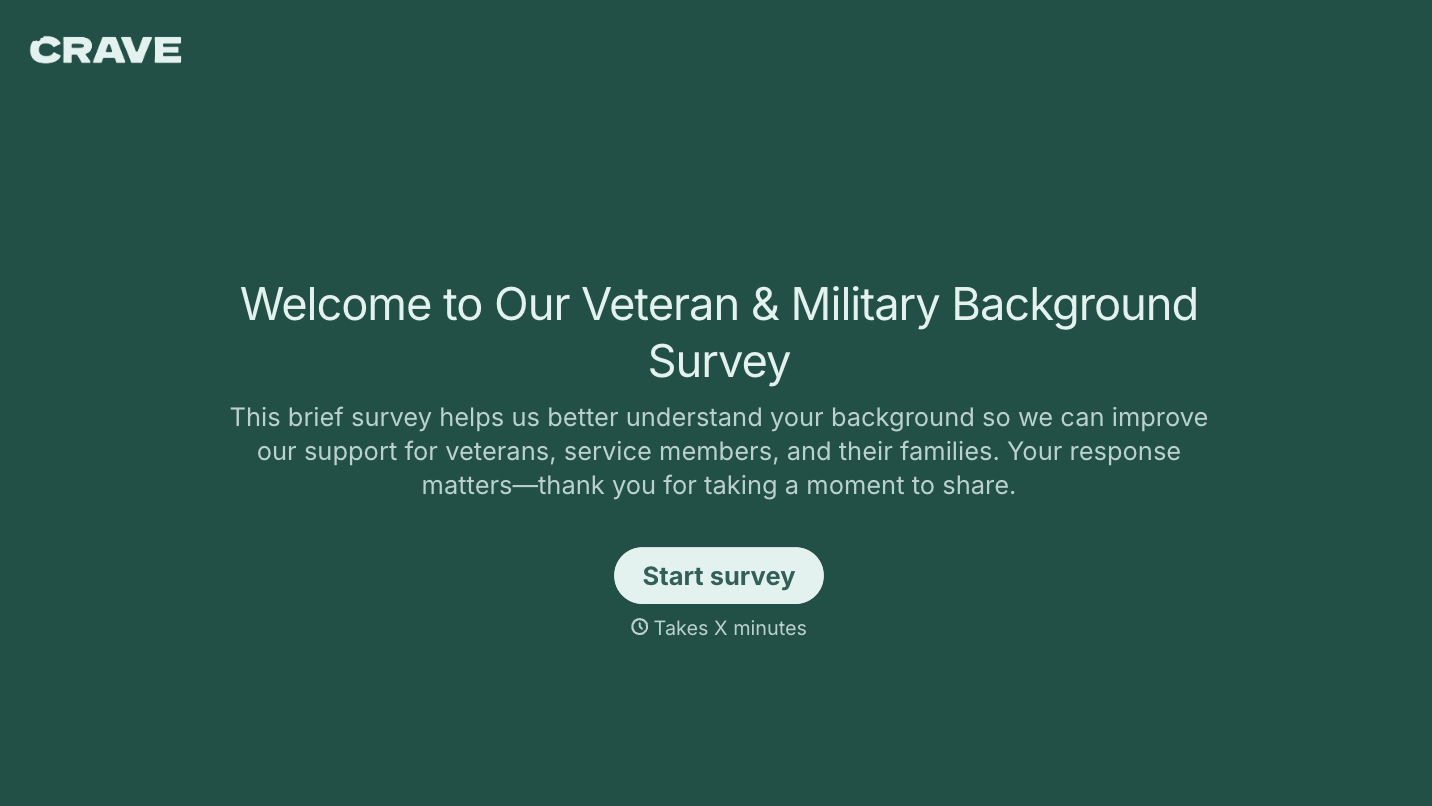
With Typeform, you can customize everything
Change text, colors, and even logos to match the look and feel of your brand. Then embed forms smoothly onto web and email.
Make forms feel effortless to fill out. Pace questions, call people by their name, and adapt the flow based on the data they share.
Stay efficient by connecting forms to your workflow. Typeform integrates with 300+ tools including Slack, Zapier, and HubSpot.


