Restaurant customer satisfaction survey template
Get honest feedback from customers on your food, service, and restaurant vibe



With a customer satisfaction survey, you can:
- Spot strengths and areas for improvement Without asking for feedback, it’s easy to fall into the trap of assuming everything’s fine. A survey can help you identify problems you might’ve overlooked—as well as strengths you might not know about.
- Show them you care It’s always nice to know your opinion matters. So by giving customers a voice, you also give them a great impression of your restaurant. These kinds of interactions are small but memorable. And if they remember you, chances are they’ll come back for more.
- Integrations make life easier Collecting feedback is one thing. But what do you do once you get it? Our integrations make it easy to visualize responses and spot patterns, so you can take action easily. First, connect your survey with Google Sheets and watch responses transform into readable tables and graphs. You can also sync up with MailChimp so each respondent can opt-in to your mailing list automatically—no copy and pasting needed.
Getting feedback from customers can be tricky. After all, who leaves their email address lying on the table with the tip? Luckily, Typeform gives you a few ways to get quality customer feedback:
- Create a QR code In a post-2020 world, QR codes are a restaurant’s best friend. But why should they only be for menus? Turn your satisfaction survey into a scannable QR code to encourage quick customer feedback. Print it on the bill so they can complete it at the end of their meal, or place it near the exit so they can scan it as they leave.
- Embed your survey in an email If your customers booked online, they probably left an email address. So send them an email asking for feedback roughly 24 hours after their visit. At this point, it’ll still be fresh in their minds.
- Incentivize it No matter how you share your survey, rewarding customers for their feedback is always a good idea. To encourage more responses, offer them a discount on their next meal, or even set up an exciting competition and grant automatic entry to everyone who responds. This’ll get you more feedback, and more returning customers.
Get inspired by relevant templates and categories
3200+ Templates, 300+ Integrations
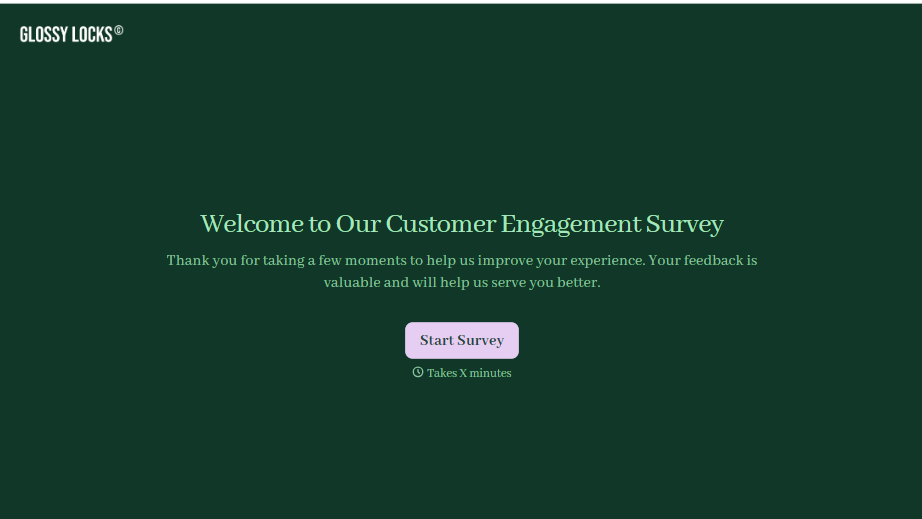
Customer Engagement Survey Form
A quarterly engagement survey blasted to the entire customer list, whether someone logged in yesterday or six months ago, gets back an average score nobody can act on. Ask the right question to the right customer, at the moment their actual behavior gives you something to ask about.
View template
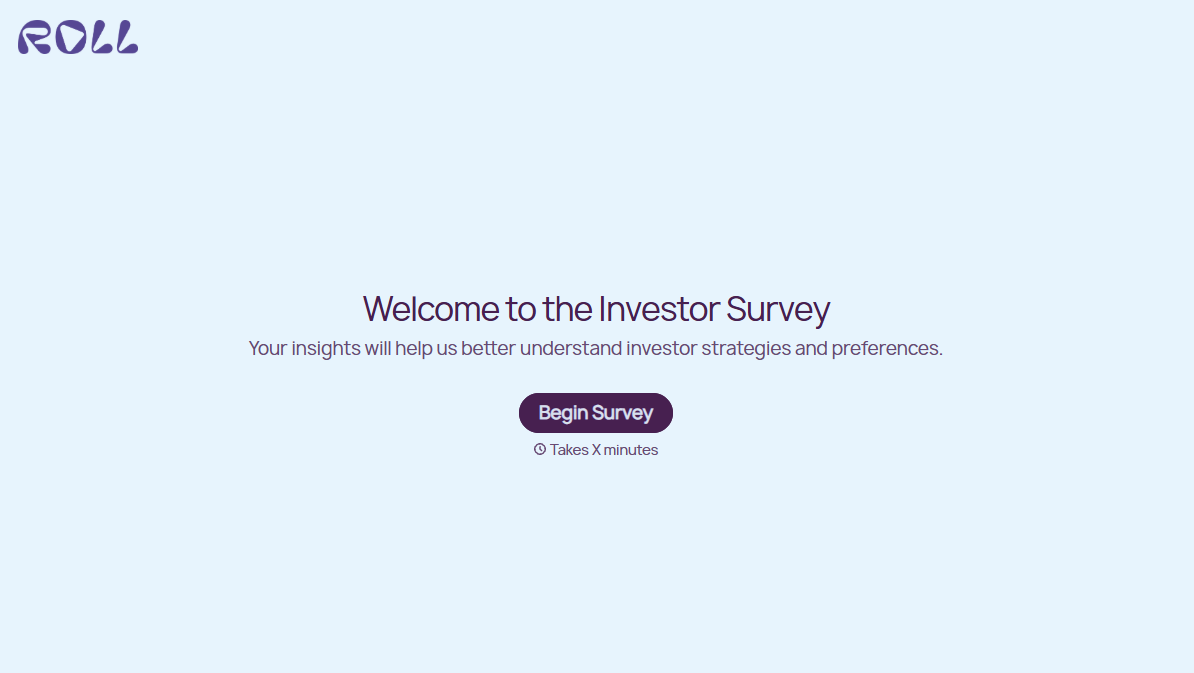

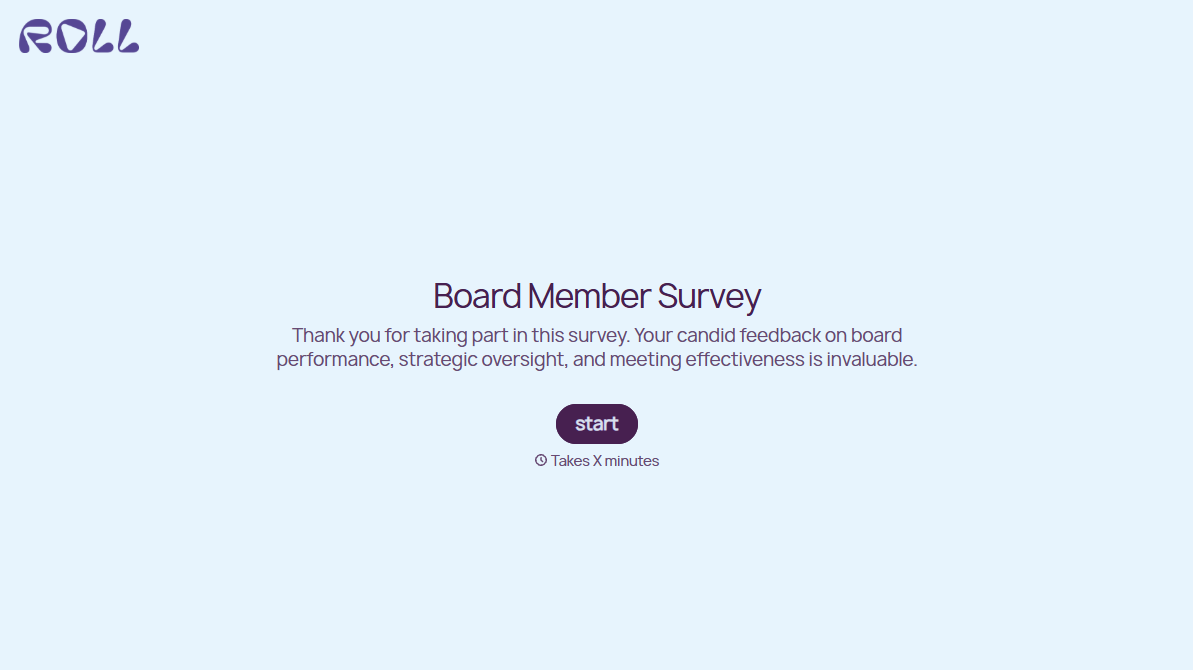
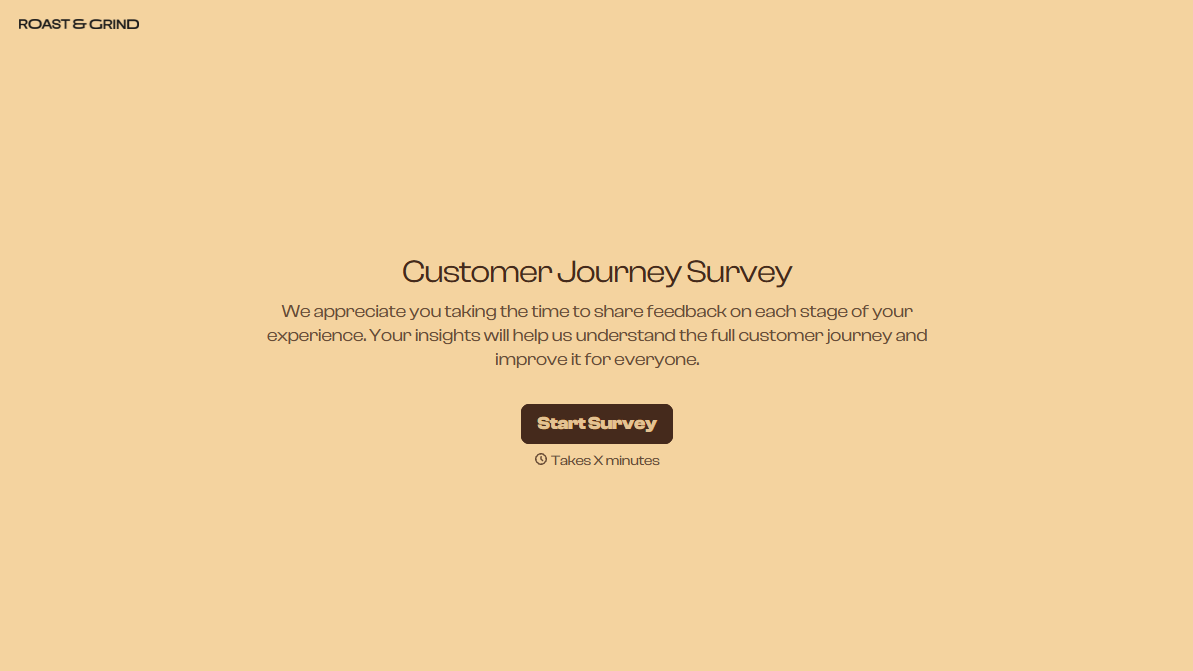
With Typeform, you can customize everything
Change text, colors, and even logos to match the look and feel of your brand. Then embed forms smoothly onto web and email.
Make forms feel effortless to fill out. Pace questions, call people by their name, and adapt the flow based on the data they share.
Stay efficient by connecting forms to your workflow. Typeform integrates with 300+ tools including Slack, Zapier, and HubSpot.


