Webinar feedback form template
Get customer feedback and identify ways to improve your webinar.


Webinar feedback is so important for improving your online services and creating satisfied customers that return for more. However, collecting feedback for your webinars can sometimes be a tricky process to manage.
Use an online form that’s easy to navigate and share with guests. After you’ve hosted your webinar, send out a wrap-up email to everyone who said they would attend—whether they did or not.
Give them the option to watch a recorded version of the webinar online. In the same email, introduce your webinar feedback form and express how you plan to use feedback to improve.
Make sure you don’t get stuck on the idea of only improving content. Try to create questions that will let you know different areas to improve on.
Once you’ve collected all of the information, convert it into actionable points.
If many people said they were unlikely to recommend your webinar to a friend, how can you change that? If people only heard about your webinar through social media, yet you put a lot of money into Google ads, then consider readjusting your spend.
As long as each question can result in an actionable outcome, you’ll continue to improve your online services.
Get inspired by relevant templates and categories
3200+ Templates, 300+ Integrations
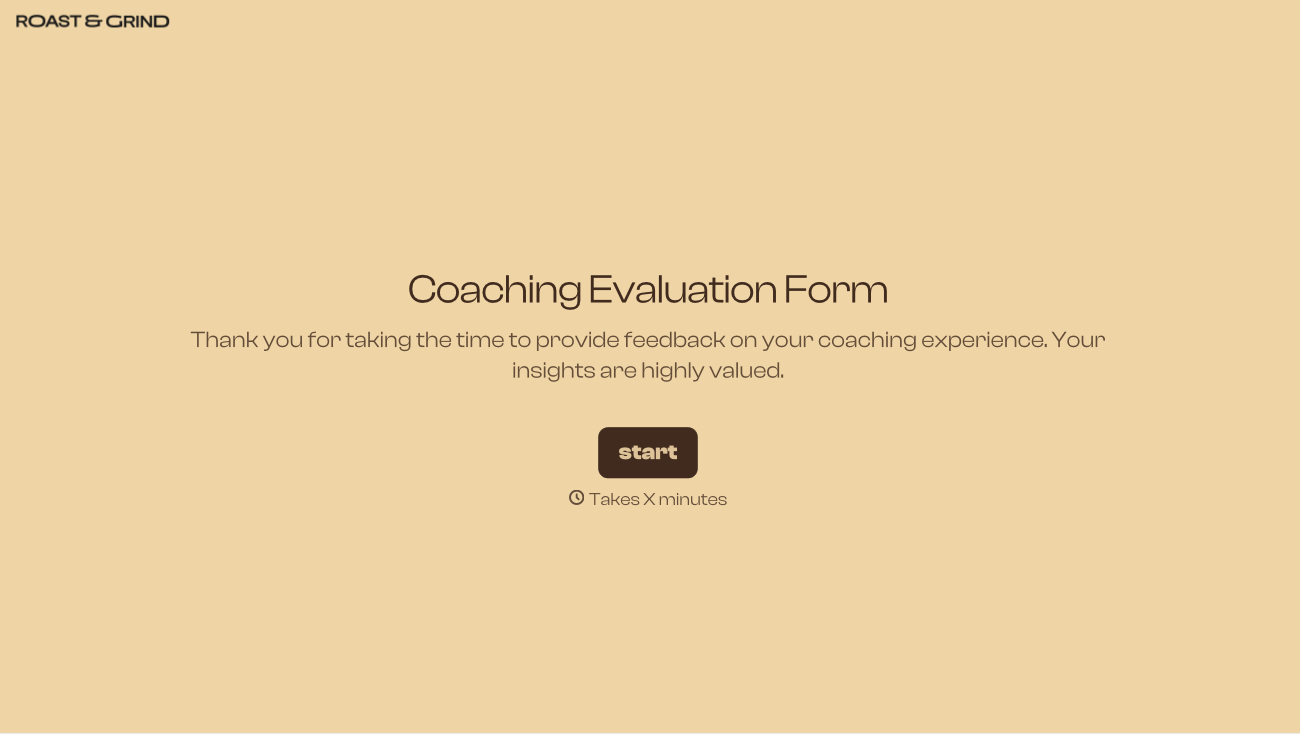
.png)
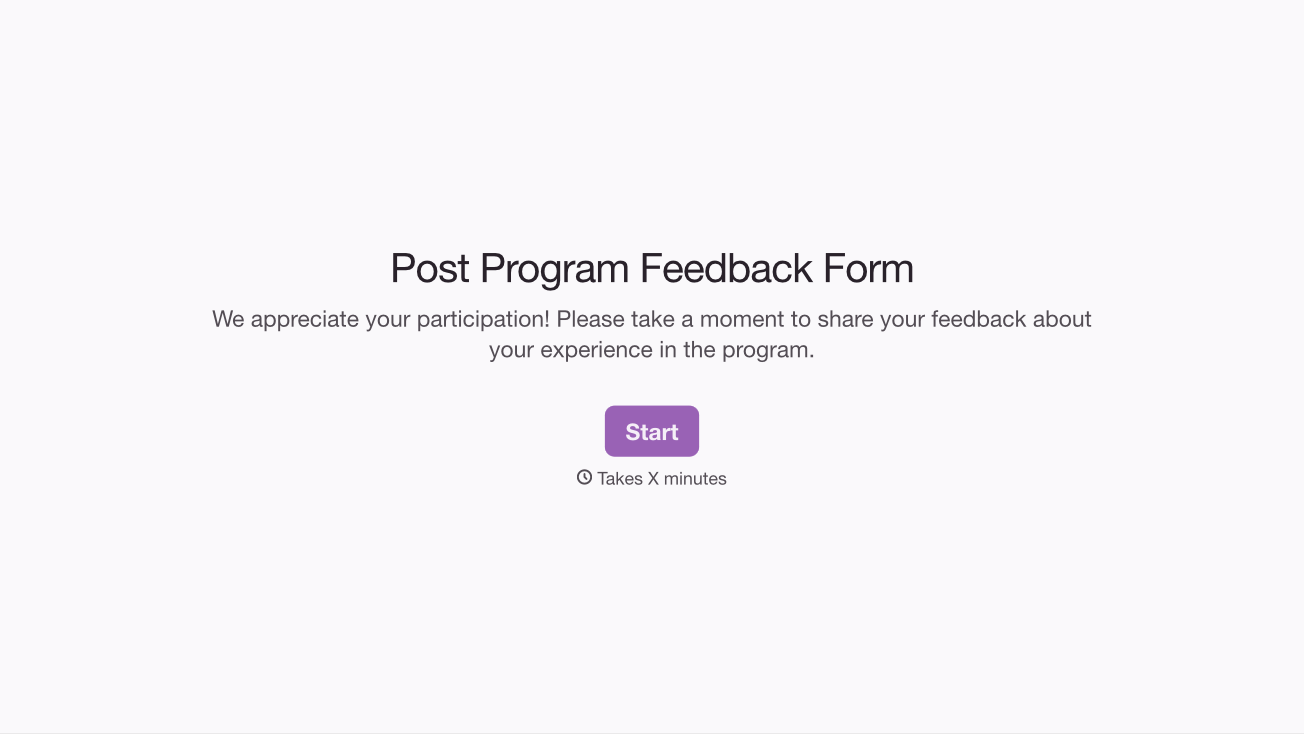
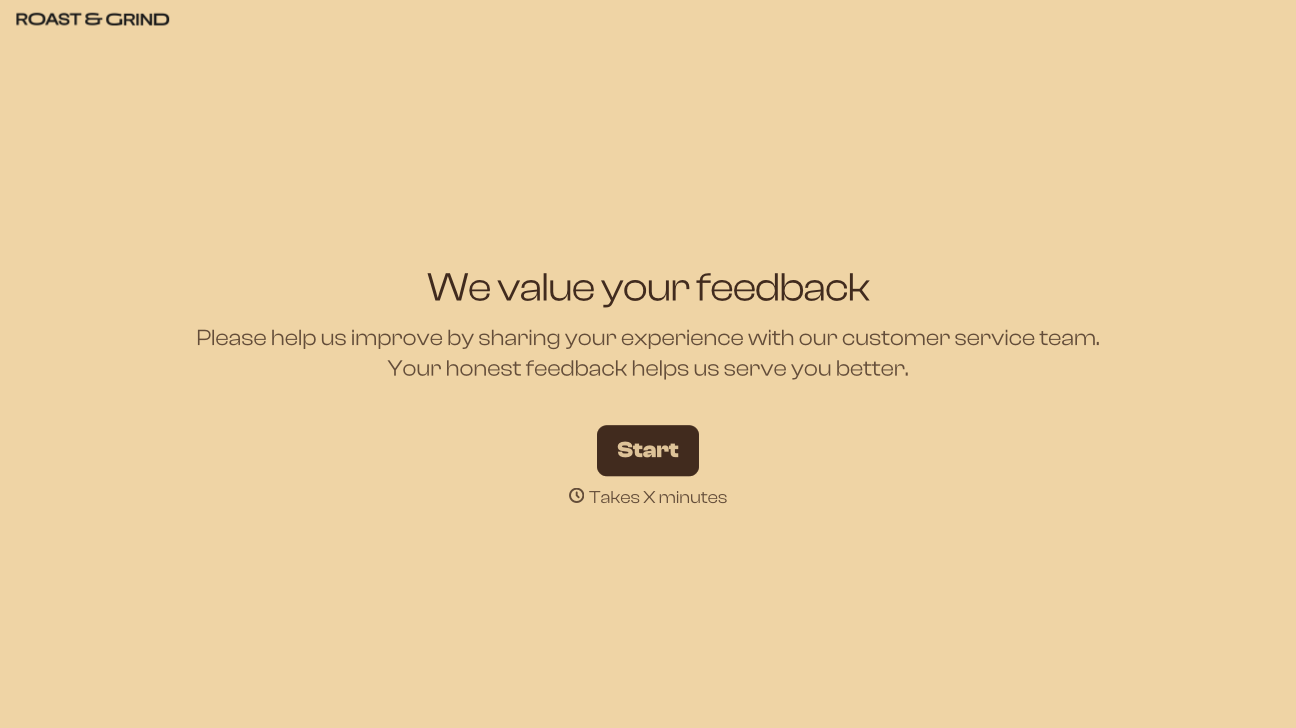
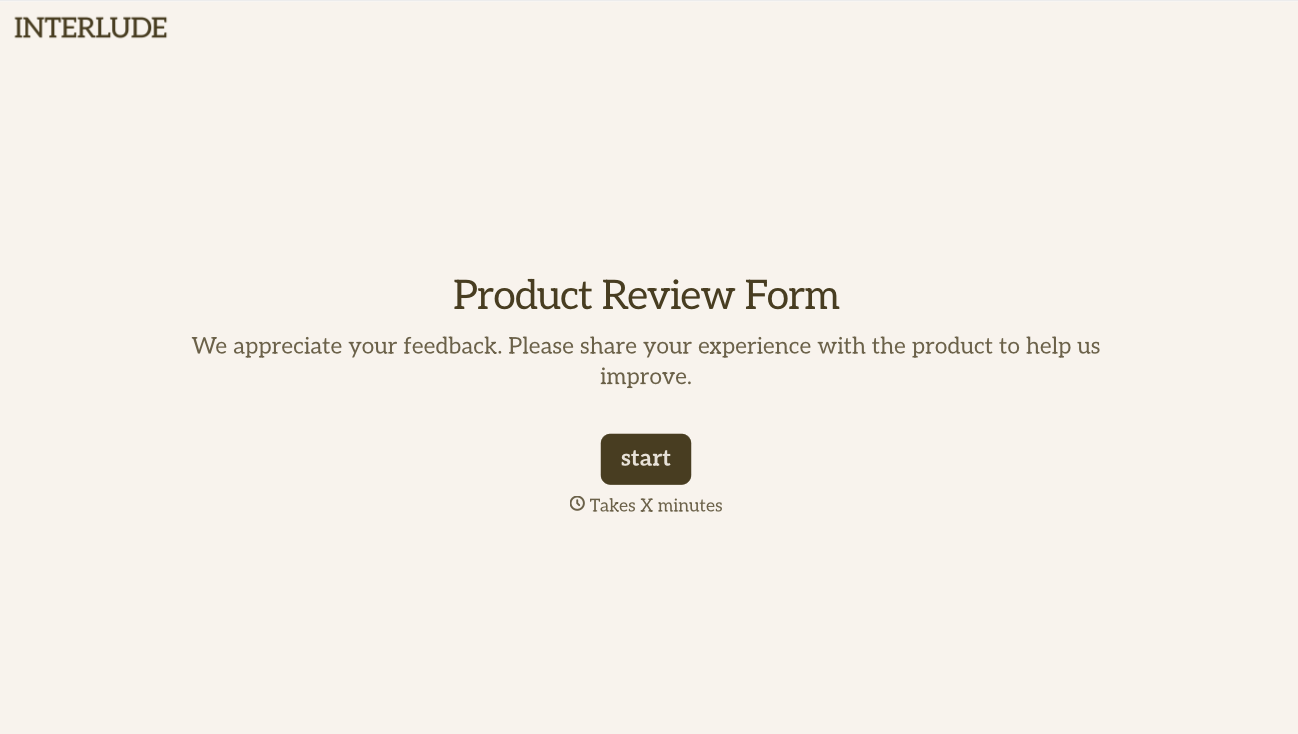
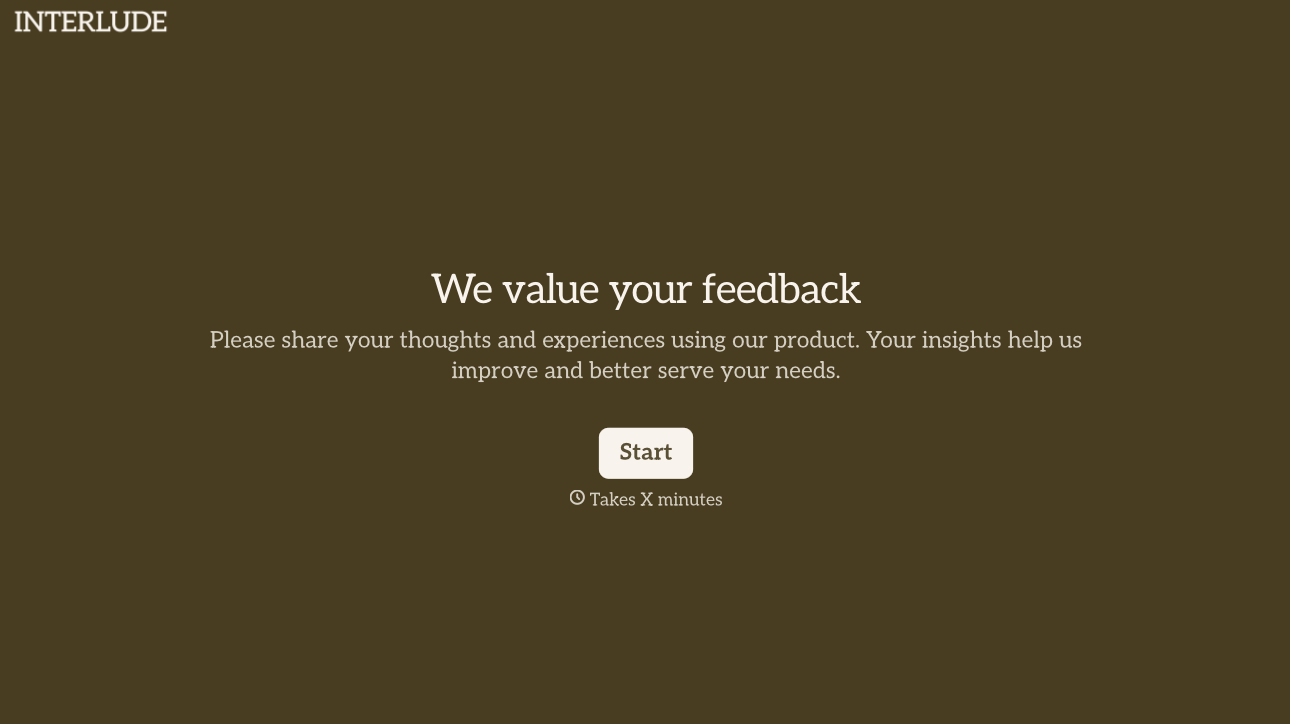
With Typeform, you can customize everything
Change text, colors, and even logos to match the look and feel of your brand. Then embed forms smoothly onto web and email.
Make forms feel effortless to fill out. Pace questions, call people by their name, and adapt the flow based on the data they share.
Stay efficient by connecting forms to your workflow. Typeform integrates with 300+ tools including Slack, Zapier, and HubSpot.


