Online Wedding Invitation Template
Send invitations that feel personal and collect RSVPs that are actually organized, all in one beautiful link.



Wedding planning is equal parts excitement and spreadsheet management. The invitation phase adds its own layer of complexity — you need to share event details, collect attendance confirmations, meal preferences, and plus-one information from dozens (or hundreds) of guests. Mailed RSVP cards get lost, texts get buried, and suddenly you're 2 weeks from the wedding with an uncertain headcount.
This online wedding invitation template combines the warmth of a personal invitation with the practicality of a structured RSVP form. Guests move through a beautifully designed flow — event details, a heartfelt message from the couple, then a smooth RSVP experience. Conditional logic shows plus-one questions only when relevant and displays meal choices only for those attending. All responses land in Google Sheets, giving you a real-time guest list you can filter and sort.
Personalize every screen with your photos, colors, story, and event details. The template is fully customizable — adjust questions, reorder sections, and make it feel unmistakably yours. Share via link, embed on your wedding website, or include in your digital save-the-date.
An online wedding invitation is a digital alternative (or complement) to traditional printed invitations. It shares event details — date, time, venue, dress code, and collects RSVP responses in one interactive experience. Modern online invitations often include personal touches like photos, stories, and custom design elements.
Beyond the environmental and cost benefits, online invitations give you real-time RSVP tracking, eliminate the uncertainty of mailed response cards, and let you communicate updates or changes instantly. They're also accessible from any device, shareable via any channel, and can collect detailed guest preferences that paper cards can't.
Cover what you need for planning while keeping it joyful:
- Guest name(s)
- Attending or not attending
- Number of guests in their party
- Meal preference for each guest
- Dietary restrictions or allergies
- Song request for the reception playlist
Design is everything. Add your engagement photos, use your wedding colors, write the welcome screen in your own voice, and include personal touches. Your love story, a fun fact about the couple, or a message to your guests. The one-question-at-a-time format already feels intimate; your content makes it yours.
Yes. You can create separate forms for each event, or use conditional logic within a single form to show different details based on the guest's invitation tier. For example, guests invited to both events see the full itinerary, while reception-only guests see only the relevant details.
Get inspired by relevant templates and categories
3200+ Templates, 300+ Integrations
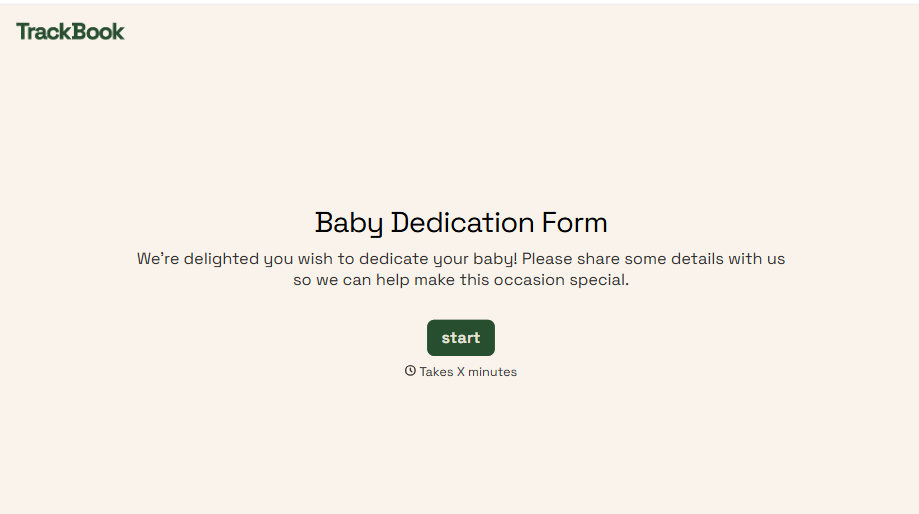
Baby Dedication Form
A sign-up sheet passed around during announcements isn't the kind of detail you want to compile into a Sunday program from memory. Collect the baby's information, requested ceremony date, and any required class attendance before the service, so your team isn't confirming a name's spelling the morning of.
View template
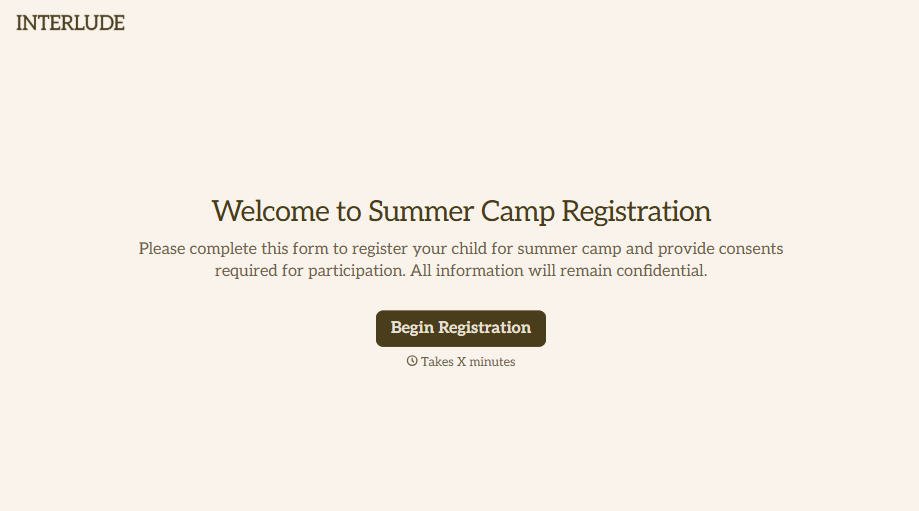
Summer Camp Consent Form
A camper with a bee sting and a counselor on the phone trying to reach a parent isn't a consent process, it's a delay. Collect guardian consent for emergency medical treatment, medication administration, and photo or media use before drop-off, so your staff can act instead of waiting for a callback.
View template
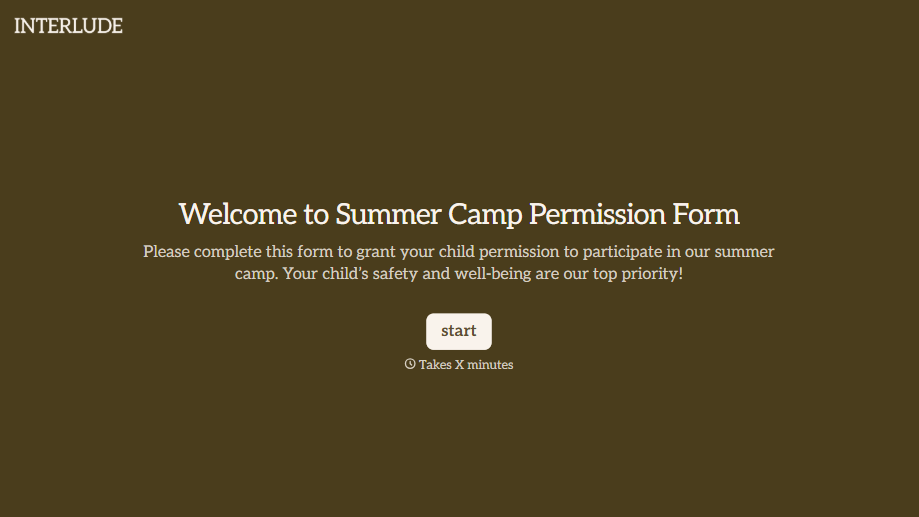
Summer Camp Permission Form
A permission packet crumpled at the bottom of a backpack for two weeks isn't a permission slip anyone can rely on. Collect camper information, medical disclosures, and a signed permission for camp activities before drop-off, so your staff aren't scrambling for an emergency contact on day one.
View template
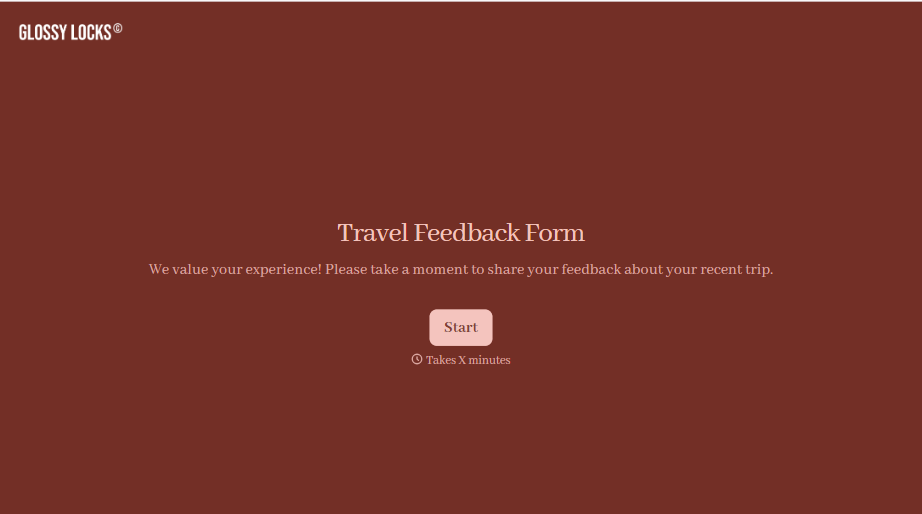
Travel Feedback Form
A quick "so, how was the trip?" when someone's back in the office doesn't tell your travel team which hotel to stop booking or which flight change actually caused the headache. Collect what your team actually needs, trip details, what worked, and what didn't, once the traveler's had a minute to think about it.
View template


Nationality Verification Form
A self-certification buried in a stack of new account paperwork isn't the kind of record a compliance team can rely on for a regulatory filing. Collect nationality, tax residency, and a signed declaration before an account opens, so compliance isn't chasing down a customer's citizenship status after the fact.
View template
With Typeform, you can customize everything
Change text, colors, and even logos to match the look and feel of your brand. Then embed forms smoothly onto web and email.
Make forms feel effortless to fill out. Pace questions, call people by their name, and adapt the flow based on the data they share.
Stay efficient by connecting forms to your workflow. Typeform integrates with 300+ tools including Slack, Zapier, and HubSpot.


