Listening Quiz Form
Playing an audio clip once for a room of twenty people tests who happened to catch it the first time, not who actually understands the language. Let each person hear the clip on their own terms and answer at their own pace, then score it the moment they submit.



Listening comprehension usually gets tested the same way it has for decades: play a clip for the whole class or group, everyone answers on paper at the same pace, and a teacher tallies scores by hand afterward. Someone who missed a word because the speaker next to them coughed has no way to catch it, and there's no record of which questions actually gave people trouble.
Typeform's listening quiz form embeds the audio clip directly into each question, scores answers automatically as people submit, and uses conditional logic to branch from there. A correct answer can move someone straight to the next level of difficulty, while a wrong one can route to a shorter clip or a hint, instead of every test taker working through the same fixed sequence regardless of how they're doing.
Every result lands in one record instead of a stack of hand-graded papers. Connect the form to your gradebook or LMS through Zapier, and a completed quiz can log a score automatically or flag anyone who needs extra practice. Send it out as homework or a placement test, and you get a clear picture of who understood what, not just who was sitting closest to the speaker.
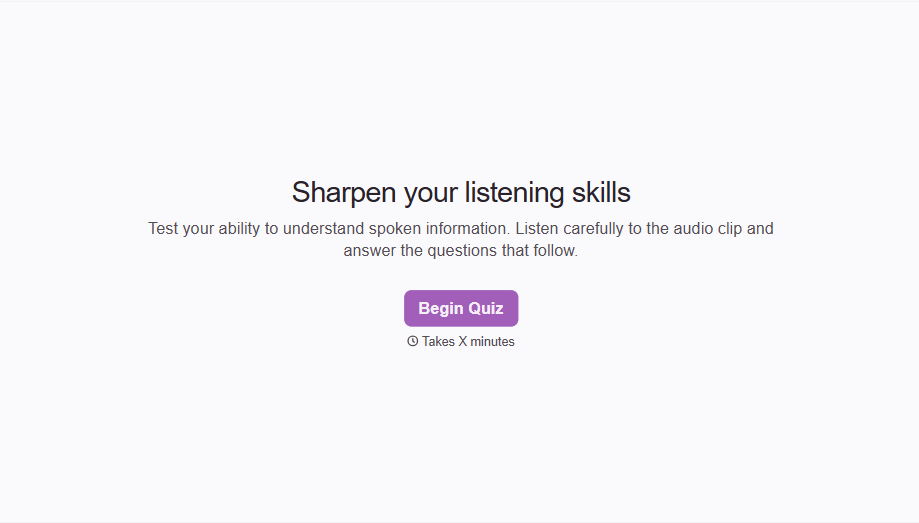
A listening quiz form is an online form that embeds an audio clip into a question, then asks the listener to answer based on what they heard. It's used for language learning, exam prep, and training programs that need to test comprehension, not just reading or writing.
Playing a clip once for everyone tests timing and attention as much as comprehension. A form lets each person control their own playback and pace, so the score reflects what they understood, not who was distracted when the recording started.
Ask for what the assessment actually needs to measure:
- An embedded audio clip per question
- Multiple choice, short answer, or fill in the blank responses
- A limit on how many times the clip can be replayed, if the format calls for it
- Automatic scoring
- Clear instructions on timing and replay rules before the quiz starts
No. A score reflects performance on that specific set of clips and questions, not the full range of real conversation. It's a useful data point for placement or progress tracking, but it shouldn't be the only thing a placement decision or grade rests on.
Yes. Set a replay limit on the audio question so it matches the format you're testing for, whether that's a single play to mirror a real exam or a few plays for practice. Pair it with conditional logic so easier sections allow more replays than advanced ones.
Get inspired by relevant templates and categories
3200+ Templates, 300+ Integrations
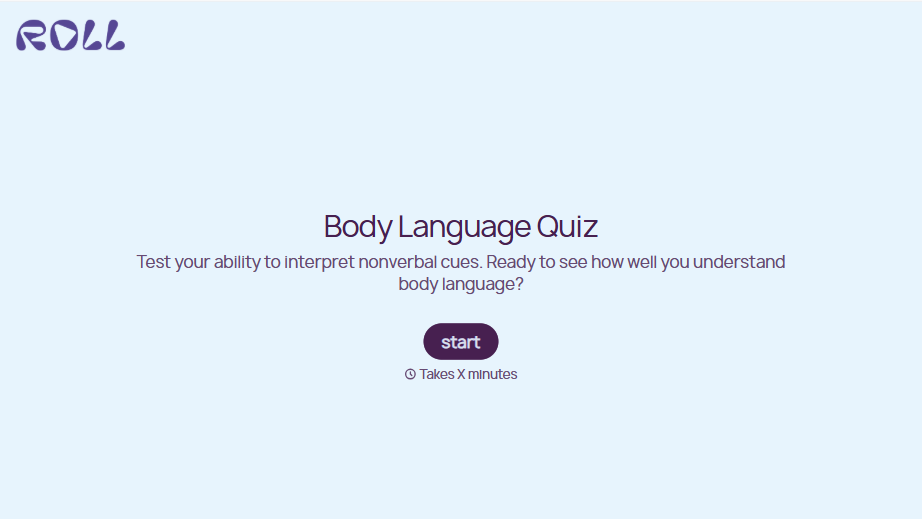
Body Language Quiz
A quiz that hands back the same score no matter which questions someone actually missed isn't teaching anyone to read a room. Ask what the quiz is actually measuring, attraction cues, deception tells, stress signals, and let each wrong answer route somewhere that explains what the cue really meant.
View template

With Typeform, you can customize everything
Change text, colors, and even logos to match the look and feel of your brand. Then embed forms smoothly onto web and email.
Make forms feel effortless to fill out. Pace questions, call people by their name, and adapt the flow based on the data they share.
Stay efficient by connecting forms to your workflow. Typeform integrates with 300+ tools including Slack, Zapier, and HubSpot.


