Tenant Screening Form
Screen every applicant the same way, every time, with a record to prove it. One form covers income, rental history, references, and consent to run checks.



Good intentions don't offset unequal treatment, and under fair housing rules, what matters is whether you applied the same standard to everyone. If your criteria shift from person to person, you have no way to show the outcome wasn't shaped by who the applicant was. Typeform's tenant screening form asks every tenant applicant the same questions in the same order, so your tenant placement decisions rest on a standard criteria you can point to.
Applicants provide their rental history, income and employment, references, and consent to run the checks you rely on. An employed applicant answers about their employer and pay, while a self-employed applicant provides the documentation that stands in for a pay stub. The screening questions themselves stay identical, so the paths differ only in how income gets verified.
Every application is measured against the same criteria, arriving in your inbox with a timestamp on it. Tenant applicants are judged on the criteria you committed to upfront, and if a decision is ever questioned, the record shows that you applied the standard criteria to measure all tenants fairly.
A tenant screening form is an online form rental applicants complete so a landlord can assess them against consistent criteria. It collects rental history, income and employment, references, and consent to run credit and background checks. Landlords and property managers use tenant screening forms to apply one standard criteria to every applicant and document that they followed fair housing rules.
Without one, each applicant gets screened through whatever channel they found your listing in—a showing, an email, or a phone call—and each submission collects different information. One applicant mentions their income unprompted; another never provides those details. That leaves you comparing applicants on unequal information, with no record to prove your placement decisions if a rejected applicant ever asks why. A tenant screening form asks every applicant the same questions, so you collect the same information from everyone.
Capture what your criteria rely on:
- Rental history and current address
- Income and employment
- Landlord and personal references
- Consent to run credit and background checks
- Number of occupants and pets
It helps, but it doesn't replace knowing the rules where you operate. A consistent form is the strongest evidence that you applied one standard, which is the heart of most fair housing questions. What it can't do is tell you which questions are lawful in your city and state, and those vary: some jurisdictions restrict criminal history questions, some prohibit turning an applicant down over their source of income. Review your tenant screening questions thoroughly before you send out the tenant screening form.
Yes. Include the authorization as a required question, so no application comes through without the applicant agreeing to the checks you intend to run. Their consent records alongside the rest of their tenant screening answers, with a date on it. Screening companies and the rules covering consumer reports have their own requirements for what that authorization must say, so check what yours needs before you word it.
Get inspired by relevant templates and categories
3200+ Templates, 300+ Integrations
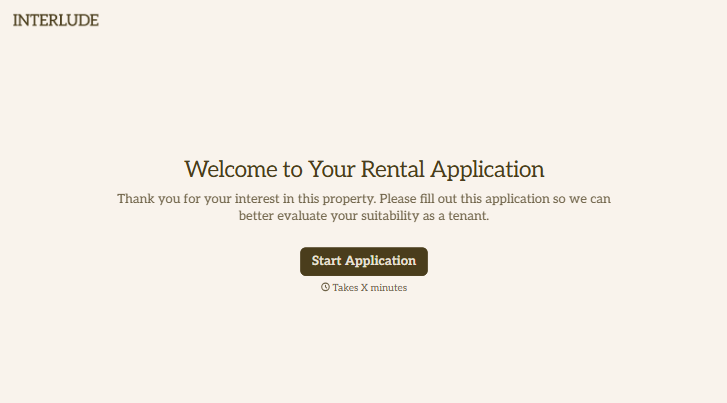
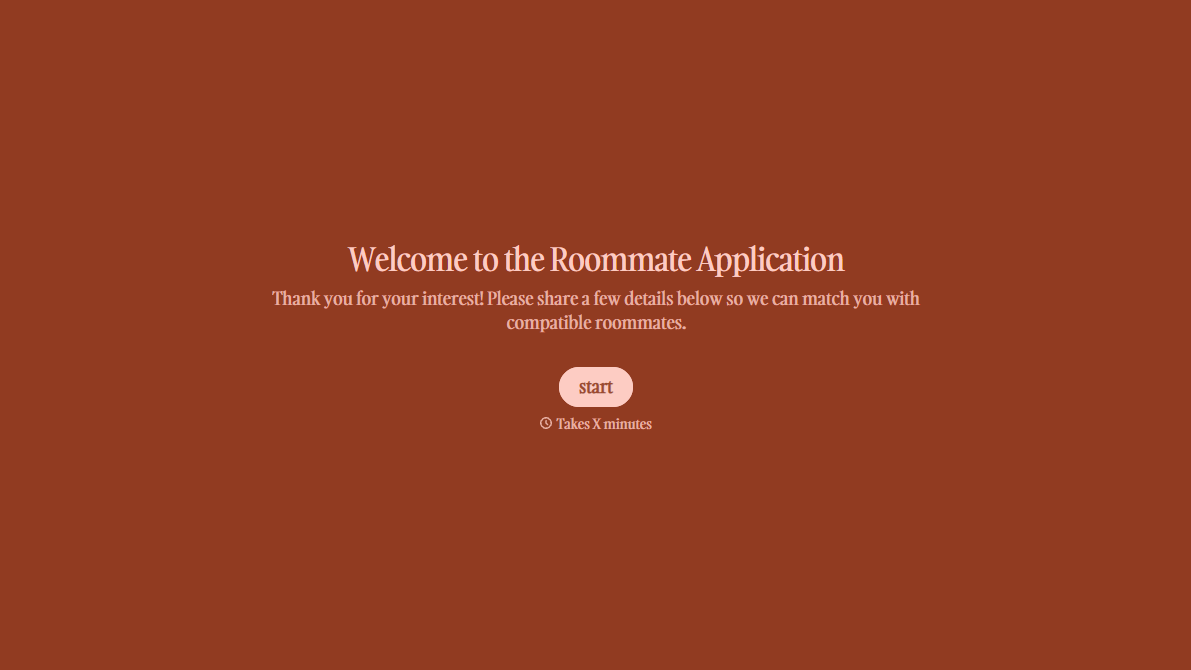
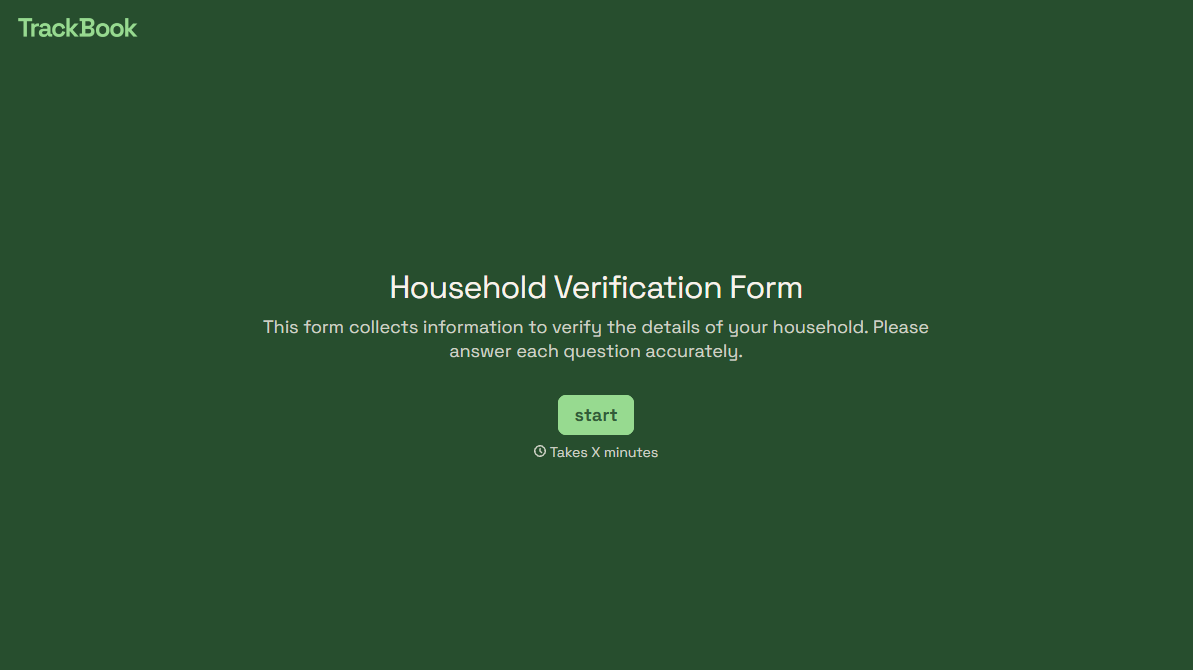
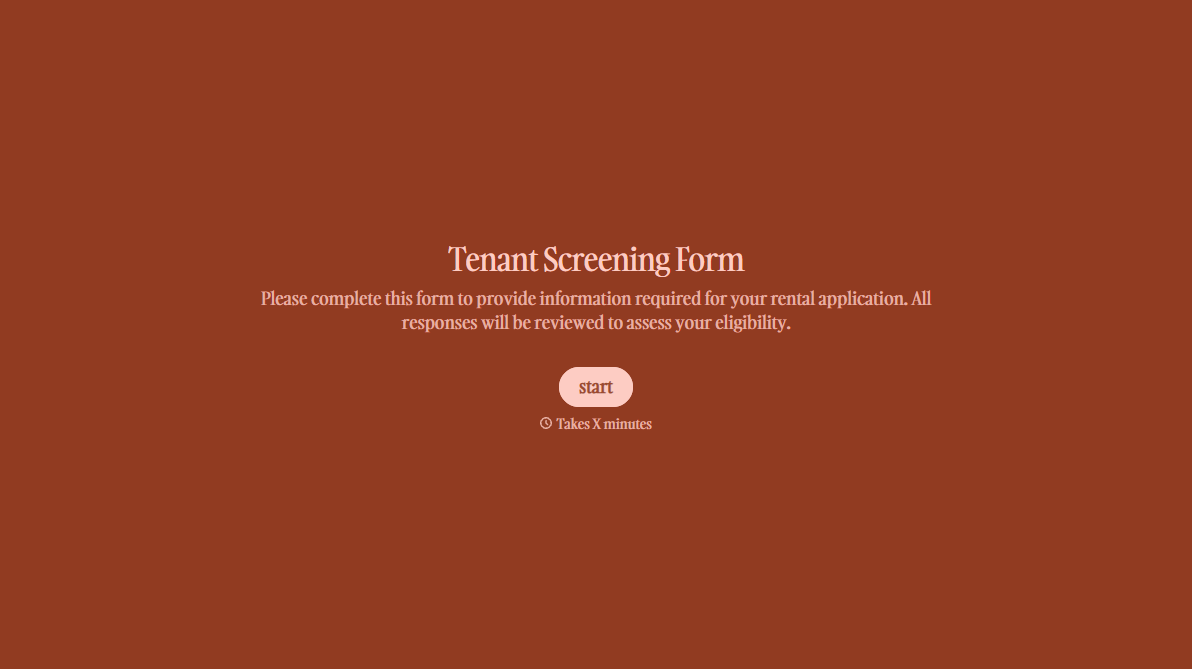
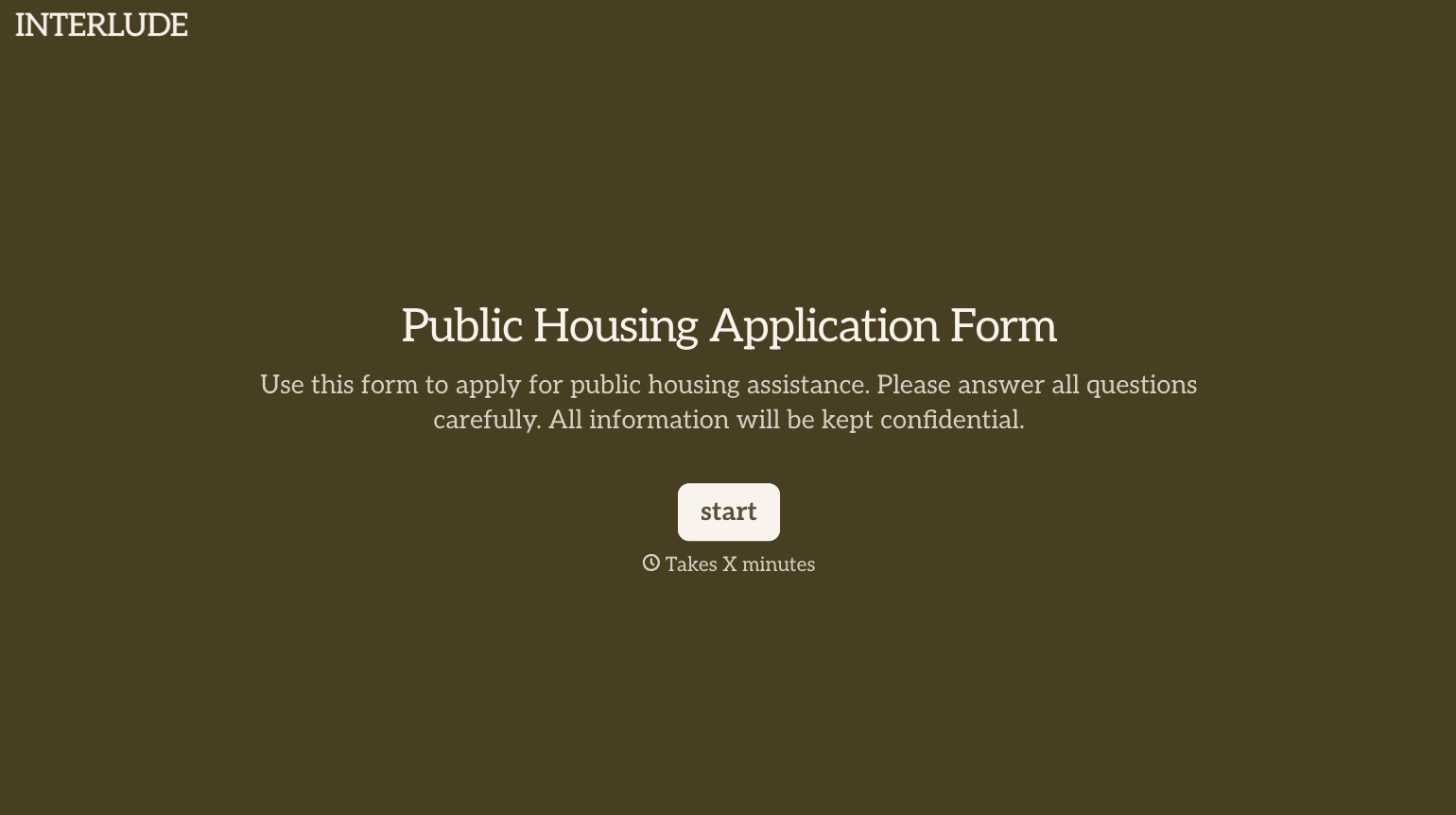
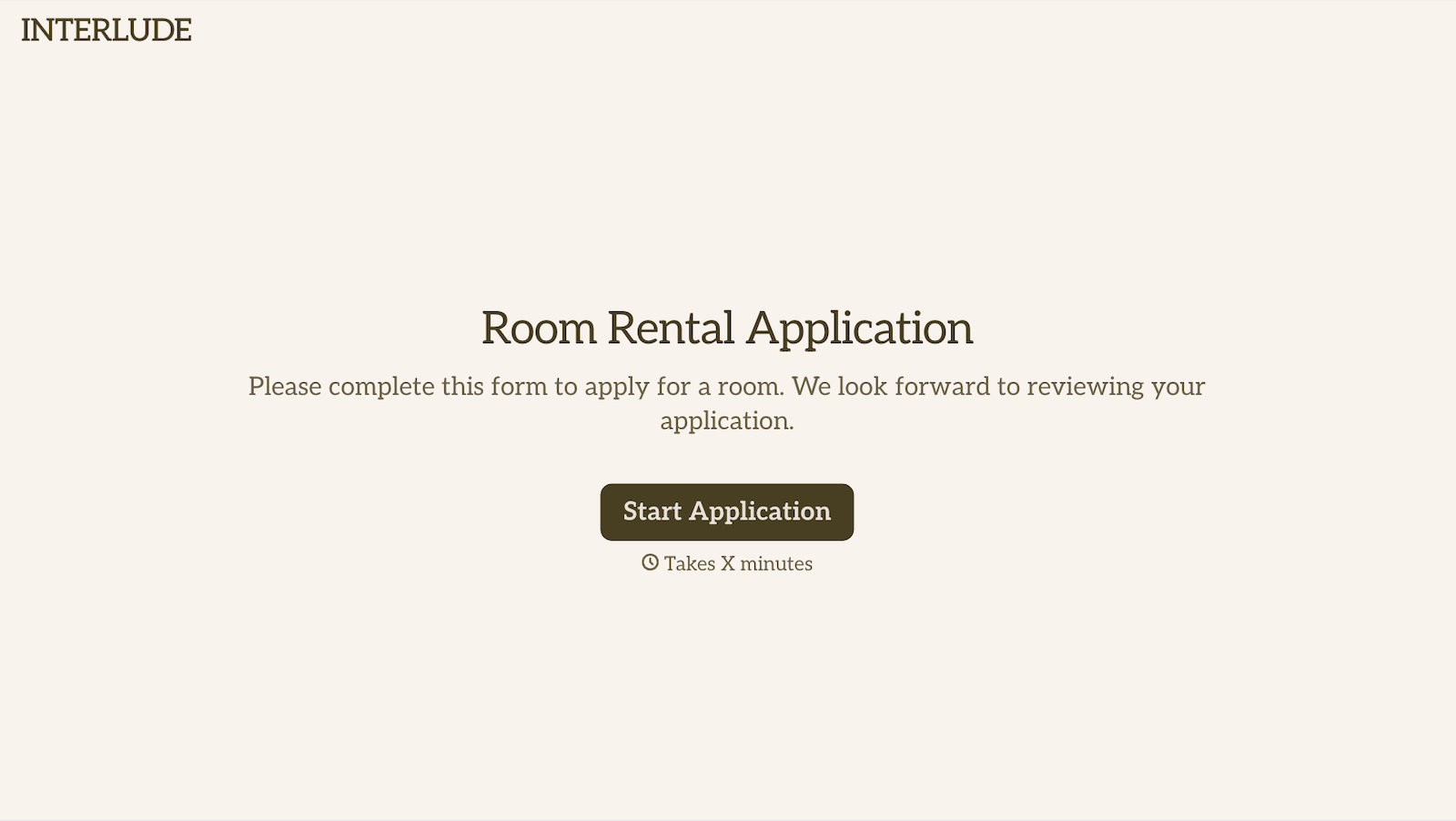
With Typeform, you can customize everything
Change text, colors, and even logos to match the look and feel of your brand. Then embed forms smoothly onto web and email.
Make forms feel effortless to fill out. Pace questions, call people by their name, and adapt the flow based on the data they share.
Stay efficient by connecting forms to your workflow. Typeform integrates with 300+ tools including Slack, Zapier, and HubSpot.


