Travel Authorization Form Template
Make sure every business trip is approved, documented, and budgeted before travel begins. This template gives employees a clear process and gives management the visibility they need.



Unauthorized travel expenses are a persistent problem in organizations without a structured approval process. When employees book trips without documented pre-approval, finance ends up reconciling costs after the fact with limited context. Approvers are surprised by receipts they didn't see coming.
This travel authorization form template captures the purpose, destination, dates, and estimated costs of a trip before any bookings are made. Conditional logic surfaces additional fields based on trip type — international travel prompts for visa requirements and insurance details, while domestic travel keeps the form shorter. Submitted requests are routed to the appropriate approver, and all records are stored centrally for audit and budget tracking.
Configure the cost categories to match your travel policy, set approval routing by department or spend threshold, and give your team a process that works before, not after, the trip.
A travel authorization form is a pre-trip approval document used to request and receive sign-off for business travel. It captures the purpose of the trip, destination, travel dates, and estimated expenses — giving management the information needed to approve or decline the request before costs are committed.
It closes the gap between when travel is planned and when expenses are reviewed. Pre-authorization ensures there are no surprises at expense claim time, keeps travel spending within policy, and gives finance a forward-looking view of committed costs rather than a retroactive one.
Cover the details needed for approval and budget planning:
- Employee name, department, and manager
- Purpose of travel and destination
- Proposed travel dates (departure and return)
- Estimated costs by category (flights, accommodation, meals, transport)
- Project or cost center to be charged
- Any visa, insurance, or health requirements (for international travel)
You can configure automatic notifications to the relevant approver when a request is submitted. With integrations, approved requests can trigger a confirmation email to the employee and update a travel register or budget tracker. Declined requests can prompt a follow-up conversation about alternatives.
Yes. You can add repeatable fields or sequential sections for each leg of a complex trip. Alternatively, a "notes" field lets travelers describe itinerary details not captured by the standard fields — keeping the form clean for simple trips while still accommodating more complex itineraries.
Get inspired by relevant templates and categories
3200+ Templates, 300+ Integrations

Bank Reference Form
A reference request faxed to a bank branch and left sitting in a queue for weeks isn't the kind of turnaround a landlord or business can wait on. Collect the applicant's signed authorization and the specific details you need confirmed before the request even reaches the bank, so a decision isn't stuck behind a letter that hasn't come back yet.
View template

Bar Inventory Form
A bottle count eyeballed at the end of a shift and scrawled on a paper sheet doesn't hold up against a pour cost report that says something doesn't add up. Collect what your bar actually needs, item, count, and variance, on a schedule you can actually compare week to week.
View template

Equipment Inventory Form
Equipment that leaves a storage room in someone's arms, with no note about where it went, doesn't show up again until someone needs it and can't find it. Collect what your team actually needs, item details, condition, and who's got it, every time something moves.
View template
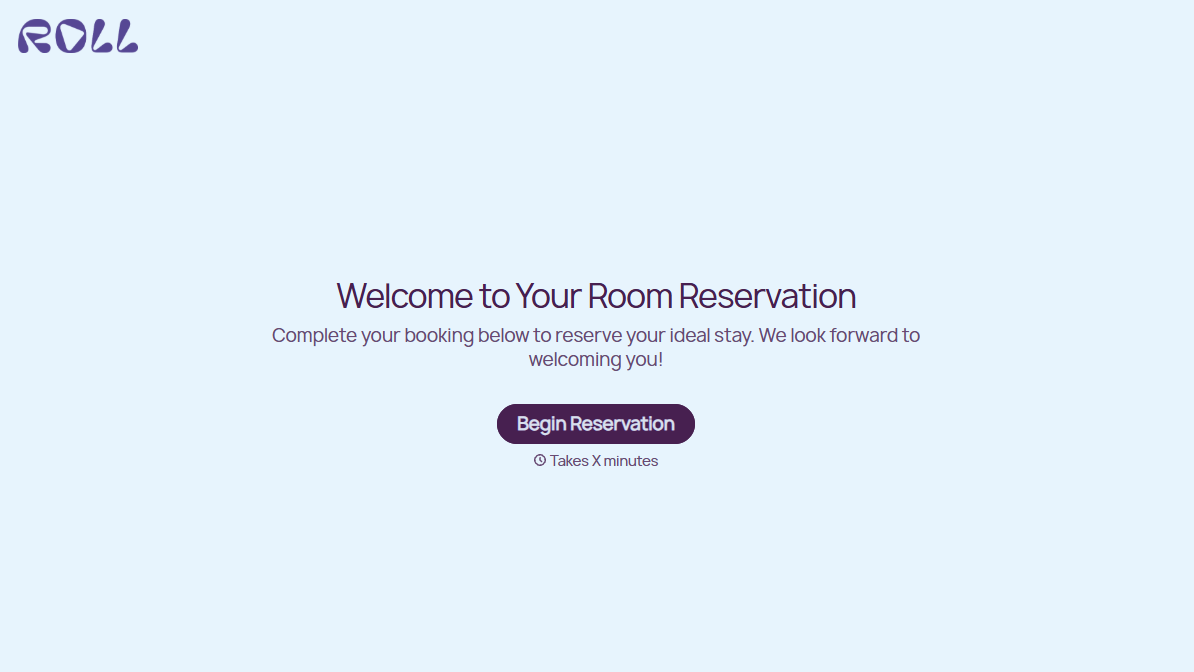
Hotel Room Booking Form
A room booked over the phone with "we'll figure out the room type when you get here" doesn't leave the front desk anything to actually plan around. Collect what your hotel actually needs, guest information, dates, and room preferences, before the reservation gets confirmed.
View template

Maintenance Agreement Form
A maintenance plan agreed to over the phone isn't a contract your service team can actually work from, especially when nobody's sure whether the twice-a-year tune-up was part of the deal. Collect the equipment covered, service frequency, and a signed agreement before the first visit, so your team isn't guessing at scope once they're on-site.
View template

Incentive Claim Form
A rebate claim mailed in with a stapled stack of receipts isn't the kind of paperwork that gets processed quickly, especially when a required serial number turns out to be missing from page three. Collect proof of purchase, product details, and participant information upfront, so a claim doesn't bounce back for a missing document weeks later.
View template
With Typeform, you can customize everything
Change text, colors, and even logos to match the look and feel of your brand. Then embed forms smoothly onto web and email.
Make forms feel effortless to fill out. Pace questions, call people by their name, and adapt the flow based on the data they share.
Stay efficient by connecting forms to your workflow. Typeform integrates with 300+ tools including Slack, Zapier, and HubSpot.


