Travel Expenses Form Template
Make expense reporting straightforward so your team submits claims accurately and gets reimbursed on time.



Travel expense reimbursement is one of those processes that feels simple but creates a lot of friction in practice. Receipts get lost, amounts are miscalculated, expense reports come in with missing information, and finance teams spend hours chasing employees for corrections before they can process anything.
A structured expense form collects every required detail in the right format upfront. Employees fill it out as they go or at the end of a trip, attaching receipts and categorizing expenses directly in the form. No more incomplete submissions or formats that don't match what your accounting system needs.
Connect the form to a spreadsheet or accounting tool to keep records organized from the start. Set up email notifications so finance is alerted as soon as a submission comes in.
A travel expenses form is a submission tool that employees use to report costs incurred during business travel and request reimbursement. It captures expense categories, amounts, dates, and receipt documentation.
A standardized form reduces errors, ensures complete submissions, and speeds up the reimbursement process. It also gives your finance team consistent data that's easier to audit and reconcile.
A complete travel expenses form should include:
- Employee name, department, and manager
- Travel dates and destination
- Purpose of the trip
- Expense categories (transport, accommodation, meals, other)
- Amount and currency for each expense
- Receipt upload for each line item
Include a currency field alongside the amount field for each expense entry. You can specify in your form instructions whether employees should convert to the company's base currency or submit in the original currency for your finance team to convert.
You can build an approval step into the workflow by routing submissions to a manager's email first, then to finance upon approval. Connecting to a workflow tool gives you more control over multi-step approval chains.
Get inspired by relevant templates and categories
3200+ Templates, 300+ Integrations
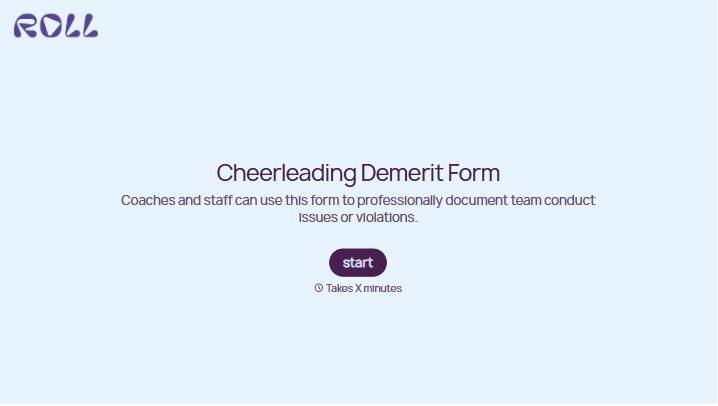
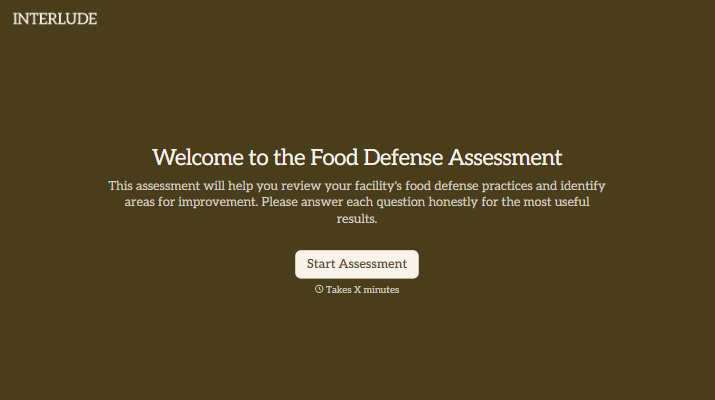
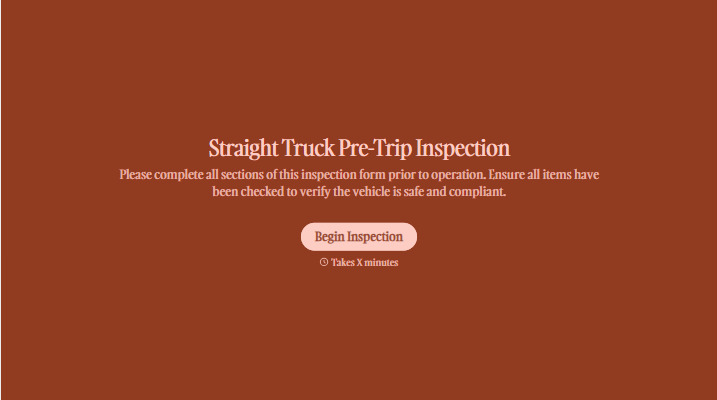
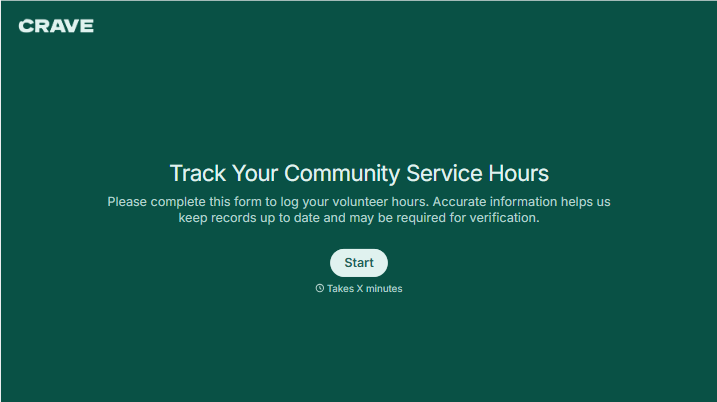
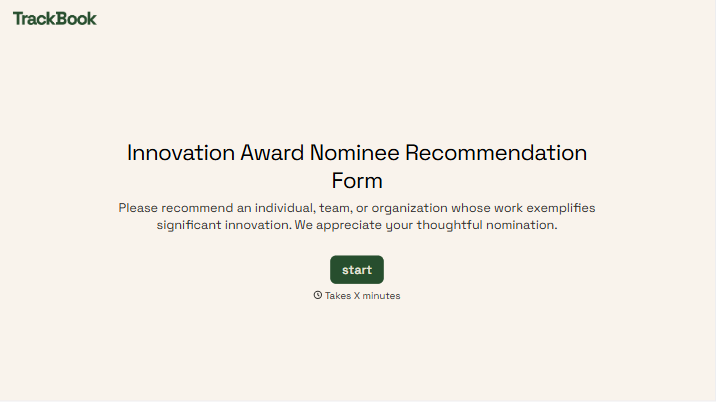
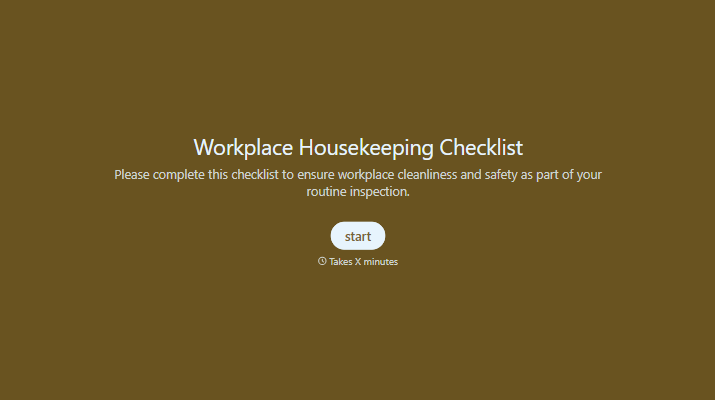
With Typeform, you can customize everything
Change text, colors, and even logos to match the look and feel of your brand. Then embed forms smoothly onto web and email.
Make forms feel effortless to fill out. Pace questions, call people by their name, and adapt the flow based on the data they share.
Stay efficient by connecting forms to your workflow. Typeform integrates with 300+ tools including Slack, Zapier, and HubSpot.


