Urgent Care Work Release Form
Tell the employer exactly what a patient can lift, carry, and how long to stand for—not only that they're cleared. Collect the restrictions, how long they last, and the follow-up date in one release.



An employer reading "may return to work" still doesn't know whether the person can do their job. What they need is capacity: how much someone can lift, whether they can climb, stand, or drive, and until when. A note that says light duty leaves a supervisor deciding what that means for a forklift operator, a call that nobody wants them making. Typeform's urgent care work release form records the restriction in a way that an employer can match against an actual job.
The clinician records the visit date, return date, and whether the patient returns without any restrictions. A full clearance moves straight to the return date, while a restricted return brings up the specific limits, what activities they apply to, and when they should be reviewed. Nothing goes out saying light duty without clarifying what light duty actually means.
The employer gets a release they can act on without having to call to ask what it means, and the patient doesn’t have to interpret their own restrictions to a supervisor. Every release carries a review date, so a temporary restriction doesn't quietly become permanent.
It’s an online form a clinician completes to state whether a patient can return to work and under what conditions. It records the visit and return dates, any restrictions on lifting, standing, driving, or other activity, how long they apply, and when to review them. Urgent care clinics use urgent care work release forms to give employers a restriction they can act on rather than a note they have to interpret.
Without one, they’re sent back to work with a sentence on a prescription pad. An employer reads it and can't tell whether their employee can do the job. They’re forced to have to call the clinic and find that nobody can discuss the patient with them anyway. A work release form asks for capacity in specific terms, so the note answers the question before anyone has to ask it.
State what an employer can act on:
- Visit date and expected return date
- Lifting, standing, and mobility limits
- Restrictions on driving or equipment
- How long restrictions apply
- Review or follow-up date
Generally, no. An employer needs to know what someone can do, not why, and putting a diagnosis on a release discloses more than the situation calls for. Keep it to capacity and duration. Where an employer needs medical detail for a specific reason, that's a separate disclosure with the patient's authorization behind it.
Usually the patient, unless they've authorized you to send it directly. Handing the release to the patient keeps the disclosure in their control, where it belongs. It also avoids sending health information to an employer without written permission. If a patient does want it sent for them, capture that authorization on the form itself.
Get inspired by relevant templates and categories
3200+ Templates, 300+ Integrations
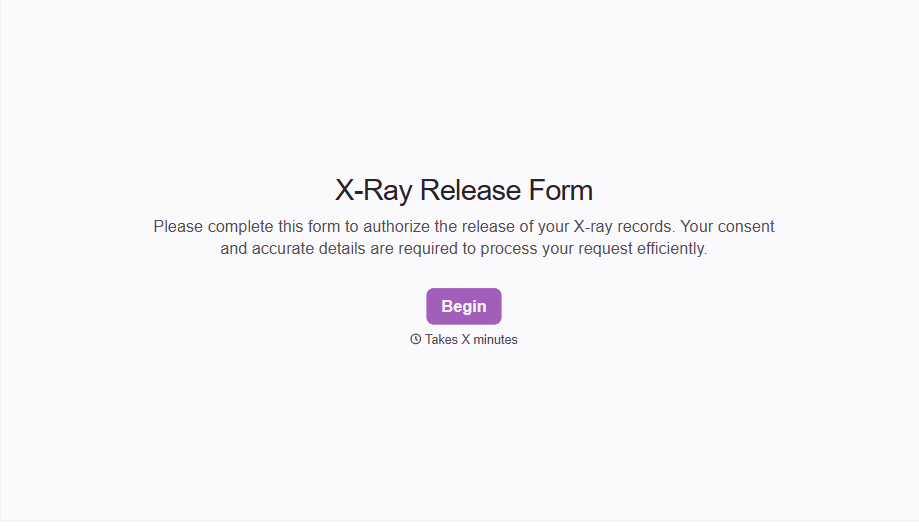
X-Ray Release Form
A phone call asking to send X-rays to a new provider isn't an authorization your compliance file can rely on. Collect patient information, the receiving provider's details, and a signed authorization before the images go out, so your front desk isn't scrambling to prove who approved a release.
View template
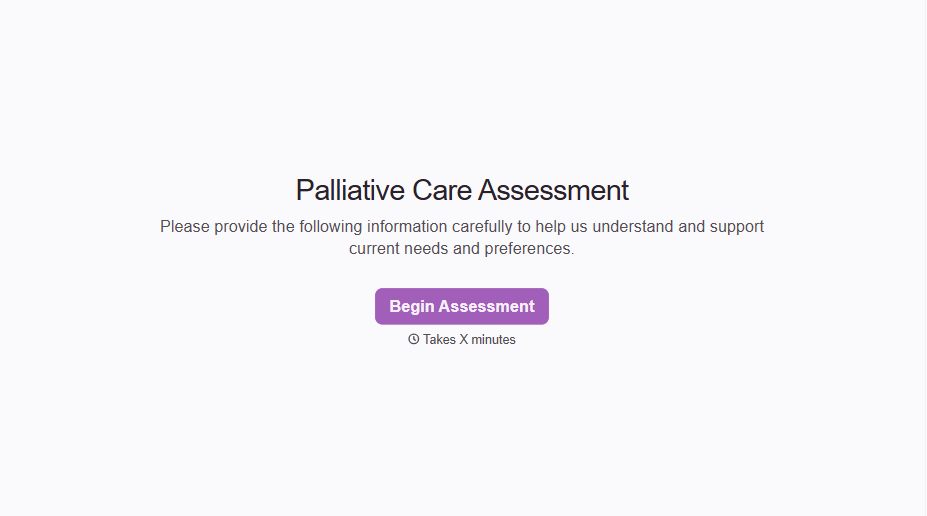
Palliative Care Assessment Form
A symptom check done verbally during a rushed home visit isn't the kind of record that shows whether pain management is actually working from one visit to the next. Collect symptom severity, functional status, and psychosocial needs consistently, so a care team can see change over time instead of relying on memory of the last visit.
View template
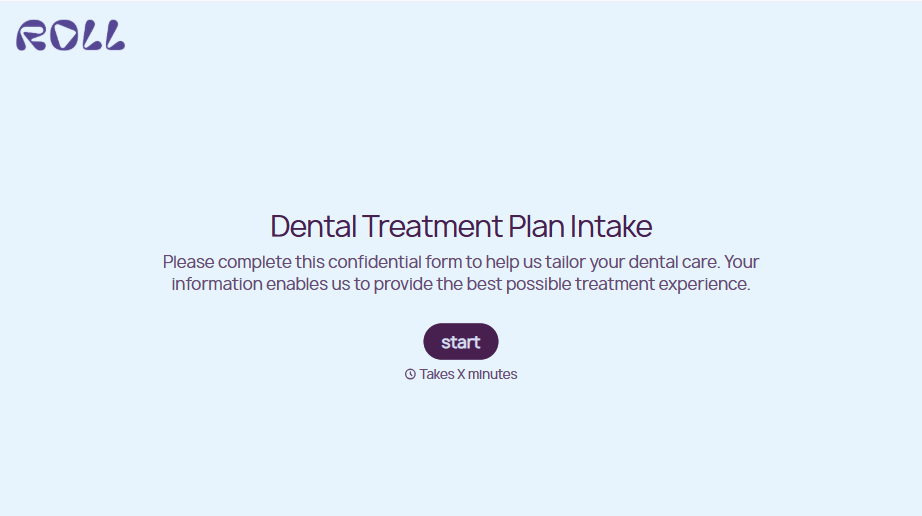
Dental Treatment Plan Form
A treatment plan explained chairside, in the few minutes right after an exam, doesn't hold up when a patient's trying to remember it at the front desk. Collect what your practice actually needs, the recommended procedures, cost estimate, and signed consent, before treatment gets scheduled.
View template
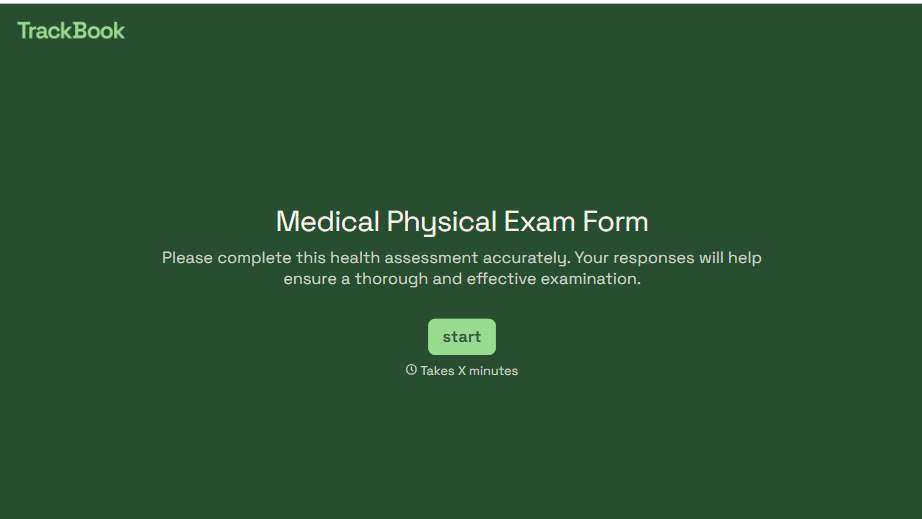
Medical Physical Exam Form
A health history filled out on a clipboard in the waiting room, minutes before being called back, isn't a history anyone fills in completely. Collect what your provider actually needs, patient information, health history, and current symptoms, before the exam starts.
View template
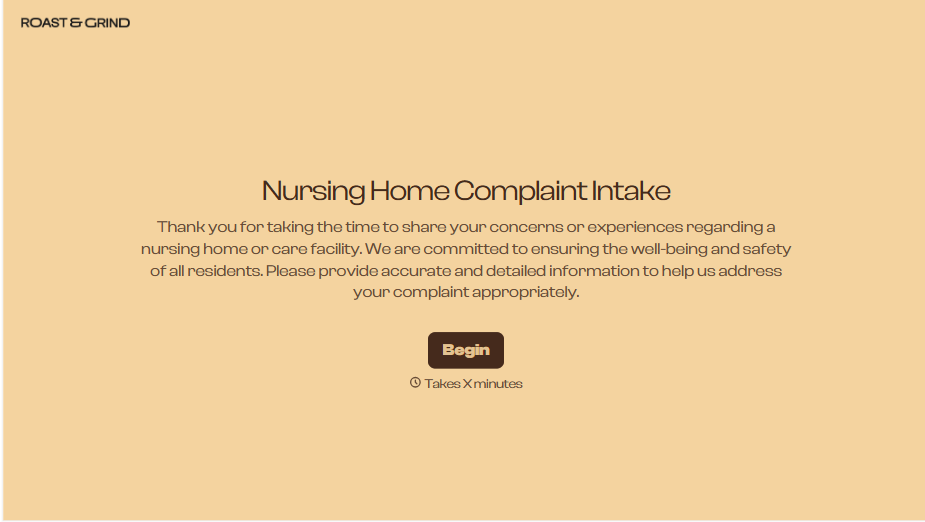
Nursing Home Complaint Form
A family member who calls the front desk about a missed medication or an unanswered call light often gets a verbal apology and nothing written down, no record that it happened, no way to tell if it's the third time this month or the first. And if what's actually being reported is abuse or neglect, a facility's own intake form isn't where that report should end, or even start.
View template
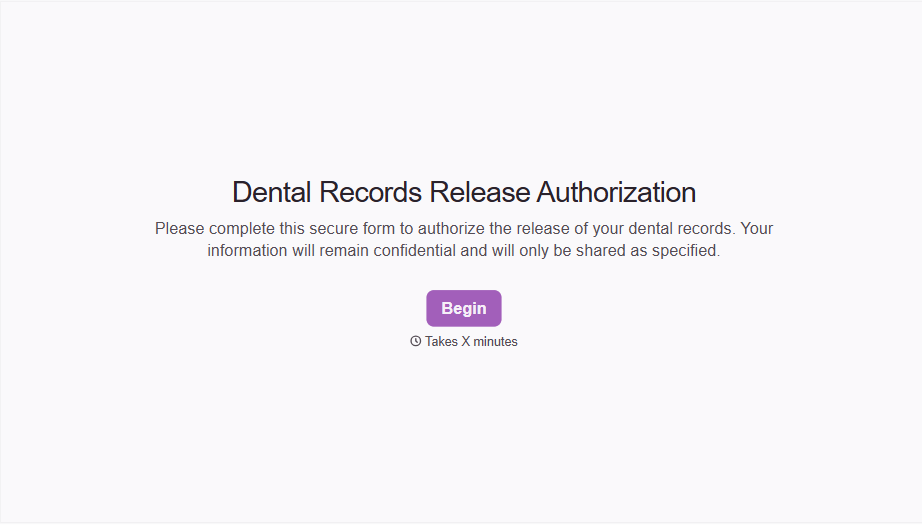
Dental Record Release Form
A release that just says "I authorize my records to be sent" doesn't say which records, sent to whom, or for how long that authorization is good, and HIPAA has a specific list of what actually has to be in there for the release to count as valid. Spell out what's being released, to whom, and until when, before the request goes out.
View template
With Typeform, you can customize everything
Change text, colors, and even logos to match the look and feel of your brand. Then embed forms smoothly onto web and email.
Make forms feel effortless to fill out. Pace questions, call people by their name, and adapt the flow based on the data they share.
Stay efficient by connecting forms to your workflow. Typeform integrates with 300+ tools including Slack, Zapier, and HubSpot.


