Survey Questions for Mobile Phone
Phone buyers abandon a brand over one bad update or a disappointing feature. Collect input on which features people use, what frustrates them, and what drives an upgrade.



New phones launch constantly, and customers switch brands without a second thought. A single frustrating feature, a battery that fades, or a clunky update can send a longtime customer to a competitor. Typeform's mobile phone survey template gives teams a clear way to learn how people actually use their phones to ship the features customers want most.
The survey captures how people really use their phones: favorite features, daily frustrations, battery life, and upgrade triggers. Typeform asks users one question at a time, so they answer thoughtfully instead of rushing a long form. Conditional logic adapts the survey based on each user's answers. A power user weighs in on advanced features, while a casual user flags what feels overwhelming.
Customize the questions to fit your brand, your models, and whether you're planning a new feature or a new launch. Share the survey by email, embed it on your product page, or send it after a purchase. Every response flows into Google Sheets or Airtable via Zapier, so usage patterns and complaints surface fast. You design the next phone around how people actually use it, not just a boardroom hunch.
A mobile phone survey measures how people use their phones and what features they actually want from them. It captures feedback on features, performance, frustrations, and what drives the decision to upgrade. Brands that run mobile phone surveys consistently build phones people actually want and use, and hold onto customers longer.
A user who feels let down by their mobile phone upgrade switches ecosystems, and rarely comes back. Across an entire launch, those individual defections add up to real lost market share. A mobile phone survey shows what users actually value, so your next release wins users on concrete data, instead of losing them to competitors.
Cover how people actually use their phones:
- Which features they use every day and which they ignore
- Battery life, speed, and everyday performance
- The biggest frustrations with their current phone
- What would make them upgrade or switch brands
- How they weigh price against features
Design the survey for a phone screen: short, tap-friendly, and quick to finish. Share it by text link, in-app prompt, or QR code, so users respond right on their phone. A survey that feels effortless on mobile earns far more responses than a clunky desktop form.
Ask users to rank the features that matter most, so you see real customer priorities instead of a long wish list of phone features. Pair the ranking with an open-ended question about customer frustrations, since the biggest complaints often point to the next must-have feature. Building around ranked demand keeps your roadmap focused on what actually sells.
Get inspired by relevant templates and categories
3200+ Templates, 300+ Integrations
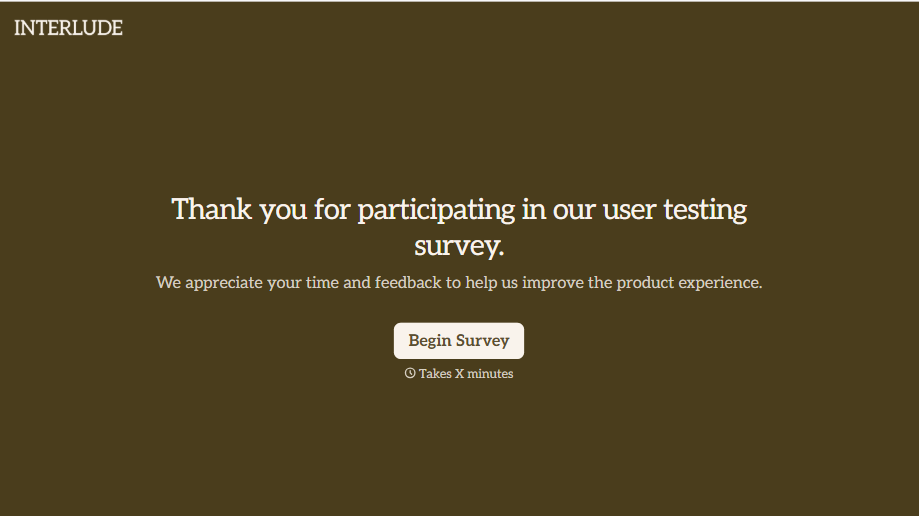
User Testing Survey Form
Feedback gathered in a quick verbal debrief right after a testing session gets filtered through whatever the participant remembers wanting to say in the room. Ask them directly, while the task is still fresh, and get an answer that isn't shaped by what’s polite to bring up out loud.
View template
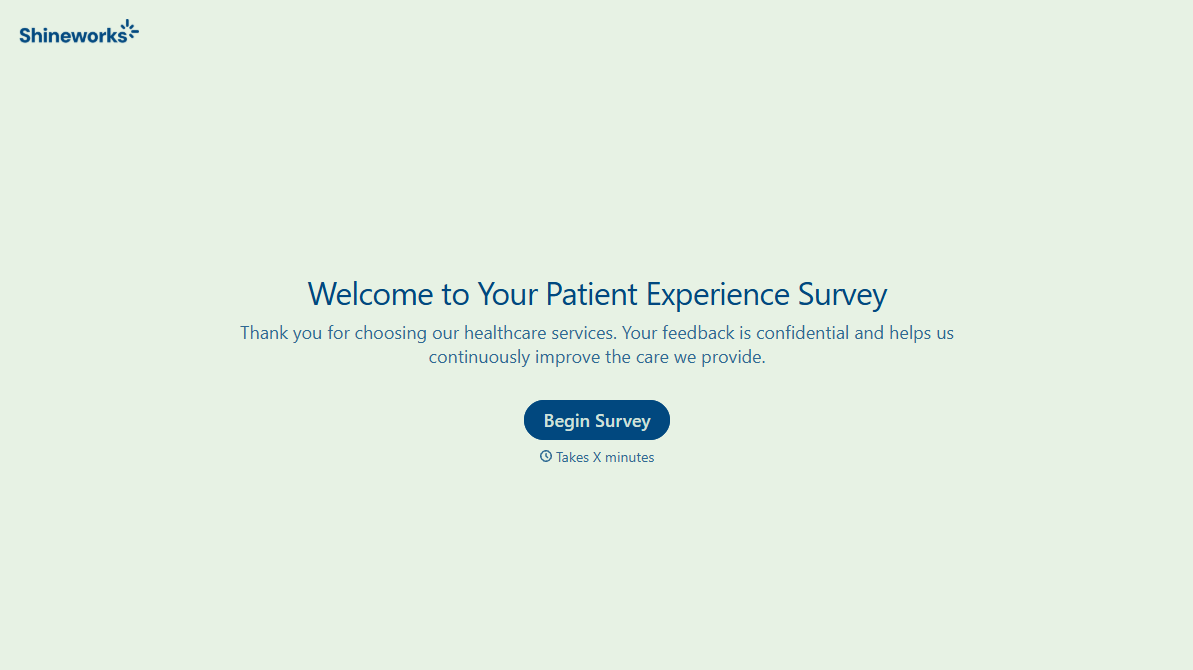
With Typeform, you can customize everything
Change text, colors, and even logos to match the look and feel of your brand. Then embed forms smoothly onto web and email.
Make forms feel effortless to fill out. Pace questions, call people by their name, and adapt the flow based on the data they share.
Stay efficient by connecting forms to your workflow. Typeform integrates with 300+ tools including Slack, Zapier, and HubSpot.


