Video Recording Consent Form Template
Get clear permission to record — before the camera starts.



Recording a meeting, interview, session, or event without consent can create trust issues and legal exposure. This form gives organisations and individuals a respectful, professional way to obtain and document consent before any recording begins.
The template covers the participant's name and contact information, the event or session being recorded, the recording medium (audio, video, or both), the intended uses and who will have access, any restrictions requested by the participant, the duration of consent, and a dated signature.
Getting consent before the recording is a better experience for everyone. It demonstrates respect for the participant's privacy and eliminates awkward conversations about what's being done with the footage.
In most jurisdictions, yes — at minimum, participants should be informed and have the opportunity to object. In two-party consent states or countries, explicit consent from all parties is legally required before recording.
Verbal consent at the start of a recording may be legally sufficient in many contexts, but written consent is better documentation. For important recordings, use this form for a clear, retrievable record.
Consent to record means the participant agrees to be filmed or recorded. Consent to use specifies how the recording can be shared or published. A thorough consent form should cover both.
This depends on the terms of the consent. Include a clause describing the process for removal requests, and be clear about what's feasible after editing.
As long as the recording itself exists, plus any applicable statute of limitations. If you retain recordings indefinitely, keep the consent documentation for the same period.
Get inspired by relevant templates and categories
3200+ Templates, 300+ Integrations

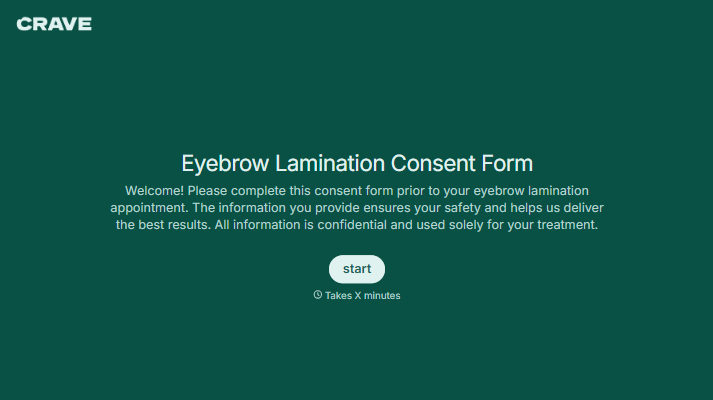


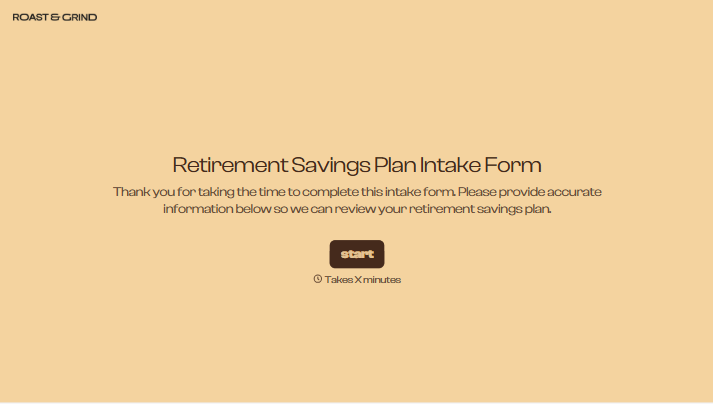
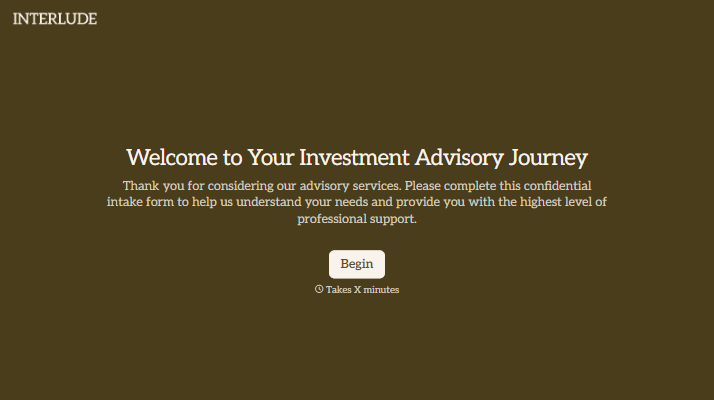
With Typeform, you can customize everything
Change text, colors, and even logos to match the look and feel of your brand. Then embed forms smoothly onto web and email.
Make forms feel effortless to fill out. Pace questions, call people by their name, and adapt the flow based on the data they share.
Stay efficient by connecting forms to your workflow. Typeform integrates with 300+ tools including Slack, Zapier, and HubSpot.


