Vocabulary Quiz Template
Test word knowledge in a format that's engaging enough to actually hold attention, not a boring list of definitions.



Vocabulary quizzes are a staple of language education, professional training, and even recreational learning. However, the traditional format — a printed sheet with words on one side and blank lines on the other — doesn’t translate well to digital. It's dull, it doesn't provide instant feedback, and it doesn't adapt to different skill levels. Students rush through, guess randomly, and forget everything by next week.
This vocabulary quiz template transforms word assessment into an interactive experience. Multiple-choice and matching questions appear one at a time, keeping learners focused on each word without the distraction of 40 other questions on the page. Built-in scoring tallies correct answers automatically, and customizable result screens can segment learners by proficiency level. Conditional logic can even branch to harder or easier questions based on early responses.
Share the quiz link with your class, training group, or audience. Scores flow into Google Sheets for gradebook integration or progress tracking. Customize with your own word lists, adjust difficulty, add context sentences, and create as many versions as you need. Whether it's SAT prep, ESL practice, or industry terminology training, the template adapts to your vocabulary.
A vocabulary quiz is an assessment that tests a learner's knowledge of word meanings, usage, and context. It can include matching definitions, selecting synonyms or antonyms, completing sentences, or identifying words from context clues. Vocabulary quizzes are used in academic settings, language learning programs, professional training, and self-study to measure and reinforce word knowledge.
The one-question-at-a-time format improves focus and recall by isolating each word challenge. Learners engage with each question deliberately instead of scanning the whole page for easy answers first. Automatic scoring provides instant results, which is more motivating than waiting days for a grade. Digital formats also allow for multimedia — images, audio pronunciation, and context sentences that paper quizzes can’t offer.
- Multiple-choice definition matching (word + 4 possible definitions)
- Fill-in-the-blank sentences using target vocabulary
- Synonym and antonym identification
- Word usage in context (choose the correct word for the sentence)
- Etymology or word root questions for advanced learners
- Visual identification (match the word to an image)
For classroom formative assessments, 10 to 15 words is the sweet spot — enough to be meaningful, short enough to maintain focus. For study or practice quizzes, 20 to 25 words works well since there's no time pressure. For quick daily practice or warm-up activities, 5 to 8 words keeps things brisk. Match the word count to the stakes and context: higher stakes and fewer words means deeper assessment per word.
Export results to Google Sheets and look for patterns. Which words did most students miss? Those need re-teaching. Which words did everyone nail? Those can be retired from active instruction. Track individual student progress over time to identify who needs additional support. If certain word types (abstract nouns, for example) consistently score lower, adjust your instructional approach for that category. The quiz isn't the end — it's the diagnostic that drives what happens next.
Get inspired by relevant templates and categories
3200+ Templates, 300+ Integrations
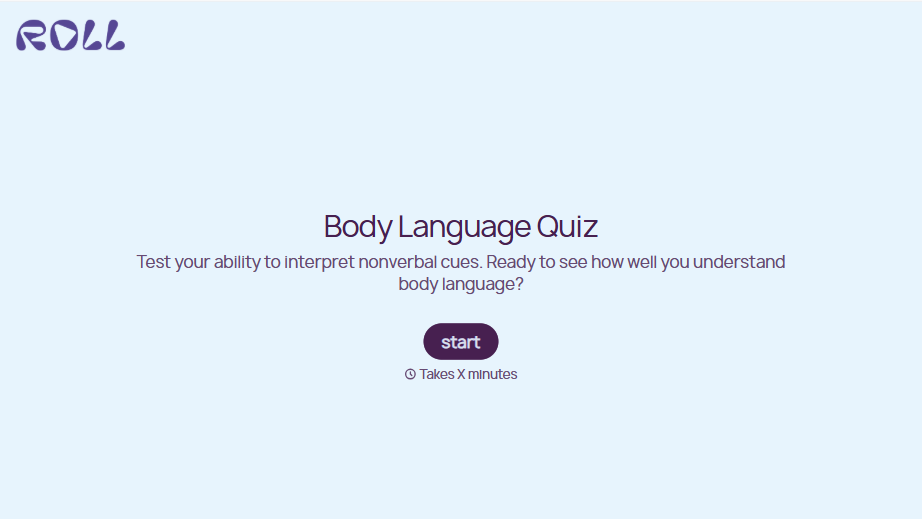
Body Language Quiz
A quiz that hands back the same score no matter which questions someone actually missed isn't teaching anyone to read a room. Ask what the quiz is actually measuring, attraction cues, deception tells, stress signals, and let each wrong answer route somewhere that explains what the cue really meant.
View template

With Typeform, you can customize everything
Change text, colors, and even logos to match the look and feel of your brand. Then embed forms smoothly onto web and email.
Make forms feel effortless to fill out. Pace questions, call people by their name, and adapt the flow based on the data they share.
Stay efficient by connecting forms to your workflow. Typeform integrates with 300+ tools including Slack, Zapier, and HubSpot.


