Obesity Quiz Form Template
Create an informational weight and health assessment quiz that guides respondents toward relevant resources.



People searching for information about weight, BMI, and health risk often don't know where to start or how to interpret the numbers they find. Generic calculators spit out a number without context. Health providers don't have time for initial triage conversations that could happen more efficiently through a guided assessment.
An obesity-related health quiz walks respondents through relevant questions about height, weight, lifestyle factors, and health history, then uses their responses to provide personalized context about their results and point them toward appropriate next steps or resources. Typeform's one-question-at-a-time format makes sensitive health questions feel less clinical and more like a conversation with a knowledgeable guide. Score-based outcomes let you route respondents to different results pages or resources based on their answers.
Customize the quiz questions and outcomes for your clinical or wellness context, add appropriate health disclaimers, and embed it on your practice website or wellness platform.
It's an interactive health assessment tool that collects information about a respondent's weight, height, lifestyle, and health history to calculate indicators like BMI and provide educational context about weight-related health risks. It's typically used by healthcare providers, wellness platforms, or public health organizations as an informational resource.
Providing an interactive, guided assessment gives people a more useful starting point than a static BMI chart. The quiz format collects context beyond just height and weight, allowing for more personalized guidance and clearer pathways to appropriate resources or professional support.
A health assessment quiz should gather relevant context while remaining sensitive. Consider including:
- Height and weight (for BMI calculation)
- Age and sex assigned at birth (for clinical context)
- Physical activity level and frequency
- Dietary patterns (general categories)
- Relevant health history (diabetes, cardiovascular conditions, family history)
- Current health goals or what prompted them to take the quiz
Any health assessment tool should clearly state that results are for informational purposes only and do not constitute medical advice or diagnosis. Include a prominent statement that respondents should consult a qualified healthcare professional for any health concerns. This is especially important for quiz outcomes that suggest elevated health risk.
Typeform's logic jump and outcome features let you direct respondents to different ending screens based on calculated scores or specific answers. Each outcome screen can include relevant educational content, links to resources, or a call to action to schedule a consultation with a healthcare provider.
Get inspired by relevant templates and categories
3200+ Templates, 300+ Integrations
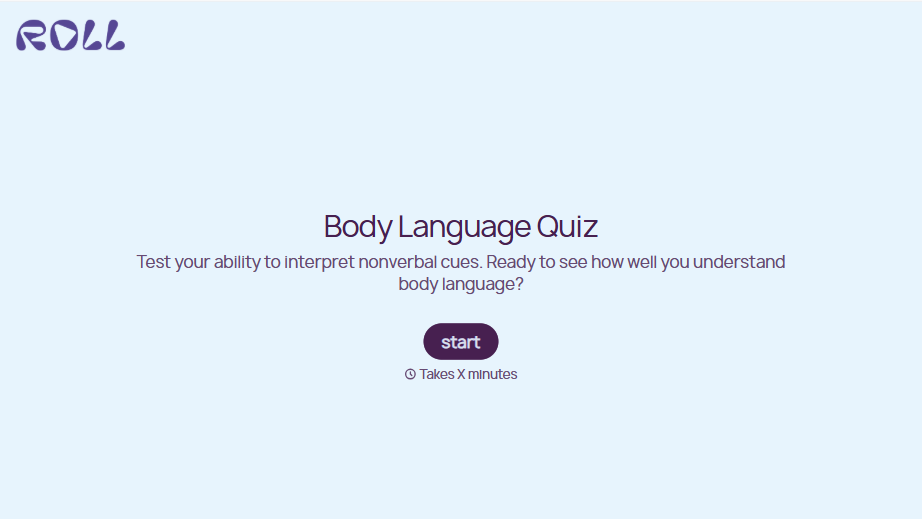
Body Language Quiz
A quiz that hands back the same score no matter which questions someone actually missed isn't teaching anyone to read a room. Ask what the quiz is actually measuring, attraction cues, deception tells, stress signals, and let each wrong answer route somewhere that explains what the cue really meant.
View template
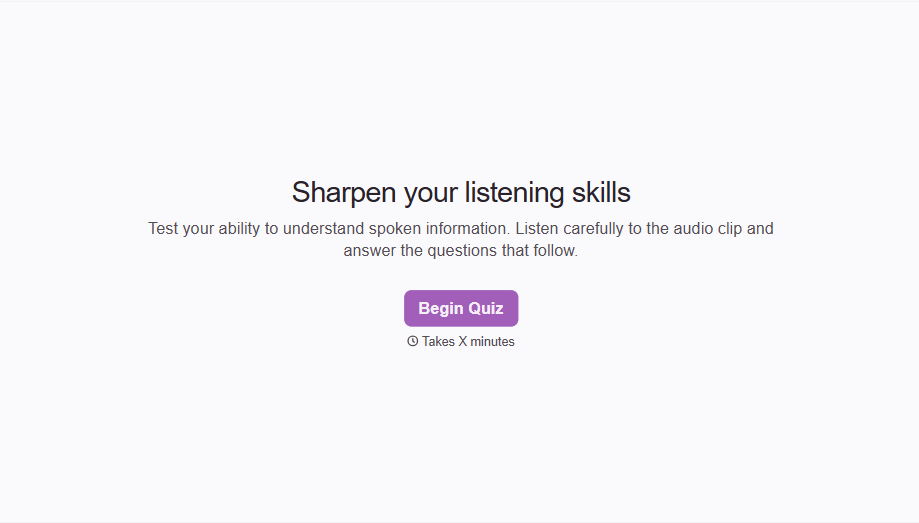

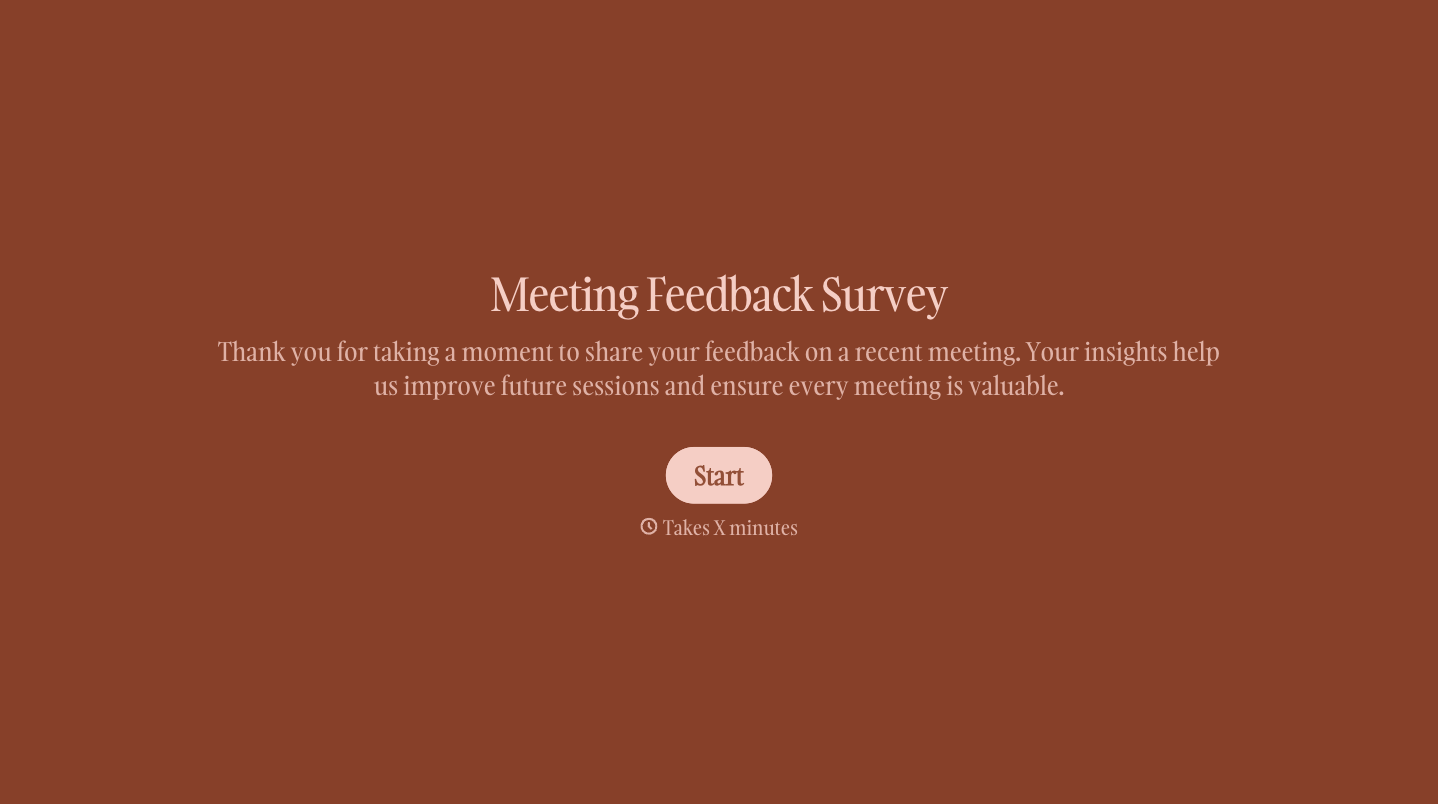
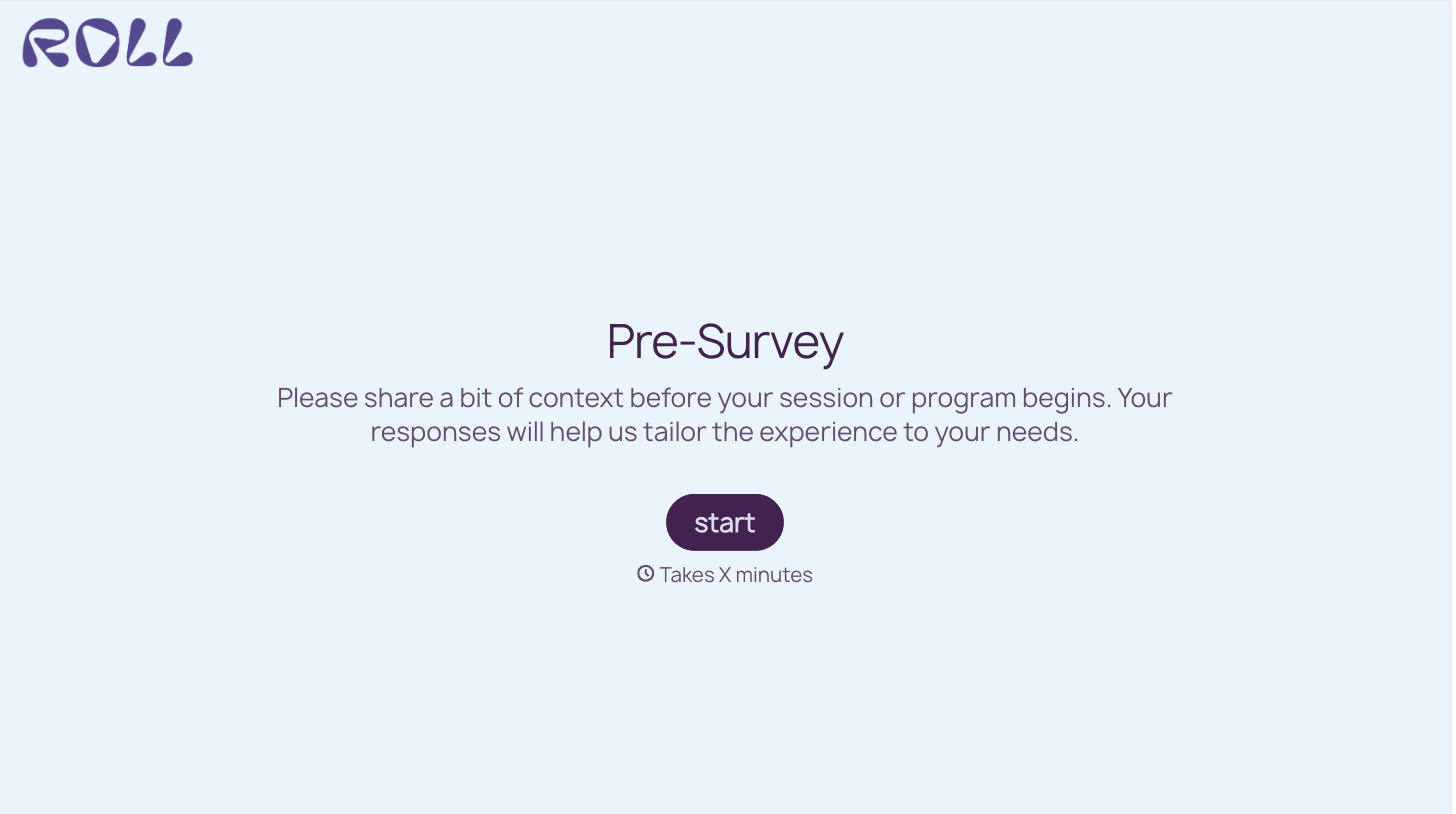
With Typeform, you can customize everything
Change text, colors, and even logos to match the look and feel of your brand. Then embed forms smoothly onto web and email.
Make forms feel effortless to fill out. Pace questions, call people by their name, and adapt the flow based on the data they share.
Stay efficient by connecting forms to your workflow. Typeform integrates with 300+ tools including Slack, Zapier, and HubSpot.


