Spelling Quiz Form Template
Test spelling knowledge in a format that's engaging enough that people actually want to take it.



Spelling tests don't have to be something students dread. The format matters as much as the content. A long list of blank fields with a timer running doesn't create the conditions for learning. Neither does a quiz that gives no feedback on what someone got wrong and why.
A Typeform spelling quiz presents one word at a time, creating a focused, low-anxiety experience. You can include audio clips, contextual sentences, or images alongside each question to make the assessment richer. At the end, scores are calculated automatically, and you can show respondents which words they missed along with the correct spelling. It works for classroom use, homeschool settings, or anyone building their vocabulary.
Customize the quiz with your word list, difficulty level, and any context clues you want to include. It's easy to share via link or embed in a learning platform.
A spelling quiz form is an interactive assessment that tests a respondent's ability to spell a given set of words correctly. It can include audio prompts, written clues, or contextual sentences to help learners demonstrate and reinforce their spelling knowledge.
A digital spelling quiz is easier to grade, more engaging than paper tests, and gives immediate feedback that reinforces learning. It also lets you track results across a class or group without manually marking each paper.
Build the quiz around the elements that support both assessment and learning:
- The word or prompt to be spelled (audio, written definition, or sentence with a blank)
- A text input field for the respondent's answer
- Automatic scoring based on correct spelling
- A results screen that shows which words were missed and the correct spelling
- Optional: a timer if you want to assess recall speed
- A score range that categorizes performance (e.g., 90-100%: excellent)
Typeform doesn't natively support audio playback within questions, but you can embed an audio file link or YouTube recording of the word's pronunciation in the question text. Alternatively, build the quiz in a platform that supports native audio embedding for a smoother experience.
Yes. Create separate quizzes for different word lists or grade levels, or use conditional logic to route respondents to harder or easier words based on their performance in an initial set. Adaptive difficulty keeps the quiz appropriately challenging across different skill levels.
Get inspired by relevant templates and categories
3200+ Templates, 300+ Integrations
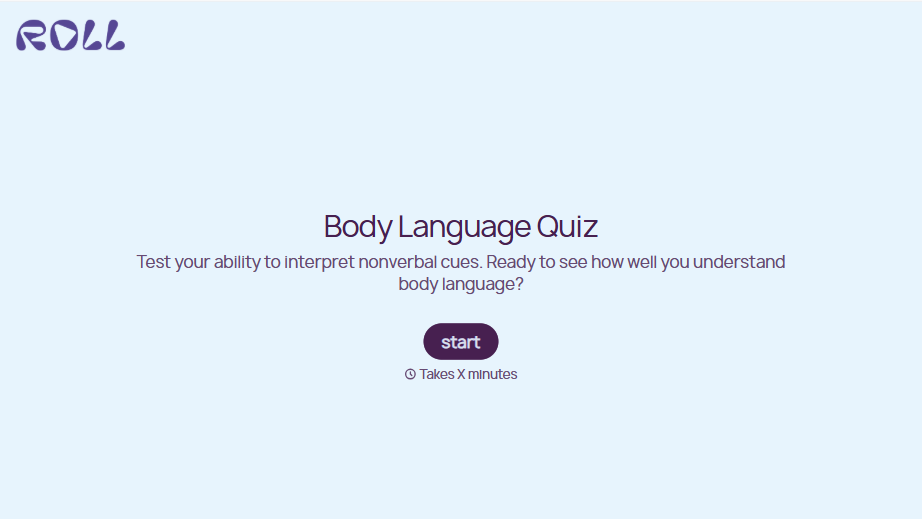
Body Language Quiz
A quiz that hands back the same score no matter which questions someone actually missed isn't teaching anyone to read a room. Ask what the quiz is actually measuring, attraction cues, deception tells, stress signals, and let each wrong answer route somewhere that explains what the cue really meant.
View template
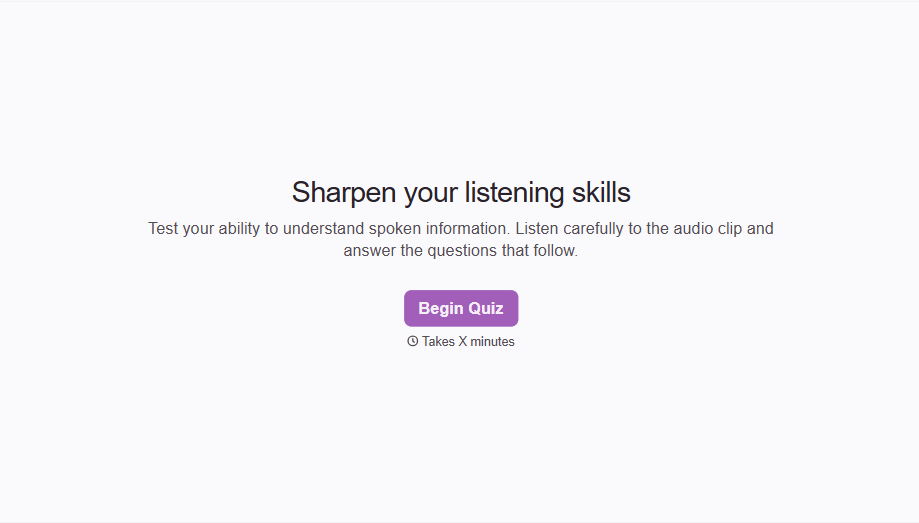

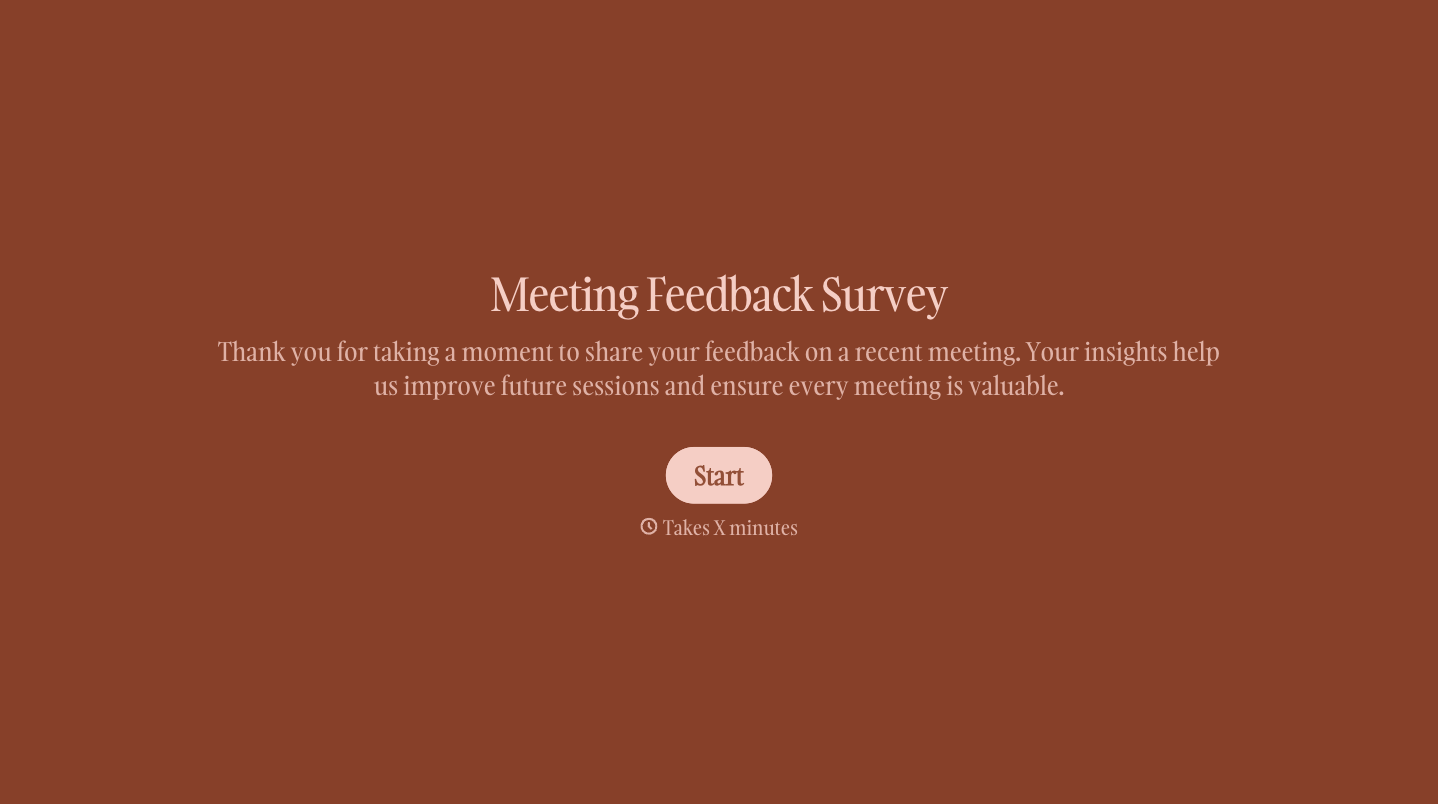
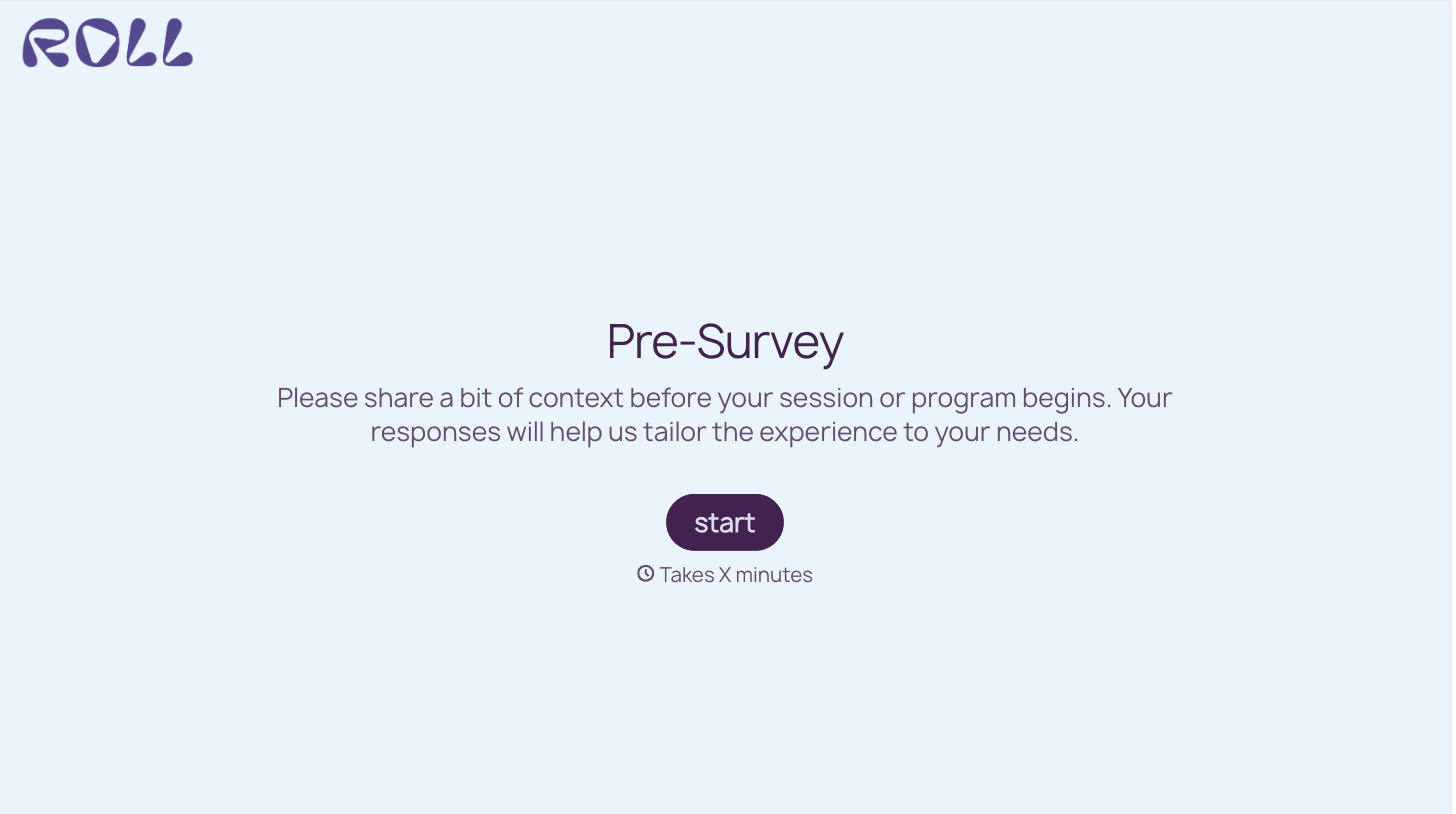
With Typeform, you can customize everything
Change text, colors, and even logos to match the look and feel of your brand. Then embed forms smoothly onto web and email.
Make forms feel effortless to fill out. Pace questions, call people by their name, and adapt the flow based on the data they share.
Stay efficient by connecting forms to your workflow. Typeform integrates with 300+ tools including Slack, Zapier, and HubSpot.


