Quiz Form Template
Build a quiz that's actually worth taking, not one respondents click through just to finish.



Most online quizzes feel like a chore. Questions that are too long, answer options that are obviously wrong, and no feedback at the end leave respondents with nothing they actually wanted. Whether you're testing knowledge, generating leads, or creating an interactive experience, a poorly built quiz is a missed opportunity.
A Typeform quiz form is built around one question at a time, which keeps respondents focused and makes the experience feel like a conversation rather than a test. Conditional logic lets you branch based on answers, so respondents who struggle with a topic can be routed to different follow-up content than those who ace it. You can show scores at the end, reveal the right answers, or gate results behind an email capture.
Customize the quiz for your subject matter, brand, and goals. It works for lead generation, training assessments, educational content, or entertainment.
A quiz form is an interactive survey that presents a series of questions with predefined answer options and scores or evaluates responses at the end. Quizzes can be used for knowledge assessment, lead qualification, audience engagement, or entertainment purposes.
Quizzes generate higher engagement than static content. They give respondents something to think about and reward completion with a result that feels personalized. For lead generation, they also collect useful information about what respondents know or believe before you follow up.
That depends on your goal:
- For knowledge tests: factual questions with a single correct answer and clear distractors
- For lead gen quizzes: questions that reveal preferences, challenges, or current situation
- For personality quizzes: scenario-based questions with answer options that map to distinct outcomes
- For training assessments: questions tied to specific learning objectives
- For audience engagement: fun, shareable questions that prompt social sharing
- Always include a results screen that delivers value — a score, recommendation, or insight
Typeform's calculator feature lets you assign point values to each answer option and display a score or outcome at the end based on the total. You can set up different endings for different score ranges without any custom coding.
Yes. Place an email capture question before or after the results screen. Respondents who've invested time in a quiz are more motivated to enter their details to see their results than they would be for a generic lead form.
Get inspired by relevant templates and categories
3200+ Templates, 300+ Integrations
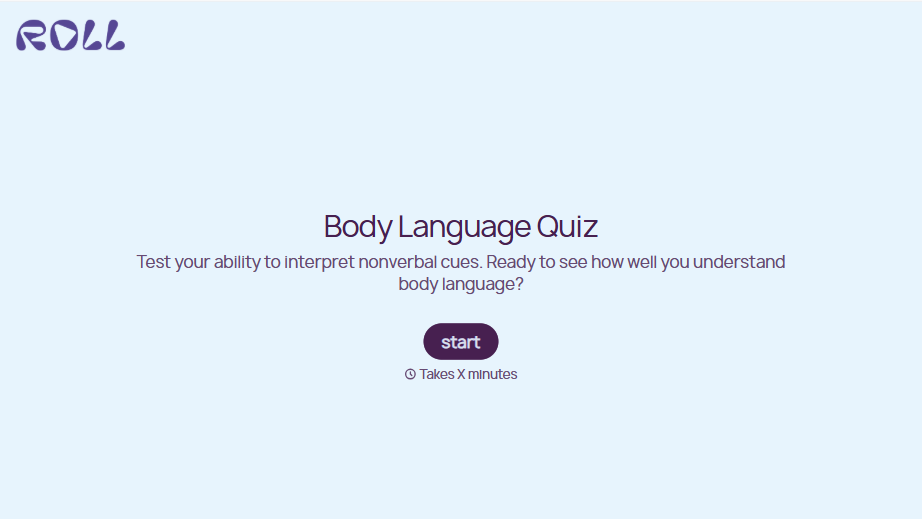
Body Language Quiz
A quiz that hands back the same score no matter which questions someone actually missed isn't teaching anyone to read a room. Ask what the quiz is actually measuring, attraction cues, deception tells, stress signals, and let each wrong answer route somewhere that explains what the cue really meant.
View template
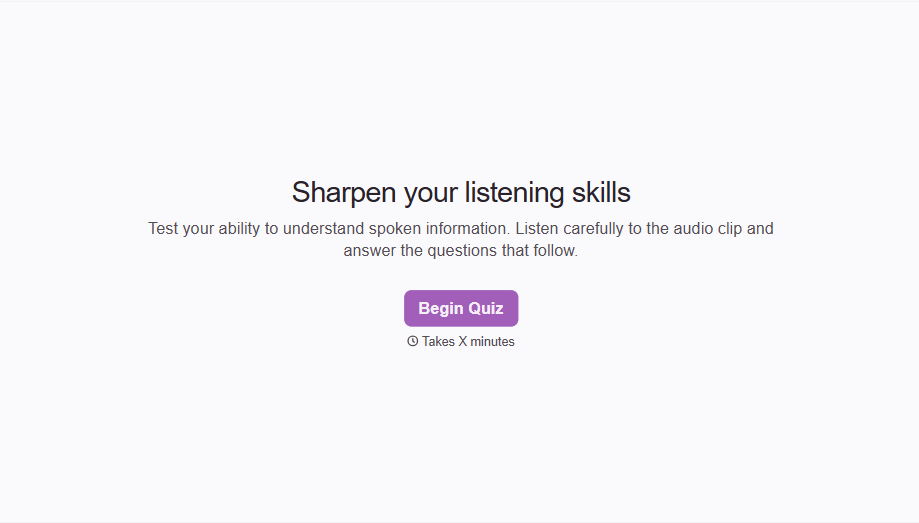

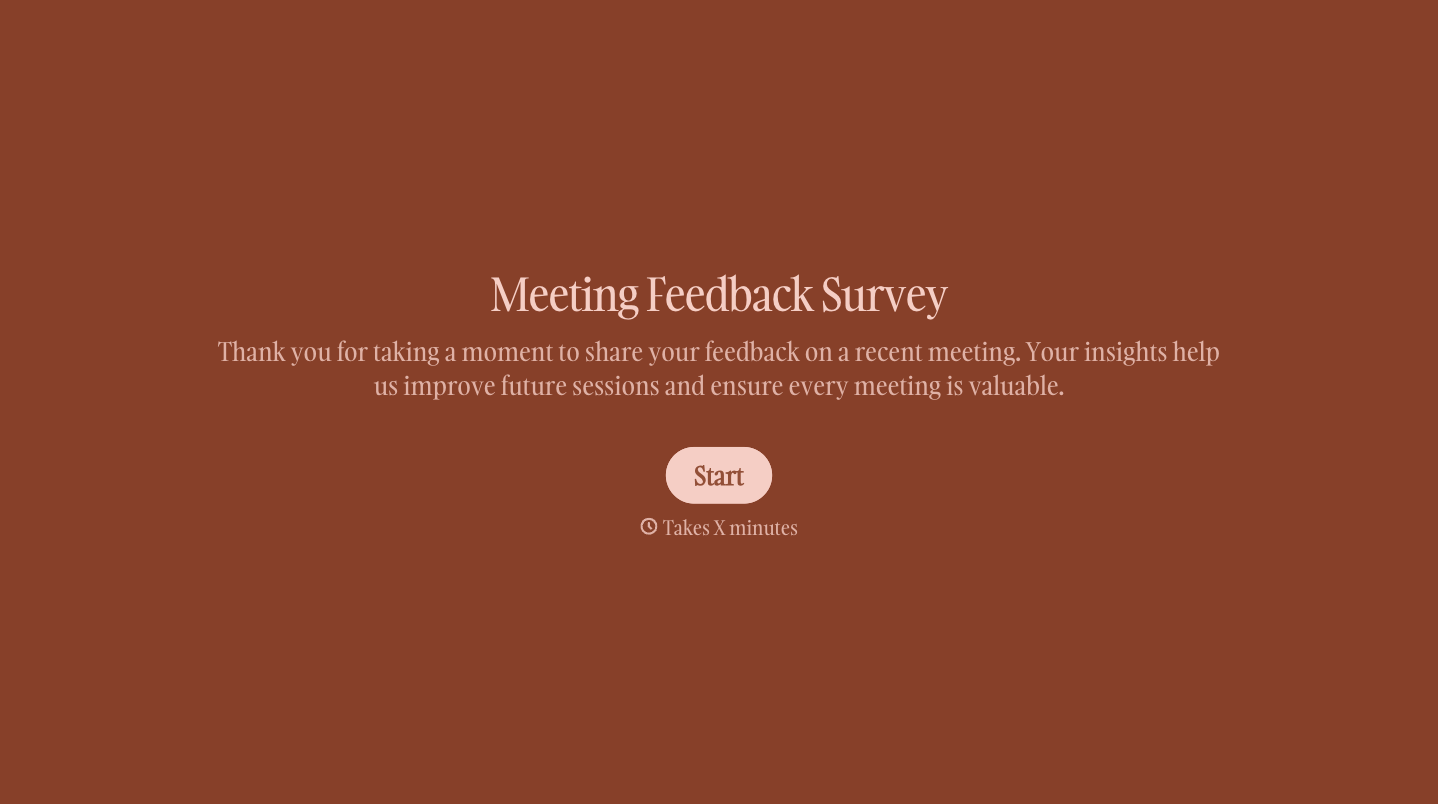
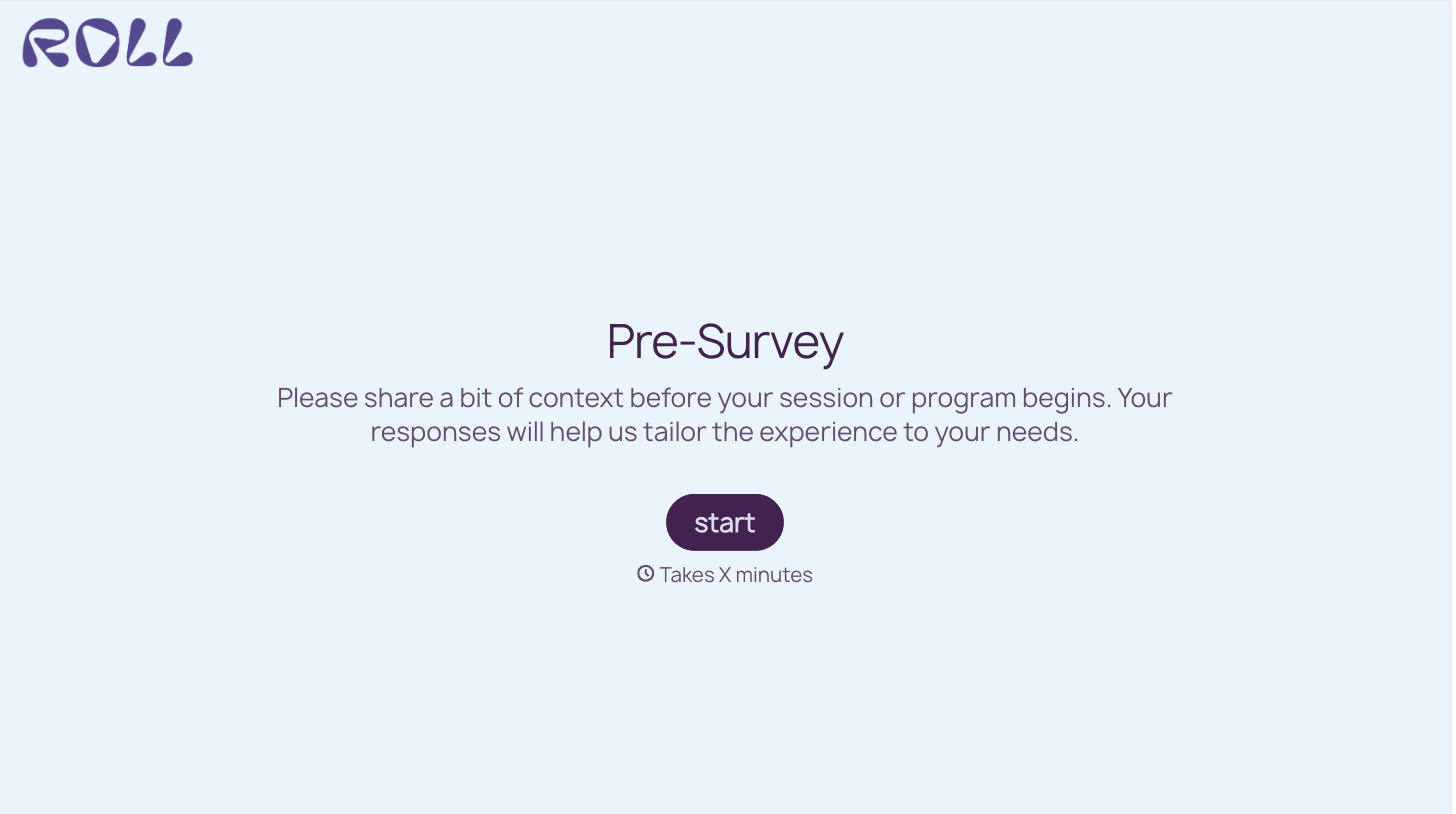
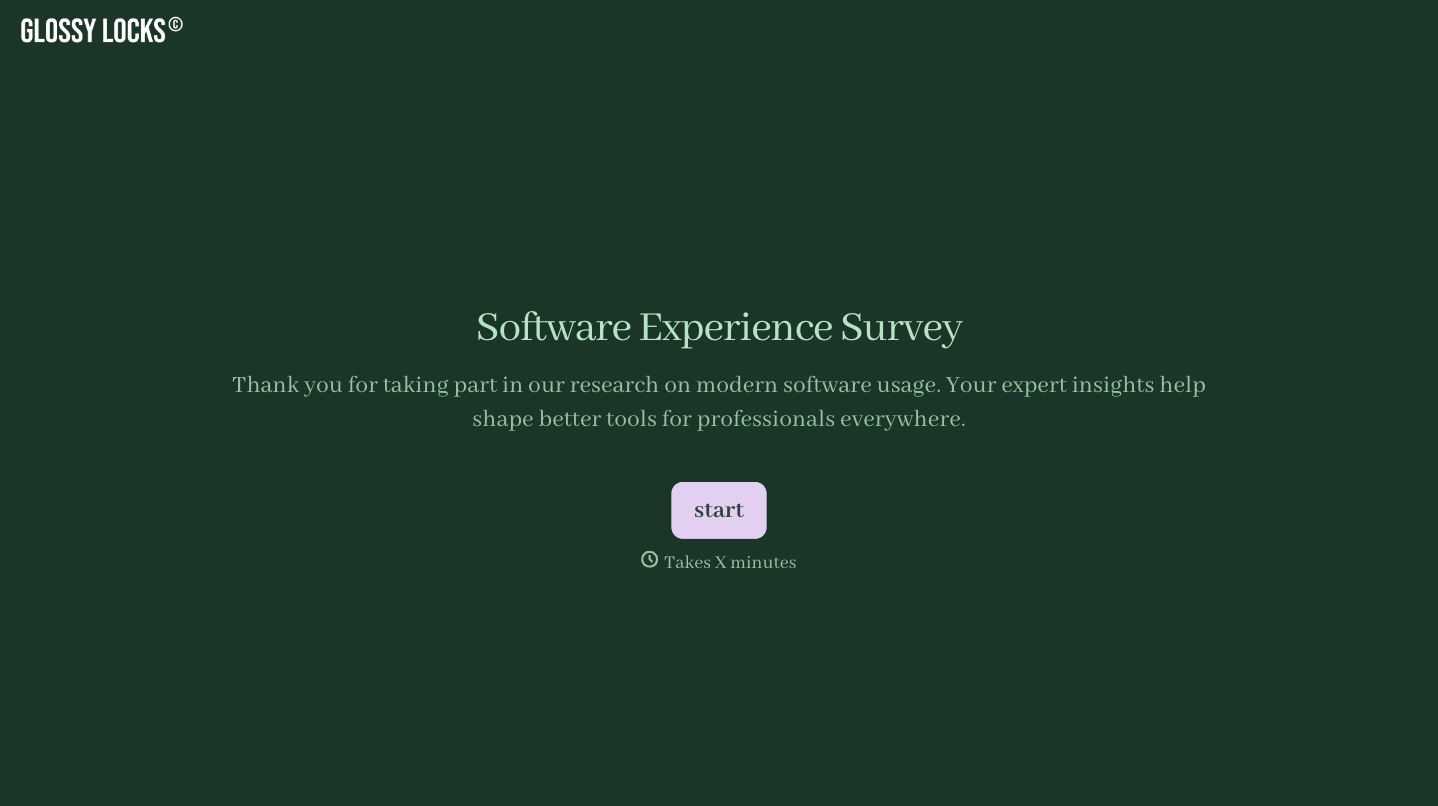
With Typeform, you can customize everything
Change text, colors, and even logos to match the look and feel of your brand. Then embed forms smoothly onto web and email.
Make forms feel effortless to fill out. Pace questions, call people by their name, and adapt the flow based on the data they share.
Stay efficient by connecting forms to your workflow. Typeform integrates with 300+ tools including Slack, Zapier, and HubSpot.


