Webinar feedback form template
Webinar hosts without post-session feedback have no signal on what attendees want next. Collect content ratings and topic requests after every session.



Webinar hosts who measure success by attendance numbers miss whether attendees actually found the content valuable. A drop in next-session registrations signals that the previous webinar didn't land, but by then you've already planned the next one. Typeform’s webinar feedback form gives hosts a clear read on what worked and who to follow up with.
The form collects ratings on content, speakers, pacing, and the technical experience, along with what attendees might want to learn next. Questions appear one at a time, so attendees finish completing the feedback form in under a minute, while the session is still fresh. Conditional logic adapts the form based on how each attendee rates the session. A happy attendee gets asked for a testimonial, while a disappointed one tells you exactly what to fix.
Customize the questions to match your webinar—whether that’s a product demo or a training session. Share it on the webinar closing slide, in the follow-up email, or in the chat as you wrap. Responses flow into your CRM or Google Sheets via Zapier, so hot leads and quotes reach your team fast. Every webinar teaches you how to make the next one better and shows you exactly who to call.
A webinar feedback form collects attendee reactions right after a session ends. It captures ratings on content, speakers, and pacing, along with what attendees learned and want next. Hosts who gather feedback this way improve future webinars based on real reactions, not attendance numbers alone.
Without a webinar feedback form, you're guessing which parts of your webinar landed and which quietly lost the room. Keep repeating the weak moments you didn’t spot, and attendance drops session after session until people stop showing up at all. Typeform’s webinar feedback form shows you what to keep and what to cut, so each session draws a bigger crowd than the last.
Cover what shapes the attendee experience:
- Overall rating and likelihood to recommend
- Relevance and depth of the content
- Speaker clarity and delivery
- Pacing and length of the session
- Topics they want to see next
Yes. Use Typeform's scoring feature to assign weighted scores to content quality, presenter performance, and topic relevance questions. Track scores across sessions in a connected spreadsheet to identify whether content quality trends up or down over the series. A scoring baseline makes it easier to spot which sessions outperformed expectations, so you can replicate what drove higher ratings.
Yes. Add an open text field asking attendees what topic they'd most like covered in a future session. Responses across multiple sessions build a backlog of audience-requested topics your content team can prioritize by frequency. A topic request question also increases form completion because it gives attendees a sense of influence over what's coming next.
Get inspired by relevant templates and categories
3200+ Templates, 300+ Integrations
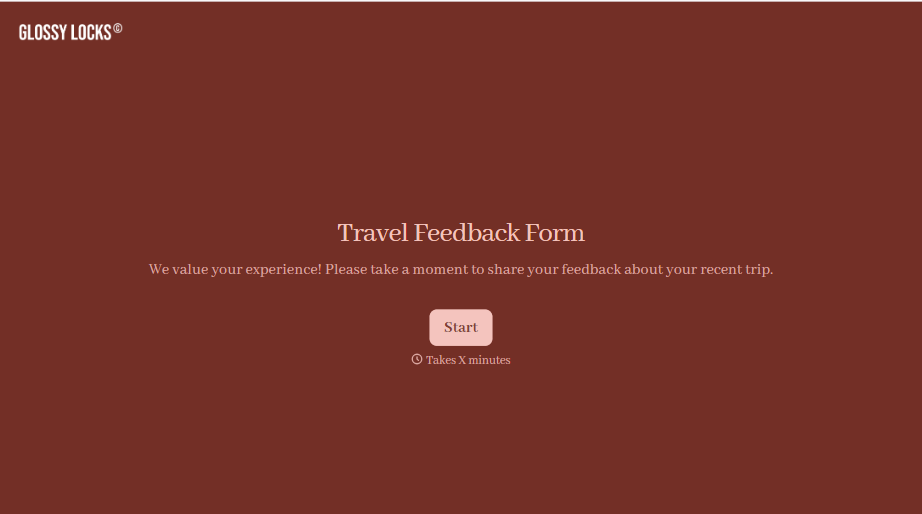
Travel Feedback Form
A quick "so, how was the trip?" when someone's back in the office doesn't tell your travel team which hotel to stop booking or which flight change actually caused the headache. Collect what your team actually needs, trip details, what worked, and what didn't, once the traveler's had a minute to think about it.
View template
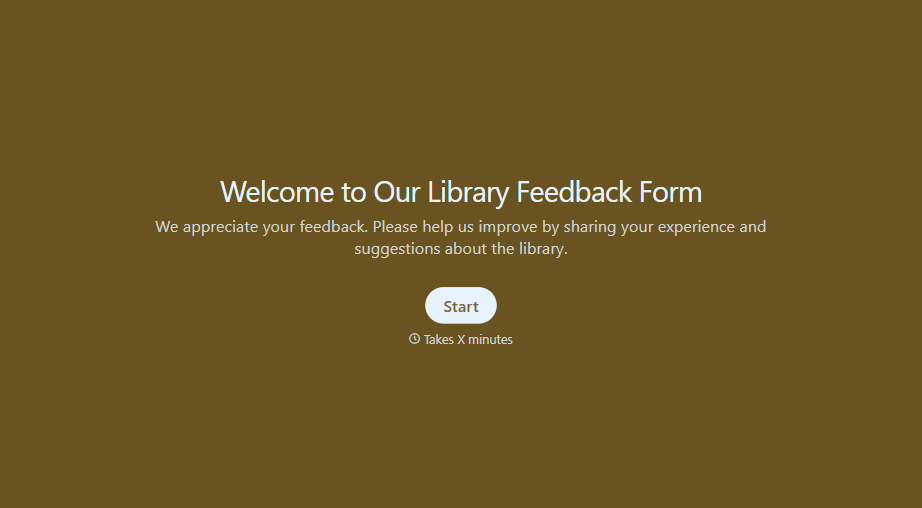
Library Feedback Form
A comment card dropped in a suggestion box isn't a channel your staff can act on quickly, especially when nobody can tell if it's about a broken chair or a request for more audiobooks. Collect the specific feedback, which branch and department it concerns, and a way to follow up before the card gets buried under next week's stack.
View template
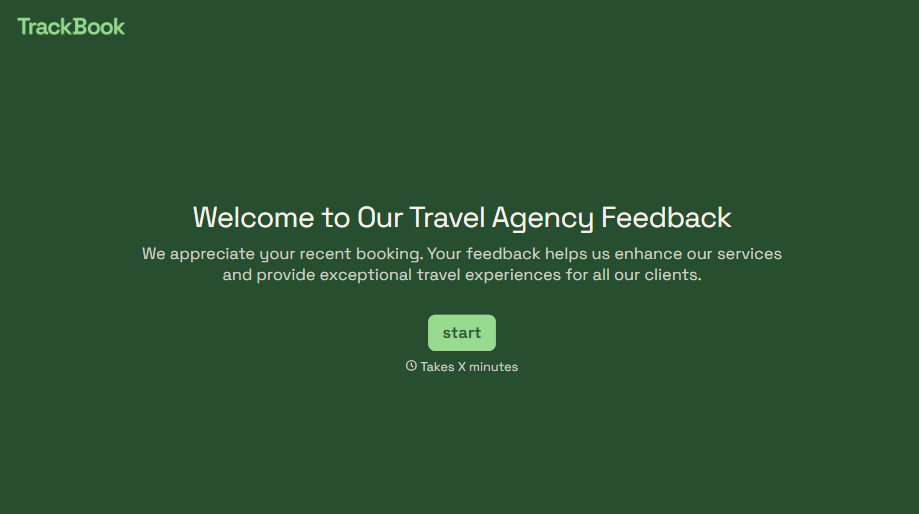
Travel Agency Feedback Form
A generic satisfaction survey emailed three weeks after a trip isn't the kind of feedback an agency can act on, especially once the specifics of a rough hotel transfer have faded. Collect feedback on the specific parts of a trip while it's still fresh, so a complaint that needs immediate follow-up doesn't sit behind a stack of routine responses.
View template
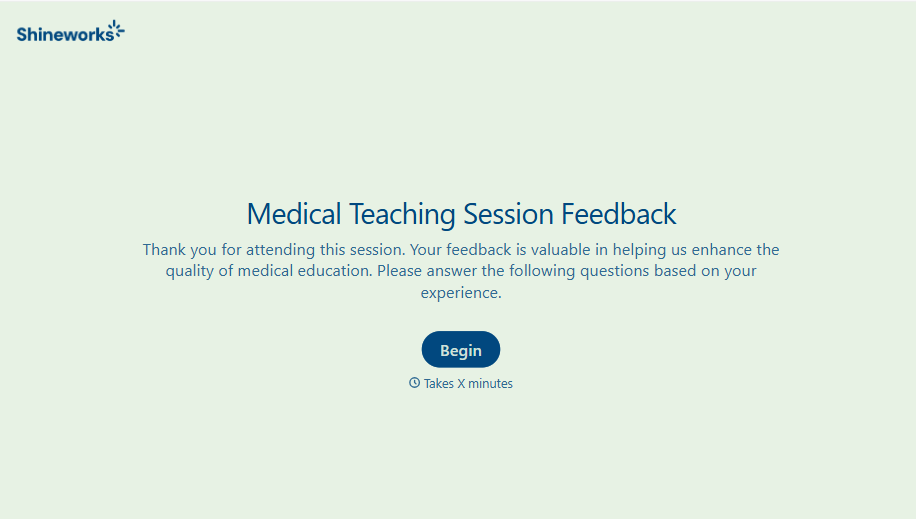
Medical Teaching Feedback Form
An evaluation handed out on the last day of a rotation, filled out in the hallway before everyone scatters, isn't the kind of feedback that helps a program improve teaching quality. Collect specific, timely feedback on teaching encounters before it fades into a generic "good rotation" comment.
View template
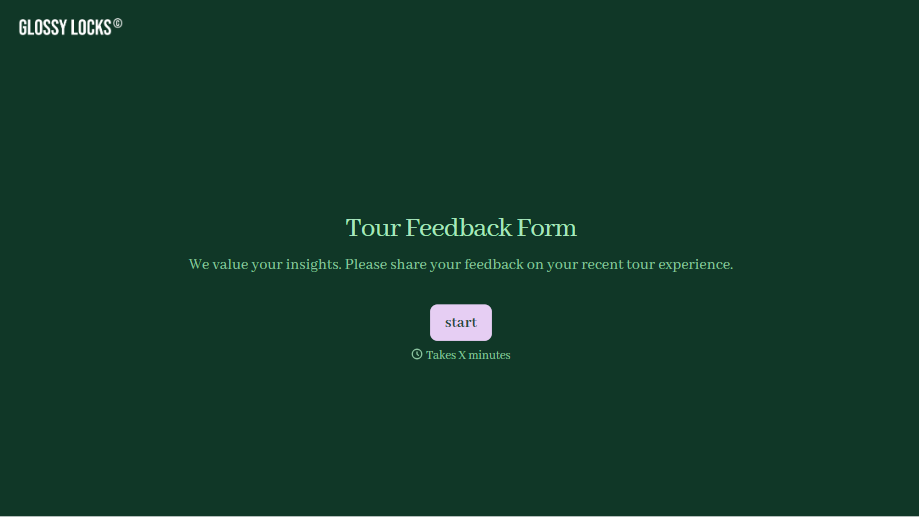
Tour Feedback Form
"How was it?" asked by the guide standing right there at the end of the tour gets a polite "great, thanks" whether the tour actually was great or not. Collect what your team actually needs, which tour and guide, and honest feedback, after the group's already walked away.
View template
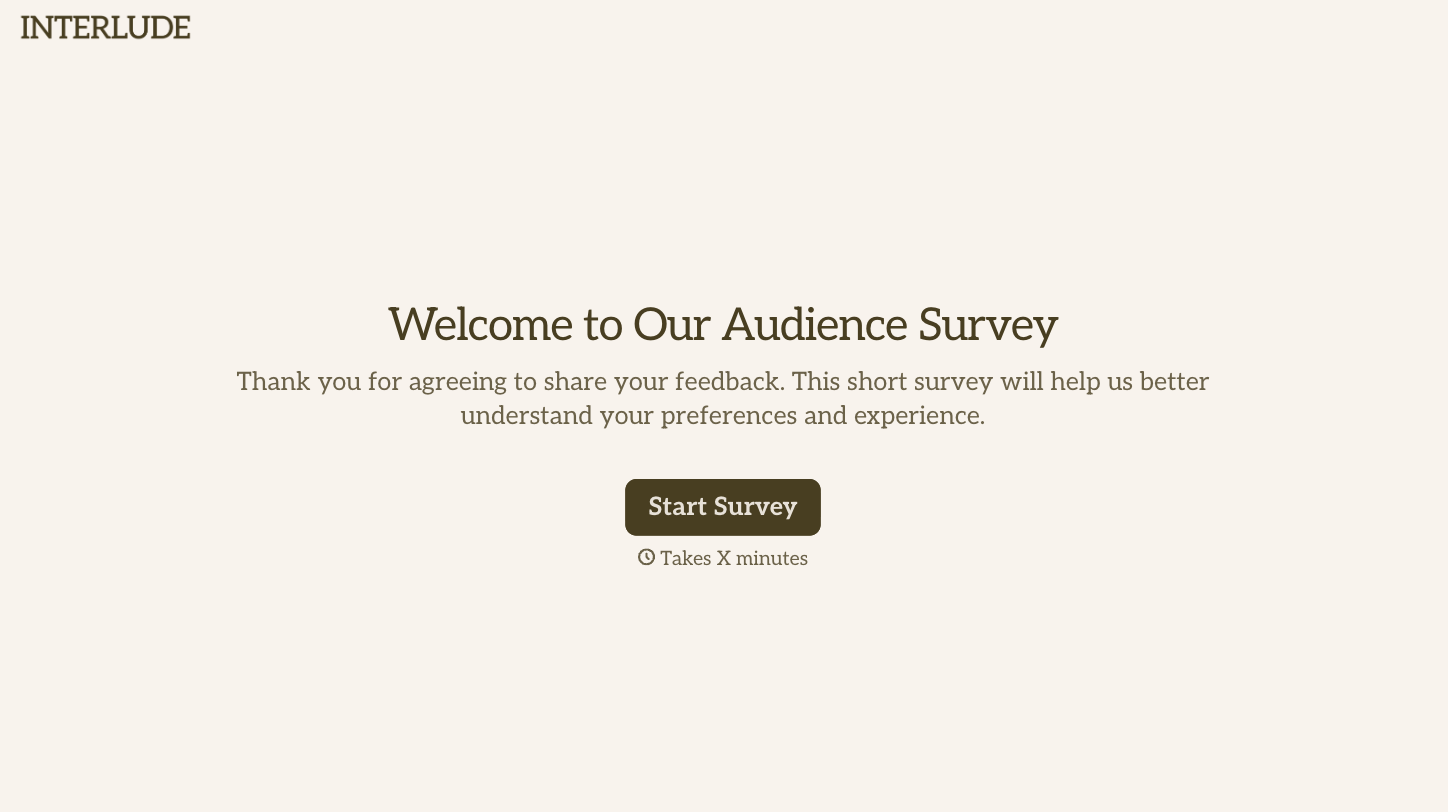
With Typeform, you can customize everything
Change text, colors, and even logos to match the look and feel of your brand. Then embed forms smoothly onto web and email.
Make forms feel effortless to fill out. Pace questions, call people by their name, and adapt the flow based on the data they share.
Stay efficient by connecting forms to your workflow. Typeform integrates with 300+ tools including Slack, Zapier, and HubSpot.


