Website Booking Form Template
Let people book time with you directly on your website, without the email back-and-forth.



Every time someone visits your website wanting to book a service and can't find a clear way to do it, you lose a potential customer. Asking people to email for availability or call during business hours creates friction that your competitors — with a live booking option — don't have.
A website booking form removes that friction. Typeform's template collects service selection, date and time preferences, contact details, and any relevant notes from the person booking — all in one smooth, mobile-friendly flow. Conditional logic adjusts the form based on what service they're booking, asking the right follow-up questions for each. Connect to your calendar tool or booking system via integrations so appointments are confirmed automatically and show up where your team will see them.
Embed the form on your website, add it to a button or contact page, and turn website traffic into confirmed bookings.
A website booking form is an embedded or linked form on a website that allows visitors to schedule an appointment, reserve a service, or book a time slot without leaving the site or making a phone call.
Booking friction costs you customers. People who can't book instantly often don't follow up later. A form on your website captures interest at the moment it's highest — when someone is already on your site, already convinced enough to take action.
Keep it focused on what you need to confirm and prepare for the booking. Core fields typically include:
- Name and contact information
- Service or appointment type
- Preferred date and time
- Any relevant notes or requests
- How they heard about you (optional)
- Confirmation of policies (cancellation, deposit, etc.)
Typeform integrates with Google Calendar and tools like Calendly via Zapier. You can set up a zap that creates a calendar event when a form is submitted, including the relevant booking details. For more robust scheduling needs, pairing Typeform with a dedicated scheduling tool gives you real-time availability management.
Yes. Set up an email notification in Typeform to send a confirmation to the respondent's email as soon as they submit the form. You can include all the booking details, your address, preparation instructions, or anything else they need before the appointment.
Get inspired by relevant templates and categories
3200+ Templates, 300+ Integrations
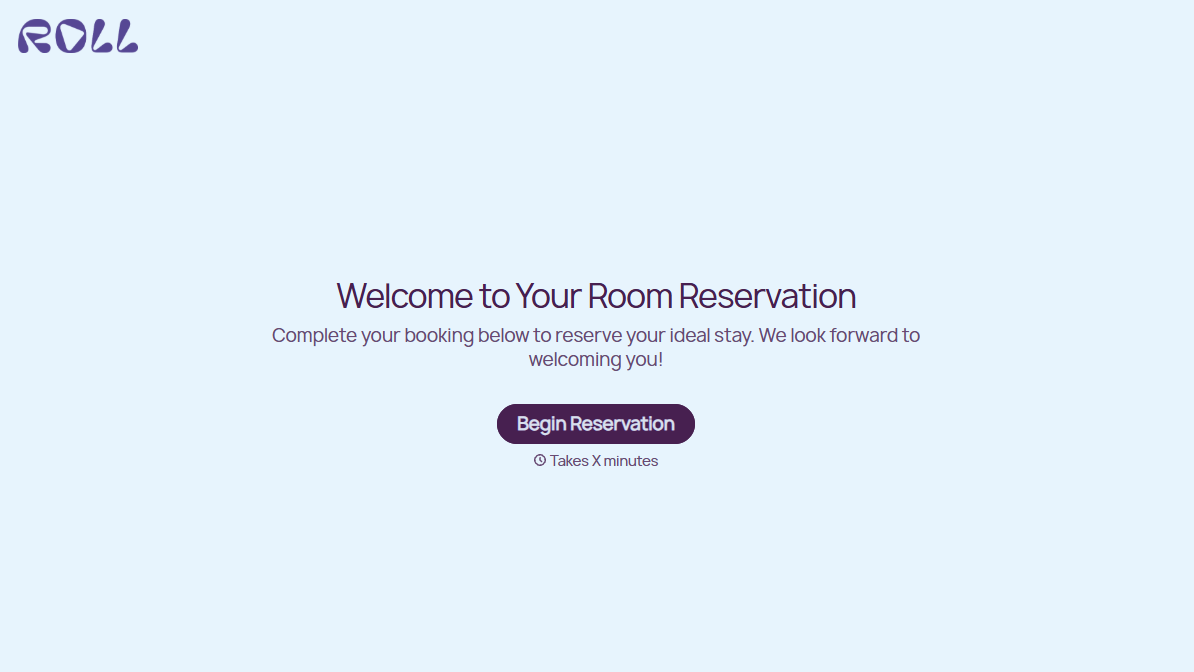
Hotel Room Booking Form
A room booked over the phone with "we'll figure out the room type when you get here" doesn't leave the front desk anything to actually plan around. Collect what your hotel actually needs, guest information, dates, and room preferences, before the reservation gets confirmed.
View template
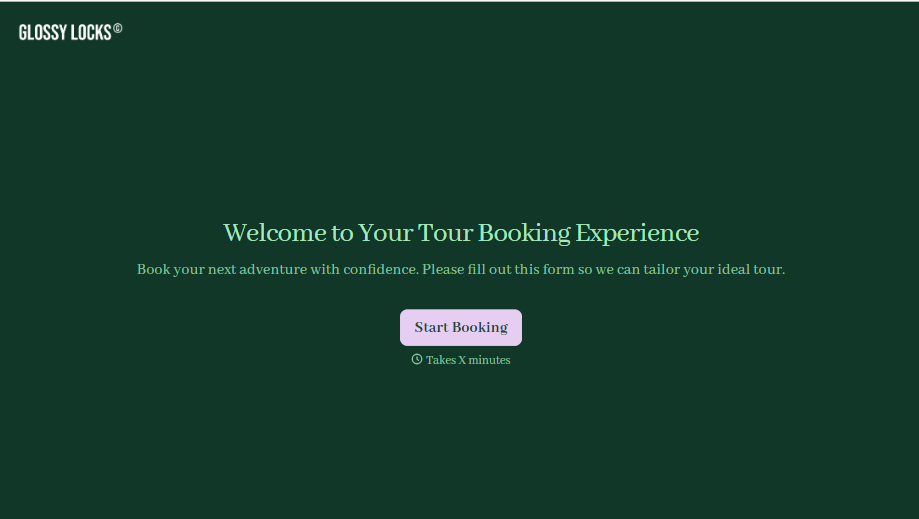
Tour Booking Form
A booking inquiry that starts with "what dates work for you?" and ends up as six emails back and forth, dates, group size, dietary needs, whether anyone in the party can handle three miles of uneven trail, is six emails too many before you've even confirmed there's a spot available. Collect it once, upfront, and start the actual planning from a complete picture.
View template
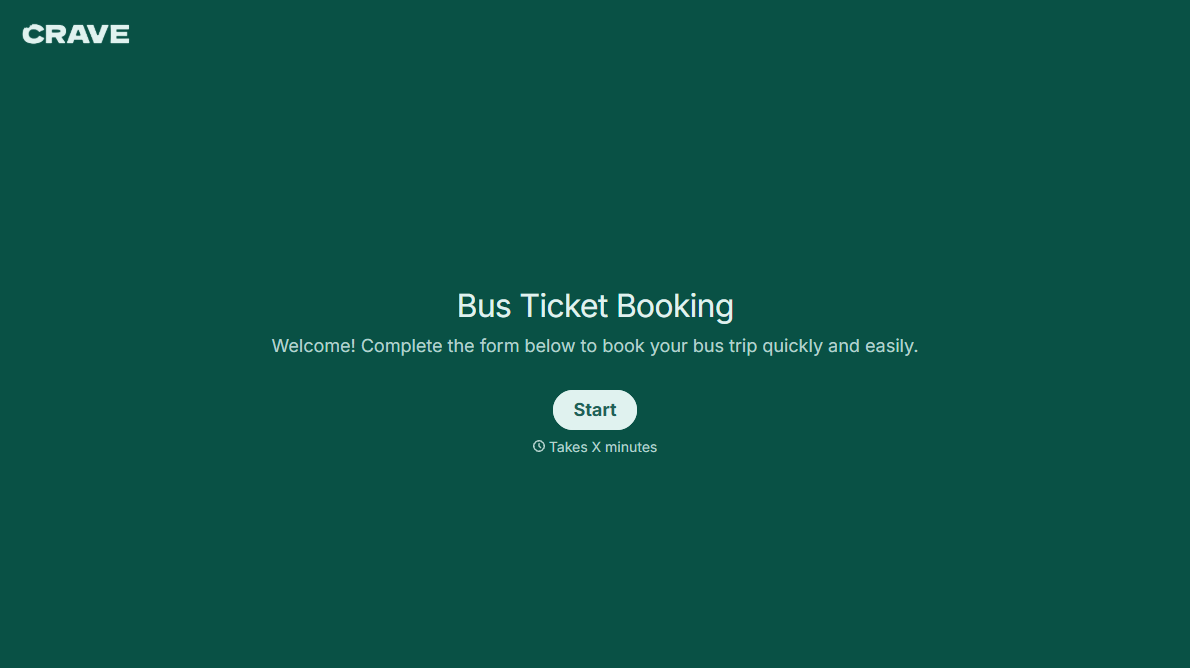
Bus Ticket Booking Form
Move past a booking form that only asks for a name, a date, and a seat count. Screen for the accessibility needs that come with a legal notice window attached, capture who's actually on the bus, and keep a timestamped record of exactly what was booked and confirmed.
View template
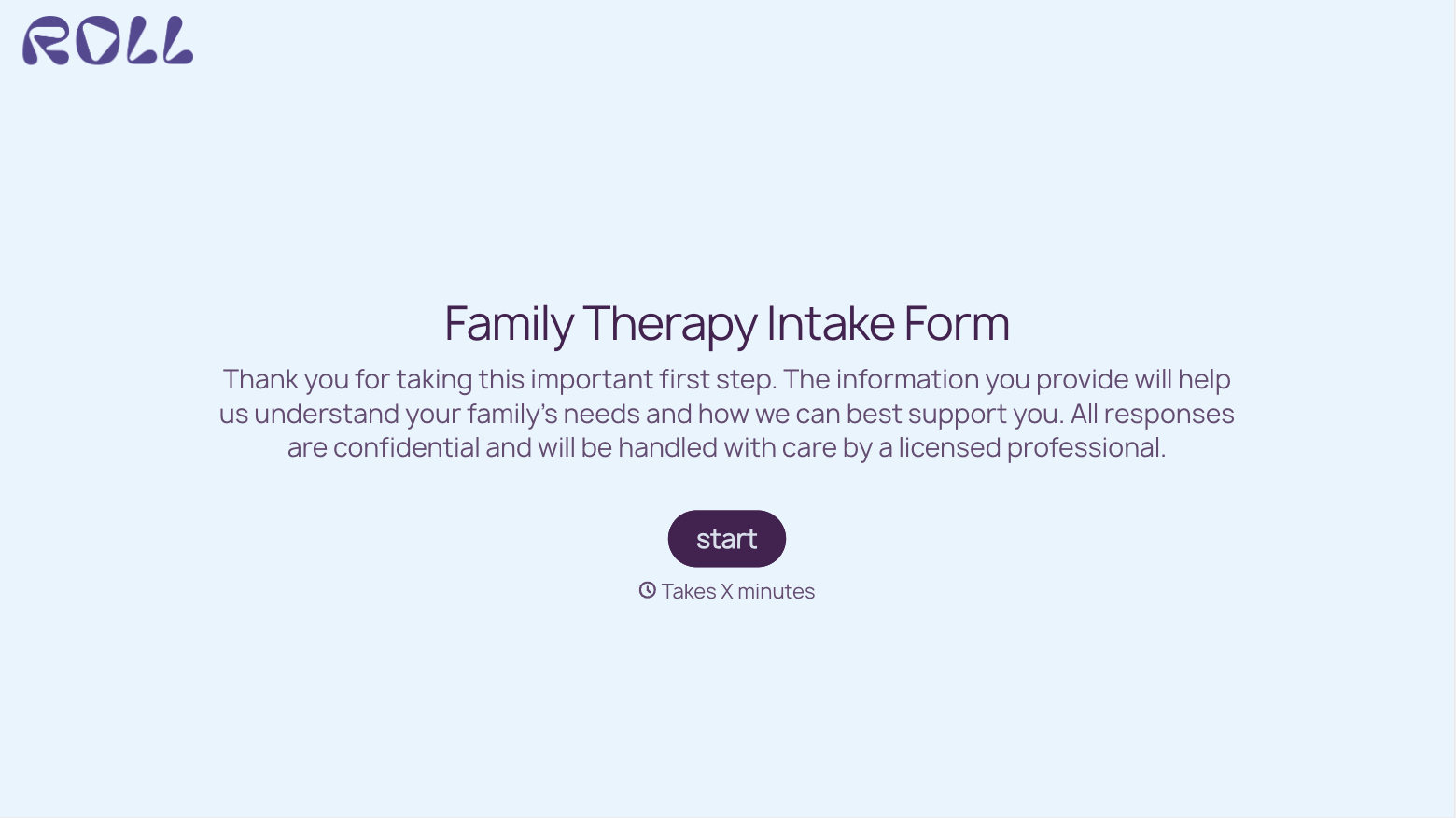
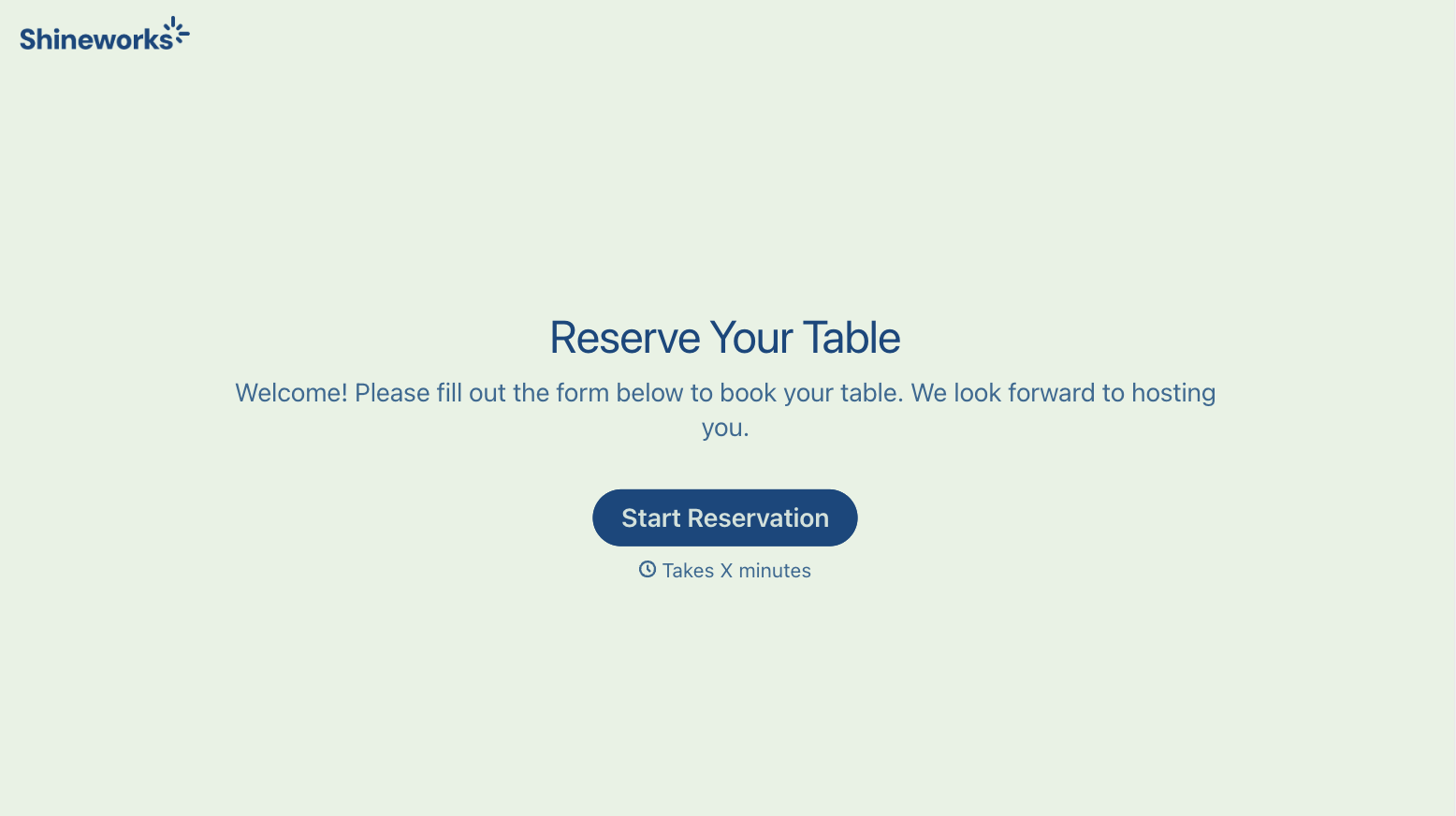
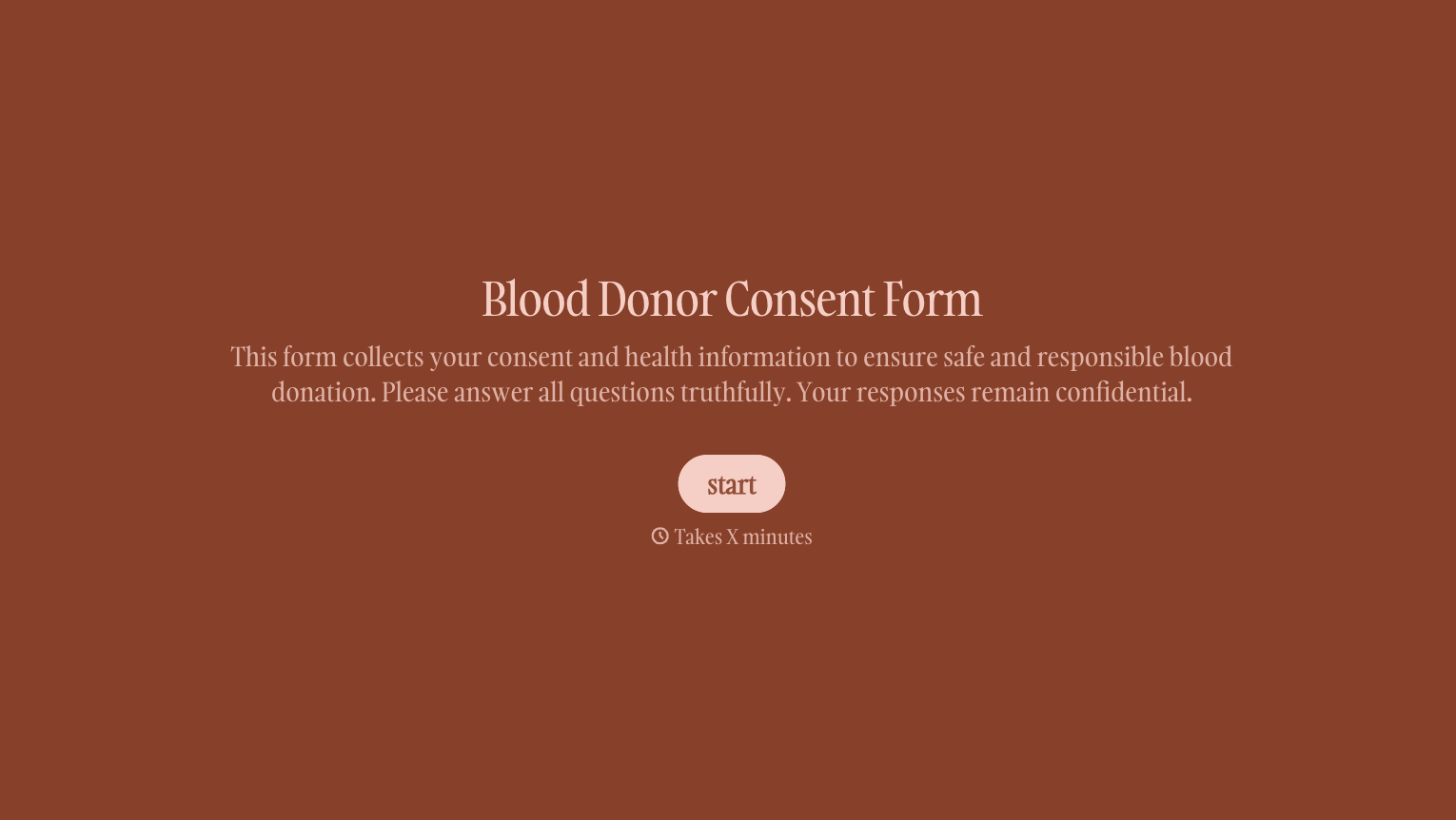
With Typeform, you can customize everything
Change text, colors, and even logos to match the look and feel of your brand. Then embed forms smoothly onto web and email.
Make forms feel effortless to fill out. Pace questions, call people by their name, and adapt the flow based on the data they share.
Stay efficient by connecting forms to your workflow. Typeform integrates with 300+ tools including Slack, Zapier, and HubSpot.


