Abstract Submission Form Template
Give researchers and presenters a clear, structured way to submit their abstracts for review.



Conference abstract review is time-consuming enough without chasing incomplete submissions. This form gives submitters clear guidance on what's required and gives the review committee consistent, organized submissions to evaluate.
The template covers the author's name and affiliation, the abstract title, the topic category or track, the preferred presentation format (oral, poster, workshop), the full abstract text with word count guidance, keywords, co-author information, and any equipment or accessibility needs.
When every abstract arrives in the same structure, the committee spends time reviewing content rather than reformatting submissions.
Background and rationale, the research question or objectives, methods or approach, key findings or expected outcomes, and the significance or implications. Most conference abstracts are 200 to 400 words.
Typeform doesn't automatically enforce word counts, but you can add instructions specifying the limit and a note that submissions exceeding it may be disqualified. For strict enforcement, add a character count field alongside the abstract text.
Define your policy and communicate it in the form. If multiple track submissions are allowed, include a field asking the preferred and secondary track, and note the rule about how conflicts are handled.
Include a clear timeline in the form's confirmation message: submission deadline, notification date, and registration deadline. This reduces follow-up inquiries and helps submitters plan.
Oral presentations are typically 15-20 minutes in a session with Q&A. Poster presentations are displayed during a dedicated poster session where authors stand by their poster and discuss the work. Some submitters have preferences; others should be guided by what the review committee recommends based on the work.
Get inspired by relevant templates and categories
3200+ Templates, 300+ Integrations





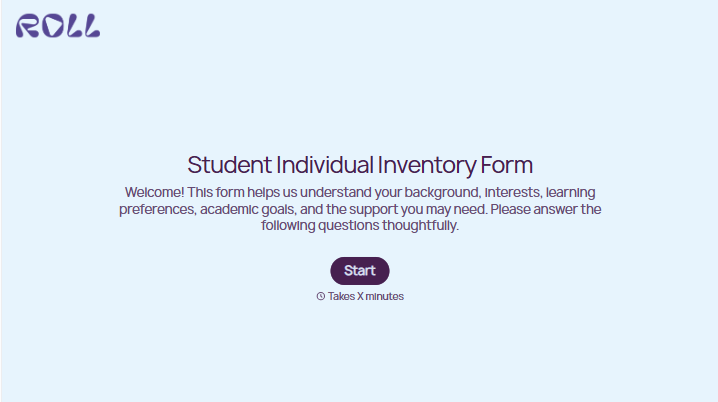
With Typeform, you can customize everything
Change text, colors, and even logos to match the look and feel of your brand. Then embed forms smoothly onto web and email.
Make forms feel effortless to fill out. Pace questions, call people by their name, and adapt the flow based on the data they share.
Stay efficient by connecting forms to your workflow. Typeform integrates with 300+ tools including Slack, Zapier, and HubSpot.


