Affidavit Form Template
Collect sworn statement details in a structured format, so the legal document practically drafts itself.



An affidavit is only as good as the information in it. Vague statements, missing dates, and incomplete personal details force attorneys to go back to the affiant for clarifications, burning time on both sides. And when the statement is handwritten or dictated over the phone, critical facts get lost in translation.
This affidavit form template guides the affiant through a structured intake. They provide their personal details, state the facts they're swearing to, and identify any supporting evidence, one clear question at a time. Conditional logic adjusts based on the affidavit's purpose — an affidavit of identity asks different questions than an affidavit of heirship or a small claims affidavit.
Share the form with your client before their appointment, review the structured responses, and draft the formal affidavit with all the facts organized and ready. Less back-and-forth, faster turnaround.
An affidavit form collects the information needed to prepare a sworn written statement — a formal declaration of facts that the affiant (the person making the statement) affirms to be true under penalty of perjury. The form captures personal details, the substance of the statement, and any supporting documentation.
Affidavits are used across many legal contexts: court proceedings, real estate transactions, estate settlements, identity verification, immigration, insurance claims, and business disputes. They provide sworn evidence when in-person testimony isn't practical or when formal documentation of facts is required.
- Affiant's full legal name, date of birth, and address
- Relationship to the matter at hand
- Purpose of the affidavit
- Detailed factual statements being sworn to (chronological if possible)
- List of supporting documents or exhibits
- Acknowledgment that the statements are made under penalty of perjury
No. The form collects and structures the information needed to draft one. The affidavit must be prepared in the proper legal format, signed by the affiant in the presence of a notary public or other authorized officer, and, in many cases, filed with a court or relevant authority.
Ask the affiant to present facts in numbered, chronological statements rather than narrative paragraphs. This makes the resulting affidavit clearer for judges and attorneys to parse. You can prompt this with a repeatable field that captures one fact per entry, along with the date it occurred and any corroborating evidence.
Get inspired by relevant templates and categories
3200+ Templates, 300+ Integrations
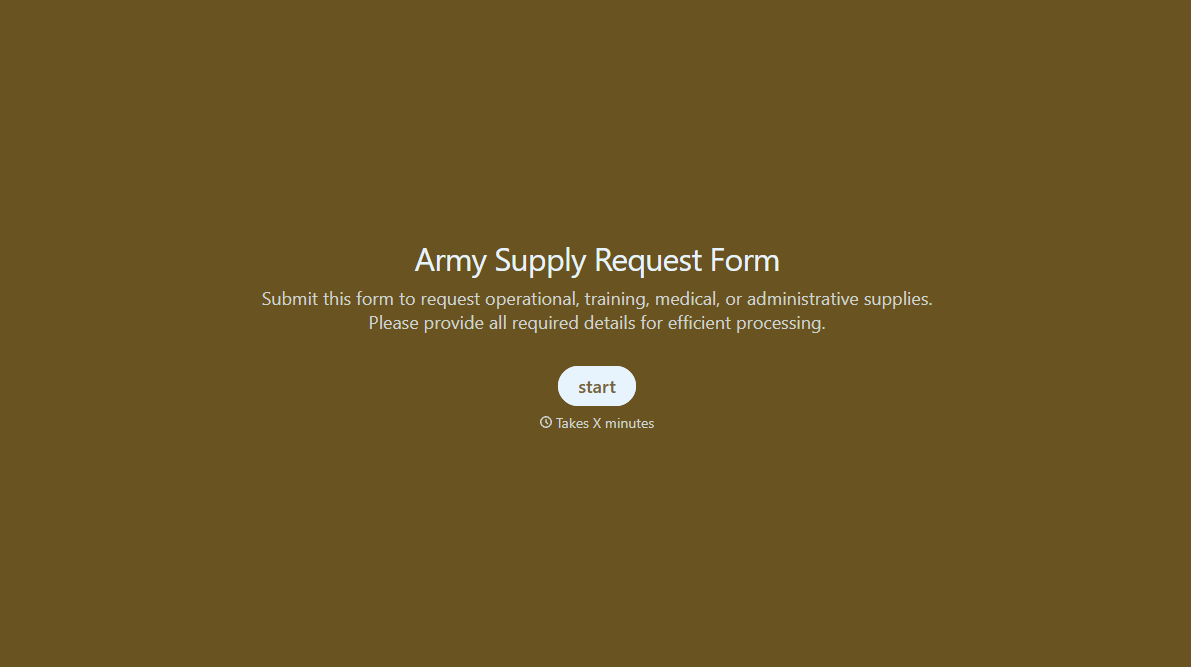

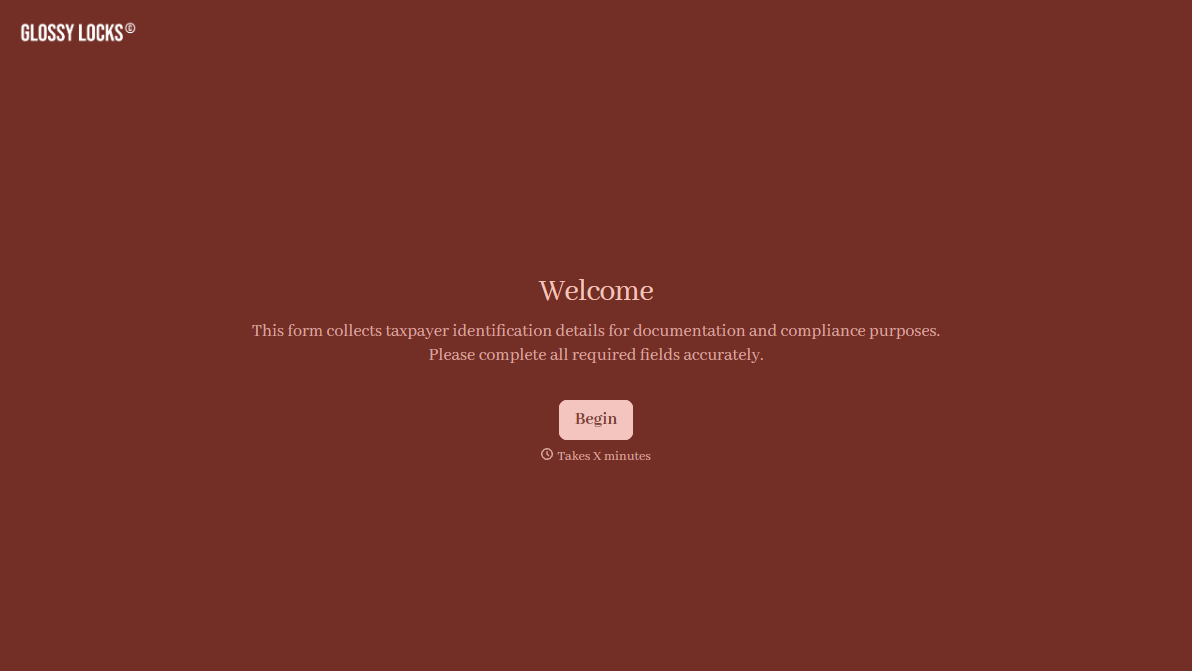
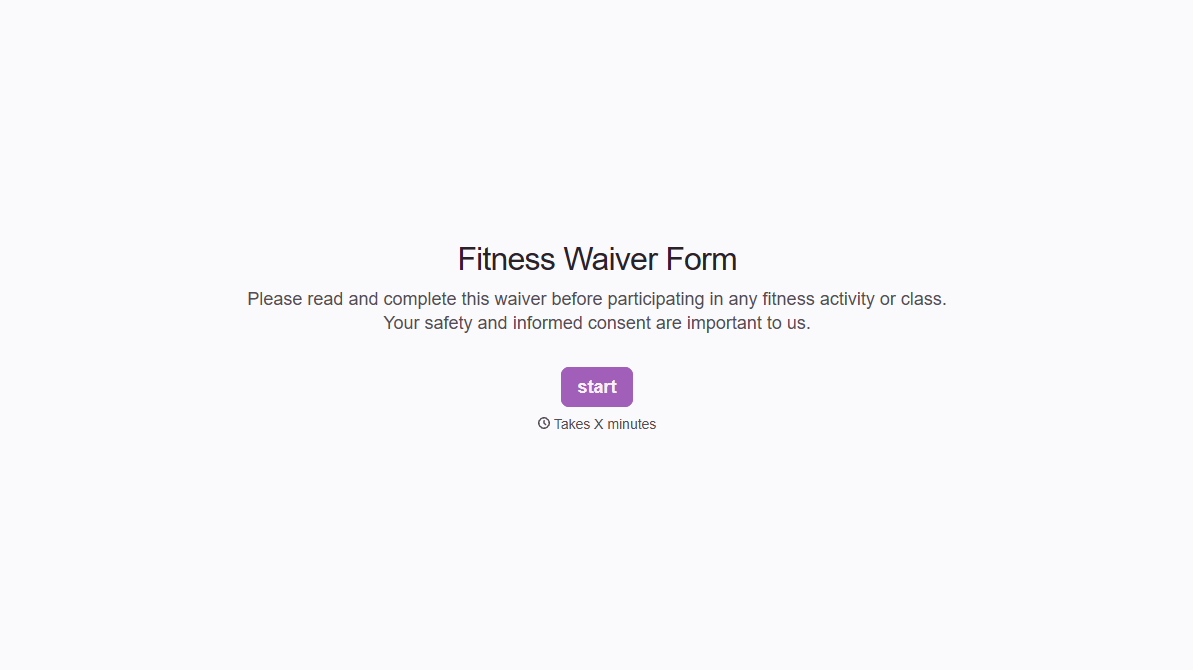
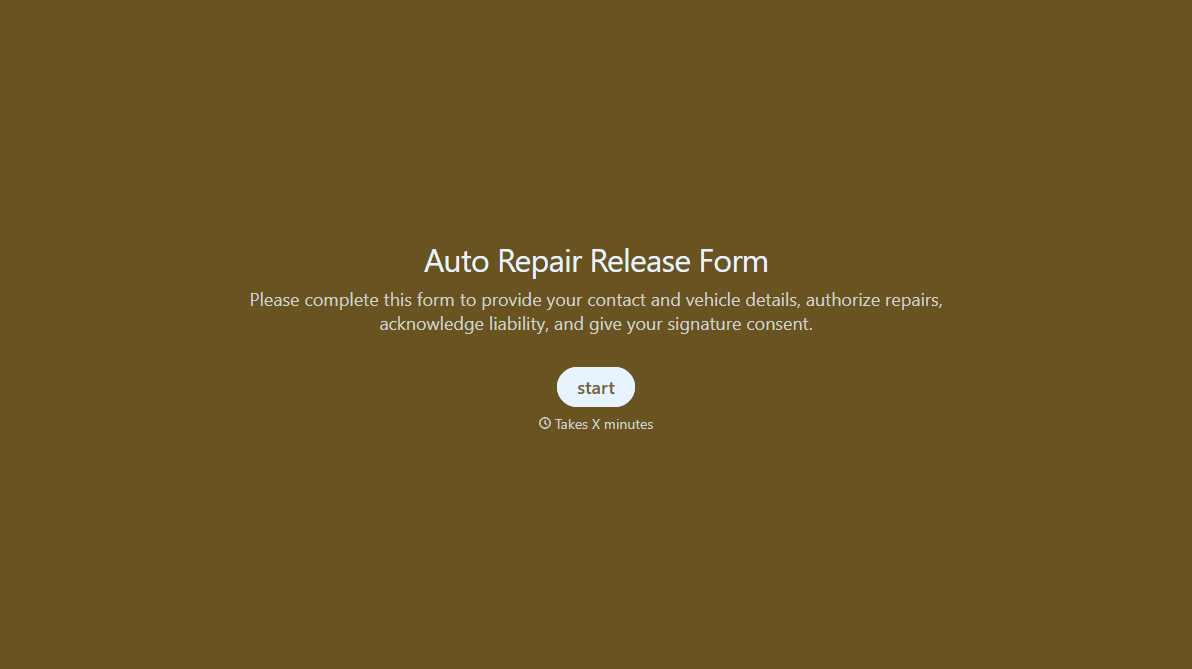

With Typeform, you can customize everything
Change text, colors, and even logos to match the look and feel of your brand. Then embed forms smoothly onto web and email.
Make forms feel effortless to fill out. Pace questions, call people by their name, and adapt the flow based on the data they share.
Stay efficient by connecting forms to your workflow. Typeform integrates with 300+ tools including Slack, Zapier, and HubSpot.


