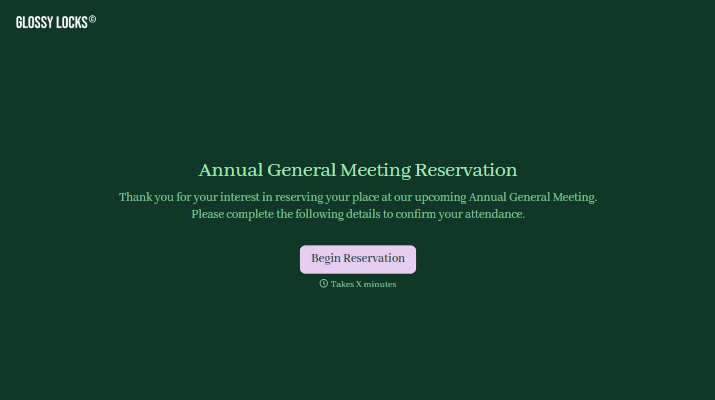
Annual General Meeting Reservation Form
Give members a clear way to reserve their place at your annual general meeting. Collect attendance plans, guest details, and access needs so your team can prepare for the people joining.



One member plans to attend in person. Another wants to join online, and a third needs to know whether they can bring a guest. A reply saying “I’ll be there” doesn’t answer every planning question. Typeform’s annual general meeting reservation form brings those details together before the meeting.
Members provide their contact information, select an available attendance option, and share any practical requirements. You can ask for a membership reference, collect permitted guest details, and offer space for questions about attending. Put the meeting date, time, and location alongside the reservation instructions.
Your team gets a clearer count for seating, refreshments, and online access. Members get a straightforward way to confirm their plans. The next communication can focus on joining instructions and meeting materials, with fewer attendance details left to chase.
An annual general meeting reservation form collects attendance information from people planning to join an organization’s AGM. It typically records names, contact details, and attendance preferences. Organizers use it to prepare the venue, coordinate online access, and send joining instructions.
Reservations spread across emails and phone calls can be difficult to keep up to date. A form asks everyone for the same details and gives your team a consistent record to review. It also helps identify practical needs before the day, such as accessibility arrangements or space for permitted guests.
Collect the information needed to plan attendance and communicate with participants:
- Attendee name and contact details
- Membership or organization reference, where relevant
- In-person or online attendance choice, if offered
- Guest details, if guests are permitted
- Accessibility or dietary requests, where applicable
- Questions about attending
- Reservation deadline and instructions for changes
Make the meeting date, time zone, venue, and confirmation process easy to find.
Set a clear response deadline and explain how attendees should update or cancel a reservation. Ask for one submission per member or group, depending on how you plan to track attendance. Before sending final instructions, review the responses for duplicates, missing details, and requests that need a personal follow-up.
No. Treat the reservation as an attendance record. Check voting eligibility through your organization’s established process, and provide separate instructions for proxy appointments where applicable. Explain any additional steps members must complete so they do not mistake a reservation for voting authorization.
Get inspired by relevant templates and categories
3200+ Templates, 300+ Integrations
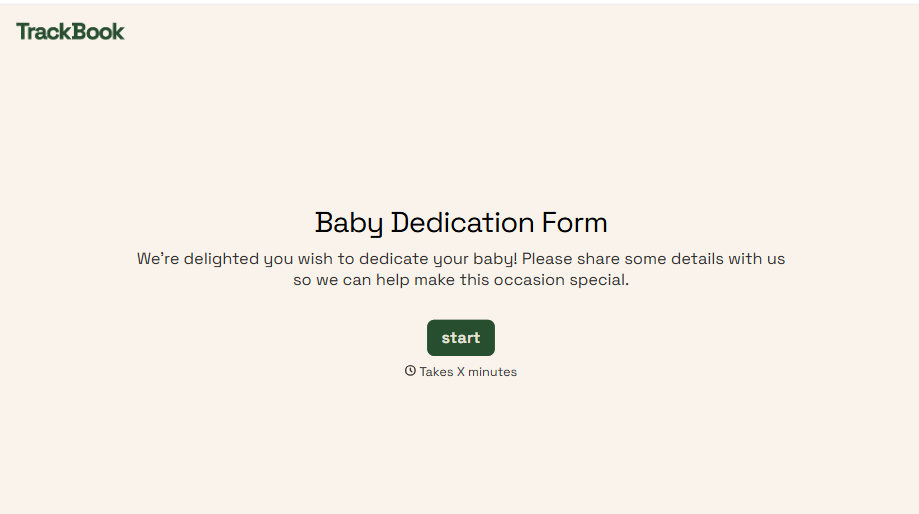
Baby Dedication Form
A sign-up sheet passed around during announcements isn't the kind of detail you want to compile into a Sunday program from memory. Collect the baby's information, requested ceremony date, and any required class attendance before the service, so your team isn't confirming a name's spelling the morning of.
View template
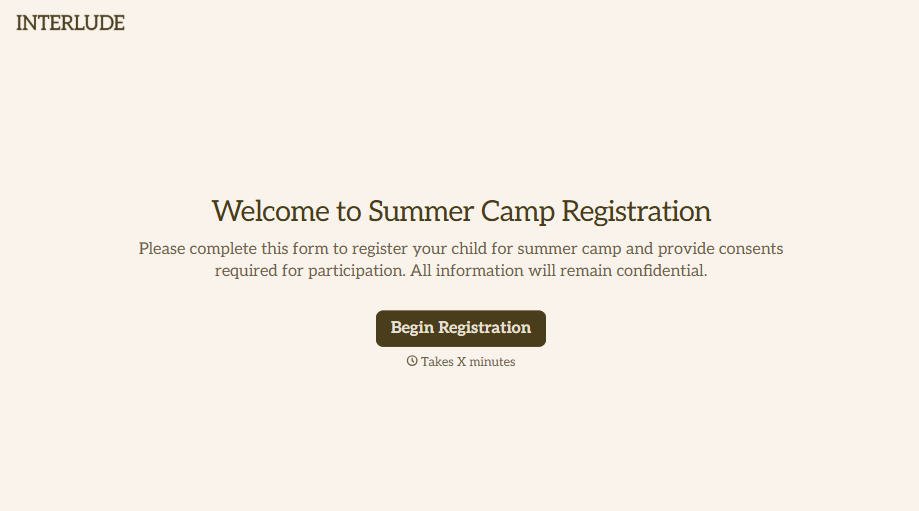
Summer Camp Consent Form
A camper with a bee sting and a counselor on the phone trying to reach a parent isn't a consent process, it's a delay. Collect guardian consent for emergency medical treatment, medication administration, and photo or media use before drop-off, so your staff can act instead of waiting for a callback.
View template
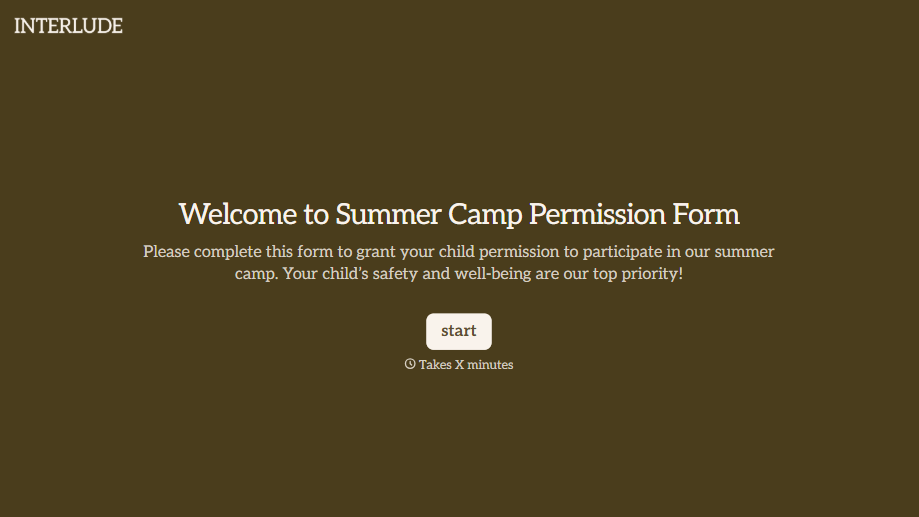
Summer Camp Permission Form
A permission packet crumpled at the bottom of a backpack for two weeks isn't a permission slip anyone can rely on. Collect camper information, medical disclosures, and a signed permission for camp activities before drop-off, so your staff aren't scrambling for an emergency contact on day one.
View template
With Typeform, you can customize everything
Change text, colors, and even logos to match the look and feel of your brand. Then embed forms smoothly onto web and email.
Make forms feel effortless to fill out. Pace questions, call people by their name, and adapt the flow based on the data they share.
Stay efficient by connecting forms to your workflow. Typeform integrates with 300+ tools including Slack, Zapier, and HubSpot.


