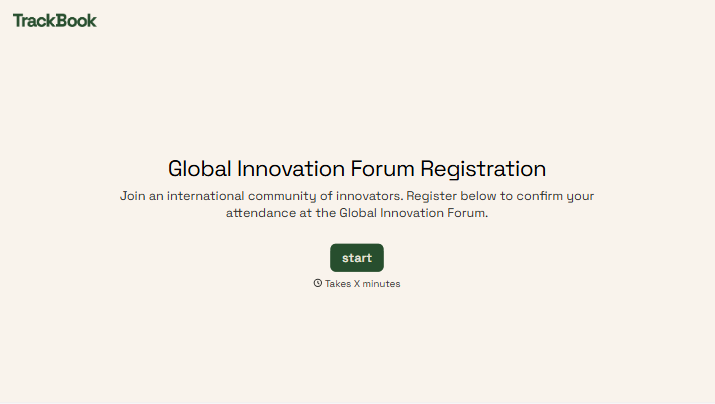
Global Innovation Forum Registration Form
Give attendees a clear way to register their interest and plan their participation. Collect contact details, professional interests, and attendance preferences so your team can prepare for the people joining the forum.



A researcher wants to meet potential collaborators. A founder is looking for sessions on bringing a product to market. Both register for the same forum, but their priorities are different. Typeform’s global innovation forum registration form helps you understand who’s coming and what they hope to gain.
Attendees provide their contact details, organization, and role, then select the topics or sessions that interest them. You can ask about attendance format, accessibility needs, and networking preferences. Make dates, location, and registration terms clear before they submit.
Your team gets information it can use to plan communications, session capacity, and attendee support. Participants get a straightforward way to share their interests and practical needs. The welcome email can then explain what happens next, from confirming a place to choosing a session.
A global innovation forum registration form collects attendee information for an event focused on new ideas, research, technology, or business innovation. It typically asks for contact details, professional background, and participation preferences. Organizers use it to manage registrations and prepare for the event.
An attendee count tells you how many people may arrive, but little about what they need. A registration form adds context, such as topic interests, attendance format, and requests for support. It also gives your team a consistent contact list for sending confirmations and event updates.
Collect the details needed to organize attendance and communicate clearly:
- Attendee name and email address
- Organization and professional role
- Country or time zone, where relevant
- Ticket or registration category
- In-person or virtual attendance preference, if offered
- Topics or sessions of interest
- Accessibility or dietary requests, where applicable
- Agreement to registration terms
- Separate permission for optional networking directories or marketing updates
Explain whether session selections reserve a place or simply help organizers assess interest.
State event times with the time zone and write dates in an unambiguous format, such as “October 15, 2026.” Make the venue, attendance options, and any fees easy to find. Avoid requiring a local phone number or address format, and explain where attendees can ask questions about participation.
Yes. Include the available options and explain any capacity limits or additional registration steps. Ask separately whether attendees want their details shared for networking, and specify what others will see. If selections need approval or confirmation, make that clear before submission and in the follow-up message.
Get inspired by relevant templates and categories
3200+ Templates, 300+ Integrations
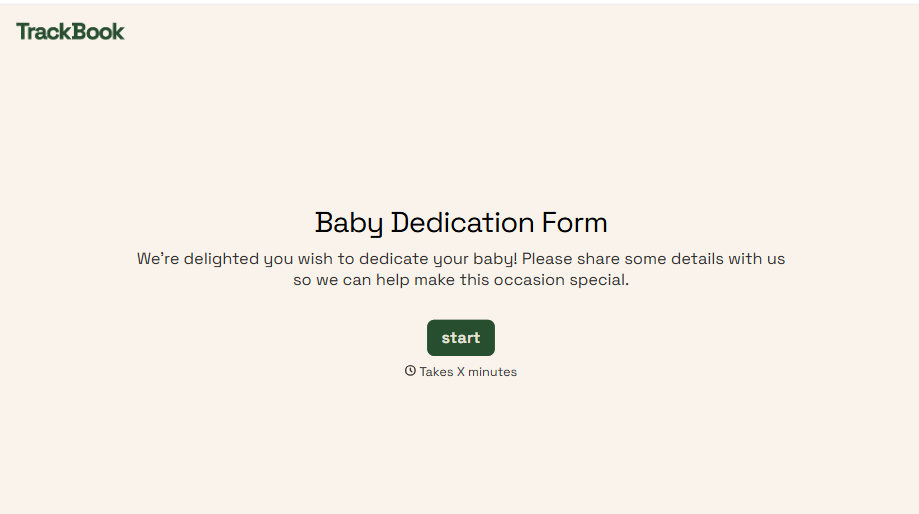
Baby Dedication Form
A sign-up sheet passed around during announcements isn't the kind of detail you want to compile into a Sunday program from memory. Collect the baby's information, requested ceremony date, and any required class attendance before the service, so your team isn't confirming a name's spelling the morning of.
View template
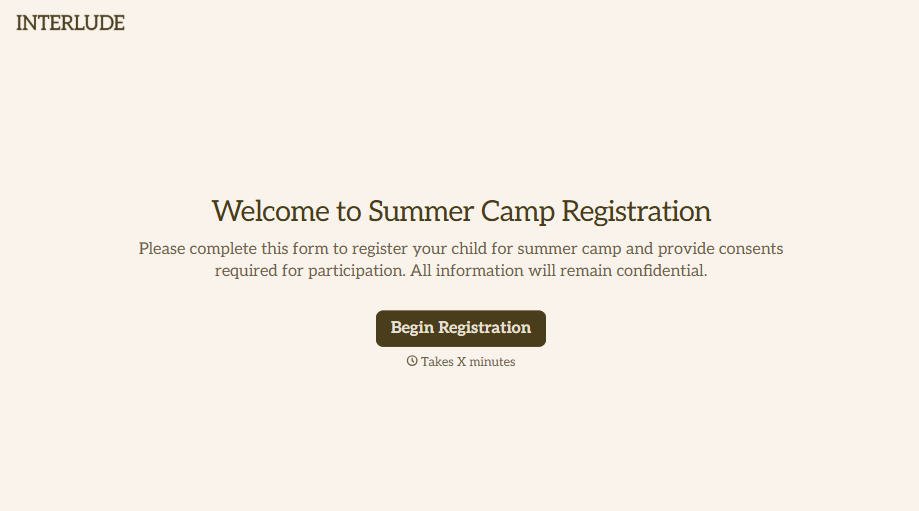
Summer Camp Consent Form
A camper with a bee sting and a counselor on the phone trying to reach a parent isn't a consent process, it's a delay. Collect guardian consent for emergency medical treatment, medication administration, and photo or media use before drop-off, so your staff can act instead of waiting for a callback.
View template
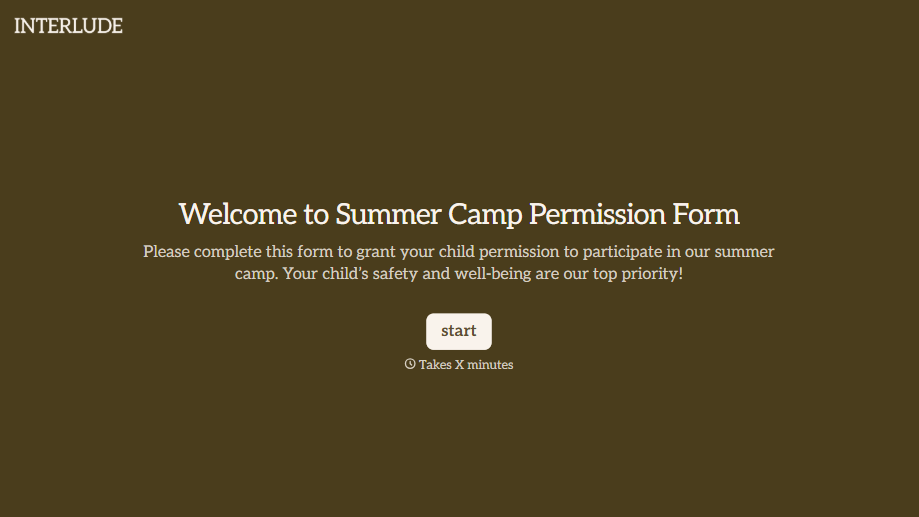
Summer Camp Permission Form
A permission packet crumpled at the bottom of a backpack for two weeks isn't a permission slip anyone can rely on. Collect camper information, medical disclosures, and a signed permission for camp activities before drop-off, so your staff aren't scrambling for an emergency contact on day one.
View template
With Typeform, you can customize everything
Change text, colors, and even logos to match the look and feel of your brand. Then embed forms smoothly onto web and email.
Make forms feel effortless to fill out. Pace questions, call people by their name, and adapt the flow based on the data they share.
Stay efficient by connecting forms to your workflow. Typeform integrates with 300+ tools including Slack, Zapier, and HubSpot.


