Audition Form Template
Finding the right people for a production or program requires more than just a sign-up sheet. A structured audition form helps you collect what you need to evaluate candidates fairly.



Audition sign-ups that live in spreadsheets, email threads, or physical sign-up sheets make it hard to manage the process at scale. When 200 people want to audition and their information is scattered across different formats, scheduling becomes a puzzle and evaluating fairly becomes nearly impossible.
A digital audition form brings all applications into one place. This template collects applicant details, performance pieces or roles of interest, experience, and scheduling availability in a structured, consistent format. Conditional logic adapts the questions based on the role or performance type being applied for, so a dancer and a vocalist don't answer the same irrelevant questions.
Customize for your production or program, connect to your scheduling tools, and spend your time on the auditions rather than the coordination.
An audition form is a document that collects information from people applying to participate in a performance, production, or program. It typically captures personal details, experience, roles of interest, and scheduling availability — giving directors and coordinators what they need to organize and evaluate auditions.
Managing auditions without a structured form creates logistical chaos and makes fair evaluation harder. A form gives every applicant the same opportunity to share their background and interests, and gives your team organized, comparable data to work from.
A strong audition form covers both background and logistics. Consider including:
- Full name and contact information
- Age or age range (if relevant to casting)
- Role or position of interest
- Performance experience and training background
- Prepared piece or audition material (if required)
- Available dates and time slots for the audition
Yes, if they're part of your evaluation process. Include a file upload field for photos, demo reels, or portfolios. Specify the format and file size requirements clearly so applicants know what to submit and you receive usable files.
Connect your Typeform to a scheduling tool or calendar app via integration. Use availability data from the form to block time slots and send confirmation links to applicants. This reduces the back-and-forth of scheduling individual audition times and gives applicants a professional, organized experience from first contact.
Get inspired by relevant templates and categories
3200+ Templates, 300+ Integrations
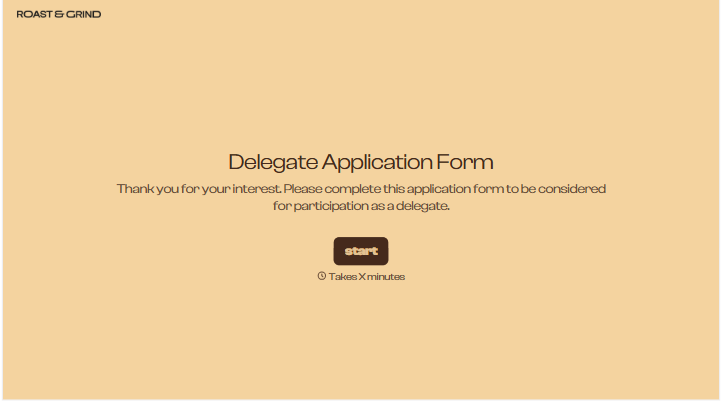
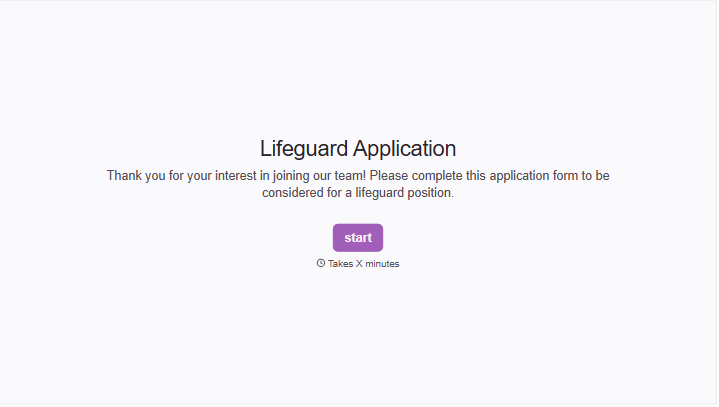
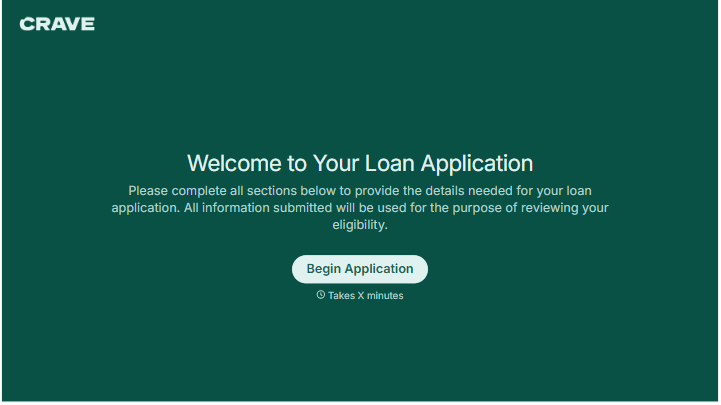
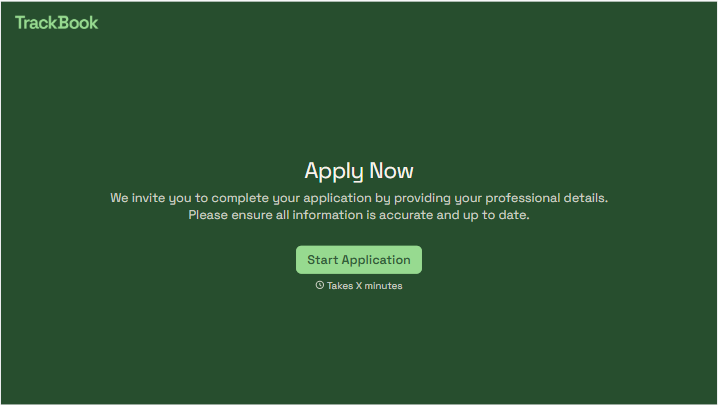
With Typeform, you can customize everything
Change text, colors, and even logos to match the look and feel of your brand. Then embed forms smoothly onto web and email.
Make forms feel effortless to fill out. Pace questions, call people by their name, and adapt the flow based on the data they share.
Stay efficient by connecting forms to your workflow. Typeform integrates with 300+ tools including Slack, Zapier, and HubSpot.


