Awards Nomination Form Template
Make it easy for people to submit nominations and give your committee the information they need to evaluate them.



Awards programs produce better outcomes when nominations are complete and well-evidenced. But when the submission process is confusing or the form asks for too little structure, nominators submit vague write-ups that don't give the committee enough to work with. Important candidates get overlooked because their nomination didn't communicate the right things.
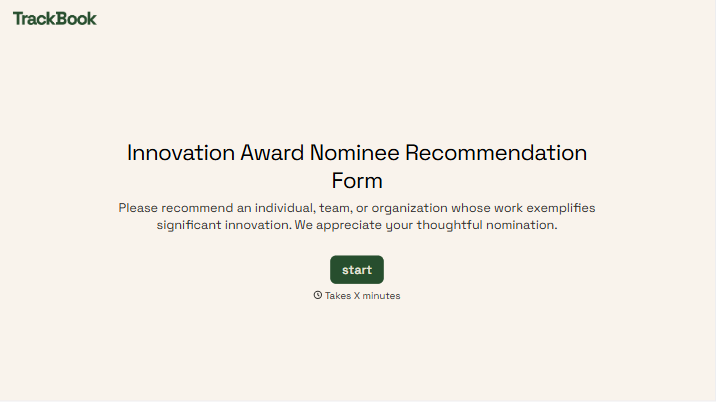
A Typeform awards nomination form guides nominators through each element the committee needs: the nominee's background, specific achievements, evidence of impact, and the category being nominated for. Conditional logic can show different questions based on award category, so a lifetime achievement nomination asks for different information than an innovation award. Submissions arrive consistent and ready to evaluate.
Customize the form with your award categories and evaluation criteria, add your organization's branding, and share the link during the nomination window. Close submissions automatically when the deadline passes.
An awards nomination form is a structured submission tool that allows individuals or organizations to nominate candidates for recognition. It captures the nominee's background, relevant achievements, and supporting evidence the selection committee needs to make an informed decision.
A structured form ensures every nomination includes the same core information, which makes it fairer and easier for the committee to compare candidates. It also reduces the burden on nominators by guiding them through what to include, rather than leaving them with a blank text box.
Gather the information needed for a complete evaluation:
- Nominee name, title, and organization
- Nominator name and contact information
- Award category being nominated for
- Description of the nominee's achievements and contributions
- Specific examples or evidence of impact
- Timeframe of the achievements being recognized
- Supporting references or endorsements (optional)
- Any relevant links, documents, or attachments
Use a dropdown or multiple choice question to ask which award category the nomination is for. Conditional logic then shows the specific questions relevant to that category. A community service award will ask for different evidence than a business innovation or academic achievement award.
Include a brief description of each award and what the committee is looking for at the start of the form, or link to a separate criteria document. When nominators understand what's being evaluated, they write better nominations. You can also add hint text within individual questions to prompt the kind of evidence that's most useful.
Get inspired by relevant templates and categories
3200+ Templates, 300+ Integrations


Nationality Verification Form
A self-certification buried in a stack of new account paperwork isn't the kind of record a compliance team can rely on for a regulatory filing. Collect nationality, tax residency, and a signed declaration before an account opens, so compliance isn't chasing down a customer's citizenship status after the fact.
View template

Policy Cancellation Form
A cancellation requested over the phone doesn't leave a clear record of exactly what date the policyholder actually asked for, and that date matters more than it sounds like it should. Collect what your agency actually needs, policy details, identity verification, and the requested effective date, before coverage actually ends.
View template

Inheritance Beneficiary Form
Asking a grieving family member for the same banking details across three different phone calls doesn't make settling an estate go any faster. Collect what your firm actually needs, beneficiary information, identification, and distribution details, in one submission instead of three calls.
View template
With Typeform, you can customize everything
Change text, colors, and even logos to match the look and feel of your brand. Then embed forms smoothly onto web and email.
Make forms feel effortless to fill out. Pace questions, call people by their name, and adapt the flow based on the data they share.
Stay efficient by connecting forms to your workflow. Typeform integrates with 300+ tools including Slack, Zapier, and HubSpot.


