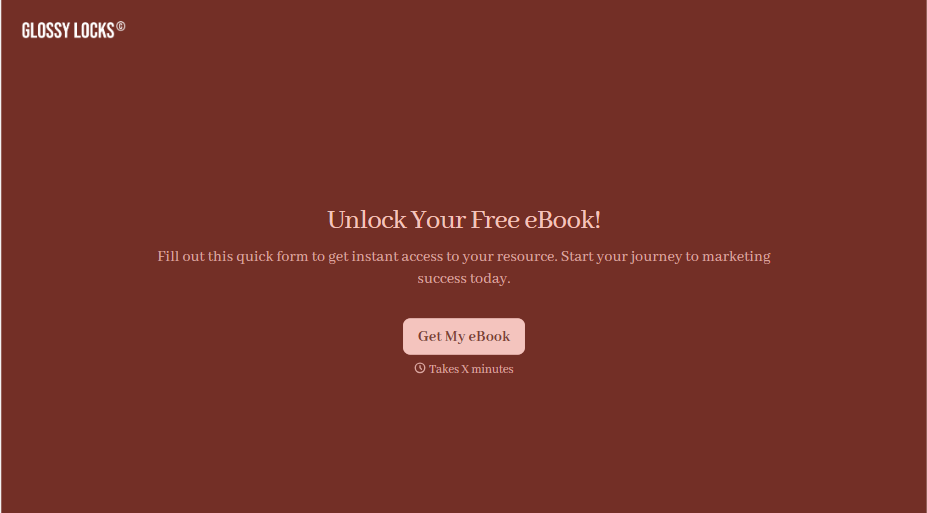
Ebook Download Form
A download form asking for name, email, phone, company, and job title before anyone's read a single page isn't gating valuable content, it's asking for a phone number in exchange for a PDF. Ask for what you'll actually use, and deliver the ebook the second someone hits submit.



Right now, the ebook gate is a six-field form built once and never revisited, and a chunk of visitors bounce before ever seeing what's actually behind it. Half the fields collected, phone number, job title, don't map to anything the marketing team follows up on anyway, they're just sitting in a spreadsheet unused.
Typeform's ebook download form asks for name and email at minimum, one question at a time instead of a wall of fields at once, with conditional logic adding a company or role question only when the resource is actually B2B and worth qualifying leads on. The thank-you screen delivers the download link immediately instead of "check your email," and Zapier can push the same submission into your email platform or CRM to tag and segment the lead based on which ebook, or which optional question, they engaged with.
Getting the gate right matters more than it looks: lead magnet conversion rates vary widely, roughly 5% to 24% depending on the offer and audience, and email marketing returns around $36 for every dollar spent when the list is actually engaged, with segmented email seeing real lifts in opens and click-throughs over a generic blast. A short, well-targeted form is a bigger lever on that than most people treat it as.
An ebook download form is a short form that collects a visitor's information, usually just name and email, in exchange for access to a downloadable resource, delivering the file immediately after submission instead of gating it behind a lengthy questionnaire.
Because every additional field is a chance for someone to bounce before ever seeing what you're offering. Reducing field count generally increases submissions, but the goal isn't just fewer fields, it's asking only for what you'll actually use, so the form stays short without losing the information your follow-up actually depends on.
Keep it to what earns its place:
- Name and email, at minimum
- An optional segmentation question, role or company size, if the resource is B2B and worth qualifying on
- A consent or opt-in checkbox for future marketing emails
- A thank-you screen that delivers the download immediately
It can, if you need to know fit before following up. A shorter form gets more volume but not necessarily more fit, so instead of front-loading every qualifying question, consider a lighter form now and a follow-up email or a second, more detailed form later, once someone's already shown enough interest to open what you sent them.
The thank-you screen should deliver the download immediately, not "check your email in a few minutes," while a confirmation email and a CRM or email platform sync happen in the background. Making someone wait for something they just asked for undoes a lot of the goodwill a short form just built.
Get inspired by relevant templates and categories
3200+ Templates, 300+ Integrations
Ebook Download Form
A download form asking for name, email, phone, company, and job title before anyone's read a single page isn't gating valuable content, it's asking for a phone number in exchange for a PDF. Ask for what you'll actually use, and deliver the ebook the second someone hits submit.
View template
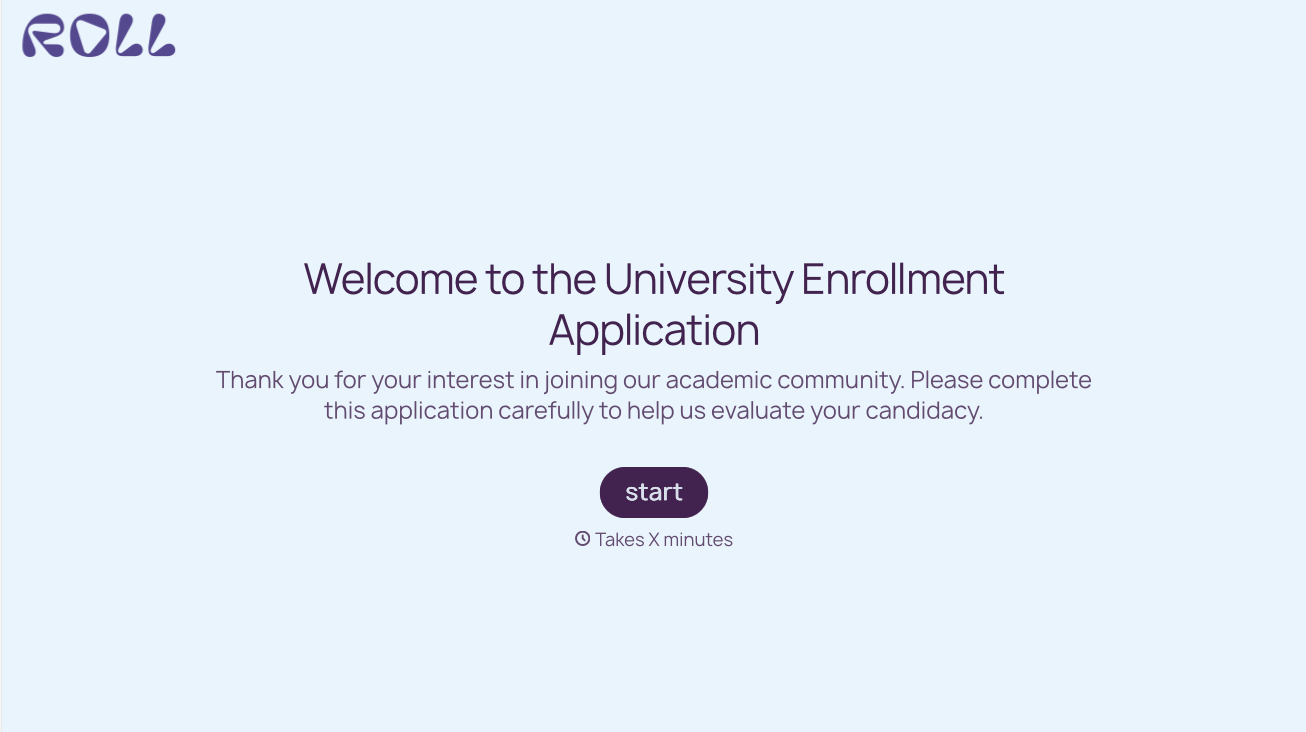
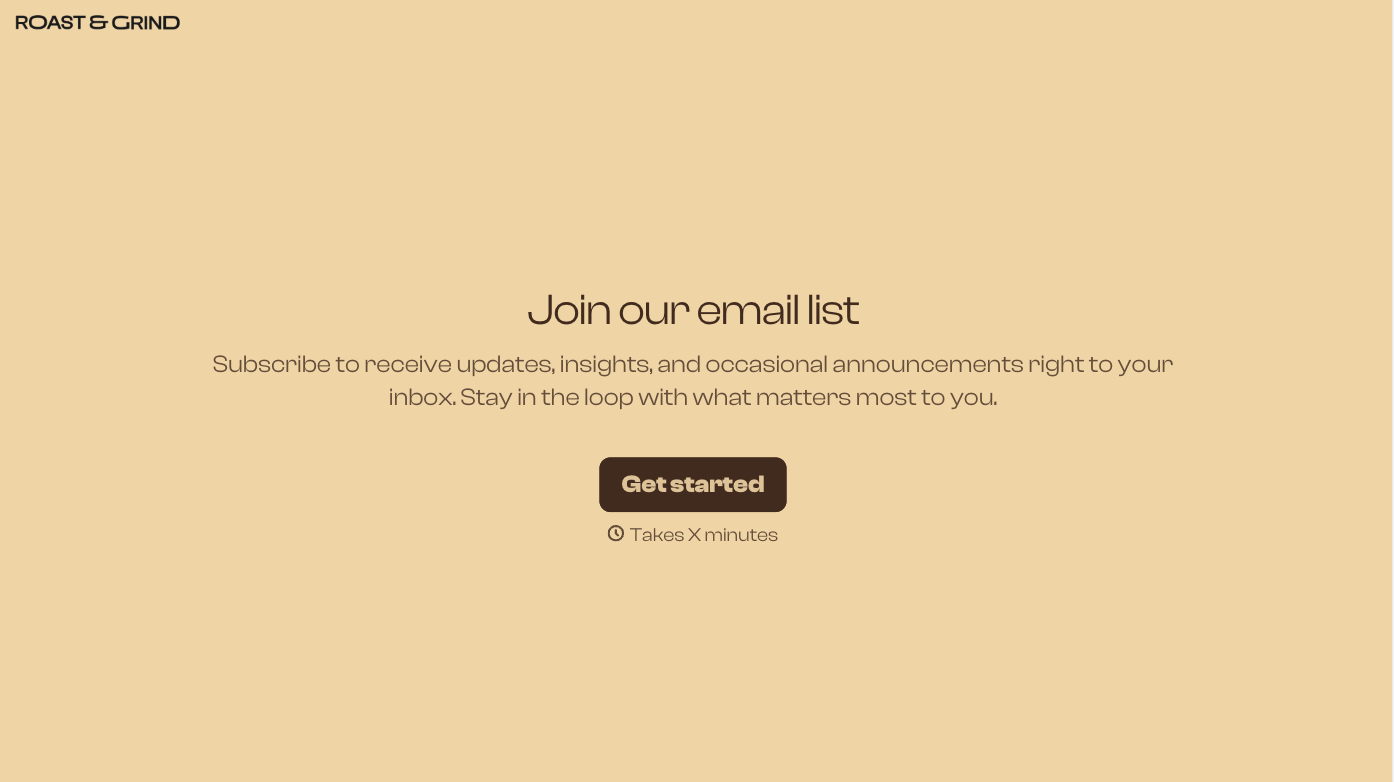
With Typeform, you can customize everything
Change text, colors, and even logos to match the look and feel of your brand. Then embed forms smoothly onto web and email.
Make forms feel effortless to fill out. Pace questions, call people by their name, and adapt the flow based on the data they share.
Stay efficient by connecting forms to your workflow. Typeform integrates with 300+ tools including Slack, Zapier, and HubSpot.


