Best Friend Application Form Template
A fun way to find (or formalize) a friendship — or test your event guests.



Whether it's for a social media campaign, a class activity, a bachelorette party icebreaker, or just a playful way to get to know new people, a best friend application form turns the idea of friendship into something people can actually engage with and laugh about.
This template asks the classic qualifying questions — favorite activities, dealbreakers, texting response time expectations, stance on surprise plans — along with a few that let the applicant's personality come through. The goal is to be fun and specific enough that genuine compatibility shows up in the answers.
Share it as a link or QR code at events, on social media, or through a group chat. Responses come in through Typeform's one-question-at-a-time format, which makes even a novelty form feel more like a conversation than a data dump.
Specific questions beat generic ones. 'What's your ideal Saturday?' reveals more than 'Do you like going out?' Add at least one question that requires a real opinion — favorite movie genre, biggest pet peeve, stance on pineapple on pizza — so responses actually differentiate candidates.
Yes. Community events, co-working spaces, and social clubs have used similar forms to match attendees with common interests before an event. It's a more structured alternative to awkward mingling and gives attendees a reason to seek each other out.
Absolutely. Every question is editable. For a book club, replace 'favorite movie genre' with 'last book you recommended.' For a travel group, ask about destination bucket lists. The form works best when the questions reflect the actual shared interest that brought people together.
You can configure the form to show a custom completion screen with next steps — like 'We'll review applications and be in touch.' For events or campaigns where you want to share results publicly, export the responses and create a summary to share however fits the context.
Yes, with age-appropriate questions. A teacher-led version for elementary students might ask about favorite subjects, recess activities, and what kind of friend they try to be. It works well as an icebreaker on the first day of school or at the start of a new group activity.
Get inspired by relevant templates and categories
3200+ Templates, 300+ Integrations
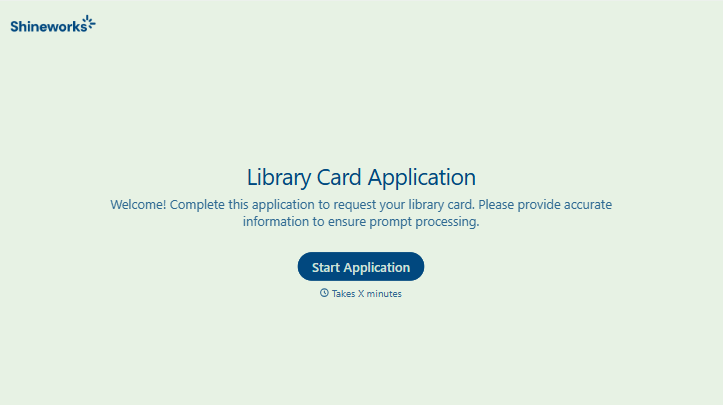
Library Card Application Form
Move past a quick sign-up sheet that just grabs a name and an address. Screen for who actually needs a parent or guardian to co-sign, confirm proof of residency, and keep a record of exactly what each cardholder agreed to before you hand over a card that comes with real financial responsibility attached.
View template
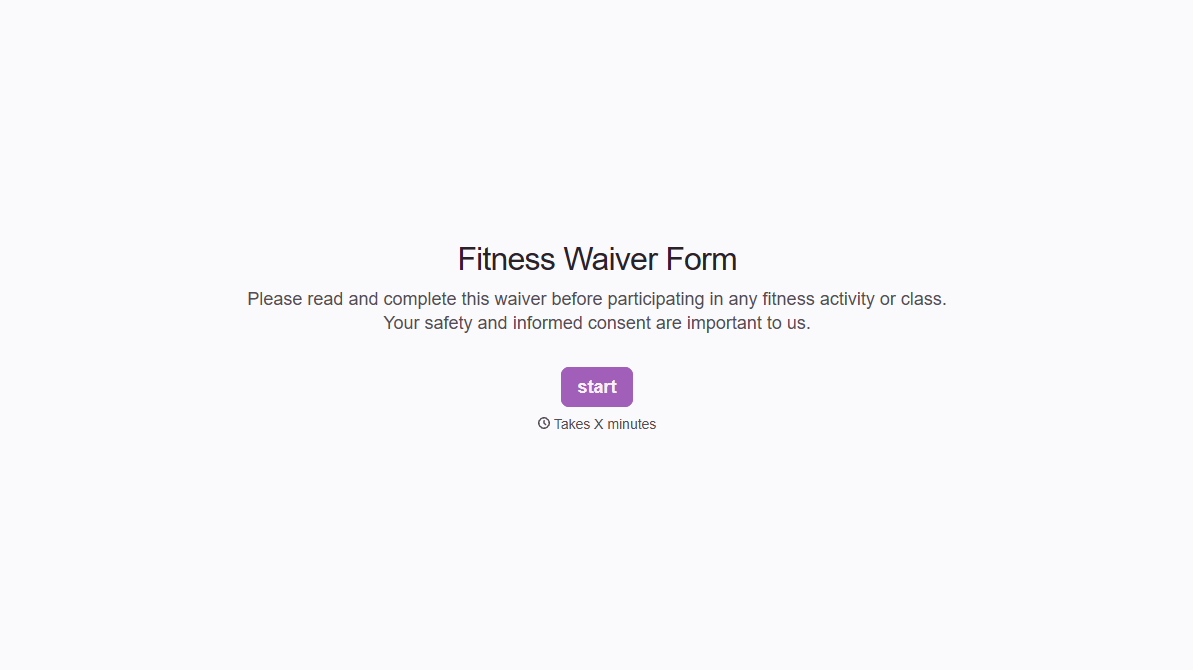
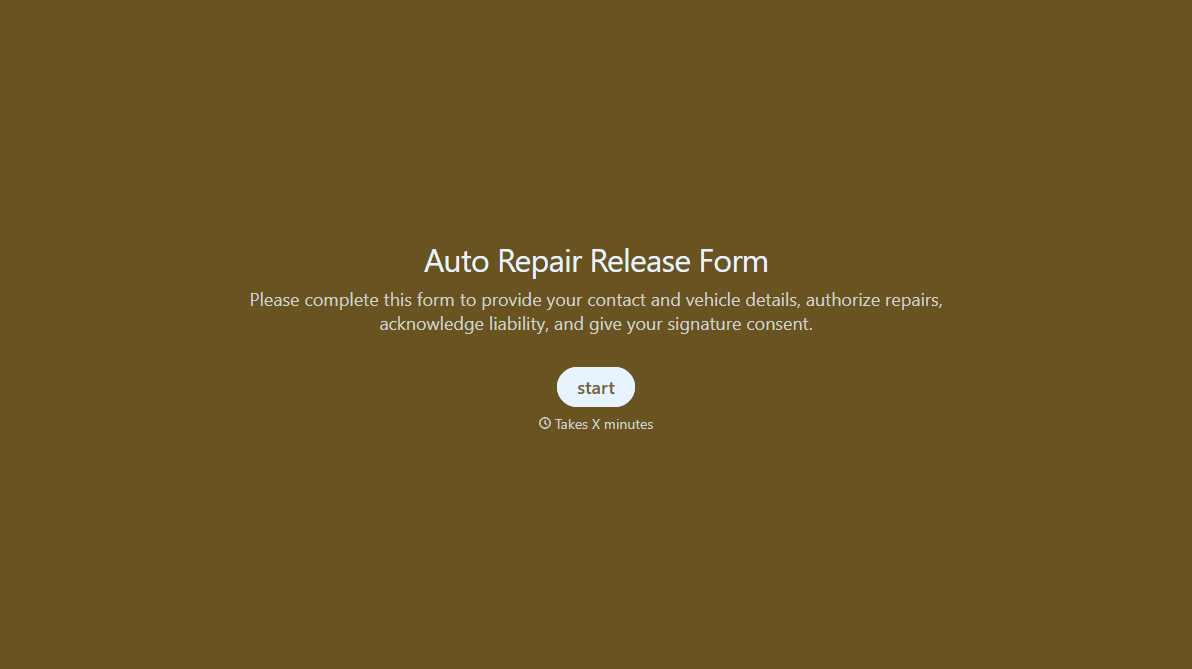
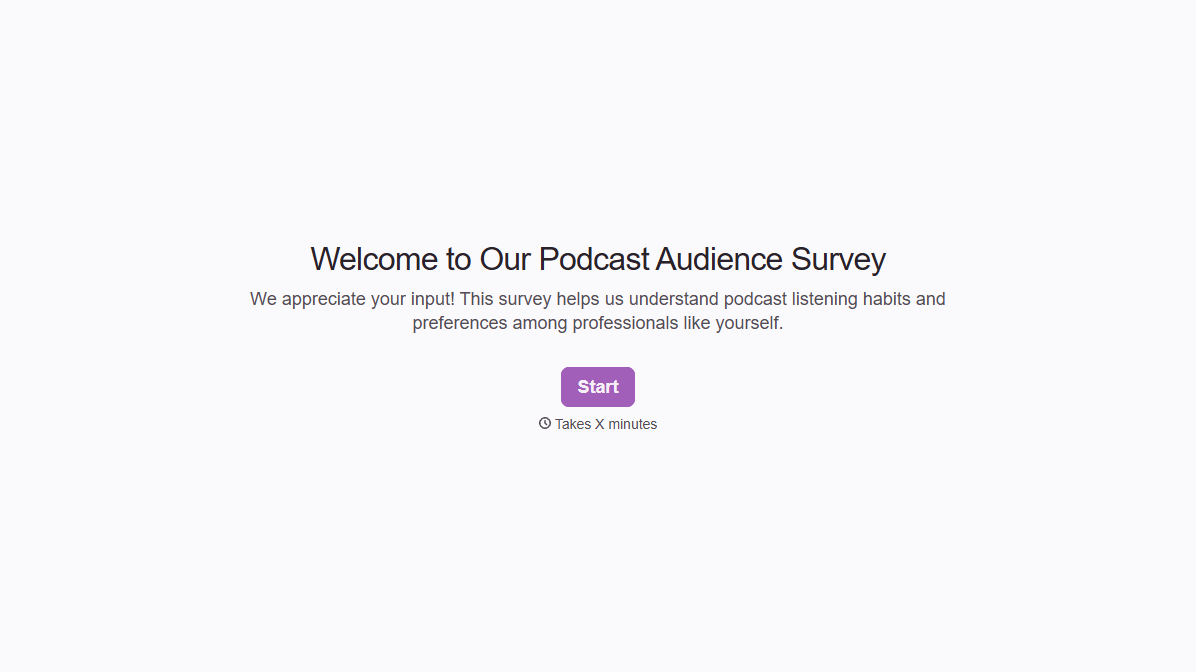

With Typeform, you can customize everything
Change text, colors, and even logos to match the look and feel of your brand. Then embed forms smoothly onto web and email.
Make forms feel effortless to fill out. Pace questions, call people by their name, and adapt the flow based on the data they share.
Stay efficient by connecting forms to your workflow. Typeform integrates with 300+ tools including Slack, Zapier, and HubSpot.


