Body Measurement Form
Move past a tape measure and a sticky note that gets lost between visits. Capture consistent measurements in one place, note who took them and when, and keep a record you can compare against the next fitting or the next check-in.



A body measurement form can feel like it's collecting sensitive biometric data, but under laws like Illinois's Biometric Information Privacy Act, it generally isn't. BIPA defines "biometric identifier" narrowly, covering things like a retina scan, fingerprint, voiceprint, or a scan of hand or face geometry, and it specifically excludes "physical descriptions such as height, weight, hair color, or eye color." A tailor recording a chest, waist, and inseam measurement with a tape measure sits outside that definition.
Where that changes is the moment measurements get captured by a camera instead of a tape measure. Retailers offering virtual try-on and body-scanning tools have faced class actions under BIPA for exactly this, capturing facial or body geometry through a scan rather than asking for a number, and those cases carry real damages, $1,000 per negligent violation and $5,000 per reckless or intentional one, multiplied across every customer scanned. If your measurement process ever adds a scanning or AI-fit feature, that's the point to get legal advice, not before.
Typeform's body measurement form organizes the standard measurements, chest, waist, hips, inseam, shoulder width, and whatever else your work requires, into one consistent set of fields instead of scattered notes across visits, and timestamps who submitted the numbers and when. Every submission becomes a record you can return to, the measurements a client gave you and when, the file you want if a garment doesn't fit as expected or a client's numbers need to be checked against an earlier visit.
A body measurement form collects the specific measurements a business needs to do its work, whether that's fitting custom clothing, tracking a client's progress, or sizing a costume or uniform. It typically records the client's name and contact information, the individual measurements taken (chest, waist, hips, inseam, and similar), the date, and who took them.
Generally, no, if you're recording numbers from a tape measure. Laws like Illinois's BIPA define "biometric identifier" narrowly to cover things like a fingerprint, retina scan, voiceprint, or a scan of hand or face geometry, and explicitly exclude physical descriptions such as height and weight. That changes if you start capturing measurements through a camera-based body scan or virtual fitting tool instead of asking for a number. That kind of technology has drawn BIPA class actions against retailers, so treat scanning features differently from manually recorded measurements and get legal advice before adding one.
Capture enough to do the fitting or tracking accurately, and to compare against next time:
- Client name and contact information
- Date the measurements were taken
- The specific measurements your work requires (chest, waist, hips, inseam, shoulder width, and so on)
- Unit of measurement, inches or centimeters
- Who took the measurements
- Any notes on fit preferences or special requirements
Body measurements aren't legally sensitive data in most contexts, but many clients feel they are, so treat them with the same care you'd want applied to your own information. Limit who can access stored measurements, avoid sharing them without the client's knowledge, and check whether your state's general data privacy law requires you to disclose what personal information you collect and how long you keep it, since several now apply to any business collecting personal information above a certain size.
Yes. Typeform lets clients fill out their measurements from any device, and if you need a signature, such as confirming the measurements before an order is placed, Typeform's signature question lets them sign by typing, drawing, or uploading their signature. It time-stamps the signature the moment they submit and locks the response so it can't be changed afterward. It's available on Typeform's Growth Flow, Growth Custom, and Enterprise plans.
Get inspired by relevant templates and categories
3200+ Templates, 300+ Integrations



Nationality Verification Form
A self-certification buried in a stack of new account paperwork isn't the kind of record a compliance team can rely on for a regulatory filing. Collect nationality, tax residency, and a signed declaration before an account opens, so compliance isn't chasing down a customer's citizenship status after the fact.
View template
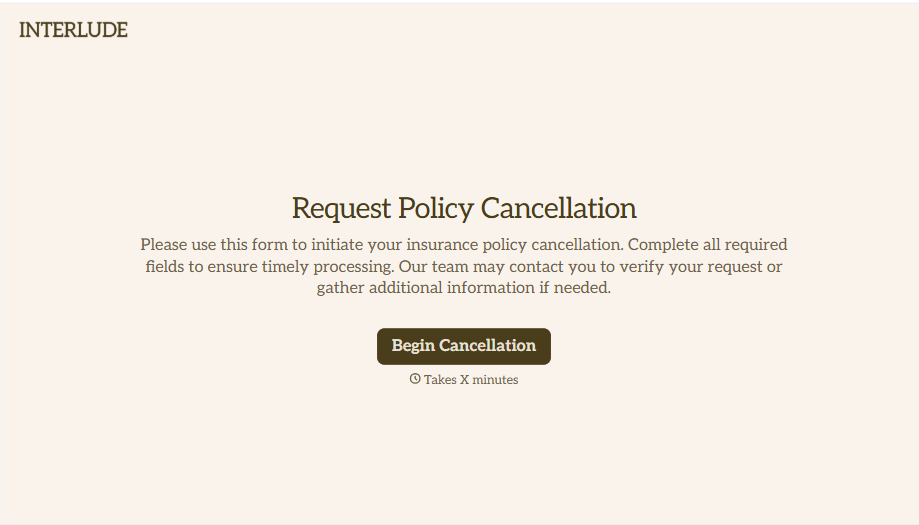
Policy Cancellation Form
A cancellation requested over the phone doesn't leave a clear record of exactly what date the policyholder actually asked for, and that date matters more than it sounds like it should. Collect what your agency actually needs, policy details, identity verification, and the requested effective date, before coverage actually ends.
View template
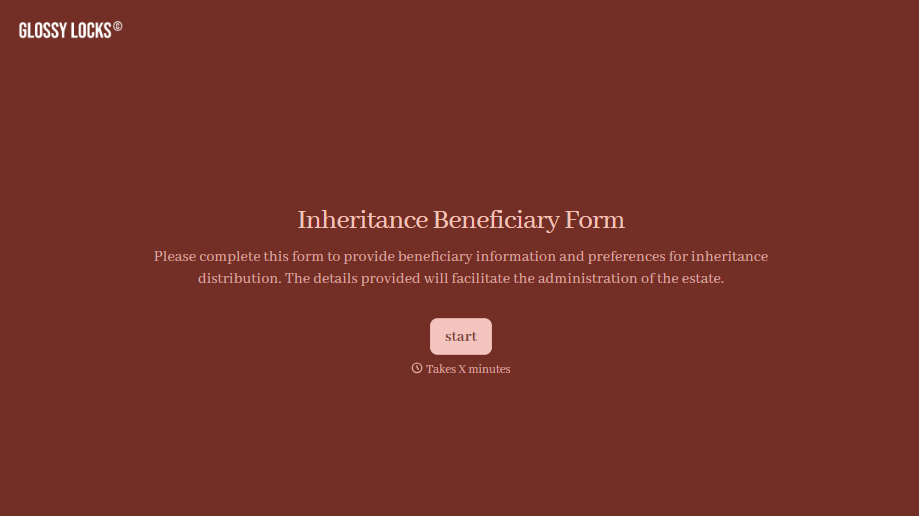
Inheritance Beneficiary Form
Asking a grieving family member for the same banking details across three different phone calls doesn't make settling an estate go any faster. Collect what your firm actually needs, beneficiary information, identification, and distribution details, in one submission instead of three calls.
View template
With Typeform, you can customize everything
Change text, colors, and even logos to match the look and feel of your brand. Then embed forms smoothly onto web and email.
Make forms feel effortless to fill out. Pace questions, call people by their name, and adapt the flow based on the data they share.
Stay efficient by connecting forms to your workflow. Typeform integrates with 300+ tools including Slack, Zapier, and HubSpot.


