Burger Order Form Template
Whether you're running a food truck, a pop-up, or a small restaurant, a clear ordering system saves time and reduces mistakes.



Order-taking gets messy when it's not structured. Handwritten tickets with incomplete customization notes, verbal orders that get misremembered, and the inevitable "they said no pickles" conversation — all of it slows down your kitchen and frustrates customers.
An online order form handles the customization upfront. Typeform's burger order template lets customers build their order step by step — patty type, toppings, sides, drinks — one choice at a time. Conditional logic handles the complexity without overwhelming anyone: selecting a veggie patty shows different topping options than a beef patty; selecting a combo automatically asks about side preferences. Orders are collected in one place and can be routed to your kitchen display or order management system via integrations.
Customize the menu options, embed the form on your website or share the link for pickup and delivery orders, and spend less time managing confusion.
A burger order form is a digital menu and ordering tool that allows customers to select and customize their burger order online. It captures all the information needed to prepare the order accurately without requiring staff to take it manually.
Verbal and handwritten orders are error-prone, especially for customized items. A digital form captures every specification — patty preference, toppings, allergen notes — clearly and consistently, reducing kitchen mistakes and improving order accuracy.
Design the form around your menu. Typical fields include:
- Burger base selection (beef, chicken, veggie, etc.)
- Doneness preference (for beef patties)
- Toppings and condiments (with add/remove options)
- Bun or bread type
- Side order selection
- Drink selection
- Allergen or dietary notes
- Pickup or delivery preference
Typeform doesn't process payments natively, but you can include a payment link or integrate with a payment processor via Zapier. For more robust food ordering and payment, pairing Typeform with a dedicated POS or ordering platform gives you more control over the transaction flow.
Connecting the form to a real-time notification tool or kitchen display system means every order surfaces immediately without staff having to check the form repeatedly. You can also set up a Slack or email notification so the kitchen gets an alert the moment an order is submitted.
Get inspired by relevant templates and categories
3200+ Templates, 300+ Integrations
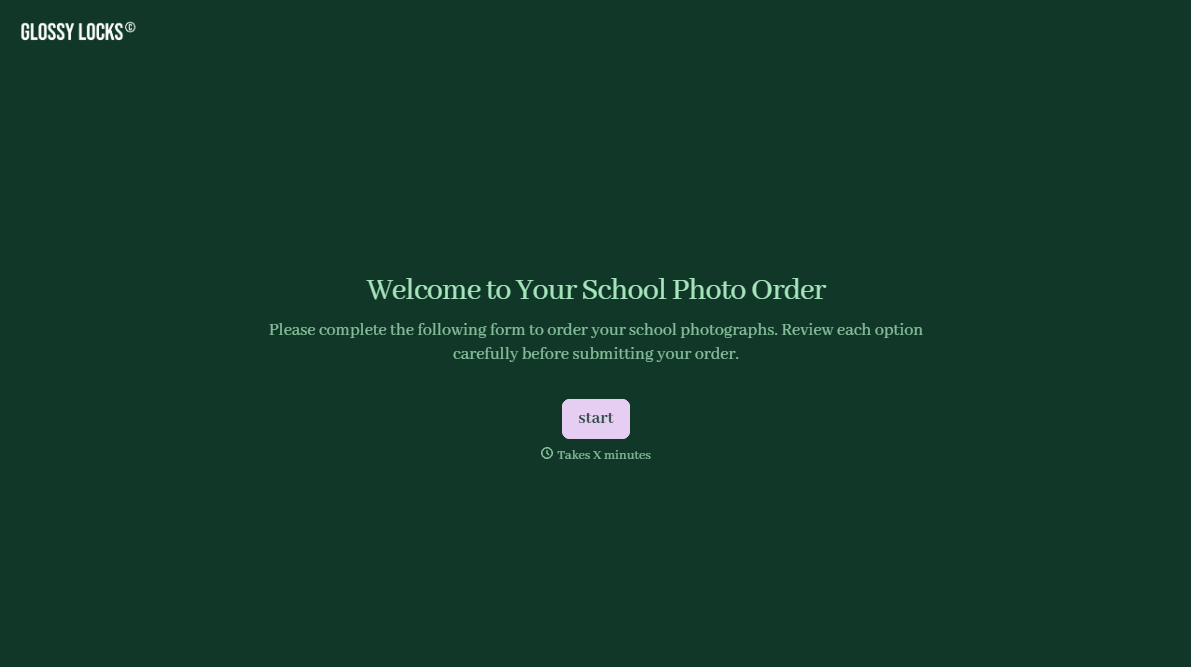
School Photography Order Form
A paper order form stuffed in a backpack for two weeks isn't an order anyone can act on. Collect student information, package selection, and payment before picture day, so your photographer shows up with an accurate count instead of a stack of crumpled envelopes.
View template
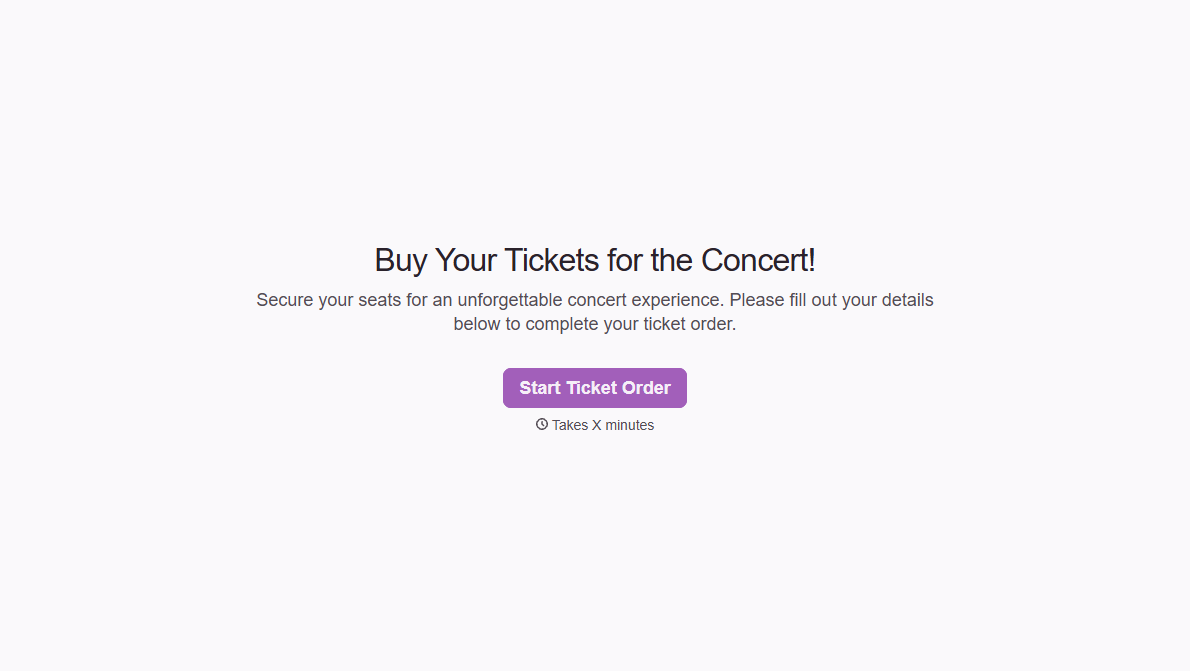
Concert Ticket Order Form
A ticket order collected through a Venmo request and a group text isn't a record, it's a promise to remember who paid and who still owes. Take the order, the payment, and the confirmation in the same form, so nobody's showing up at the door as a name someone half-remembers.
View template
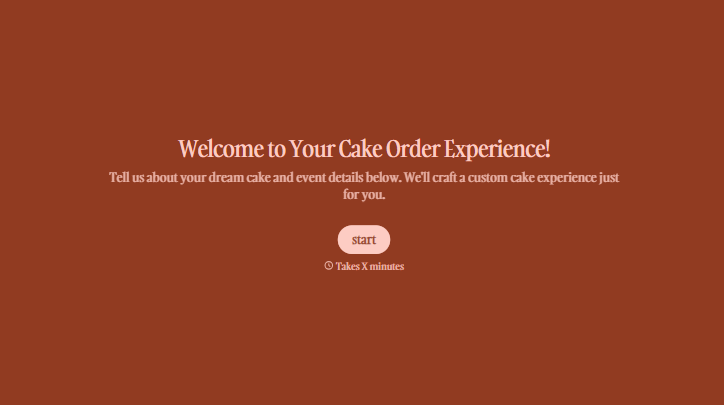
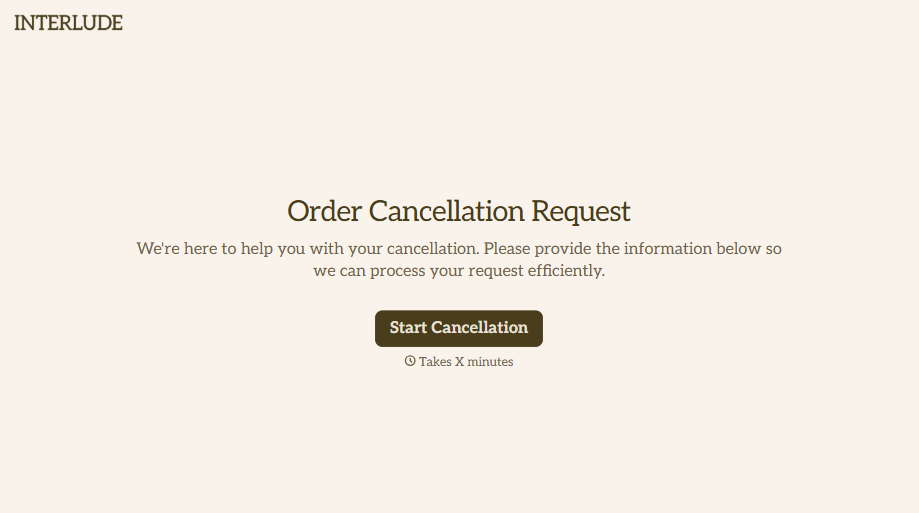

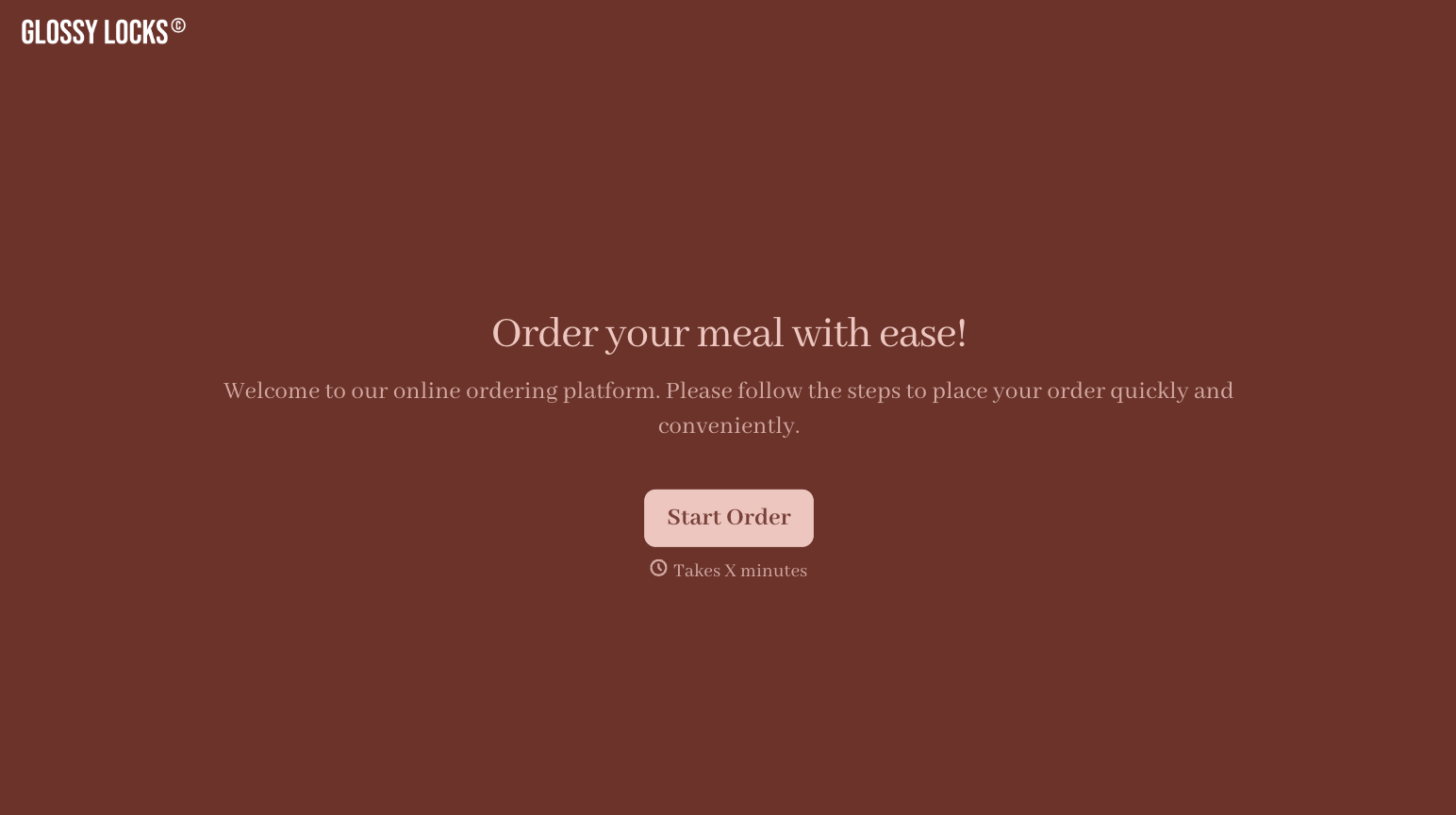
With Typeform, you can customize everything
Change text, colors, and even logos to match the look and feel of your brand. Then embed forms smoothly onto web and email.
Make forms feel effortless to fill out. Pace questions, call people by their name, and adapt the flow based on the data they share.
Stay efficient by connecting forms to your workflow. Typeform integrates with 300+ tools including Slack, Zapier, and HubSpot.


