Concert Ticket Order Form
A ticket order collected through a Venmo request and a group text isn't a record, it's a promise to remember who paid and who still owes. Take the order, the payment, and the confirmation in the same form, so nobody's showing up at the door as a name someone half-remembers.



Right now, selling tickets for an independently run show means a spreadsheet, a string of Venmo requests, and a group text trying to keep track of who's actually paid. At the door, it comes down to whoever's checking people in trying to match a name to a half-remembered payment instead of an actual list.
Typeform's concert ticket order form collects buyer information, ticket type, and quantity, calculates the total automatically with a price variable instead of someone doing the math by hand, and takes payment directly through Stripe so the order and the payment happen in the same step. Conditional logic can offer different ticket tiers, general admission versus VIP, and adjust available quantity per tier so a sold-out tier stops taking orders without anyone manually tracking it.
Connect it to Google Sheets or email through Zapier, and a confirmed order can trigger a confirmation email or e-ticket automatically instead of someone replying to every buyer by hand. A few things worth knowing before building this: Typeform's payment question handles one-time charges only, no payment plans or recurring billing, requires a paid plan, and refunds go through Stripe directly rather than through Typeform itself, so it's worth deciding upfront how a canceled show or a refund request actually gets handled.
A concert ticket order form is an online form that collects a buyer's information, ticket type and quantity, and payment in a single submission, replacing a manual process of spreadsheets, payment apps, and a group text to track who's ordered and paid.
Because a spreadsheet and a payment app aren't connected to each other, someone has to manually match a payment notification to a name on a list, and that match gets missed more often than anyone would like at the door of a show. A form ties the order, the payment, and the buyer's information together automatically.
Cover what you'll need to run the door and reconcile sales afterward:
- Buyer name and contact information
- Ticket type or tier and quantity
- An automatically calculated total
- Payment collection
- Order confirmation or e-ticket delivery details
Yes. A price variable can multiply a ticket's price by the quantity someone selects, so the payment question charges the correct total instead of a flat price regardless of how many tickets were ordered.
The payment question handles one-time charges only, there's no support for payment plans or recurring billing, and it requires a paid Typeform plan. It's also unavailable on EU Data Center hosted accounts, has a $0.50 minimum charge, and doesn't handle refunds itself; a refund request gets processed through Stripe directly, not automatically through the form. It is worth planning your refund and cancellation process separately rather than assuming the form covers it.
Get inspired by relevant templates and categories
3200+ Templates, 300+ Integrations
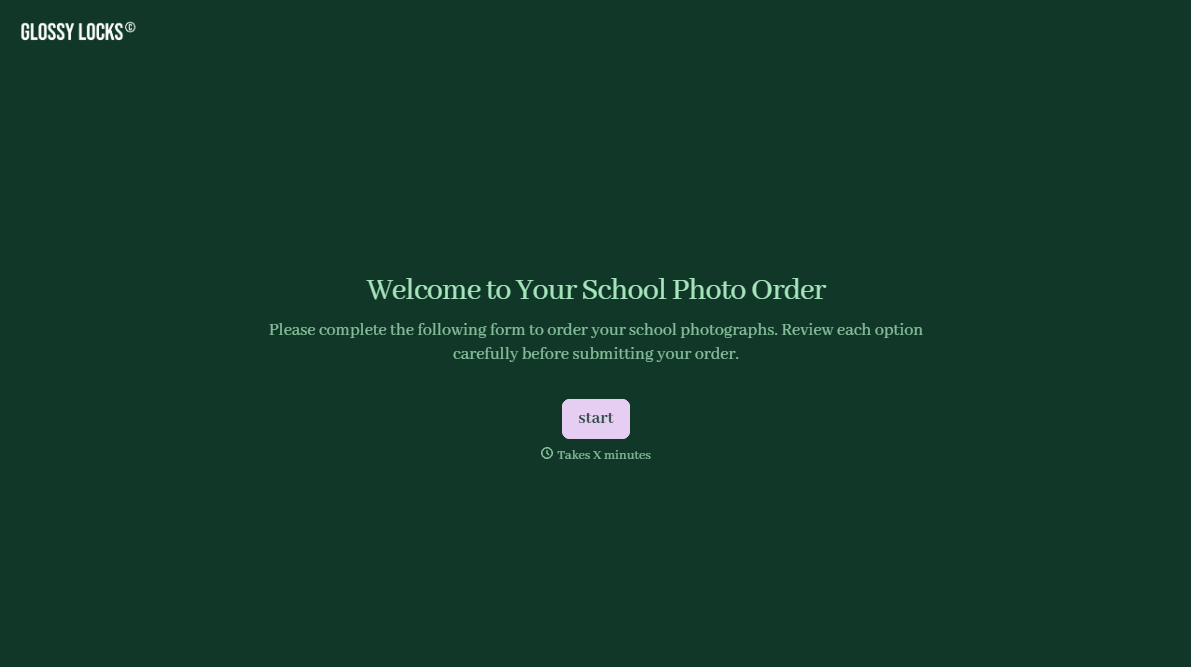
School Photography Order Form
A paper order form stuffed in a backpack for two weeks isn't an order anyone can act on. Collect student information, package selection, and payment before picture day, so your photographer shows up with an accurate count instead of a stack of crumpled envelopes.
View template
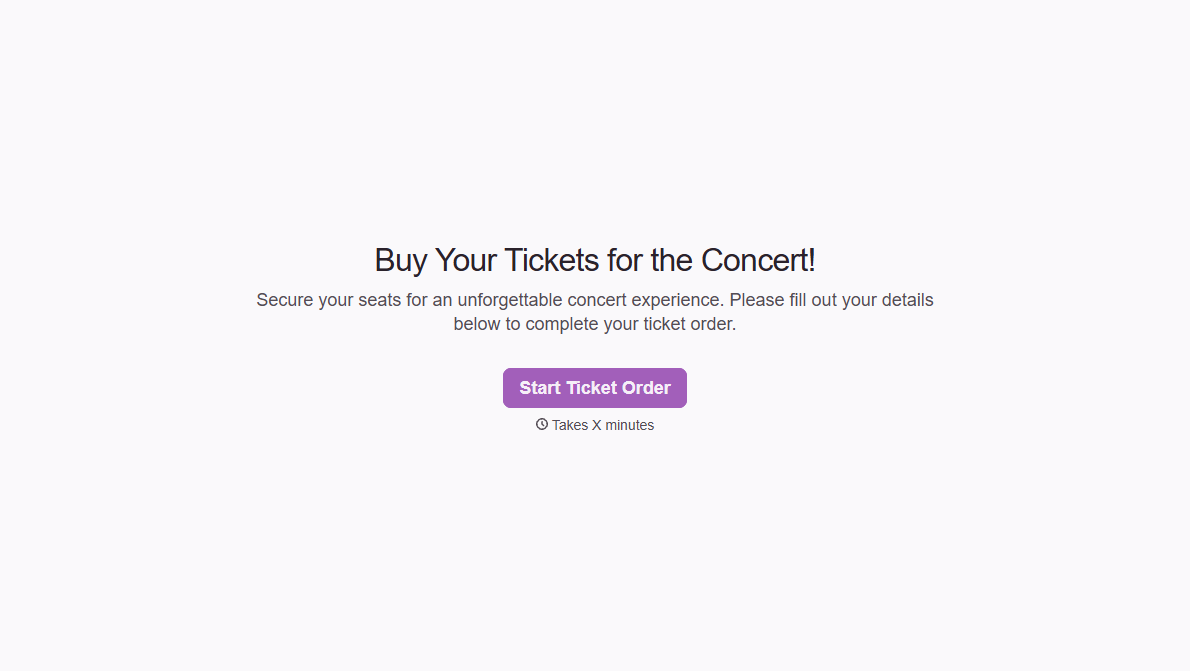
Concert Ticket Order Form
A ticket order collected through a Venmo request and a group text isn't a record, it's a promise to remember who paid and who still owes. Take the order, the payment, and the confirmation in the same form, so nobody's showing up at the door as a name someone half-remembers.
View template

With Typeform, you can customize everything
Change text, colors, and even logos to match the look and feel of your brand. Then embed forms smoothly onto web and email.
Make forms feel effortless to fill out. Pace questions, call people by their name, and adapt the flow based on the data they share.
Stay efficient by connecting forms to your workflow. Typeform integrates with 300+ tools including Slack, Zapier, and HubSpot.


