Candidate Tracking Form Template
Maintain a consistent record of candidate progress throughout the hiring pipeline. This template helps recruiting teams document evaluations, feedback, and decisions in one place.



Recruiting across multiple roles and hiring managers creates coordination challenges. Interview feedback lives in inboxes. Candidate status is tracked in spreadsheets that go out of date. When it's time to make a decision, someone has to chase down notes from interviews that happened 2 weeks ago.
A candidate tracking form standardizes how feedback and status updates are captured. Every interviewer submits structured notes after their session, every stage transition is recorded, and the whole picture is available in one place. Typeform's conditional logic can adapt the form based on interview stage — a phone screen form looks different from a final round evaluation.
Customize the fields for your hiring process and connect submissions to your ATS, and your recruiting team will spend less time coordinating and more time evaluating.
A candidate tracking form is a tool used by recruiting teams to document candidate progress through the hiring pipeline — capturing interview feedback, stage transitions, and hiring decisions in a consistent format. It's an internal tool used by HR, recruiters, and hiring managers to keep everyone aligned on candidate status.
It creates a single source of truth for candidate evaluations. When feedback is captured through a structured form rather than email chains or verbal conversations, it's easier to compare candidates, identify consensus or disagreement among interviewers, and make defensible hiring decisions. It also protects against bias by anchoring evaluations to consistent criteria.
The form should capture both stage-specific evaluation and overall impression. Consider including:
- Candidate name and position applied for
- Interview stage (phone screen, technical, panel, final)
- Interviewer name and date of interview
- Ratings by competency area (technical skills, communication, culture add)
- Specific evidence and examples observed during the interview
- Strengths and concerns
- Recommendation (advance, hold, decline)
- Any follow-up items needed before a decision is made
Set a clear expectation — typically within 24 hours of the interview — and send automated reminders through your scheduling tool or via a Typeform integration. Prompt, structured feedback is especially important for active candidates who may be interviewing elsewhere. Delayed or missing feedback leads to losing top candidates while you're still collecting opinions.
Most modern ATS platforms support integrations via Zapier or native connections. Typeform's integrations allow you to push candidate tracking submissions directly to your ATS, update candidate records, or trigger next-step workflows automatically. Check your specific ATS's integration options to configure the connection.
Get inspired by relevant templates and categories
3200+ Templates, 300+ Integrations

Work From Home Request Form
A Slack message asking to work from home on Thursday isn't a request anyone can track, especially once the same employee has asked five different ways over a month. Collect the request type, dates or schedule, and manager approval in one place, so HR isn't reconstructing who's working where from a scattered inbox.
View template

Return of Property Form
A property checklist stapled to an exit interview packet isn't a record anyone can rely on when a laptop turns up missing three weeks later. Collect itemized equipment details, condition at return, and a signed acknowledgment before an employee's last day, so IT isn't chasing down a laptop that already walked out the door.
View template

Early Retirement Form
A retirement mentioned to a manager in conversation doesn't give HR anything to actually process, and if there's an incentive deadline attached, the date that conversation happened can matter more than anyone realized at the time. Collect what your HR team actually needs, employee information, requested date, and benefit elections, before a window closes.
View template
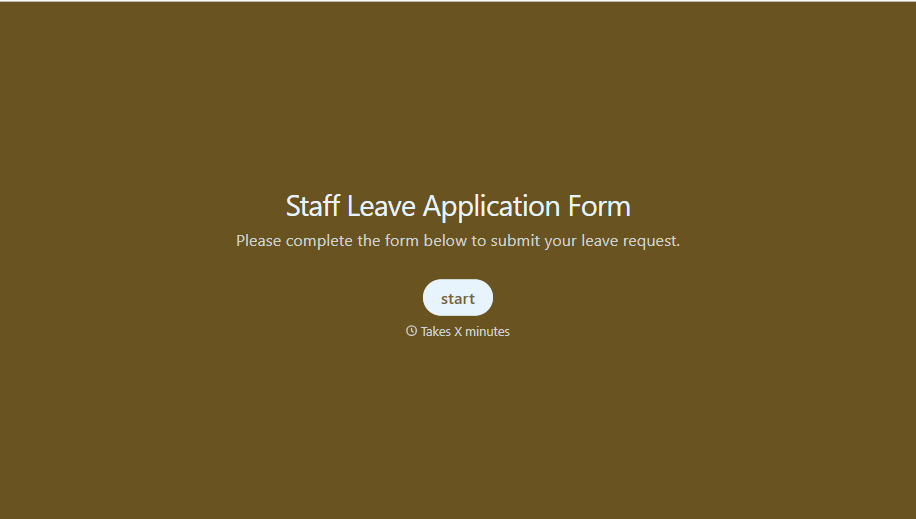
Staff Leave Application Form
A vacation request approved with a thumbs-up emoji in Slack isn't the kind of record payroll can work from when it's time to reconcile someone's leave balance. Collect the leave type, dates, and manager approval in one place, so a team doesn't accidentally double-book someone's time off.
View template
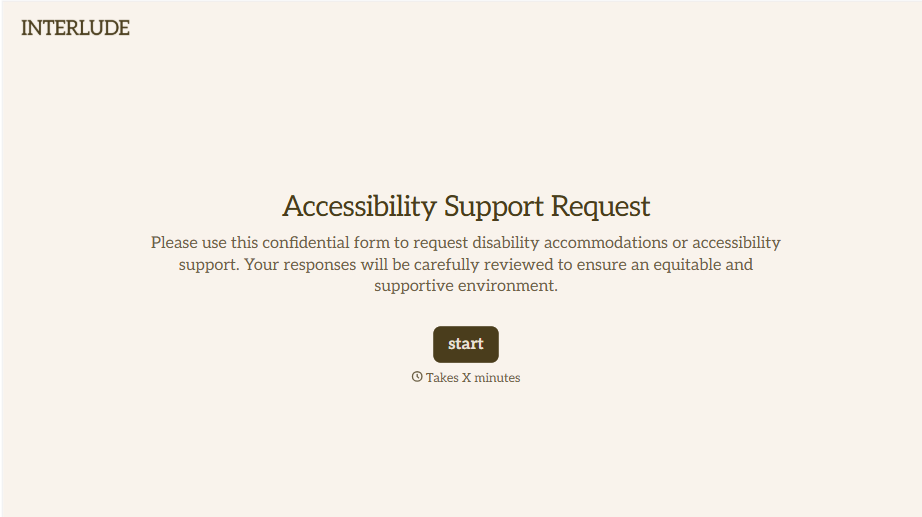
Disability Accommodation Request Form
A quiet word to a manager about needing a different desk setup isn't the kind of request that starts a documented process. Collect the specific accommodation needed and any supporting information before a decision gets made informally, so a request doesn't get lost between a hallway conversation and HR's desk.
View template
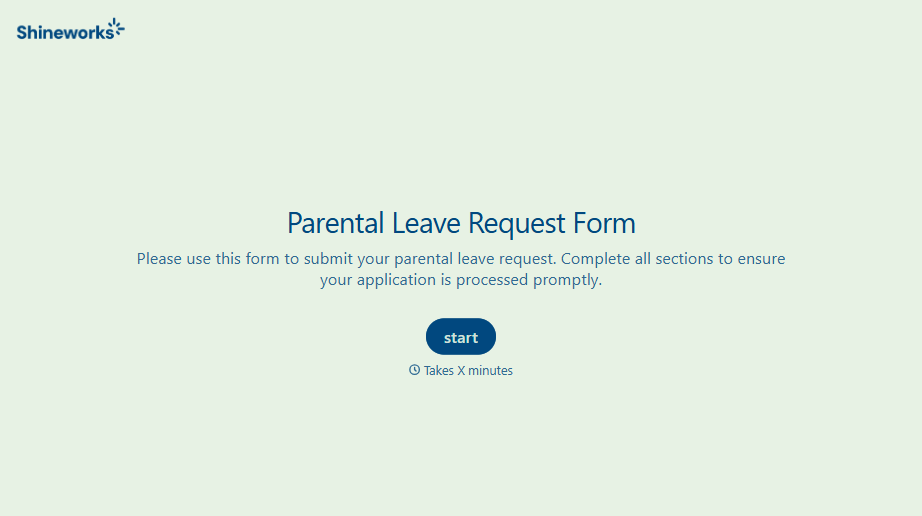
With Typeform, you can customize everything
Change text, colors, and even logos to match the look and feel of your brand. Then embed forms smoothly onto web and email.
Make forms feel effortless to fill out. Pace questions, call people by their name, and adapt the flow based on the data they share.
Stay efficient by connecting forms to your workflow. Typeform integrates with 300+ tools including Slack, Zapier, and HubSpot.


