Janitorial Staff Onboarding Form
Help new janitorial staff prepare for their first shift. Collect contact details, relevant experience, and equipment needs so your team can organize site access, orientation, and assignments.



A new cleaner arrives ready to work, but their access badge isn’t available and no one has confirmed where to collect supplies. Another knows the equipment well but hasn’t been shown the building’s cleaning schedule. Typeform’s janitorial staff onboarding form helps your team identify those preparation needs before the first shift.
New staff provide their contact details, availability, and relevant cleaning experience. You can ask about familiarity with equipment, uniform sizes, and support needed during orientation. Include the assigned location and supervisor so everyone knows where to go and who to contact.
Your team gets a starting point for arranging supplies, introductions, and training. New employees get a place to raise practical questions before they arrive. The first shift can begin with clearer instructions and fewer missing essentials.
A janitorial staff onboarding form collects information needed to welcome and prepare new cleaning employees. It can cover contact details, work assignments, experience, and equipment needs. Supervisors and onboarding teams use it to coordinate the steps required before someone starts work.
Hiring paperwork doesn’t always cover the practical details of a first shift. An onboarding form helps you identify who needs a uniform, site access, an equipment introduction, or clarification about their schedule. It also gives your team a consistent record of what still needs arranging.
Collect information that helps your team prepare the employee for their assigned work:
- Employee name and preferred contact details
- Start date, location, and supervisor
- Assigned shift and availability
- Relevant cleaning experience
- Familiarity with equipment used at the site
- Uniform and equipment needs
- Site access requirements
- Orientation and training status
- Questions or support requests
Use your designated HR process for payroll details and sensitive employment records.
Include preparation questions specific to the assignment. An office building may require after-hours access instructions, while a school may have cleaning schedules built around classroom use. Ask the site supervisor to confirm the relevant routines, supplies, and orientation before the employee starts.
Yes. Include a supervisor section or connect responses to your training tracker. Distinguish an employee’s reported experience from training your team has delivered or verified. Record outstanding steps and who will arrange them so an incomplete item leads to a clear follow-up.
Get inspired by relevant templates and categories
3200+ Templates, 300+ Integrations
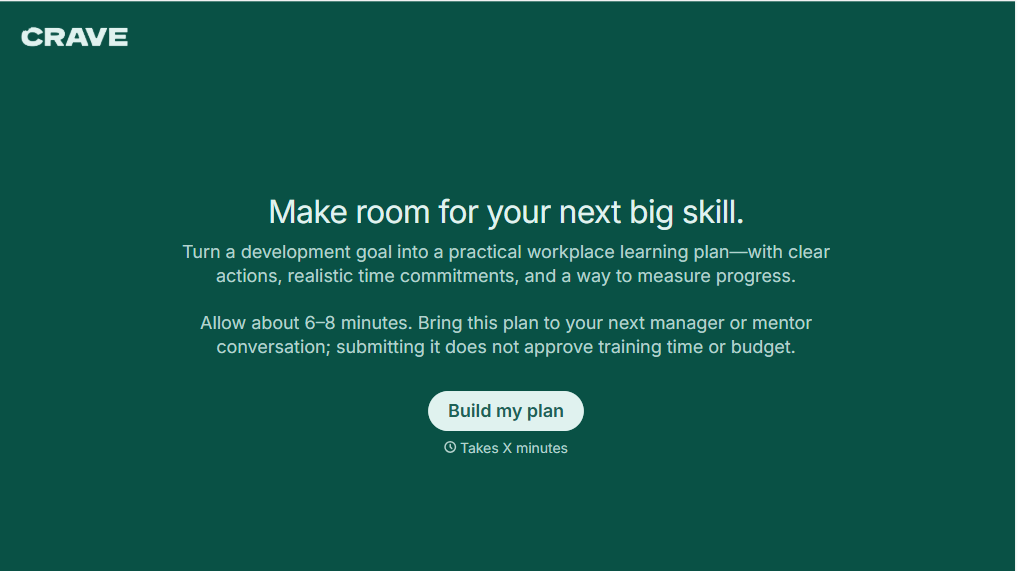
Workplace Learning Plan Form
Help employees and managers create structured professional development plans with a form that collects learning goals, skill gaps, and training preferences. Keep development priorities organized so teams can track progress, identify learning opportunities, and support employee growth in the workplace.
View template

Skills Assessment Consent Form
Give employers, training providers, and educational organizations a straightforward way to obtain consent for skills assessments with a form that collects participant information, assessment details, and authorization. Keep consent records organized so administrators can communicate evaluation procedures, explain how results will be used, and confirm participation before assessments begin.
View template
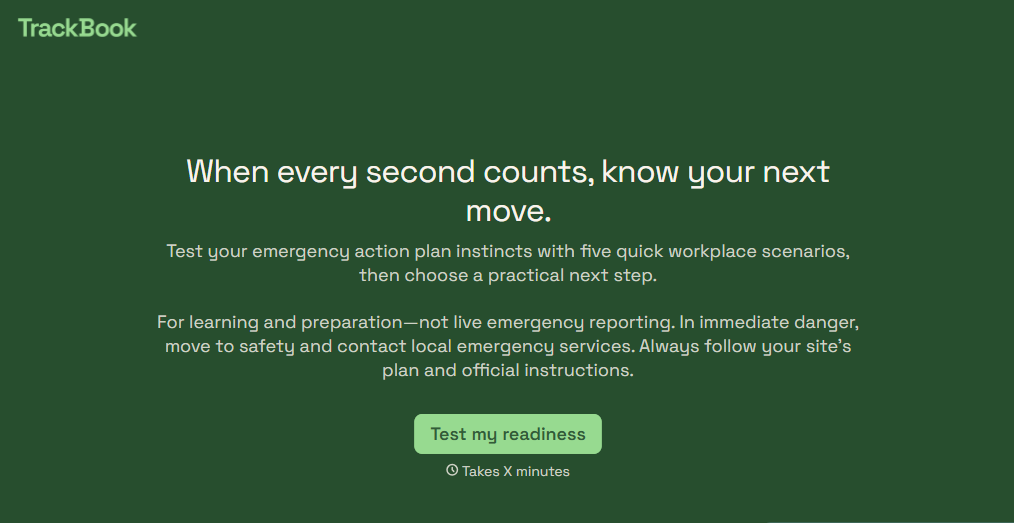
Emergency Action Plan Quiz Form
Give employees an easy way to test their emergency preparedness knowledge with a quiz that covers evacuation procedures, emergency contacts, and workplace safety protocols. Keep the results organized so your team can identify knowledge gaps, reinforce training, and improve emergency response readiness.
View template

Camp Volunteer Staff Reference Form
Give camp coordinators an easy way to collect references for prospective volunteers with a form that gathers information about reliability, relevant experience, and interpersonal skills. Keep reference responses organized so camp administrators can evaluate applicants, identify strengths, and make informed volunteer selection decisions.
View template
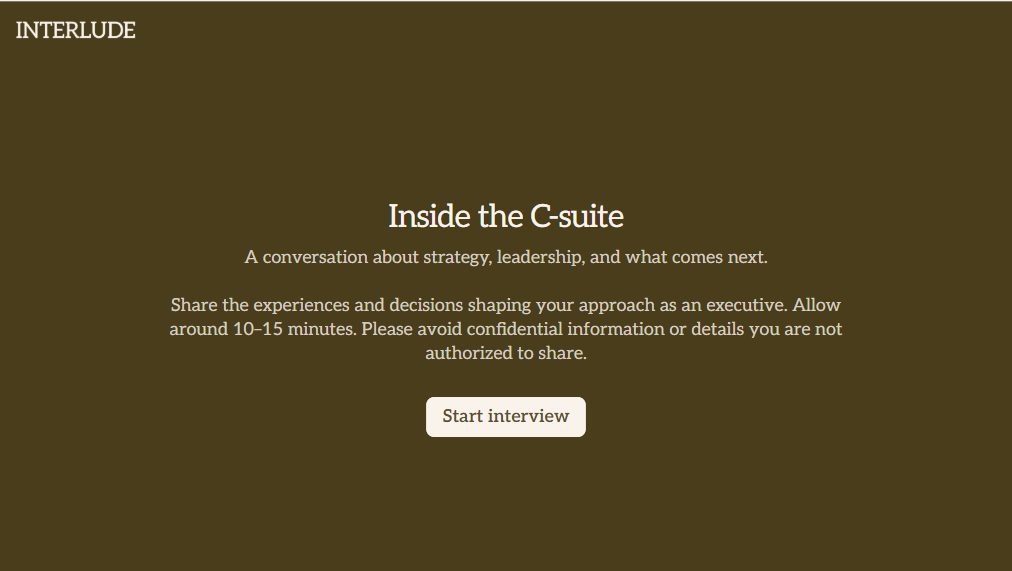
C Suite Interview Form
Give hiring teams a structured way to evaluate executive candidates with a form that collects leadership experience, strategic priorities, and management approaches. Keep the interview feedback organized so decision-makers can compare qualifications and make informed hiring decisions.
View template
With Typeform, you can customize everything
Change text, colors, and even logos to match the look and feel of your brand. Then embed forms smoothly onto web and email.
Make forms feel effortless to fill out. Pace questions, call people by their name, and adapt the flow based on the data they share.
Stay efficient by connecting forms to your workflow. Typeform integrates with 300+ tools including Slack, Zapier, and HubSpot.


