Claim Form Template
Make filing a claim less painful. For your claimants and for the team processing them.



Nobody files a claim because they're having a good day. Whether it's an insurance claim, warranty claim, or expense reimbursement — the person filling it out is already frustrated. A confusing, lengthy form makes it worse and increases the chance they'll abandon it or submit something incomplete that creates more work for your team.
This claim form template walks claimants through the process step by step. They describe the incident, provide supporting details, upload evidence, and submit — all in a guided, one-question-at-a-time flow. Conditional logic adapts based on claim type, so a vehicle damage claim asks different questions than a medical expense claim or a product warranty issue.
Integrate with your claims management system so submissions are routed, categorized, and queued for review automatically. Clean data in means faster resolution out.
A claim form is a structured document that a person or organization submits to request compensation, reimbursement, or resolution from an insurer, warranty provider, employer, or other responsible party. It captures the details of the incident or expense, supporting evidence, and the relief being sought.
Clarity and empathy. Claimants are dealing with a loss, an injury, or a frustrating product failure — the form shouldn't compound their stress. Keep questions clear, provide guidance where needed, and use conditional logic so people only answer questions relevant to their situation. A well-designed form also reduces incomplete submissions, which benefits your processing team.
- Claimant's full name, contact information, and policy/account number
- Type of claim (select from relevant categories)
- Date and description of the incident or issue
- Estimated value or amount being claimed
- Upload field for supporting evidence (photos, receipts, reports)
- Declaration confirming accuracy of the information provided
While no form can eliminate fraud entirely, structured questions make fabrication harder. Require specific details. Dates, locations, witness names, photographic evidence. That are difficult to invent convincingly. Cross-reference submission data against existing records. The digital audit trail also makes post-hoc investigation easier.
Yes. Use conditional logic combined with integrations to route claims by category, severity, or dollar amount. Low-value, straightforward claims can go to a fast-track queue, while complex or high-value ones route to senior adjusters. This triage approach speeds up resolution times across the board.
Get inspired by relevant templates and categories
3200+ Templates, 300+ Integrations
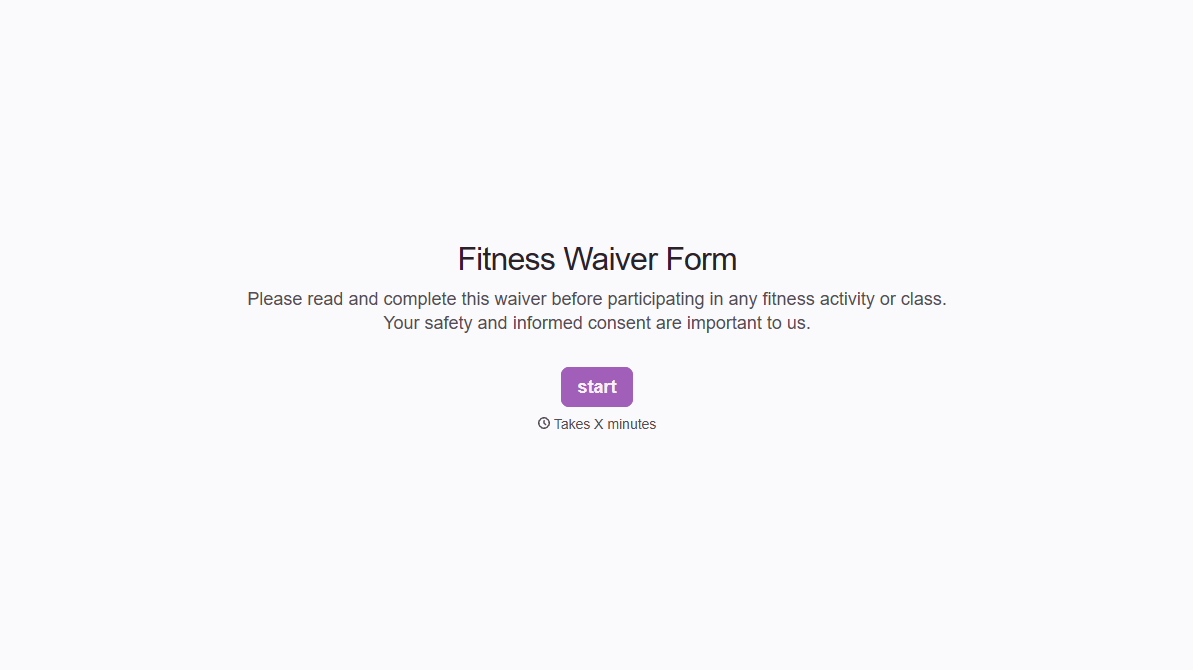
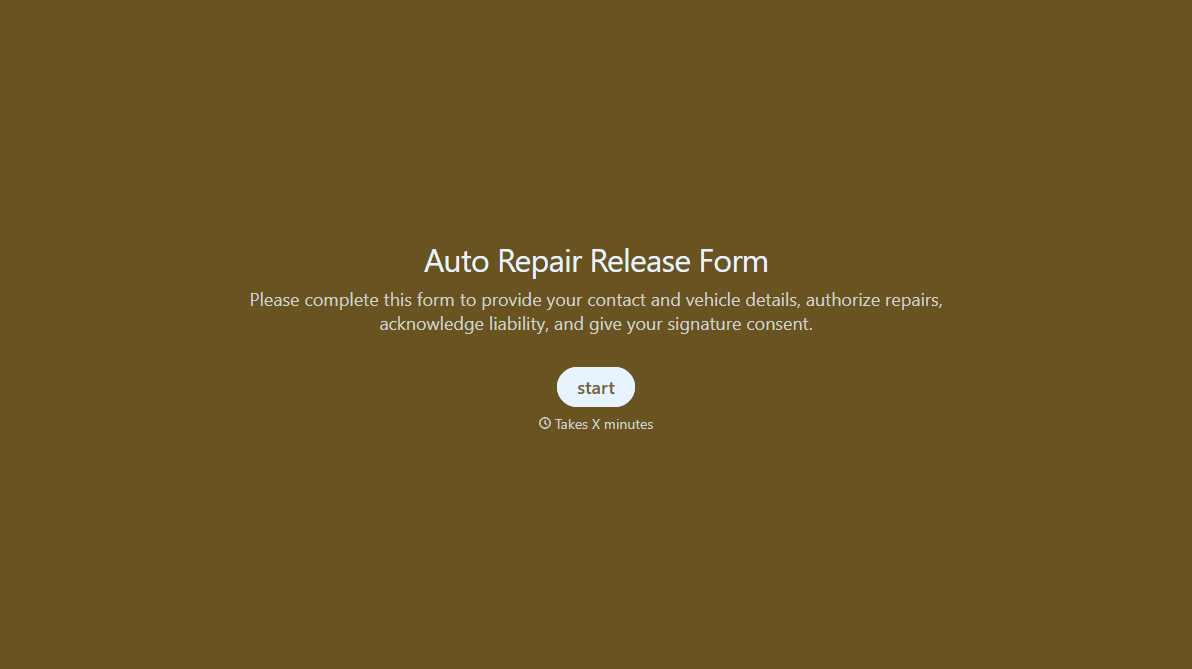
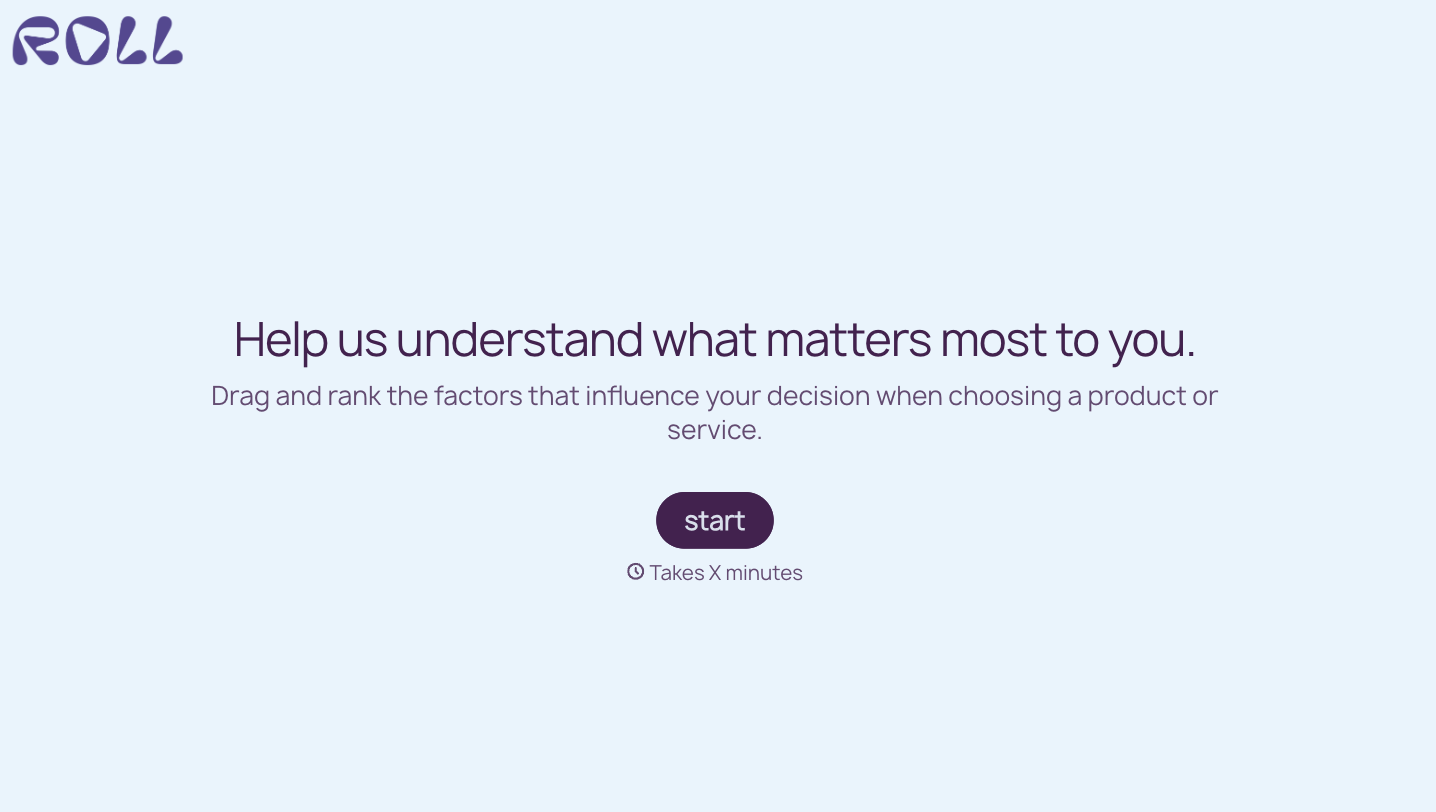
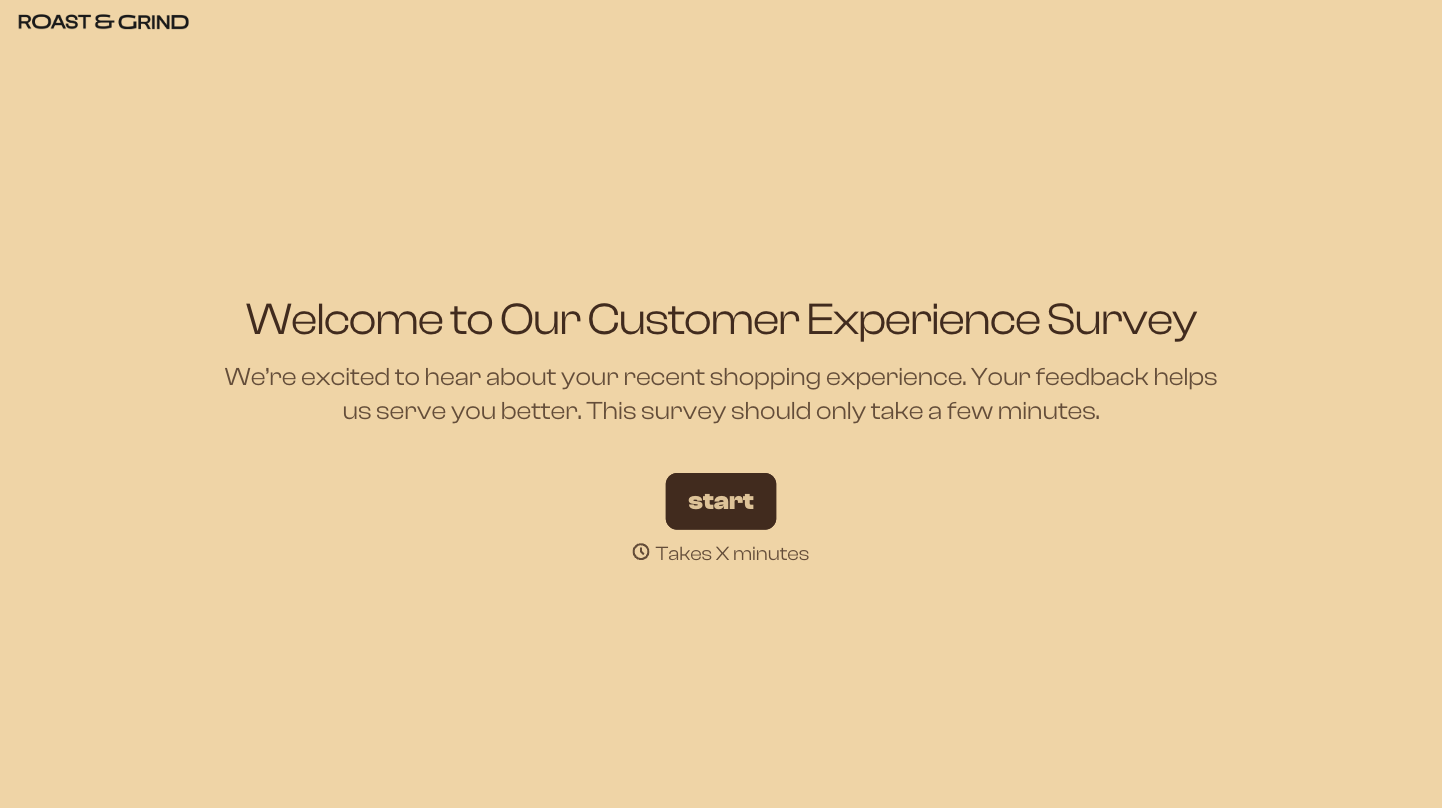

With Typeform, you can customize everything
Change text, colors, and even logos to match the look and feel of your brand. Then embed forms smoothly onto web and email.
Make forms feel effortless to fill out. Pace questions, call people by their name, and adapt the flow based on the data they share.
Stay efficient by connecting forms to your workflow. Typeform integrates with 300+ tools including Slack, Zapier, and HubSpot.


