Confirmation of Booking Form
Confirm every booking with the details both sides need, so no one shows up to a date, time, or service that nobody actually agreed on.


A booking isn't real until both sides confirm the details—yet most confirmations live in scattered emails and half-remembered phone calls. A mismatched time or an unconfirmed service turns into a no-show or a refund. Typeform's confirmation of booking template gives teams a reliable way to lock in every detail in writing.
The form captures the customer's details, the booked service, date and time, and any special requests. With Typeform, customers move through questions one at a time, so each detail gets confirmed clearly. Conditional logic adapts the form based on the service booked—a customer confirming an event sees questions about guest count, while a service booking skips them.
Customize the services and time slots to match your business, and add a payment field for deposits. Share it by email, embed it on your booking page, or send it as a link. Every confirmation logs to Google Sheets or your calendar via Zapier. Replace the back-and-forth with a single source of truth both sides can trust.
A confirmation of booking form is a tool for confirming the agreed details of a reservation in writing. It captures the customer's details, service, date and time, and special requests. It functions as a shared record both the business and the customer can rely on.
Unconfirmed bookings lead to no-shows, double-bookings, and awkward disputes. A confirmation form puts the agreed details in writing, so both sides know exactly what was booked. The customer reviews and confirms in minutes, and you get a clean record. That clarity prevents the mix-ups that cost you time and revenue.
Cover every detail both sides need to agree on:
- Customer name and contact details
- Service or item booked
- Date, time, and location
- Number of guests or quantity
- Special requests or notes
- Deposit or payment status
You can integrate a payment processor like Stripe or PayPal to collect a deposit when the customer confirms. Alternatively, use the form for confirmation only and send a payment link once the booking is finalized. The right approach depends on whether your pricing is fixed or varies by booking.
Yes—set up a follow-up email so customers receive a confirmation with all the booking details the moment they submit. You can include directions, cancellation policies, or a calendar invite. Send it on every booking, or only for specific services.
Get inspired by relevant templates and categories
3200+ Templates, 300+ Integrations
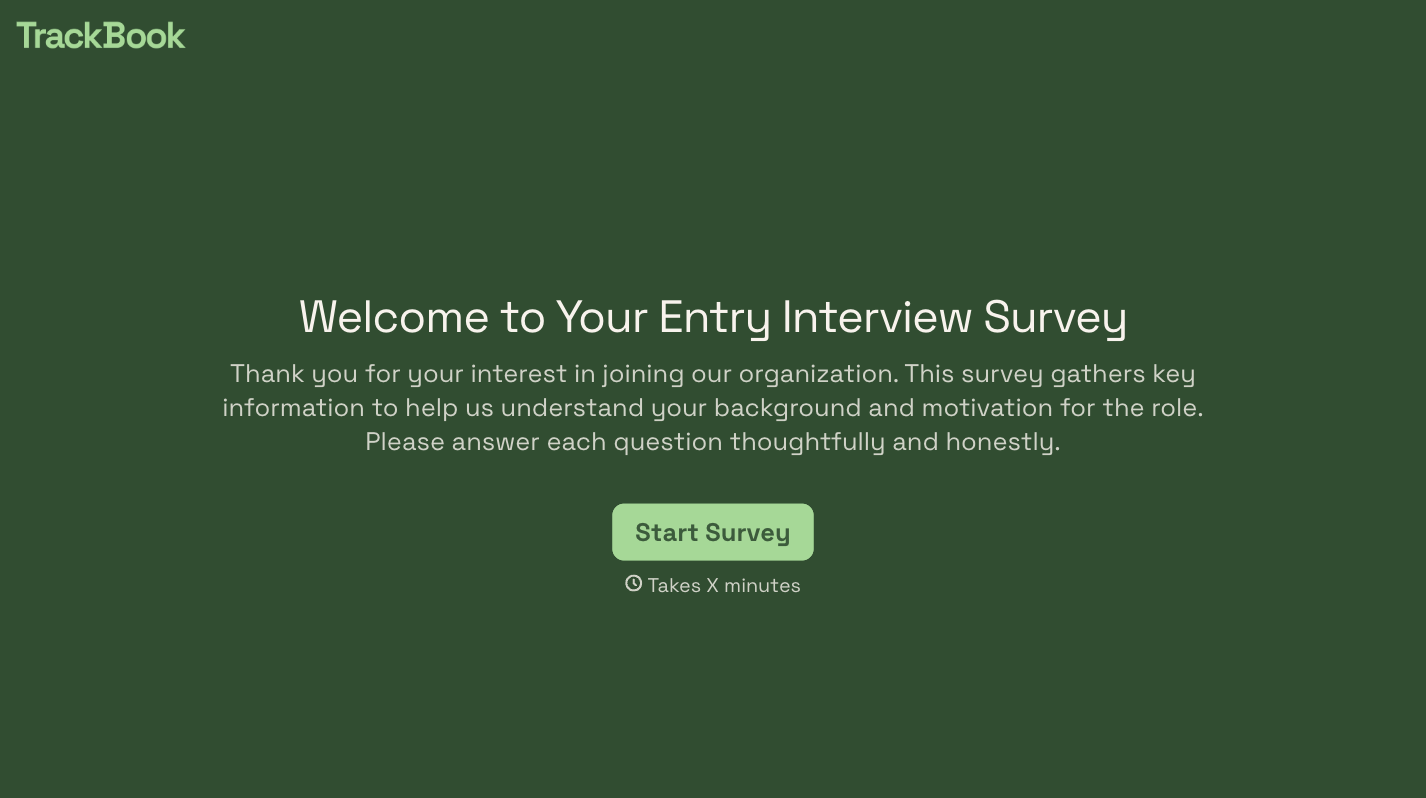
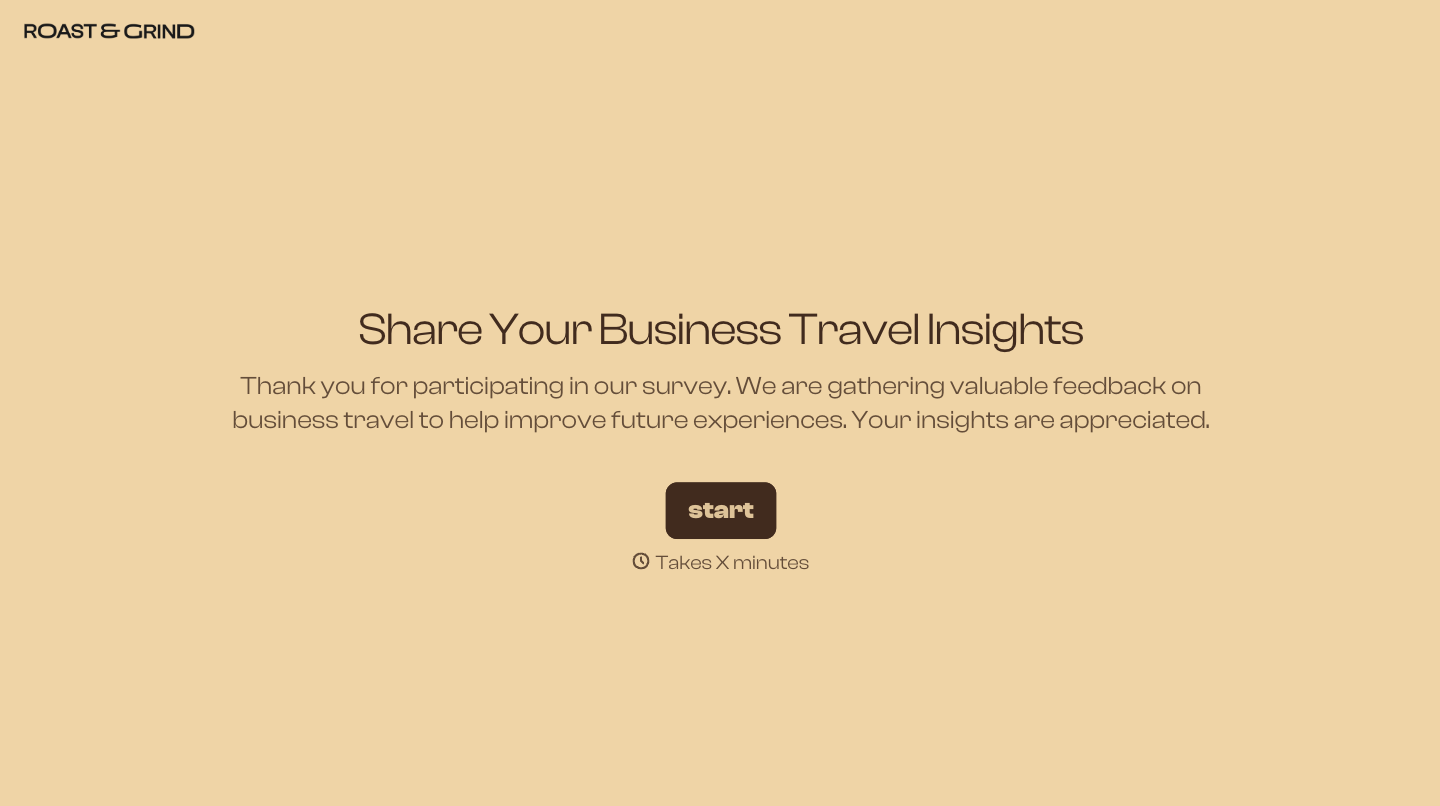

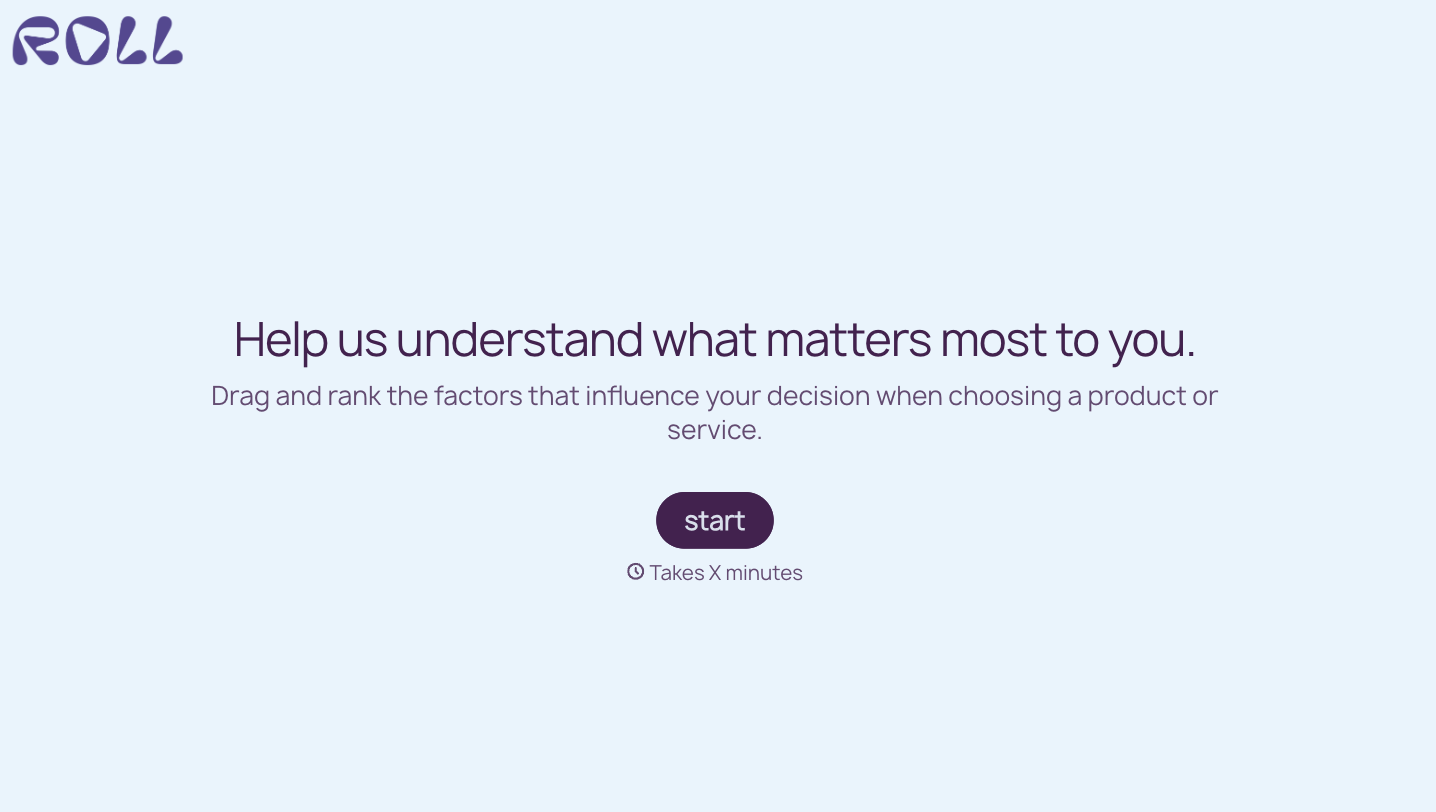
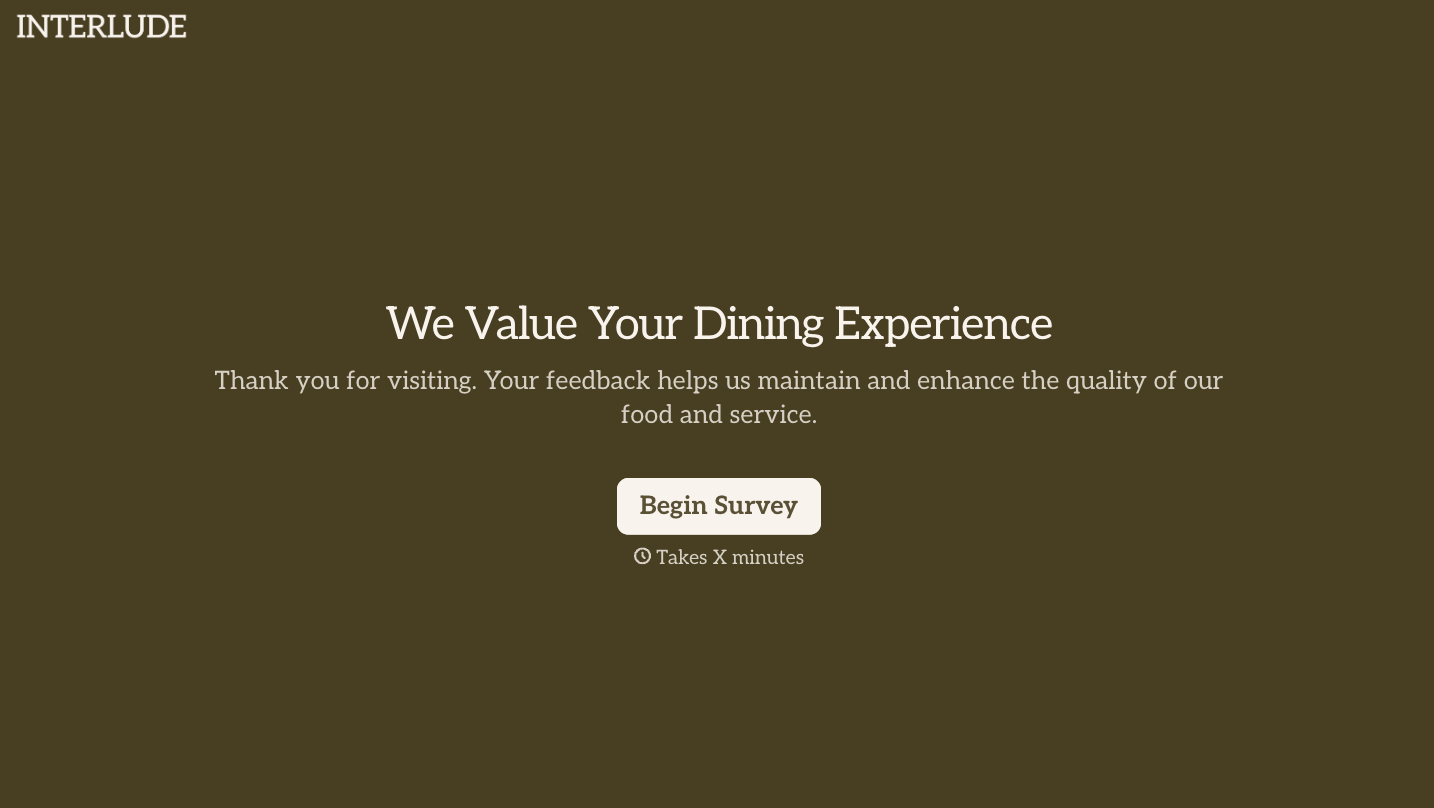
With Typeform, you can customize everything
Change text, colors, and even logos to match the look and feel of your brand. Then embed forms smoothly onto web and email.
Make forms feel effortless to fill out. Pace questions, call people by their name, and adapt the flow based on the data they share.
Stay efficient by connecting forms to your workflow. Typeform integrates with 300+ tools including Slack, Zapier, and HubSpot.


