Course Registration Form Template
Fill your courses with the right students, without drowning in admin.



Whether you're running a coding bootcamp, a cooking class, or a corporate training program, registration is where the experience starts. And if that experience is a clunky PDF or a confusing email chain, you've already lost people before the first session. The students who do register? Their information ends up scattered across inboxes and spreadsheets.
This course registration form template gives you a clean, professional sign-up process. Collect student details, course selection, scheduling preferences, payment information, and any prerequisites or accommodations needed. Conditional logic adjusts the flow based on the course selected — a photography workshop asks about equipment access, while a language course asks about proficiency level.
Share the link on your website, in social media posts, or via email campaigns. Every registration syncs to your student management system, payment platform, or spreadsheet — ready for your team to manage.
A course registration form is a sign-up tool that collects essential information from students enrolling in a class, workshop, or training program. It captures personal details, course selection, scheduling preferences, and payment information. Everything an organizer needs to manage enrollment and deliver a smooth learning experience.
Manual enrollment processes. Phone calls, walk-ins, emailed PDFs — limit your reach and create administrative headaches. An online form is accessible 24/7 from any device, processes payments automatically, and gives you a structured database of every enrolled student. It also makes waitlisting, capacity management, and communication far simpler.
- Student's full name, email, and phone number
- Course or class selection from available options
- Preferred schedule or session (if multiple are offered)
- Experience level or prerequisites met
- Payment method and amount
- Special accommodations or dietary requirements (for in-person courses)
Set enrollment limits on your form so it automatically stops accepting registrations when a course is full. Display remaining spots to create urgency. Add a waitlist option that captures contact information and sends an automatic notification if a spot opens up. This way, you never over-enroll, and interested students don't slip away.
Yes, and it's actually the ideal approach. Use a course selection dropdown at the start, then let conditional logic show the relevant follow-up questions for each option. A beginner yoga class asks about mobility concerns, while an advanced analytics course asks about software experience. One form, multiple courses, each with a tailored registration path.
Get inspired by relevant templates and categories
3200+ Templates, 300+ Integrations

Distributor Registration Form
A distributor application that arrives as a scanned resale certificate attached to an email doesn't tell your sales team what territory they're actually asking for. Collect what your company actually needs, business information, tax documentation, and territory, before you set up an account.
View template
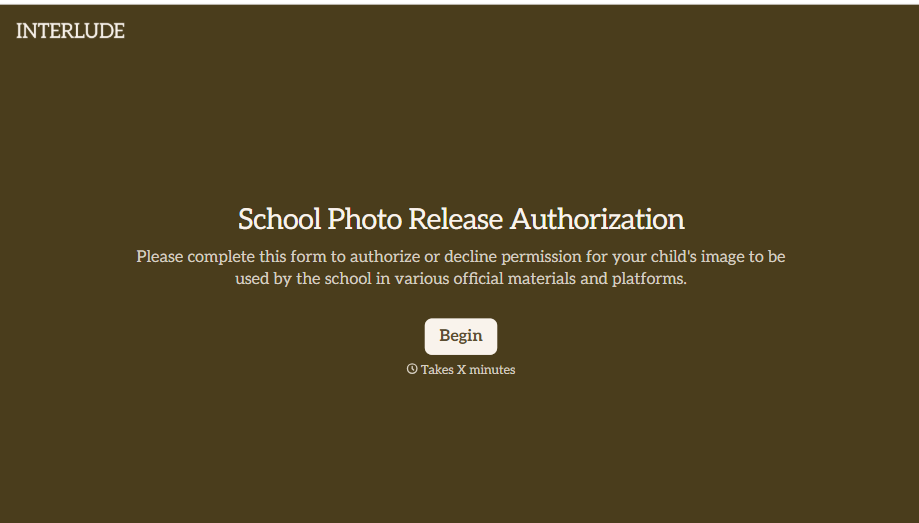
School Photo Release Form
A photo consent checkbox buried on page 12 of an enrollment packet doesn't tell a teacher who's actually opted out before they post a class photo. Collect what your school actually needs, guardian consent, and exactly where a photo can be used, before the camera comes out.
View template
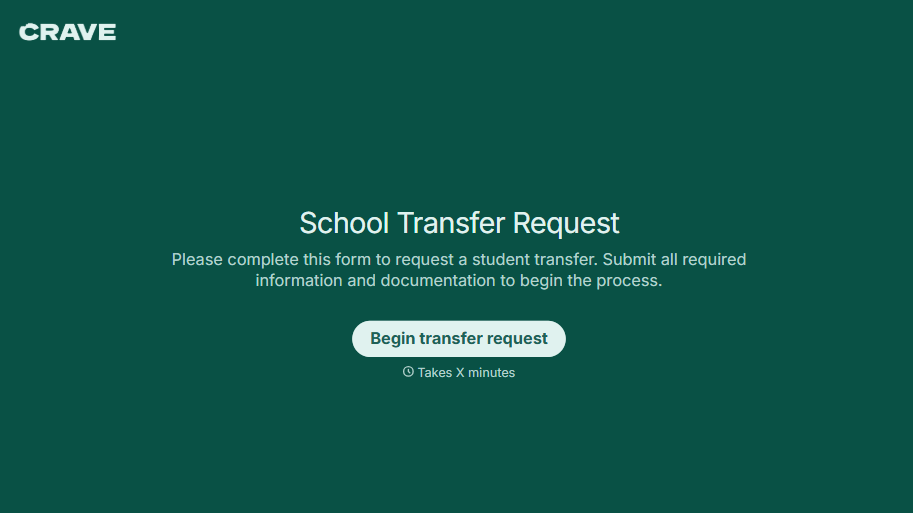
School Transfer Request Form
A transfer request dropped off at the district office isn't the kind of paperwork that gets processed before the semester it's meant for already started. Collect the student's information, reason for transfer, and supporting documentation upfront, so a request doesn't stall while the district follows up for a missing form.
View template
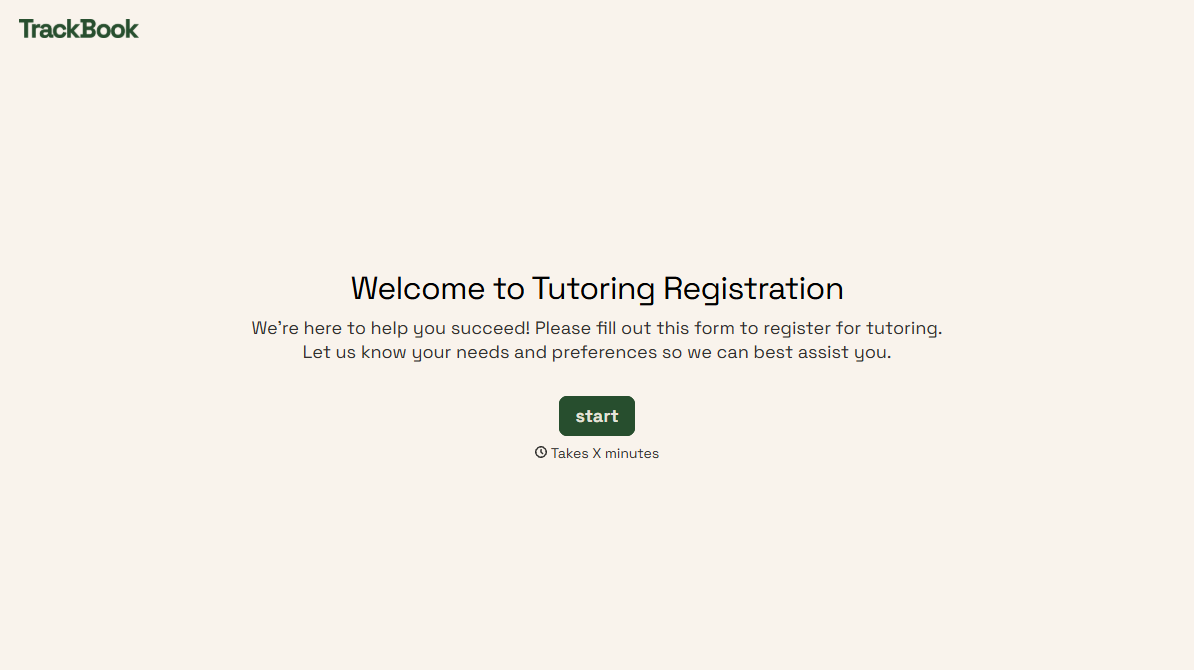
Tutoring Registration Form
A phone call to sign up for tutoring isn't the kind of information a tutor can build a first session around, especially without knowing which chapter of algebra is causing the trouble. Collect the student's subject needs, schedule, and goals before the first session, so a tutor isn't starting from scratch on day one.
View template
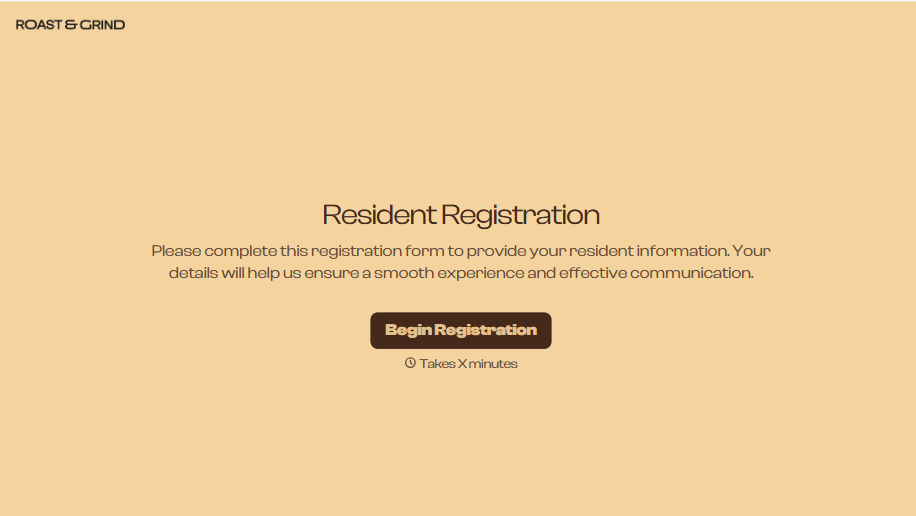
Resident Registration Form
A move-in packet signed at the leasing office and filed in a drawer isn't the kind of record your front desk can pull up when a resident's guest needs access or a car needs to be identified in the lot. Collect household members, vehicles, and emergency contacts before move-in day, so your community has an accurate record from the start.
View template
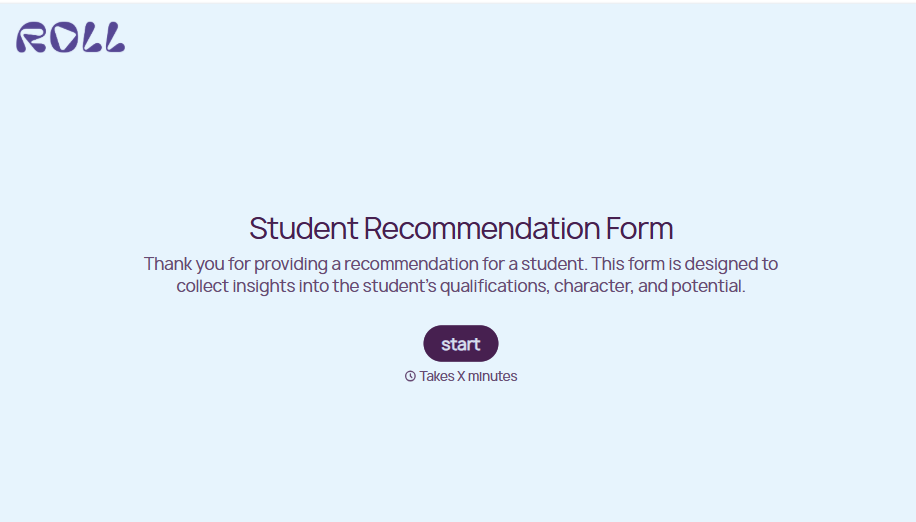
Student Recommendation Form
An email asking "can you write me a letter of recommendation" with no deadline attached isn't enough for a teacher to actually sit down and write one. Collect the program details, deadline, and what the student wants highlighted before the request lands in an inbox, so a letter doesn't get written in a rush the night it's due.
View template
With Typeform, you can customize everything
Change text, colors, and even logos to match the look and feel of your brand. Then embed forms smoothly onto web and email.
Make forms feel effortless to fill out. Pace questions, call people by their name, and adapt the flow based on the data they share.
Stay efficient by connecting forms to your workflow. Typeform integrates with 300+ tools including Slack, Zapier, and HubSpot.


