Square Registration Form
Give participants a clear way to register and move to payment. Collect attendee details, registration choices, and practical requests, with payment handled through your configured Square checkout.



One person is booking a workshop for themselves. Another is registering several colleagues and needs to know what the fee covers. Before either pays, you need to connect the registration choices to the people attending. A Square registration form brings those details together at signup.
Participants provide their contact information, choose an available registration option, and share any details you need to prepare. Show the price alongside each option and explain what happens after submission. Direct registrants to your Square checkout through the payment workflow you’ve set up.
Your team gets information it can match with payment records. Participants get a clearer path from choosing their place to paying for it. Before the event or program starts, you can follow up on registrations that still need attention.
A Square registration form collects signup details for an event, class, or program, with payment handled through a connected Square payment process. It typically asks for participant information, registration selections, and any relevant attendance requirements. The form and checkout need to be configured as part of your registration workflow.
A payment record may not tell you which session someone wants or who will attend. A registration form collects those details before checkout and gives your team context for each booking. It also helps participants understand their selection and the next steps before paying.
Collect the information needed to identify and prepare for each registration:
- Registrant name and email address
- Event, class, or program selection
- Ticket or registration category
- Number of participants and attendee names, where needed
- Relevant accessibility or participation requests
- Price and any additional fees
- Registration and cancellation terms
- Clear payment instructions
- A reference for matching registration and payment records
Keep payment card entry within the Square checkout rather than collecting card details in ordinary form fields.
Show the date, location, available options, and prices before asking participants to choose. Keep required questions focused on what you need to arrange their place. Explain whether they’ll move to checkout immediately or receive payment instructions afterward, and tell them how confirmation will arrive.
Only if your configured workflow verifies payment and confirms the booking. A form submission alone does not establish that checkout was completed. Explain how participants will know their place is confirmed, and give your team a way to identify incomplete payments.
Get inspired by relevant templates and categories
3200+ Templates, 300+ Integrations

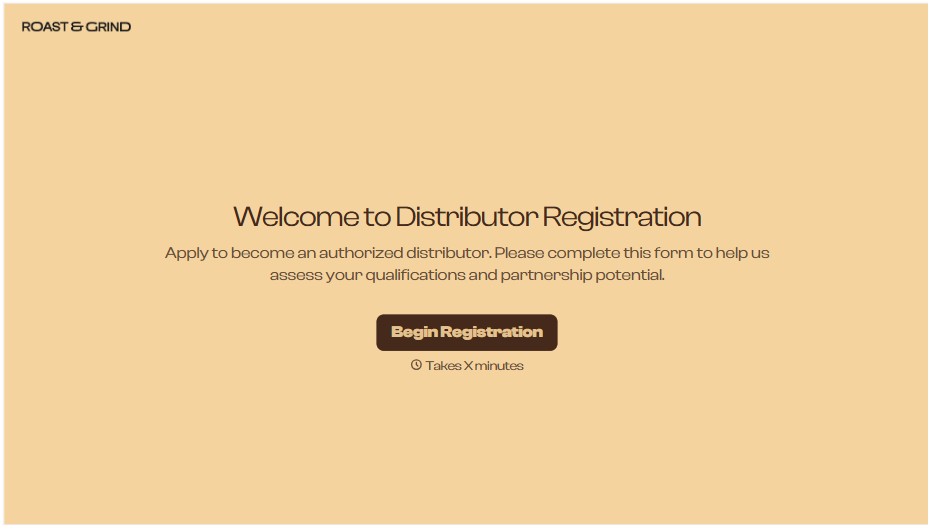
Distributor Registration Form
A distributor application that arrives as a scanned resale certificate attached to an email doesn't tell your sales team what territory they're actually asking for. Collect what your company actually needs, business information, tax documentation, and territory, before you set up an account.
View template
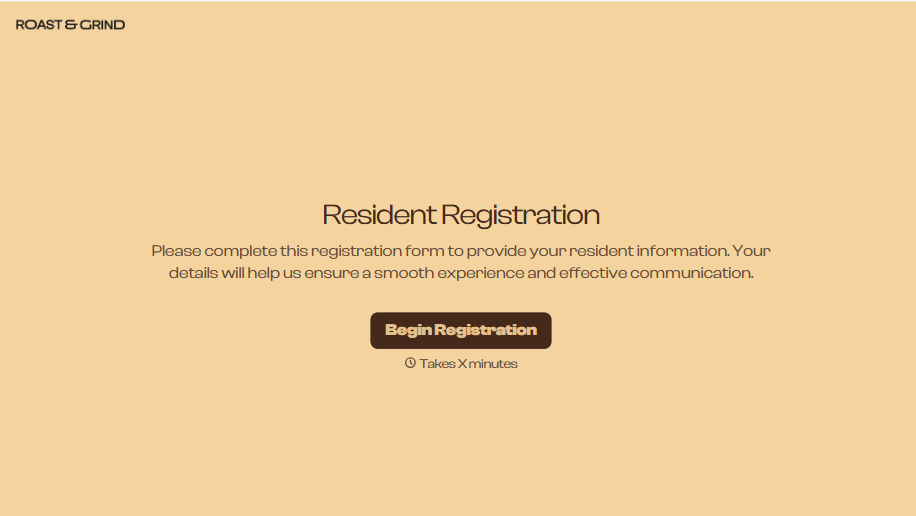
Resident Registration Form
A move-in packet signed at the leasing office and filed in a drawer isn't the kind of record your front desk can pull up when a resident's guest needs access or a car needs to be identified in the lot. Collect household members, vehicles, and emergency contacts before move-in day, so your community has an accurate record from the start.
View template
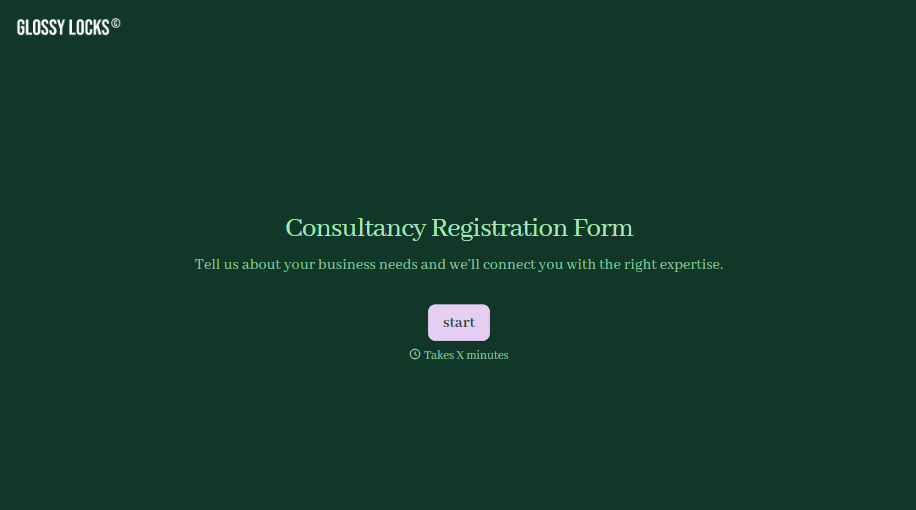
Consultancy Registration Form
Move past a registration form that only grabs a name and a phone number. Confirm the client understands who they're signing up with, screen for what a consultancy is legally allowed to charge and promise, and keep a record of exactly what was disclosed and agreed to.
View template
With Typeform, you can customize everything
Change text, colors, and even logos to match the look and feel of your brand. Then embed forms smoothly onto web and email.
Make forms feel effortless to fill out. Pace questions, call people by their name, and adapt the flow based on the data they share.
Stay efficient by connecting forms to your workflow. Typeform integrates with 300+ tools including Slack, Zapier, and HubSpot.


