Daycare Application Form Template
Collect everything you need from prospective families in one organized form, before their first visit.



When parents are looking for childcare, they're making one of the most important decisions they'll face. And when you're running a daycare, getting complete information from every family before enrollment is what makes placement and planning possible. Chasing down missing details by phone or email wastes time for everyone.
A Typeform daycare application form walks parents through each section one question at a time, which feels far less overwhelming than a long paper form. Conditional logic means you can ask follow-up questions based on the child's age, any special needs, or schedule preferences, without showing irrelevant fields to families who don't need them. Responses come in organized and complete.
You can customize the form with your enrollment requirements, program options, and fee structure. Brand it to match your daycare and embed it on your website so prospective families can apply any time.
A daycare application form collects key information from families who want to enroll their child in a childcare program. It typically covers the child's details, parent contact information, scheduling preferences, health notes, and emergency contacts.
A structured application ensures you collect the same information from every family, making it easier to assess capacity, plan staffing, and follow up consistently. It also creates a record from the start of the enrollment relationship.
Gather everything you need to make an informed enrollment decision:
- Child's full name, date of birth, and gender
- Parent or guardian names, contact numbers, and relationship to child
- Preferred start date and schedule (full-time, part-time, specific days)
- Allergies, medical conditions, or special needs
- Emergency contacts and authorized pickup persons
- Previous childcare or preschool experience
You can build in a question asking how many children the family is enrolling, then use conditional logic to repeat the child detail fields for each one. Alternatively, you can ask families to submit a separate application per child, which keeps records cleaner.
Yes. Integrate Typeform with Stripe to add a payment field at the end of the application flow. You can set a fixed fee or use conditional logic to apply different fee amounts based on the program level or application type. For families who qualify for fee waivers, add a conditional branch that skips the payment step when a waiver code is entered or a financial need checkbox is selected.
Get inspired by relevant templates and categories
3200+ Templates, 300+ Integrations

Bank Reference Form
A reference request faxed to a bank branch and left sitting in a queue for weeks isn't the kind of turnaround a landlord or business can wait on. Collect the applicant's signed authorization and the specific details you need confirmed before the request even reaches the bank, so a decision isn't stuck behind a letter that hasn't come back yet.
View template

Bar Inventory Form
A bottle count eyeballed at the end of a shift and scrawled on a paper sheet doesn't hold up against a pour cost report that says something doesn't add up. Collect what your bar actually needs, item, count, and variance, on a schedule you can actually compare week to week.
View template


Equipment Inventory Form
Equipment that leaves a storage room in someone's arms, with no note about where it went, doesn't show up again until someone needs it and can't find it. Collect what your team actually needs, item details, condition, and who's got it, every time something moves.
View template
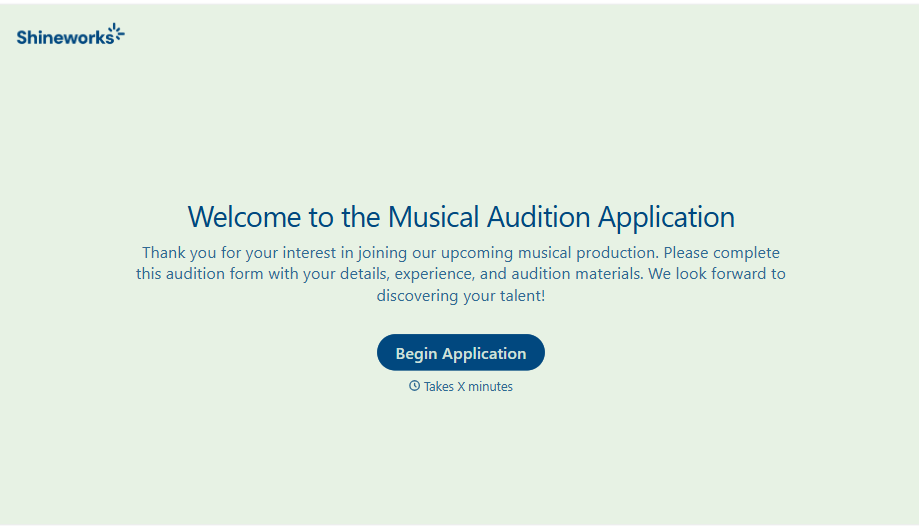
Musical Audition Form
A name scrawled on a sign-up sheet taped near the rehearsal room doesn't tell a director what role someone's after, or whether they can actually make callbacks next Tuesday. Collect what your production actually needs, contact information, role interest, and availability, before audition day arrives.
View template
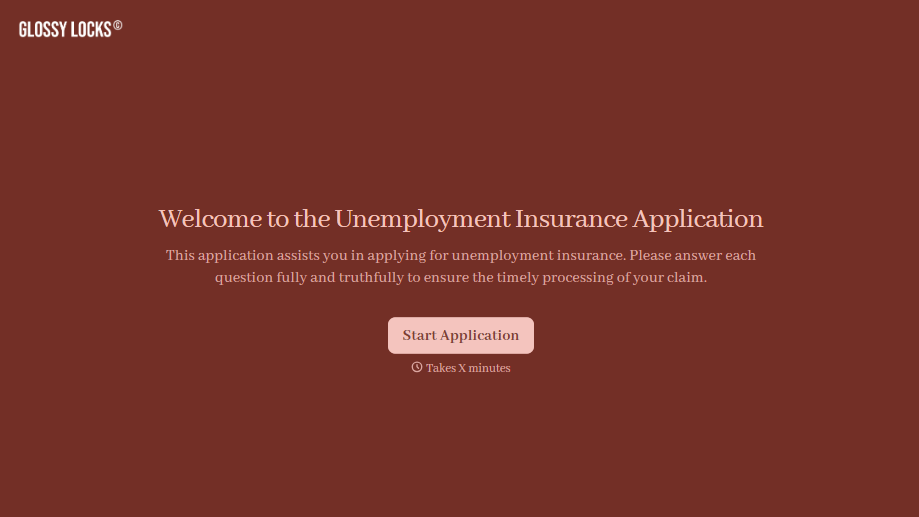
Unemployment Insurance Application Form
A stack of pay stubs gathered the morning of a filing deadline isn't the kind of preparation that gets a claim processed without delay. Collect employment history, separation details, and supporting documents before you sit down at your state's unemployment portal, so a claim doesn't stall over a missing detail.
View template
With Typeform, you can customize everything
Change text, colors, and even logos to match the look and feel of your brand. Then embed forms smoothly onto web and email.
Make forms feel effortless to fill out. Pace questions, call people by their name, and adapt the flow based on the data they share.
Stay efficient by connecting forms to your workflow. Typeform integrates with 300+ tools including Slack, Zapier, and HubSpot.


