Delivery Note Form Template
Document what's in the shipment before it leaves, so what arrives matches what was promised.



Delivery disputes cost time, money, and trust. When a customer claims they received 8 units instead of 10, or that 2 items arrived damaged, the conversation stalls if your delivery documentation is a scribbled handoff note or a vague email. You need a clear record of what left your facility.
This delivery note form template creates that record. Your team logs the items being shipped, quantities, condition, and any special handling notes. All through a structured, mobile-friendly form. Conditional logic adapts based on shipment type: fragile items trigger handling instruction fields, partial deliveries surface backorder tracking, and returns include reverse logistics details.
Drivers can complete the form on-site, capture a digital signature from the recipient, and submit before leaving the delivery location. Every note is timestamped, searchable, and tied to a specific order.
A delivery note form is a document that accompanies a shipment and records the contents, quantities, condition, and recipient acknowledgment. It serves as proof of delivery and a reference point if discrepancies arise between what was shipped and what was received.
They protect you in disputes. When a customer claims something was missing or damaged, your delivery note. Complete with item list, condition notes, and the recipient's signature. Is your evidence. They also help your operations team track fulfillment accuracy and identify recurring issues.
- Order or shipment reference number
- Sender and recipient names and addresses
- Itemized list of goods with quantities and descriptions
- Condition of goods at dispatch (noted damage or exceptions)
- Delivery date and time
- Recipient's digital signature confirming receipt
Yes — the form is fully responsive. Drivers can fill it out on their phone or tablet at the delivery location, add notes, capture the recipient's signature, and submit before they pull away. No paper, no carbon copies, no illegible handwriting.
Connect the form to your OMS, ERP, or a shared Google Sheet using built-in integrations or webhooks. Each submission automatically creates or updates a delivery record tied to the order number. This gives your warehouse, logistics, and customer service teams shared visibility.
Get inspired by relevant templates and categories
3200+ Templates, 300+ Integrations
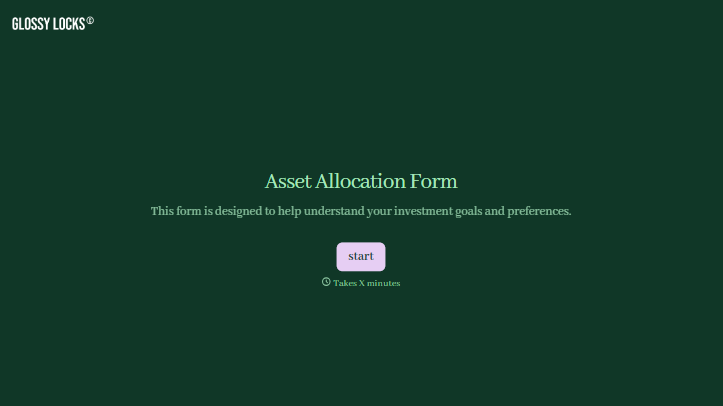
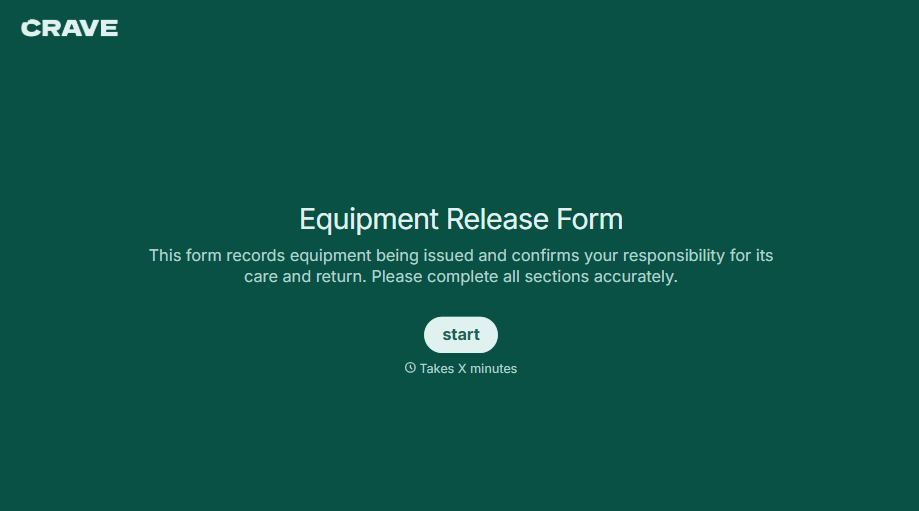
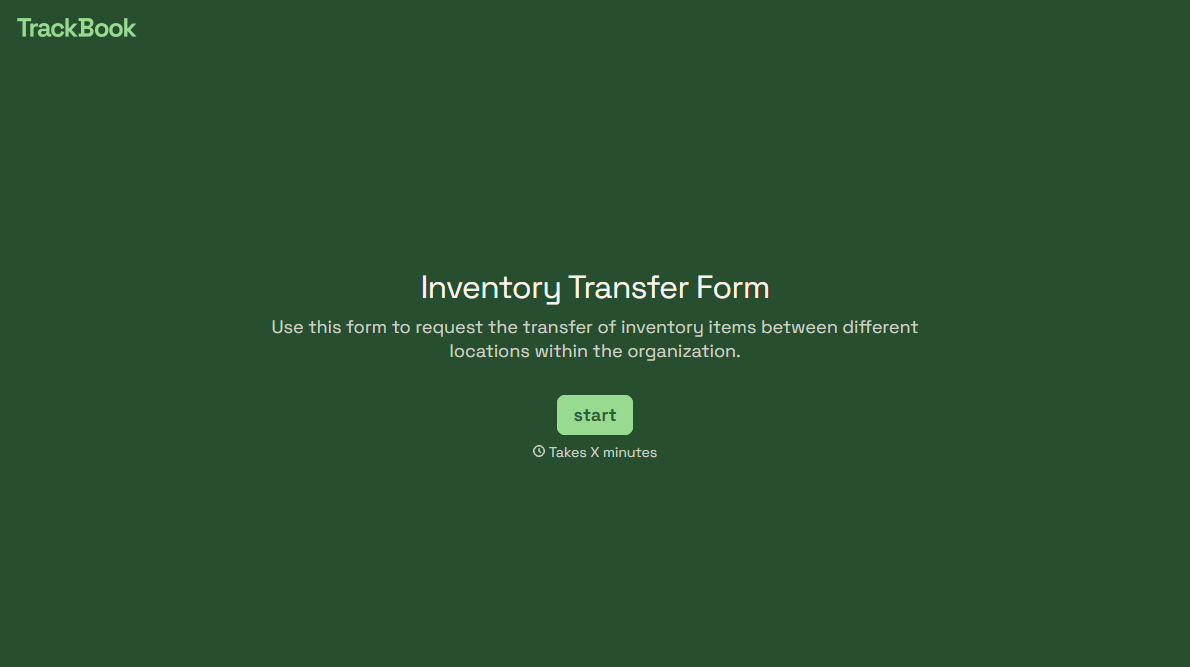
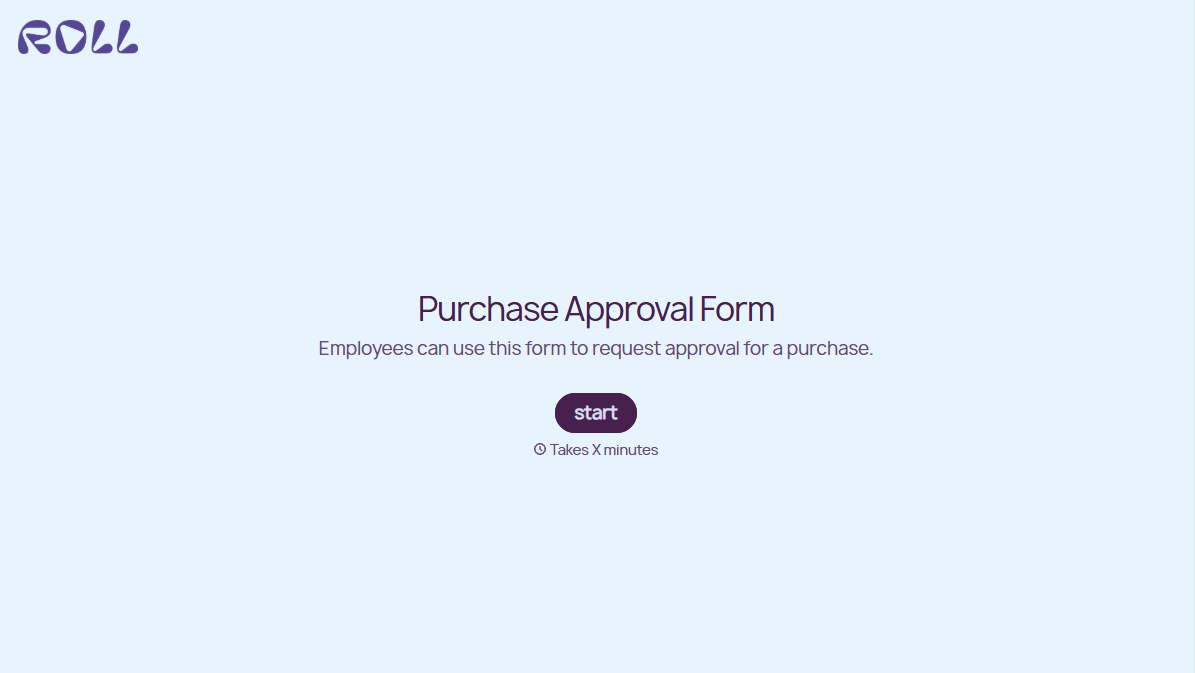
With Typeform, you can customize everything
Change text, colors, and even logos to match the look and feel of your brand. Then embed forms smoothly onto web and email.
Make forms feel effortless to fill out. Pace questions, call people by their name, and adapt the flow based on the data they share.
Stay efficient by connecting forms to your workflow. Typeform integrates with 300+ tools including Slack, Zapier, and HubSpot.


